Banana Pro
Banana Pro offers cutting-edge text-to-image services, allowing users to create consistent, high-resolution visuals tailored for diverse creative projects.
Banana Pro Introduction
Discover the Future of Visual Creation
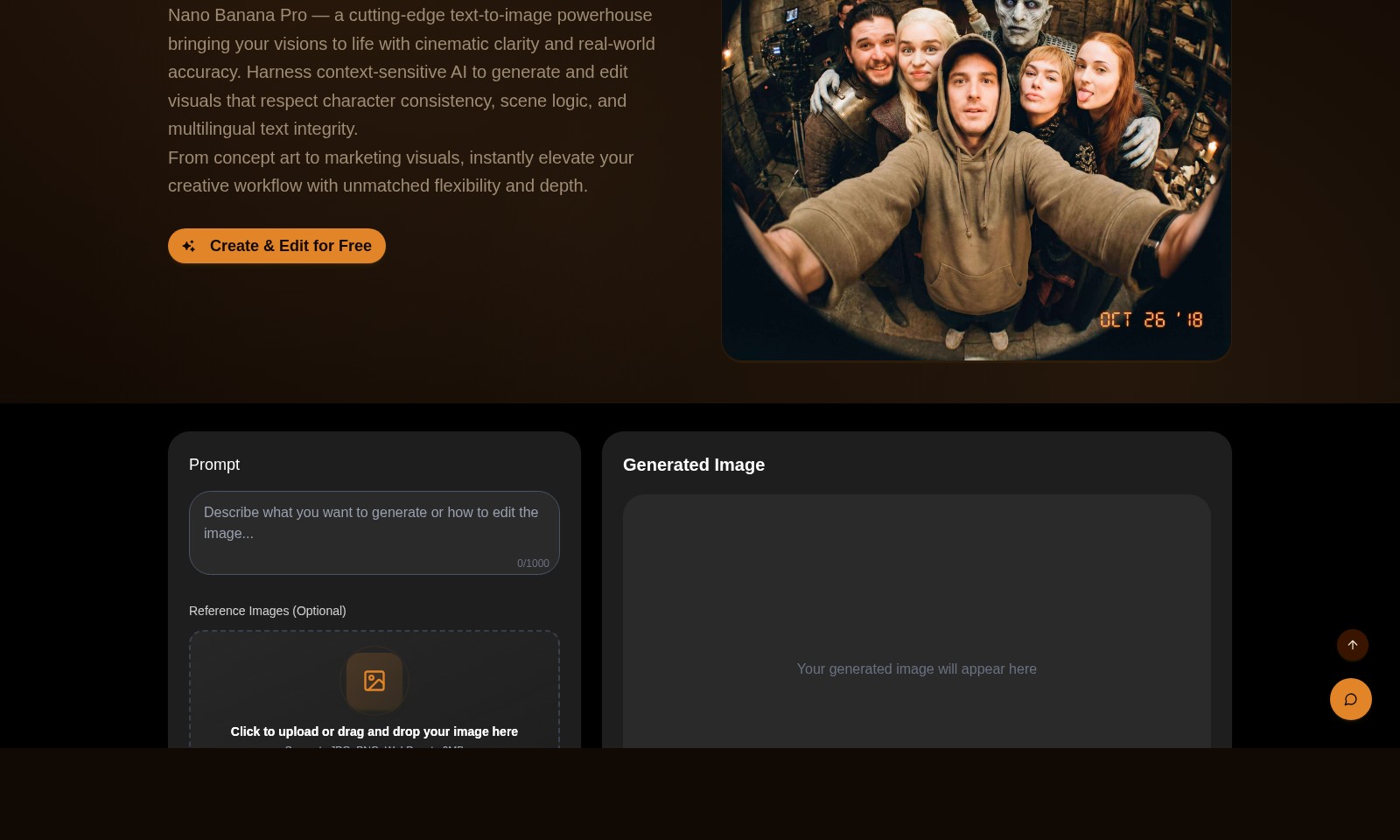
Banana Pro is a groundbreaking platform designed to elevate your creative projects by combining sophisticated AI technology with user-friendly tools. This innovative service allows users to generate stunning visuals from text inputs with unparalleled clarity and accuracy. By employing context-sensitive AI, Banana Pro ensures that every generated image respects character consistency, scene logic, and multilingual text integrity, making it an essential tool for artists, marketers, and content creators seeking to enhance their visual storytelling.
Banana Pro Features
Nano Banana Pro - Unleash Your Creativity
Transform your ideas into stunning visuals with unparalleled precision. Experience advanced AI technology that ensures character consistency and scene logic while allowing for seamless multilingual text integration. Perfect for artists, marketers, and designers looking for efficiency and creativity.
Free Image Generation - No Cost to Start
Elevate your projects without upfront investment. Start creating your images with the first generation free after login, so you can explore your creative potential without the pressure of a price tag. Ideal for freelancers and small businesses aiming to cut costs.
User-Friendly Interface - Designed for Everyone
A simple and intuitive design empowers users of all skill levels. Whether you're a hobbyist or a seasoned professional, navigating through our platform is effortless, enabling you to focus on your art without technical distractions. This feature is crucial for educators and students wanting to teach or learn digital art.
High Compatibility - Seamless Integration
Upload various file types with ease. Our platform supports JPG, PNG, and WebP formats, catering to a wide range of user needs. This flexibility is vital for media professionals needing fast and efficient workflow transitions.
Context-Sensitive Editing - Tailored to Your Needs
Enjoy smart editing features that adapt to your content. With our intelligent AI, you can make adjustments based on context, which is essential for seamless storytelling and effective marketing materials. This capability particularly benefits content creators who require precise alignment with their brand messages.
Bulk Image Processing - Maximize Productivity
Generate images at scale to expedite your creative projects. Our bulk processing feature allows high-volume image creation, perfect for agencies and businesses needing multiple visuals in a short time. This enhances output efficiency and keeps projects on schedule.
Frequently Asked Questions About Banana Pro
Frequently Asked Questions
1. What is Nano Banana Pro?
Nano Banana Pro is a state-of-the-art text-to-image tool that transforms your ideas into vivid images with incredible precision. It utilizes advanced AI technology to ensure that visuals maintain character consistency and coherent scene logic.
2. How can I use the image generation feature?
To use the image generation feature, you simply need to log in to your account. After logging in, you can type your prompt and, if desired, upload reference images to enhance the output. You get your first generation free of charge!
3. What types of images can I create with Nano Banana Pro?
You can create a wide range of images, from concept art to marketing visuals. The AI generates images that are not only artistic but also tailored to meet specific requirements, allowing for a versatile creative process.
4. Are there any limitations on the image file types I can upload?
Yes, Nano Banana Pro supports JPG, PNG, and WebP file formats. Ensure that your images do not exceed 6MB in size for successful uploads.
5. What can I expect in terms of pricing?
While the first image generation is free after login, subsequent generations require credits. You can purchase credits to continue using the service, providing you with affordability and flexibility in how you create images.
6. How does Nano Banana Pro ensure the quality of generated images?
The platform leverages cutting-edge AI to understand and process prompts effectively. This ensures high-quality results that respect scene logic and detail, setting a new standard in image generation tools.
How to Use Banana Pro
Step 1: Register Your Account
Visit the Banana Pro website and click on the 'Sign In' button. If you don't have an account, select the 'Register' option and fill in your details. Make sure to confirm your email address to activate your account.
Step 2: Log In to Your Account
After registration, return to the Banana Pro homepage. Click the 'Sign In' button again and enter your credentials to log in. This will allow you to access all features of the platform.
Step 3: Set Up Your Profile
Once logged in, navigate to your profile settings. Fill in your user information and preferences to enhance your experience on Banana Pro. This step helps tailor the platform's features to your needs.
Step 4: Explore the Dashboard
After setting up your profile, familiarize yourself with the user dashboard. Here, you will see various functions including image generation, previous works, and the pricing section. Understanding the layout will help you utilize the platform effectively.
Step 5: Generate Your First Image
Now it’s time to create! On the dashboard, find the image generation section. Enter your prompt in the designated space (up to 1000 characters) to describe the image you want. Consider uploading reference images to enhance the AI’s understanding.
Step 6: Adjust Parameters
Explore the options for adjusting your image. You can select different styles, formats, and resolutions. Make sure to review the guidelines and recommendations to achieve the best results.
Step 7: Generate the Image
Once you are satisfied with your prompt and settings, click the 'Generate Image' button. Your first generation is free after logging in. Wait a moment for the AI to create your image, which will appear in the designated area.
Step 8: Review Your Generated Images
After generation, look through your newly created images. If you’re not satisfied, consider editing your prompt or trying different settings. This iterative process allows you to hone the outputs of the AI model.
Step 9: Download and Share Your Work
Once you are happy with your image, download it directly to your device. Utilize the sharing options to showcase your creations on social media or within your projects. This can enhance your visibility and promote your work.
Step 10: Explore Advanced Features
Take time to explore the advanced features of Banana Pro. Experiment with batch processing and variants to gain a better understanding of the platform. This exploration will significantly enhance your creative workflow and the quality of your outputs.
Step 11: Stay Updated with New Features
Regularly check the Banana Pro website for updates, new features, and enhancements. Engaging with the platform's community can also provide insights and inspire new ideas for your projects.
Reviews
Pros
- Easy to use
- Fast processing
- Great results
- Affordable pricing
Cons
- Limited free version
- Requires internet connection
Comments
No comments yet. Be the first to share your thoughts!
Banana Pro - Alternative Platforms
For some alternatives to Banana Pro that you may need, we provide you with sites divided by features.

Login to Logo Diffusion with various methods or register. The site uses cookies for personalization and traffic analysis.
The AI SVG Generator transforms text into scalable vector graphics, enabling effortless logo creation, illustrations, and more for modern web and branding.
Patternaly is an online AI pattern generator for creating stunning seamless patterns effortlessly, suited for various design needs.