Banana AI
Banana AI offers powerful tools for generating and editing images, built on advanced AI technology, ensuring fast results and high-quality outputs.
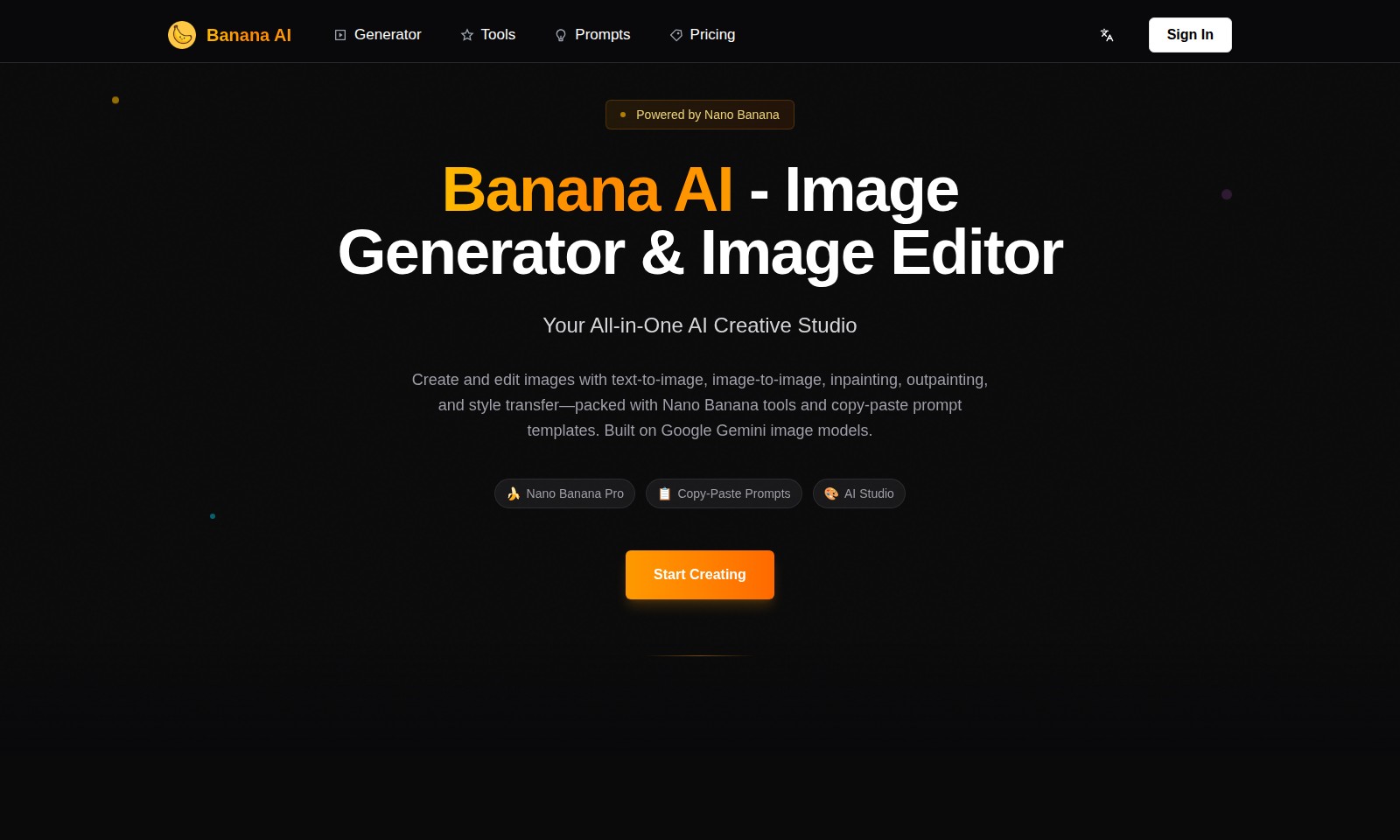
Banana AI Introduction
Transform Your Creativity with Banana AI
Banana AI is your all-in-one creative studio designed to revolutionize the way you generate and edit images. With a suite of powerful tools including text-to-image, image-to-image, inpainting, outpainting, and style transfer, it empowers users to transform their ideas into stunning visual content effortlessly. Built on advanced Google Gemini image models and featuring an intuitive interface, Banana AI caters to creators at all levels, making it easy to bring your vision to life in just a few clicks.
Banana AI Features
AI Image Generator - Instant Creativity
Unlock your imagination by generating stunning images instantly with our AI Image Generator. Built on Google Gemini image models, this tool enables users to write prompts and see their creative ideas materialize in seconds, making it ideal for artists and content creators looking for quick visual inspiration.
Image Editing Tools - Enhanced Flexibility
Edit your images effortlessly with our suite of advanced image editing tools. The platform supports inpainting and outpainting, allowing users to refine images and explore creative adjustments without compromising quality. This benefit is particularly advantageous for graphic designers who seek precision in their edits.
Copy-Paste Prompts - Streamlined Workflow
Utilize our ready-to-use copy-paste prompts to stimulate creativity and reduce setup time. This feature allows users to experiment with various styles and themes efficiently, which is essential for marketers needing quick turnaround on visual assets.
Aspect Ratio Customization - Tailored Output
Customize your generated images to fit specific platforms with our aspect ratio options. Whether you're producing content for social media or websites, having tailored images ensures your visuals are optimized for engagement, fulfilling the needs of digital advertisers and influencers.
AI Creative Studio - Comprehensive Solution
Experience an all-in-one creative studio that combines image generation and editing capabilities. With tools like the AI Headshot Generator and Background Remover, this platform caters to professionals needing diverse functionalities without switching between multiple applications. It is perfect for photographers and marketers aiming for a cohesive workflow.
Nano Banana Pro - Advanced Features
Upgrade to Nano Banana Pro to access exclusive features that enhance your creative projects. With options like style transfer and enhanced output resolutions, users can achieve higher fidelity in their images, making it a valuable upgrade for creatives focused on elevating their portfolio.
User-Centric Design - Intuitive Interface
Navigate through the platform with ease thanks to its user-centric design. The interface is optimized for both beginners and advanced users, ensuring that everyone can leverage the tools available without facing steep learning curves. This design philosophy supports a wide range of users, from amateur artists to seasoned professionals.
Frequently Asked Questions About Banana AI
FAQs about Banana AI
Q1: What features does Banana AI offer? A1: Banana AI provides a variety of features including text-to-image generation, image editing, inpainting, outpainting, and style transfer. These tools are designed to enhance your creative projects efficiently.
Q2: How can I create images using Banana AI? A2: To create images, simply enter your prompt in the provided input box on the Banana AI generator page. You can upload up to 5 images with a maximum size of 3MB each to enhance your creation.
Q3: What are the pricing options for Banana AI? A3: Banana AI offers a free tier as well as a Nano Banana Pro subscription for advanced features and capabilities. Visit our pricing page for detailed information on all our plans.
**Q4: Is there a limit on the prompts I can use? A4: Yes, the prompt input allows for a maximum of 3000 characters. This ensures that you can be as descriptive as needed while still providing clear guidance for the image generation.
Q5: Can I edit images after generating them? A5: Absolutely! Banana AI features a range of image editing tools that allow you to modify your generated images according to your preferences. You can also use our AI Background Remover and Photo Restoration tools to enhance your images further.
Q6: What are the compatibility requirements for using Banana AI? A6: Banana AI is web-based and can be accessed from most modern web browsers. No special software installation is required, making it easy to use from anywhere with an internet connection.
How to Use Banana AI
Step 1: Register an Account
To get started, click on the 'Sign In' button at the top right corner of the homepage. Then, select 'Register' to create a new account. Fill in your details such as email and password, and click on 'Submit' to complete your registration.
Step 2: Verify Your Email
Check your inbox for a verification email from Banana AI. Click on the provided link to verify your email address. This step is crucial to activate your account and ensure you can access all features.
Step 3: Set Up Your Profile
Log into your account using your registered email and password. Once logged in, navigate to your profile settings to customize your account. Add a profile picture and update your personal information to enhance your user experience.
Step 4: Explore the Dashboard
After setting up your profile, familiarize yourself with the dashboard. This is your command center where you can access various tools, including the image generator and editing features. Take a moment to explore the layout and functionalities available.
Step 5: Use the Image Generator
To create stunning images, go to the 'Generator' section. Enter your desired prompt in the text box and upload any images if needed. Select your preferred model and aspect ratio, then click 'Generate' to create your image. It's that simple!
Step 6: Edit Your Images
If you want to adjust your generated images, head over to 'Image Editors.' Choose the desired tool, such as 'Background Remover' or 'Image Enhancer.' Follow the instructions on-screen to make your changes effectively.
Step 7: Save and Share Your Creations
Once you're satisfied with your images, save them to your device. You can also share your creations directly to social media platforms from the website. Look for the sharing options provided in your account settings to streamline the process.
Step 8: Discover More Features
Finally, explore additional features like the 'AI Headshot Generator' and 'Pose Maker.' These tools can enhance your creative workflow. Regularly check for new tools available in the 'Tools' section to stay updated with the latest innovations.
Reviews
Pros
- Easy to use
- Fast processing
- Great results
- Affordable pricing
Cons
- Limited free version
- Requires internet connection
Comments
No comments yet. Be the first to share your thoughts!
Banana AI - Alternative Platforms
For some alternatives to Banana AI that you may need, we provide you with sites divided by features.

Login to Logo Diffusion with various methods or register. The site uses cookies for personalization and traffic analysis.
The AI SVG Generator transforms text into scalable vector graphics, enabling effortless logo creation, illustrations, and more for modern web and branding.
Patternaly is an online AI pattern generator for creating stunning seamless patterns effortlessly, suited for various design needs.