Clawdbot AI
Discover Clawdbot, a self-hosted AI assistant that manages tasks and integrates with various messaging platforms, with full control over your data.
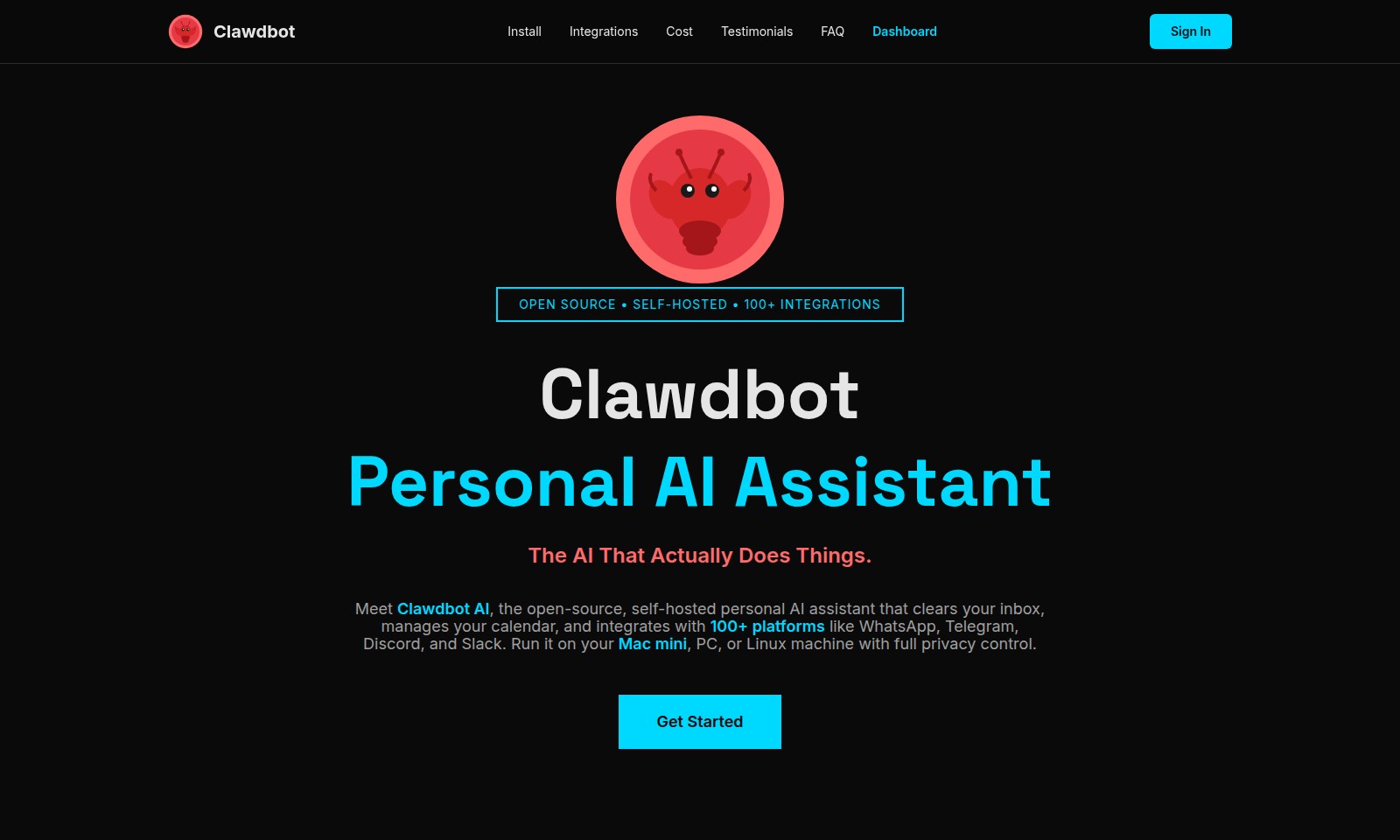
Clawdbot AI Introduction
Clawdbot AI: Your Personal AI Assistant
Clawdbot AI revolutionizes the way you manage your digital life by offering a self-hosted, open-source personal AI assistant that integrates seamlessly with over 100 platforms. This innovative solution ensures that you maintain complete control over your data while enjoying the proactive capabilities that traditional AI systems lack. With Clawdbot AI, your inbox clutter is managed, your calendar is organized, and your communications are streamlined—all at your command.
Clawdbot AI Features
Clawdbot AI
A Proactive Personal AI Assistant - Clawdbot AI is designed to help users stay organized and productive by managing their inbox and calendar efficiently. It integrates seamlessly with over 100 platforms including WhatsApp, Telegram, Discord, and Slack, providing a wide range of functionalities right at your fingertips.
Self-Hosted Privacy Control - With Clawdbot AI, users have full control over their data as it runs locally on their devices. Unlike conventional cloud-based AIs, this self-hosted solution ensures that sensitive information stays within the user's premises, enhancing data security and privacy.
Proactive Management - Unlike passive conventional AIs that await commands, Clawdbot AI takes initiative by proactively engaging with the user. This means it can automate routine tasks, freeing up time and allowing users to focus on more important activities.
Extensive Integration Capabilities - Clawdbot AI stands out with its ability to connect to a multitude of platforms and services. With its 100+ integrations, it can streamline workflows across different applications, making it an indispensable tool for professionals who rely on multi-platform usage.
Customizable Features - Clawdbot AI is highly customizable, allowing users to tailor its functionalities according to their specific needs. This flexibility contrasts sharply with the fixed capabilities of conventional AIs, enabling users to adapt the assistant to better serve their unique work environments.
Cost-Effective Solution - The pricing structure of Clawdbot AI is set up as a one-time setup fee combined with API costs for additional services, offering a more sustainable financial model compared to the monthly subscription fees required by most cloud-based AIs. Users benefit from fewer ongoing costs while enjoying robust features.
Getting Started - Users can easily deploy Clawdbot on their Mac, Windows, or Linux machines. The straightforward installation process means that even those without advanced technical skills can set up their own AI assistant in no time, ushering them into a world of enhanced productivity and organization.
Frequently Asked Questions About Clawdbot AI
What is Clawdbot AI?
Clawdbot AI is an open-source, self-hosted personal AI assistant that improves productivity by managing tasks such as clearing your inbox and organizing your calendar. It integrates seamlessly with over 100 platforms like WhatsApp, Telegram, Discord, and Slack, ensuring you have a centralized solution for your daily activities.
How do I install Clawdbot?
To install Clawdbot, you can download the software directly from our website and follow the provided instructions for setting it up on your Mac, PC, or Linux machine. The installation process is straightforward and allows you to begin using your AI assistant right away.
How does Clawdbot ensure my data privacy?
Clawdbot is self-hosted, which means you have full control over your data. Unlike cloud-based alternatives, your information remains on your device, minimizing the risk of exposure to third parties and ensuring your privacy is upheld.
What platforms does Clawdbot integrate with?
Clawdbot supports over 100 integrations, including popular services like WhatsApp, Telegram, Discord, and Slack. This allows for a versatile use case where you can streamline multiple workflows directly through your AI assistant.
What are the costs associated with Clawdbot?
Clawdbot entails a one-time setup cost along with any API costs for the services you choose to integrate. Unlike conventional AI solutions that require a monthly subscription, Clawdbot is designed to save you money in the long run.
Can I customize Clawdbot to fit my needs?
Absolutely! Clawdbot offers extensive customization options, allowing you to tailor its functionalities according to your specific requirements. You can add skills or modify existing ones to enhance its capabilities and better serve your unique tasks.
How to Use Clawdbot AI
Register an Account
To get started with Clawdbot, visit the official website and click on the 'Get Started' button. Fill in the required fields to create your account. Make sure to use a valid email address as you will receive a confirmation link.
Verify Your Email
Check your inbox for the email confirmation from Clawdbot. Click the verification link to activate your account. This step ensures the security and authenticity of your registration.
Log In
Once your account is verified, return to the Clawdbot website and click 'Sign In'. Enter your credentials to access your dashboard, where you can manage your settings and features.
Set Up Your Profile
Customize your profile by adding information such as your name and preferences. This will help Clawdbot to tailor its responses and functions to your needs. Navigate to the settings section to make these adjustments.
Explore Integrations
Clawdbot can connect with over 100 platforms including WhatsApp, Telegram, Discord, and Slack. Check the integrations page on your dashboard to select the platforms you want to link. Follow the prompts to authorize Clawdbot to access your chosen accounts.
Configure Your Preferences
To maximize the efficiency of Clawdbot, go to the preferences section on your dashboard. Set your notification preferences and adjust any other settings that will help Clawdbot manage your tasks effectively.
Familiarize Yourself with the Dashboard
Take some time to explore the dashboard. Each feature is designed to enhance your productivity, from calendar management to inbox organization. Understanding how to navigate the dashboard will improve your experience with Clawdbot.
Start Using Key Features
Once you've set everything up, you can start utilizing Clawdbot to clear your inbox, manage your calendar, and perform other tasks seamlessly. Test out each feature to see how Clawdbot can assist you in your daily activities.
Seek Help if Needed
If you encounter any issues or have questions, refer to the FAQ section on the website. You can also check out user testimonials for insights on how others are leveraging Clawdbot to improve their workflow.
Reviews
Pros
- Easy to use
- Fast processing
- Great results
- Affordable pricing
Cons
- Limited free version
- Requires internet connection
Comments
No comments yet. Be the first to share your thoughts!
Clawdbot AI - Alternative Platforms
For some alternatives to Clawdbot AI that you may need, we provide you with sites divided by features.

Dart offers innovative AI features for intelligent task management, customizable workspaces, and effective project planning to boost team efficiency.
Explore guest mode benefits, including chat saving and optimized responses through a quick sign-up.
Beam AI is an AI-driven software for accurate takeoff and estimating, helping contractors automate processes and improve bid efficiency.
Moltbot AI transforms AI assistance with enduring memory, proactive communication, and system-level integration, running on your own device.