Frigate NVR
Frigate offers a privacy-focused home automation solution with real-time AI object detection for security cameras, reducing false positives and integrating seamlessly with Home Assistant.
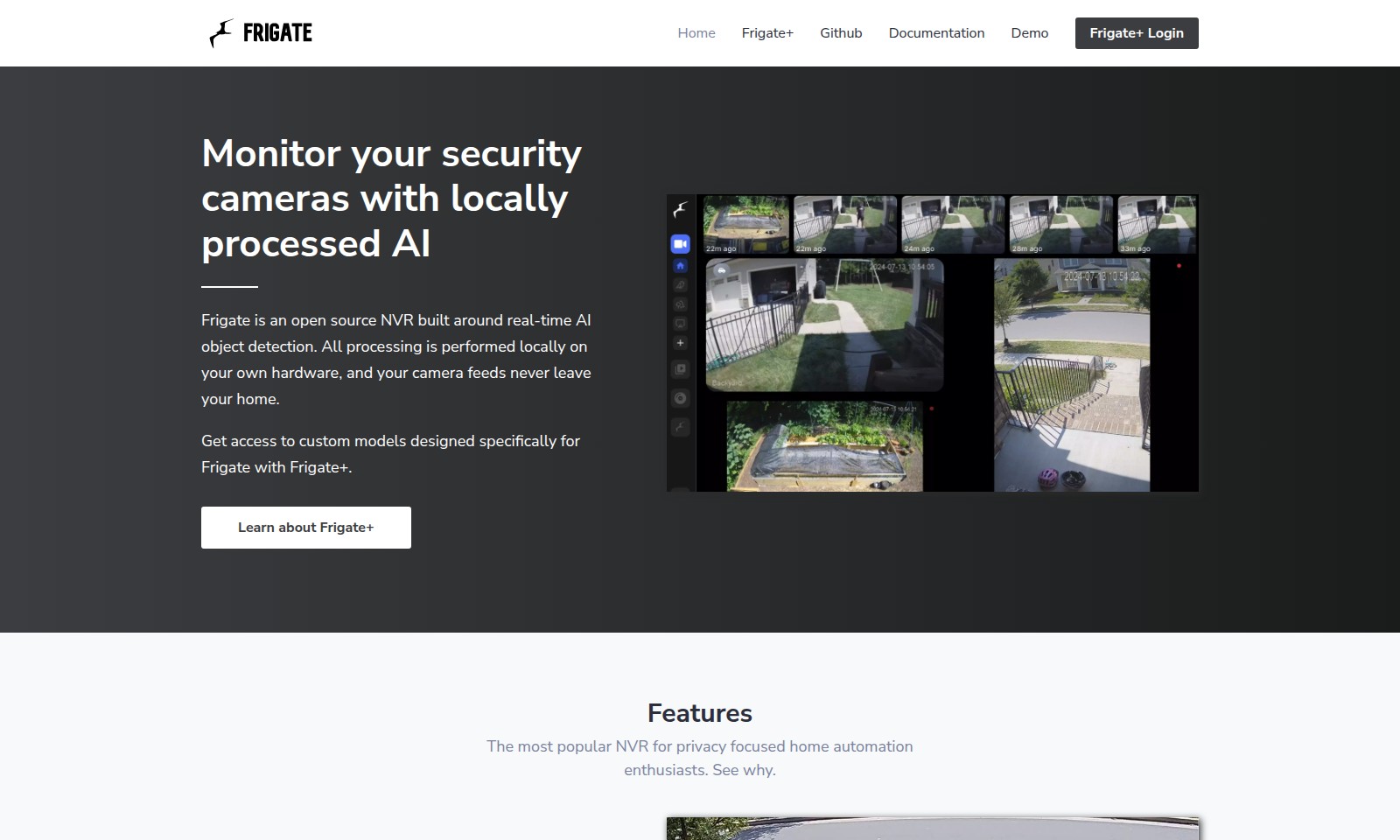
Frigate NVR Introduction
Frigate: Your Solution for AI-Powered Security Camera Monitoring
Frigate is a cutting-edge open-source Network Video Recorder (NVR) specifically designed for real-time AI object detection. With Frigate, you can monitor your security cameras using powerful local processing that ensures your camera feeds remain private and secure, never leaving your home. This innovative system empowers users with advanced features that cater to privacy-focused home automation enthusiasts, making it a standout choice in the market.
Frigate NVR Features
Local Object Detection - Enhanced Security Monitoring
Utilize advanced AI to drastically reduce false positives. Frigate leverages local processing with AI accelerators to distinguish between objects like people and vehicles, helping you focus on what's essential.
Frequently Asked Questions About Frigate NVR
FAQs about Frigate
1. What is Frigate and how does it work?
Frigate is an open-source Network Video Recorder (NVR) that utilizes real-time AI object detection to monitor security camera feeds. All processing occurs locally on your hardware, ensuring that your camera footage remains private and secure.
2. Is Frigate suitable for my existing camera setup?
Yes, Frigate is designed to work with a variety of camera models. As long as your cameras support RTSP (Real-Time Streaming Protocol), you can integrate them with Frigate easily for enhanced monitoring capabilities.
3. How does Frigate reduce false positives?
Unlike traditional NVRs that depend on simple motion detection, Frigate employs advanced AI analysis to identify objects accurately. By using a supported AI accelerator, Frigate can discern between different types of movement, significantly minimizing false alarms.
4. What are the benefits of local processing with Frigate?
Local processing means that your camera feeds do not need to be transmitted to the cloud for analysis. This approach not only enhances privacy but also results in faster response times since all processing happens on-site, reducing latency.
5. Can I access custom models for specific detection needs?
Absolutely! With Frigate+, users gain access to custom models tailored to specific detection tasks, allowing for even more precise monitoring based on your unique requirements.
6. How can I get started with Frigate?
To begin using Frigate, simply download it from the official GitHub repository and follow the documentation for installation instructions. You’ll be set up and monitoring your home security in no time!
How to Use Frigate NVR
Register for an Account
Visit the Frigate+ login page and click on the 'Register' button. Fill in the required information such as your email and create a password to get started.
Confirm Your Email
Check your email inbox for a confirmation message from Frigate+. Click on the link provided to verify your account and enable full access to features.
Log In to Your Account
Return to the Frigate+ login page and enter your registered email and password. Click 'Log In' to access your dashboard and start setting up your security features.
Set up Your Profile
Once logged in, navigate to your profile settings. Fill in any additional details, such as your name and contact information, to personalize your experience.
Connect Your Cameras
In the dashboard, locate the option to add cameras. Follow the on-screen instructions to connect your security cameras to the Frigate+ system, ensuring they are properly configured for local processing.
Configure AI Settings
Access the AI settings section in your dashboard. Here, customize your object detection parameters, choosing specific models that suit your needs for monitoring.
Start Monitoring
After all setups are completed, begin monitoring your security feeds. Use the real-time AI detection capabilities to receive alerts and view live footage, ensuring your home security is maintained.
Reviews
Pros
- Easy to use
- Fast processing
- Great results
- Affordable pricing
Cons
- Limited free version
- Requires internet connection
Comments
No comments yet. Be the first to share your thoughts!
Frigate NVR - Alternative Platforms
For some alternatives to Frigate NVR that you may need, we provide you with sites divided by features.

Raily combines AI matchmaking with travel and social experiences, featuring innovative gamification and charity programs to enhance user engagement.
Explore Gemini 3 Pro's AI features for enhanced reasoning, multimodal processing, and industry-specific applications to boost productivity.
Roboflow offers tools for creating datasets, training models, and deploying computer vision solutions quickly and efficiently.
Clickworker offers diverse crowdsourcing solutions for data collection, validation, and AI training, leveraging a global workforce for efficient project delivery.