Grok Video
Grok Video offers revolutionary AI video generation, transforming text and images into stunning, professional-quality videos with Avatar-level visuals.
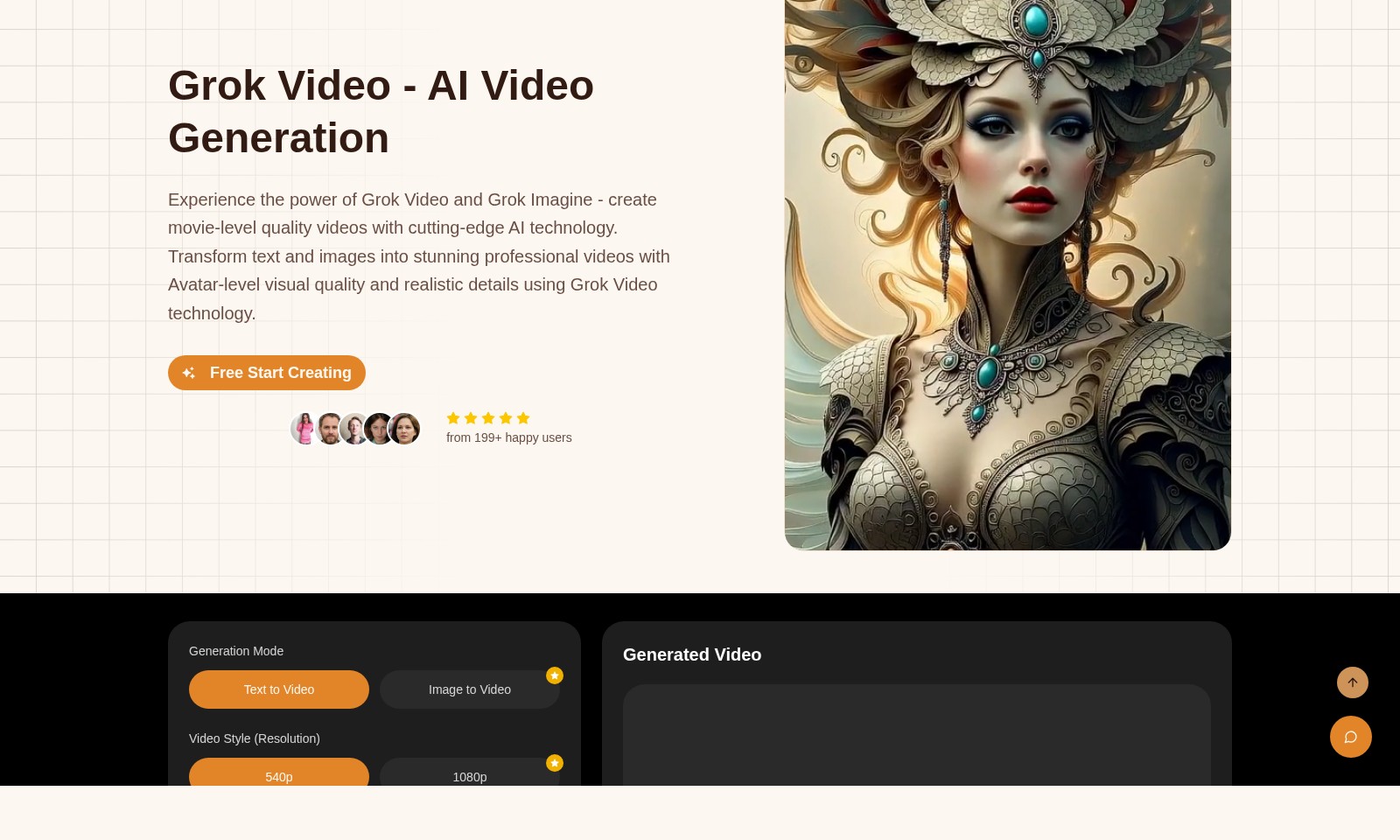
Grok Video Introduction
Grok Video: Unleashing the Future of AI Video Generation
Grok Video harnesses advanced artificial intelligence technology to redefine how you create videos. With our innovative tools, users can effortlessly transform text and images into breathtaking, professional-quality videos that rival the high standards of Hollywood production. Featuring options like text-to-video and image-to-video generation, Grok Video empowers users to develop unique and engaging content for various applications, from marketing campaigns to personal projects.
Experience the cutting-edge technology of Grok Imagine, our premier video generation engine, which allows for customization in resolution options, providing outputs in both 540p and 1080p. Join over 199 satisfied users who have already begun their journey in video creation. Take advantage of our user-friendly interface and start crafting your impressive videos today for free. With Grok Video, turning your ideas into visually stunning stories has never been easier.
Grok Video Features
Grok Video: AI Video Generation - Unmatched Efficiency
Harness the power of AI to create high-quality videos swiftly. With Grok Video, you can turn text and images into professional-grade videos using advanced algorithms.
Grok Imagine: Transformation at Your Fingertips - Seamless User Experience
Easily transform your ideas into captivating videos. Grok Imagine technology simplifies the video creation process, making it accessible for users with diverse backgrounds.
Customizable Video Styles - Tailored Visual Appeal
Choose from various video styles and resolutions. Whether you need 540p or 1080p quality, Grok Video ensures your content meets professional standards and retains the audience's attention.
Avatar-Level Visual Quality - Realistic Details
Benefit from Avatar-level visuals that enhance engagement. The AI technology intricately designs each frame, guaranteeing visually stunning content.
Flexible Credit System - Pay as You Go
Experience a user-friendly credit system that accommodates different needs. Generate videos with Grok Imagine at flexible pricing, ensuring maximum value for each project.
Rapid Video Generation - Save Time and Resources
Reduce production time significantly. Grok Video's AI-driven engine allows for the swift generation of high-quality videos without sacrificing quality, ideal for users needing quick turnaround times.
User-Centric Support - Enhanced Satisfaction
Grok Video is backed by dedicated customer support. Our team is available to assist users in optimizing their video creation experience, ensuring satisfaction and effectiveness.
Frequently Asked Questions About Grok Video
Frequently Asked Questions
1. What is Grok Video and how does it work? Grok Video is an advanced AI video generation platform that transforms text and images into high-quality videos. By utilizing cutting-edge AI technology, Grok Video creates visually stunning professional videos that can match Hollywood production standards.
2. What features does Grok Video offer? Grok Video includes capabilities for text-to-video and image-to-video generation. You can choose between different video resolutions of 540p and 1080p, allowing you to create videos with varying quality depending on your needs.
3. How does the pricing work for using Grok Video? Using Grok Video operates on a credit system. Creating a video in 540p costs 4 credits, while 1080p generation requires 12 credits. Users can easily manage their credits through their account to create as many videos as they need.
4. Can I see previously generated videos? Yes, users can view their previously generated videos by logging into their accounts. This feature allows you to revisit and manage the videos you’ve created on the platform effortlessly.
5. What do I need to get started with Grok Video? To begin using Grok Video, simply sign up for an account on our website. Once registered, you can start creating videos for free, taking advantage of our innovative tools right away.
6. Are there any tutorials available for new users? Yes, Grok Video provides comprehensive tutorials and guides to help new users become familiar with the platform. These resources cover everything from setting up your account to advanced video creation techniques.
How to Use Grok Video
Register Your Account
Visit the Grok Video website and click on the 'Sign In' button. From there, select the 'Register' option to create a new account. Fill in the required details and submit the form to get started.
Set Up Your Profile
After registration, log in to your account. Navigate to the profile settings where you can add your personal information and preferences. Completing your profile helps personalize your experience on Grok Video.
Explore Features
Take some time to familiarize yourself with the features of Grok Video. Check out the 'Features' section to learn about video generation modes like Text to Video and Image to Video. Understanding these features is crucial for effective video creation.
Select Video Generation Mode
Decide whether you want to create a video from text or an image. Choose 'Text to Video' for generating videos from scripts, or 'Image to Video' for transforming still images into dynamic content.
Choose Your Video Style
Select your desired video resolution from the options available—540p or 1080p. The quality of your output will vary based on your selection, so choose according to your needs.
Generate Video
Once you have selected your mode and resolution, fill in the video description required for video generation. Click 'Generate Video' to start the creation process. Wait for a few moments as Grok Video produces your content.
Review Your Generated Video
Your generated video will appear in your account once it's ready. Click on the preview to review the quality and details of your video before using it. If you're not satisfied, you can generate a new version.
Save and Share Your Video
After reviewing, save your video to your library. You can also share it directly from Grok Video to various platforms or download it for later use.
Check Previous Videos
To access any previously generated videos, navigate to the 'Previous Videos' section. Note that you must be logged in to view your past creations.
Explore More
If you're eager to explore further, keep an eye out for new features and models. Grok Video is continually updating to enhance your video creation experience.
Reviews
Pros
- Easy to use
- Fast processing
- Great results
- Affordable pricing
Cons
- Limited free version
- Requires internet connection
Comments
No comments yet. Be the first to share your thoughts!
Grok Video - Alternative Platforms
For some alternatives to Grok Video that you may need, we provide you with sites divided by features.

Discover the advanced AI tools at MakeShot.ai for creating stunning videos and images with a limited-time 50% discount.
Photo Animate allows users to easily animate photos to video using AI, creating realistic movements for portraits and cherished memories.
Image to Video AI allows quick, high-quality video creation from images, integrating with tools like Google Chrome and Figma for seamless workflows.
Discover high-quality free stock videos and AI tools for video and image generation, suitable for both personal and commercial use.