Heidi Health
Heidi's AI tool captures clinical notes, transcribes visits, and streamlines workflows, helping clinicians save time and improve patient care.
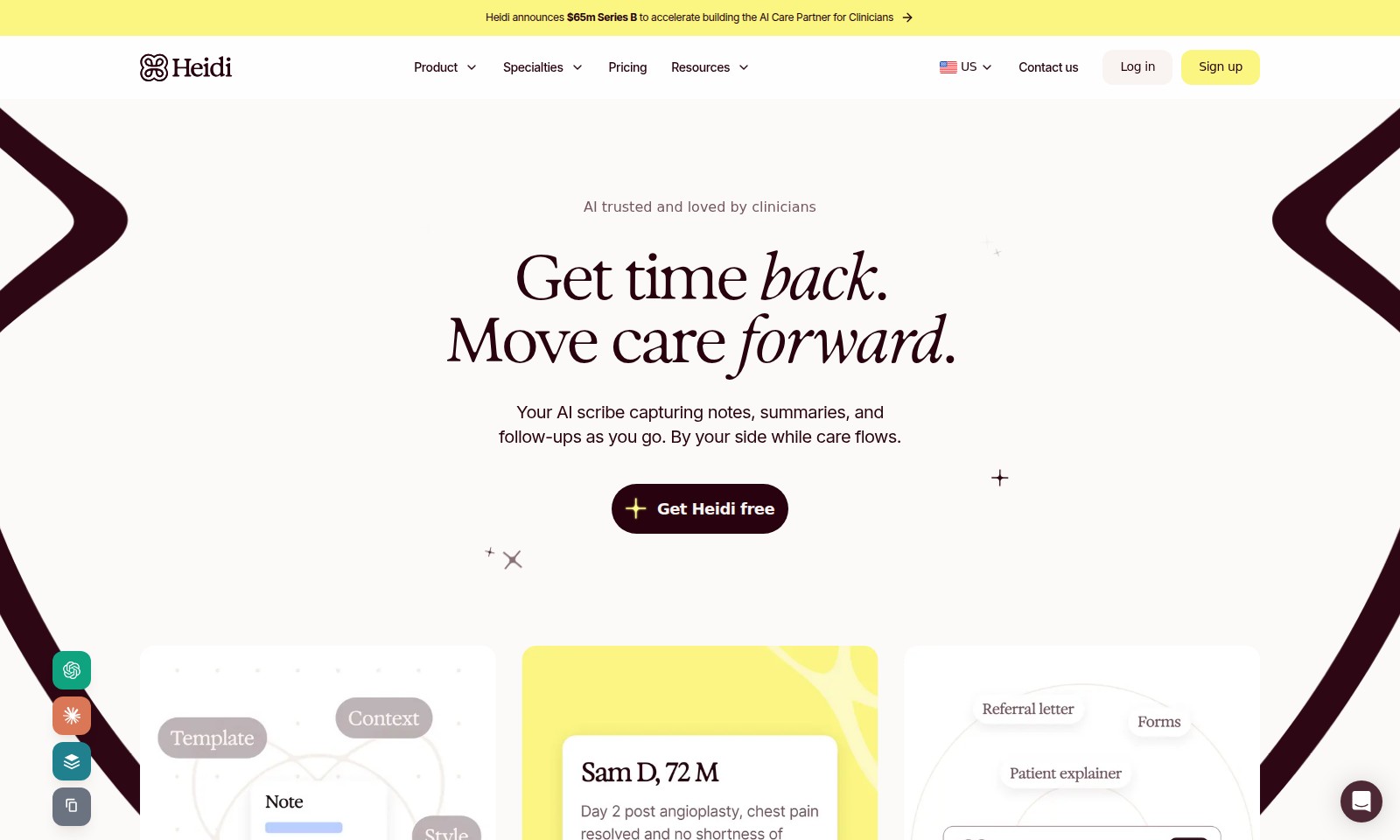
Heidi Health Introduction
Introducing Heidi: Your AI Care Partner
Heidi is revolutionizing clinical workflows by providing an intuitive AI scribe designed to streamline your daily administrative tasks. With Heidi by your side, clinicians can reclaim valuable time, allowing them to focus on what truly matters—providing exceptional patient care. Our platform ensures that you can capture clinical notes seamlessly during patient consultations, efficiently manage your documentation, and reduce the overwhelming burden of paperwork that often hinders the clinician's day.
Get Heidi free and experience the transformation in your practice.
Heidi Health Features
AI-Enhanced Documentation - Save Time
Eliminate the time-consuming task of manual note-taking. Heidi acts as your AI scribe, capturing clinical notes, summaries, and follow-ups seamlessly during consultations. With the ability to transcribe visits in over 110 languages, Heidi structures notes to suit your style and instantly generates referrals and handouts, enabling you to focus more on patient care rather than paperwork.
Integrated Patient History Review - Be Prepared
Accessing patient history, notes, and results in one consolidated platform allows you to walk into consultations prepared. Review all pertinent information in one place. This integrated feature drastically cuts down on time spent searching for information, leading to more efficient interactions with patients and better overall care.
Real-Time Transcription - Improve Accuracy
Heidi provides real-time transcription capabilities, ensuring that clinical notes reflect the exact dialogue that occurs during patient consultations. This feature significantly improves note accuracy and reduces the risk of miscommunication. Moreover, clinical professionals can customize the structure of notes according to their preferences, enhancing usability across different specialties.
Automatic Follow-Up Generation - Streamline Communication
Automatically generate follow-up communications and handouts during and after appointments with just a few clicks. This not only mitigates the risk of overlooking essential post-visit tasks but also enhances patient satisfaction. This automation gives clinicians peace of mind, knowing that important aftercare instructions are always provided to patients in a timely manner.
Workflow Integration - Enhance Efficiency
Seamlessly integrate with existing healthcare platforms to ensure that all staff, from clinicians to administrative teams, have access to vital patient information at all times. This integration fosters a more cohesive work environment, promoting efficiency. With Heidi, the transition from documentation to patient follow-up is fluid, reducing administrative burdens and enabling a focus on delivering high-quality healthcare.
Customizable User Experience - Tailored to Your Needs
Customize the functionality of Heidi to meet your specific needs. Whether it's the way notes are structured or the language used for transcriptions, having a personalized experience ensures higher satisfaction for users. This adaptive capability empowers clinicians to mold technology to fit their workflows instead of adjusting their practices to accommodate rigid software solutions.
Compliance and Security - Protect Patient Information
Ensuring the highest levels of compliance and security for sensitive patient data is fundamental to Heidi. Advanced encryption methods are employed to protect information, maintaining trust and confidentiality. This feature is particularly advantageous for clinicians who handle sensitive cases, providing peace of mind knowing that both documentation and patient privacy are safeguarded.
Frequently Asked Questions About Heidi Health
FAQs about Heidi's AI Care Partner
What is Heidi and how does it help clinicians?
Heidi is an AI-powered scribe designed to assist clinicians by capturing notes, summaries, and follow-ups during patient consultations. This tool helps reduce administrative burdens, allowing healthcare professionals to focus more on patient care.
How does Heidi improve the efficiency of clinical documentation?
Heidi improves documentation by transcribing visits in over 110 languages and structuring notes according to the clinician's preferences. This streamlined process not only saves time but also ensures that critical patient information is captured accurately and efficiently.
Is there a cost associated with using Heidi?
Yes, Heidi offers various pricing plans, but users can get started for free to experience the benefits of the AI scribe before committing to a subscription. This allows clinicians to evaluate how much time and effort they can save.
What resources are available for learning to use Heidi effectively?
Heidi provides comprehensive resources including tutorials, user manuals, and customer support to help clinicians get the most out of the AI scribe. These resources are tailored to ensure a smooth onboarding process and address any inquiries users may have.
Can Heidi be used across different healthcare specialties?
Absolutely! Heidi is designed to cater to a variety of medical specialties, making it versatile for different clinical environments. It adapts to the specific needs and workflows of various practices, enhancing usability for all clinicians.
How does Heidi protect patient data and ensure confidentiality?
Heidi is equipped with advanced security protocols to safeguard patient information. Data encryption and compliance with healthcare regulations ensure that all documentation remains confidential and secure, allowing clinicians to use the service with peace of mind.
How to Use Heidi Health
Register an Account
Visit the sign-up page and fill in your details. Choose a secure password, then click 'Sign Up' to create your account.
Verify Your Email
Check your inbox for a verification email and click the link to confirm your new account. This ensures your account is secure and accessible.
Log In to Your Account
Head to the login page, enter your credentials, and click 'Log In' to access your dashboard. This is where you will manage your settings and features.
Set Up Your Profile
Once logged in, navigate to your profile settings. Add important information like your name, specialty, and practice details to personalize your experience.
Familiarize Yourself with the Dashboard
Explore the dashboard layout. Take note of the key features available, such as patient history, note-taking tools, and admin settings to maximize efficiency.
Connect Your Calendar
Sync your existing calendar with our platform to manage appointments seamlessly. This will keep you organized and on time for each consultation.
Prepare for Your First Consult
Review patient history, notes, and results before your visit. Ensure you have key findings at hand to provide the best care during the consult.
Conduct a Patient Consult
During the visit, use Heidi’s AI capabilities to automatically transcribe notes in over 110 languages. Focus on patient engagement while the system handles the documentation.
Generate Referrals and Handouts
After the consult, utilize the feature to instantly create referrals and handouts based on your notes. This makes follow-ups easier and ensures nothing is forgotten.
Explore Additional Resources
Visit the resources section for guides, FAQs, and tips on maximizing the use of Heidi in your daily practice. Continuous learning will enhance your experience and efficiency.
Provide Feedback
After using the key features, reach out to our support team with any feedback or questions. Engaging with us helps improve Heidi for your needs.
Reviews
Pros
- Easy to use
- Fast processing
- Great results
- Affordable pricing
Cons
- Limited free version
- Requires internet connection
Comments
No comments yet. Be the first to share your thoughts!