Hex
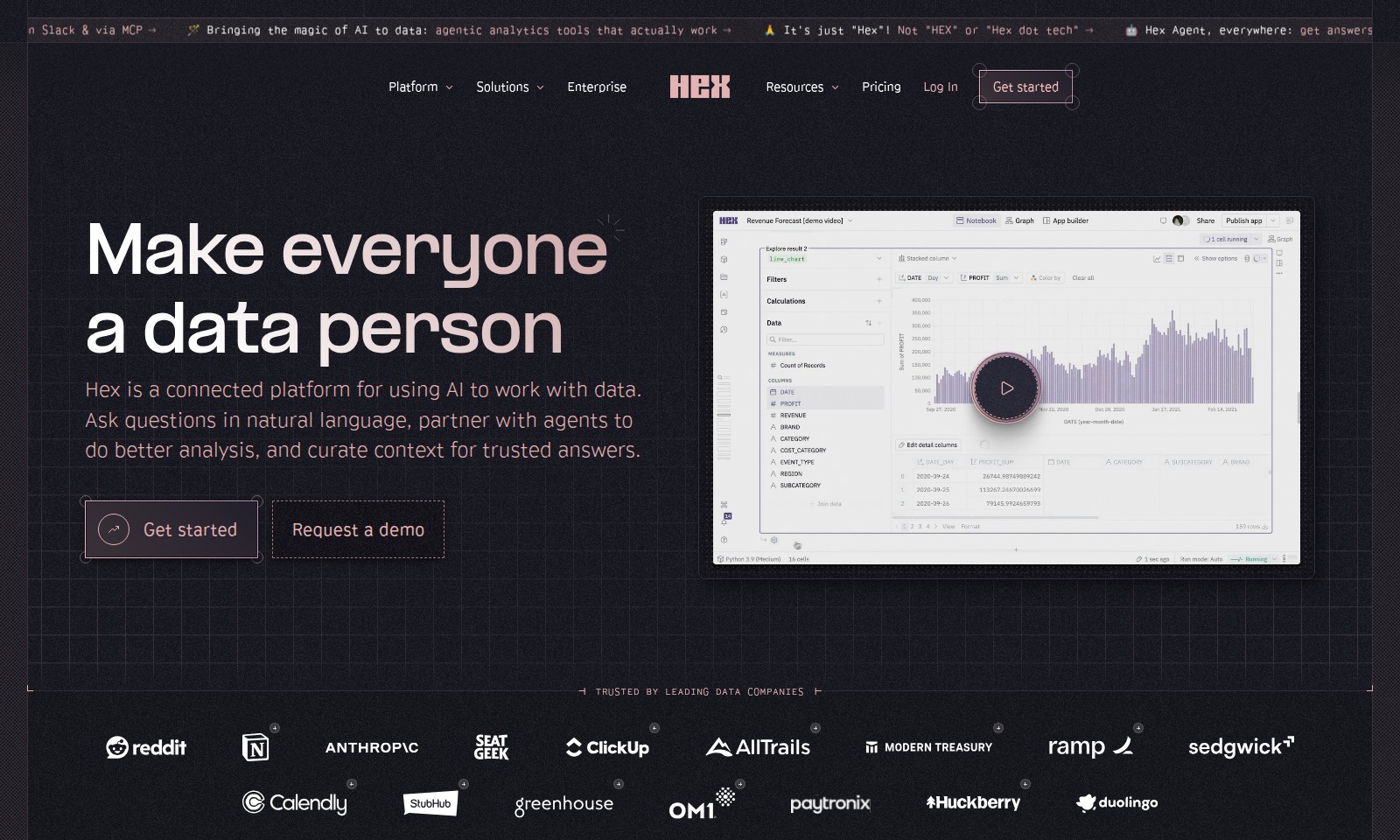
Hex is an advanced analytics platform using AI to empower teams with interactive data tools, instant integration, and conversational self-service.
Hex Introduction
Hex: Your AI-Powered Analytics Solution
Hex redefines the way you interact with your data. Leveraging the power of artificial intelligence, our platform offers advanced agentic analytics tools designed to deliver actionable insights in real time. With Hex, you can seamlessly integrate AI capabilities into your workflows, enabling smarter decision-making and enhancing productivity across your organization. Now, getting answers has never been easier—whether you are in Slack or utilizing our MCP, Hex is everywhere you need it to be.
Hex Features
Hex Agent - Seamless Communication
Experience uninterrupted access to insights directly in your favorite channels. The Hex Agent integrates seamlessly with platforms like Slack and MCP, ensuring you receive instant answers tailored to your queries without disrupting your workflow.
AI-Driven Analytics Tools - Enhanced Decision Making
Unlock powerful insights effortlessly with our agentic analytics tools. Engineered to leverage artificial intelligence, these tools provide accurate analytics that drive smarter decisions, saving you hours of manual data exploration.
User-Friendly Interface - Intuitive Experience
Navigate with ease through a clean and user-friendly interface. Designed with user experience in mind, Hex ensures that you can find the information you need quickly, enabling even non-technical users to gain valuable insights without steep learning curves.
Customizable Dashboards - Personalized Data Display
Visualize your data like never before with customizable dashboards. Tailor your analytics environment to reflect the metrics that matter most to you, allowing for real-time tracking of essential KPIs in formats that suit your analytical needs.
Automated Reporting - Time-Saving Efficiency
Reduce the burden of manual reporting with our automated reporting features. Generate comprehensive reports on-demand or on a schedule, enabling teams to focus on strategic initiatives rather than tedious data compilation.
Frequently Asked Questions About Hex
Frequently Asked Questions
What is Hex?
Hex is an innovative analytics tool designed to bring the magic of AI to your data. It offers agentic analytics tools that help users extract meaningful insights efficiently.
How can I get answers from Hex?
You can access answers from Hex through Slack and the MCP (My Control Panel). This versatility allows you to retrieve information in your preferred environment, making data analysis more seamless.
Is there a specific way to refer to Hex?
Yes, it’s simply referred to as "Hex". Please avoid using variations like "HEX" or "Hex dot tech" as this might lead to confusion with our brand's identity.
Who can benefit from using Hex?
Hex is designed for data professionals, analysts, and anyone interested in making data-driven decisions. Its AI-driven capabilities enable users across various sectors to effectively analyze and interpret their data.
How does Hex enhance data analysis?
Hex employs advanced AI algorithms that streamline the data analysis process. By automating routine tasks and providing instant insights, it significantly enhances productivity and allows users to focus on strategic decision-making.
How to Use Hex
Register for an Account
To get started, visit the Hex website and click the 'Sign Up' button. Fill in the required information such as your email address and create a secure password. After completing the form, check your email to verify your account through the provided link.
Set Up Your Profile
Once you log into your account, take a moment to set up your profile. Upload a profile picture and add relevant information such as your job title and organization. This helps personalize your experience and connects you with others in your network.
Familiarize Yourself with the Dashboard
After setting up your profile, explore the dashboard. The dashboard is where you can see an overview of your activity and access key features. Take a few minutes to navigate through the various sections and familiarize yourself with the tools available.
Integrate Slack for Seamless Interaction
For an enhanced user experience, integrate your Hex account with Slack. Go to the settings page and select the Slack integration option. Follow the prompts to connect your account. This allows you to receive analytical answers directly in Slack, simplifying your workflow.
Explore Key Features
Now it’s time to dive into the core features of Hex. Start by accessing the analytics tools available on the platform. Use the agentic analytics tools to analyze your data sets effectively. Click on various features to get a feel for their functionality, such as data visualization and reporting tools.
Utilize the Support Resources
If you have questions, don’t hesitate to explore the support resources. Access tutorials and FAQs that can guide you through common issues and platform functionalities. The help center is designed to assist users in maximizing their use of Hex.
Regularly Review Your Analytics
Make it a habit to regularly check your analytics. Set a schedule for reviewing your data insights. This is crucial for tracking your progress and making data-driven decisions. Utilize the reporting features to create summaries of your findings.
Engage with the Community
Join the Hex community forums to connect with other users. Engaging in discussions can provide valuable insights and tips. Share your experiences and learn from others about best practices in using Hex to analyze data effectively.
Reviews
Pros
- Easy to use
- Fast processing
- Great results
- Affordable pricing
Cons
- Limited free version
- Requires internet connection
Comments
No comments yet. Be the first to share your thoughts!
Hex - Alternative Platforms
For some alternatives to Hex that you may need, we provide you with sites divided by features.

Pane is an AI-enhanced spreadsheet tool that simplifies data management and collaboration for teams.
Graphy enables users to easily create beautiful graphs from various data sources, enhancing storytelling and decision-making with AI-driven insights.
Mermaid offers a powerful platform for creating various diagrams quickly and collaboratively, leveraging AI and easy-to-use features.
Discover your personal destiny through the Destiny Matrix, offering tools for analysis, chakra assessment, and relationship compatibility.