Moldable
Moldable is a software factory where you can create tailored applications through simple prompts, all while keeping your data local and secure.
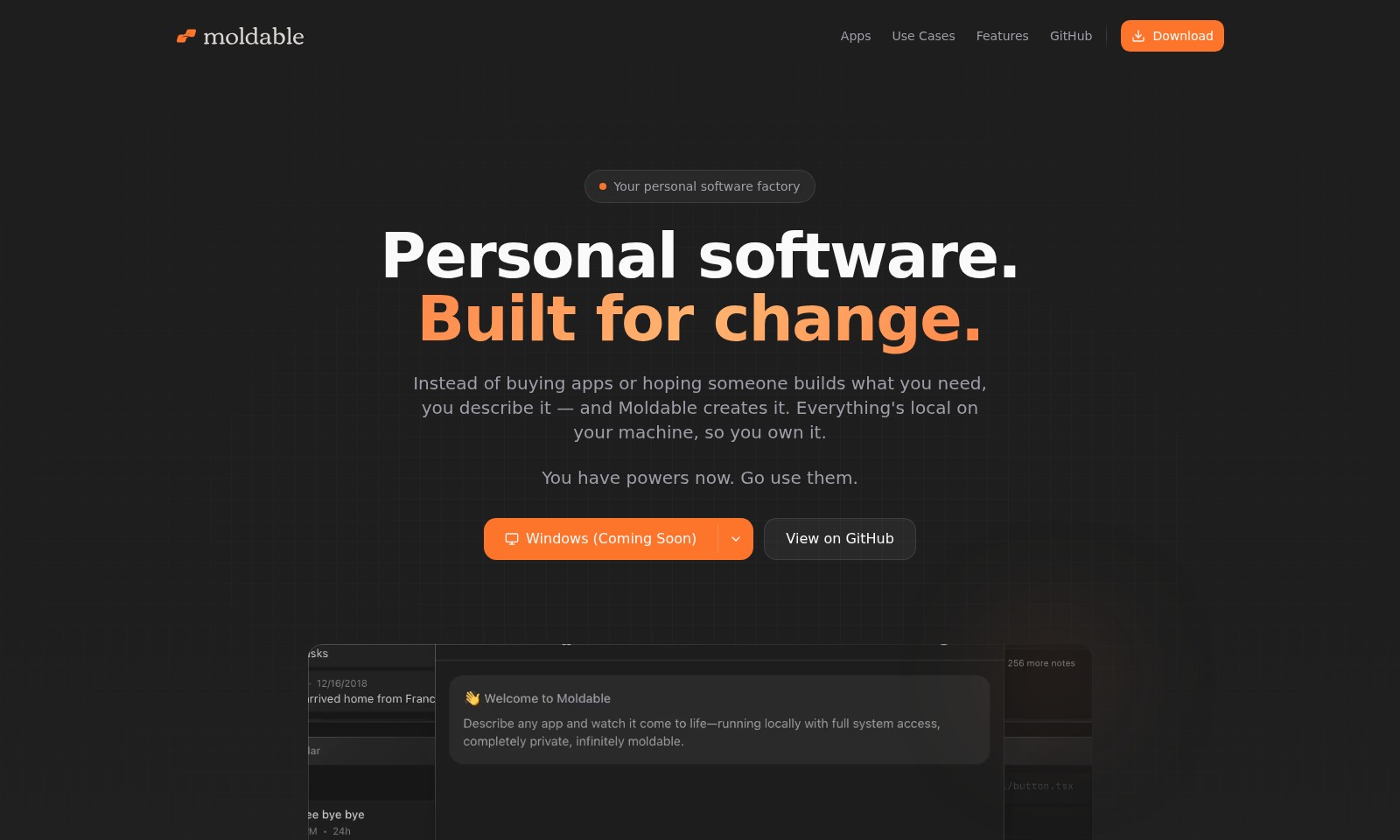
Moldable Introduction
Your personal software factory
Moldable revolutionizes the way you create personal software. Instead of purchasing applications or waiting for someone else to build what you need, you have the power to describe your desired functionalities. Moldable takes your vision and transforms it into reality, providing you with tailored solutions that reside locally on your machine—ensuring ownership and privacy.
Moldable Features
Meetings - Real-Time Recording and Transcription
Our Meetings feature enables users to record and transcribe meetings in real-time, enhancing productivity and collaboration. With advanced speaker detection, it distinguishes between voices, ensuring accurate transcription.
Scribo Languages - Interactive Language Learning
Scribo Languages provides a dynamic platform for language learners, combining a journal with real-time AI translations and text-to-speech capabilities. This helps users practice speaking and comprehension in an immersive way.
Calendar - Streamlined Event Management
The Calendar feature allows users to view their Google Calendar events in a clean month view alongside a daily agenda, making it easier to manage schedules effectively, thereby minimizing the risk of overlooked appointments.
Notes - Enhanced Note-Taking Experience
Our Notes app offers a Google Keep-style interface with a masonry layout, enabling efficient organization through pinning and labeling. It supports rich text editing, ensuring that users can create detailed and styled notes effortlessly.
Todo - Efficient Task Management
The Todo feature simplifies task management with features that allow users to set priorities, apply filters, and use keyboard shortcuts, facilitating a more organized and productive approach to daily tasks.
Frequently Asked Questions About Moldable
Frequently Asked Questions
What is Moldable and how does it work? Moldable is a personal software factory that allows users to create custom applications tailored to their needs. Instead of purchasing pre-made apps or waiting for developers to create what you envision, you simply describe your requirements, and Moldable generates the application for you. Everything runs locally on your machine, ensuring complete ownership and control over your software.
What types of apps can I create with Moldable? With Moldable, you can create a wide variety of applications based on your specific needs. Whether you're looking for a meeting transcription tool, a language learning journal, or a task management application, you can easily generate these apps. The platform supports essential tools needed for productivity, all built according to your specifications.
Are there any free starter apps available? Yes, Moldable offers a selection of free starter apps that cover essential functions. These include tools for note-taking, task management, calendar viewing, and language learning. You can also prompt Moldable to create completely new applications based on your unique requirements, allowing for a high level of customization without any subscription fees.
How do I install Moldable on my machine? Currently, Moldable is in the process of being launched for Windows. Once available, users will be able to download the software directly from the official website. Installation will be streamlined to ensure a quick setup, enabling you to start building your personalized applications with ease.
Can I access my data across different devices? As Moldable operates locally on your machine, all data and applications you create are stored on your device. This means that you retain full control and ownership over your data. To access your apps and data across different devices, you would need to ensure that they are adequately synced or exported, as Moldable does not automatically provide cloud storage solutions.
What features does Moldable offer for collaboration? Moldable is designed primarily for individual use, focusing on personal software development rather than collaboration. However, features such as meeting record and transcription tools allow you to manage group discussions effectively. For collaboration across teams, you may consider exporting your applications or data and sharing them externally, depending on your requirements.
How to Use Moldable
Step 1: Register an Account
To start using the platform, visit the website and click on the 'Register' button. Fill in the required information, including your email address and password, to create a new account.
Step 2: Verify Your Email
Check your email inbox for a verification link. Click on the link to verify your email address and activate your account.
Step 3: Set Up Your Profile
Once logged in, navigate to your profile settings. Complete your profile by adding necessary information such as your name and preferences to optimize your experience.
Step 4: Explore Free Starter Apps
Visit the 'Download' section to find a list of free starter apps offered by Moldable. Click on the desired app to initiate the download and follow the instructions to install it.
Step 5: Access Key Features
After installation, launch the app. Familiarize yourself with key features like meeting recording, real-time language translation, and task management by exploring the user interface.
Step 6: Customize Your Experience
Utilize the settings menu to adjust preferences specific to each app. Customize themes, notifications, and other features to enhance usability according to your needs.
Step 7: Engage with the Community
Join the community forums or GitHub page to connect with other users. Share your experiences, ask questions, and get tips on maximizing the app’s capabilities.
Step 8: Stay Updated
Regularly check for updates in the app menu to ensure you are using the latest version with the newest features and improvements. Enable notifications to stay informed about any upcoming changes.
Reviews
Pros
- Easy to use
- Fast processing
- Great results
- Affordable pricing
Cons
- Limited free version
- Requires internet connection
Comments
No comments yet. Be the first to share your thoughts!
Moldable - Alternative Platforms
For some alternatives to Moldable that you may need, we provide you with sites divided by features.

Discover how Hello Audio enables course creators and coaches to engage their audiences by turning content into private podcasts accessible anytime, anywhere.
Tines offers a secure platform to build intelligent workflows, integrating various tools and enhancing operational efficiency.
LIKN Studio simplifies launching and trading unique digital assets through AI, bridging Web2 content with Web3 technology for creators.
TestMu AI enhances quality engineering with AI-native solutions for testing, automation, and analytics, trusted by millions globally.