TubeBuddy
TubeBuddy provides essential tools for YouTube creators, enhancing growth through SEO optimization, productivity features, and data analysis.
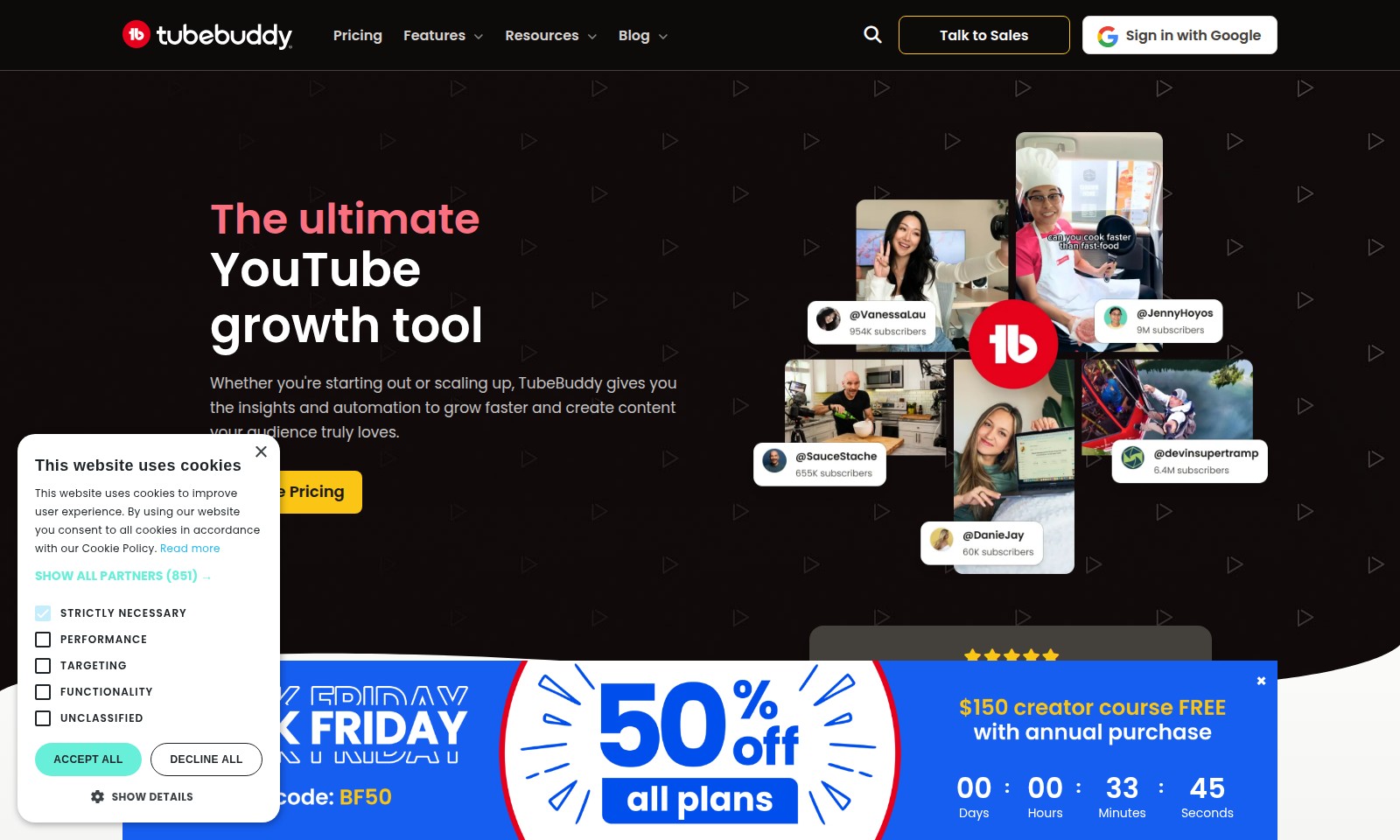
TubeBuddy Introduction
The Ultimate YouTube Growth Tool
TubeBuddy is designed specifically for creators looking to enhance their YouTube presence. With powerful insights and automation features, it helps both newcomers and established content producers scale their channels effectively, delivering content that resonates with their audience.
TubeBuddy Features
Video SEO Optimization - Boost Discoverability
Our advanced YouTube SEO tools enable you to capture the attention of your target audience before production starts. By analyzing search trends and viewer behavior, you can identify the most effective keywords to incorporate into your content.
Automated Workflow - Save Time
TubeBuddy automates many tedious tasks traditionally performed manually. This efficiency allows creators to focus on content quality rather than getting bogged down in optimization details.
Comprehensive Analytics - Measure Success
Gain valuable insights into your video's performance with our comprehensive analytics dashboard. Understand what works and iterate on future content based on real data.
Thumbnail Generator - Increase Click-Through Rate
Create eye-catching thumbnails with our intuitive thumbnail generator. A well-designed thumbnail can lead to a significant increase in your video's click-through rate, engaging more viewers effectively.
Collaboration Tools - Streamline Team Efforts
Our collaboration features enable seamless communication among team members, allowing for more efficient workflows and polished final products. This is especially beneficial for creators working in teams that rely on collective input.
Engagement Boosters - Build Community
Utilize our engagement tools designed to foster interaction and community among your viewers. Encouraging comments and feedback can significantly enhance viewer loyalty and channel growth.
Frequently Asked Questions About TubeBuddy
FAQs about TubeBuddy
1. What is TubeBuddy and how can it help me grow my YouTube channel?
TubeBuddy is an all-in-one tool designed for YouTube creators to enhance their channel effortlessly. It provides insights, SEO tools, and automation features that help you grow your views and subscribers significantly.
2. How does TubeBuddy improve my video SEO?
TubeBuddy offers keyword research tools that help you discover the topics your audience is searching for. By optimizing your video titles, descriptions, and tags based on these insights, you can increase your discoverability on YouTube.
3. Can I use TubeBuddy if I'm just starting out on YouTube?
Absolutely! TubeBuddy is tailored for creators at any stage, whether you’re just starting or scaling up. It offers resources and tools that simplify the growth process, making it easy to create content that resonates with your audience.
4. What kind of results can I expect from using TubeBuddy?
Users of TubeBuddy have reported a 79% increase in views per video and up to 32% growth in subscribers. With its automation features, creators can save time and grow their channels 10X faster than traditional methods.
5. Is TubeBuddy suitable for all types of content creators?
Yes, TubeBuddy is designed for various creators, including gamers, educators, vloggers, and more. Its features cater to different needs, ensuring every creator can find value in the tool.
6. How do I get started with TubeBuddy?
To get started, simply sign up on the TubeBuddy website, explore the pricing plans, and choose the one that best fits your needs. Once you have TubeBuddy installed, you can begin optimizing your videos right away.
How to Use TubeBuddy
Step 1: Register Your Account
To get started, visit the TubeBuddy website and click on the 'Sign Up' button. Fill in your details, including your email and a strong password. Confirm your email address to activate your account.
Step 2: Sign in with Google
Once registered, return to the website and click 'Sign in with Google'. Choose your Google account linked to your YouTube channel. Ensure you're signed into the correct account for seamless integration.
Step 3: Set Up Your Profile
After signing in, navigate to your account settings. Here, you can upload a profile picture and provide basic information about yourself and your channel. This personalized touch helps your audience connect with you.
Step 4: Explore TubeBuddy Features
Take a tour of the TubeBuddy tools available to enhance your channel. Familiarize yourself with features such as keyword research, thumbnail generator, and optimization tools. Understand how each tool can benefit your channel’s growth.
Step 5: Use the YouTube SEO Tools
Utilize the SEO tools provided by TubeBuddy to discover the keywords and topics your audience is searching for. Implement these insights in your video creation process to increase visibility and reach.
Step 6: Create Your First Video
With TubeBuddy’s guidance, start creating your first video. Use the keyword research done in the previous step to tailor your content. Ensure to focus on topics that resonate with your audience for better engagement.
Step 7: Optimize Your Video
Before uploading, use TubeBuddy’s tools to optimize your video title, description, and tags. Make sure to incorporate the keywords identified earlier to enhance discoverability on YouTube.
Step 8: Monitor Your Performance
After your video is live, keep track of its performance using TubeBuddy’s analytics. Analyze metrics such as views, watch time, and subscriber growth to understand what works and make improvements for future content.
Step 9: Engage with Your Audience
Take the time to respond to comments on your videos. Engaging with your viewers creates a community and encourages more interactions with your content. Ask for feedback and suggestions to improve.
Step 10: Iterate and Improve
Based on your analytics and audience feedback, continually refine your content strategy. Experiment with different types of videos and topics, and utilize TubeBuddy’s insights to guide your decisions.
Reviews
Pros
- Easy to use
- Fast processing
- Great results
- Affordable pricing
Cons
- Limited free version
- Requires internet connection
Comments
No comments yet. Be the first to share your thoughts!