AI SVG Generator
The AI SVG Generator transforms text into scalable vector graphics, enabling effortless logo creation, illustrations, and more for modern web and branding.
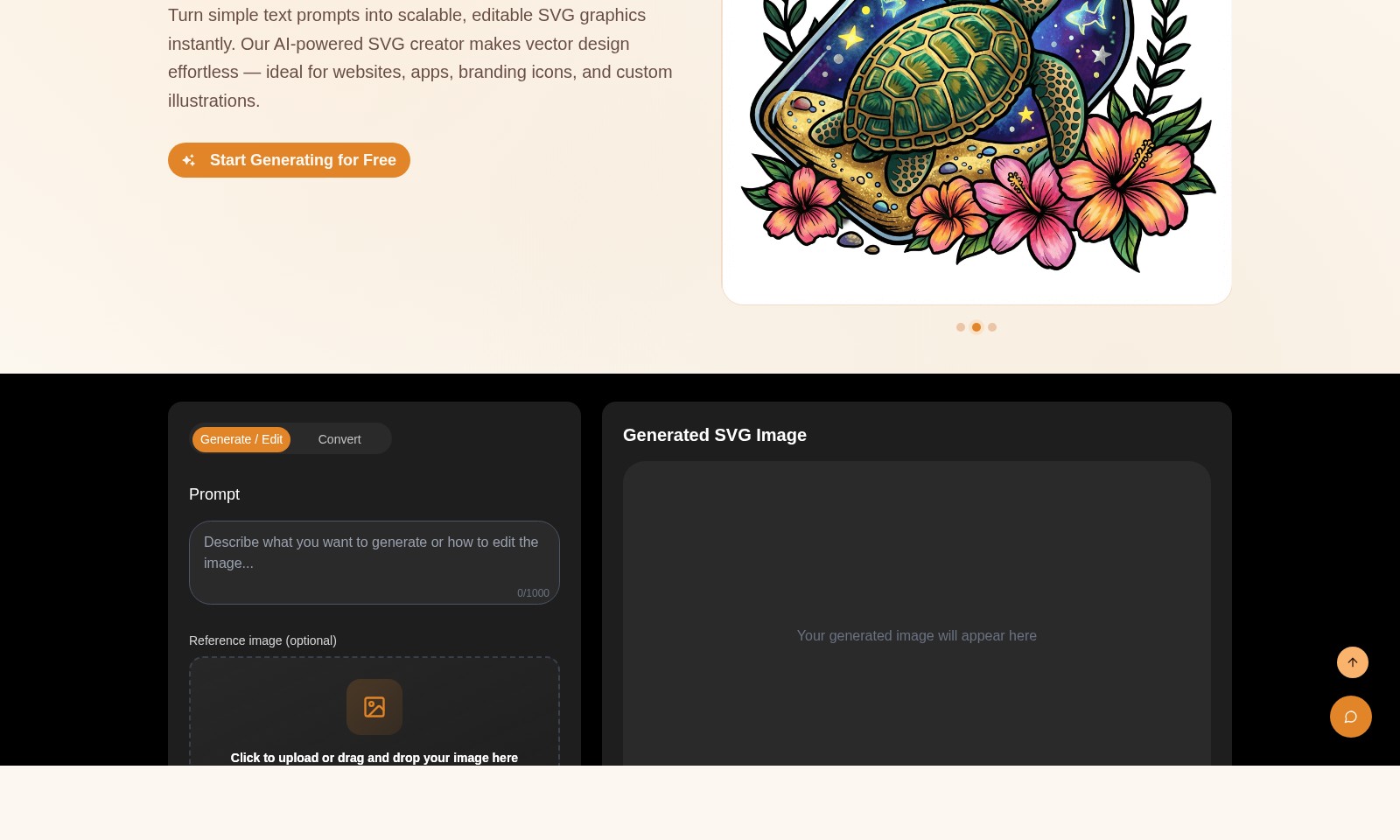
AI SVG Generator Introduction
AI SVG Generator
Transform your textual ideas into stunning scalable SVG graphics with our AI SVG Generator, allowing you to effortlessly create vector designs suitable for a variety of applications from websites to branding icons.
AI SVG Generator Features
AI-Driven Scalable SVG Graphics - Core Benefit
Transform your visions into scalable vector graphics effortlessly. Technical Differentiation: Our AI SVG Generator leverages cutting-edge generative models to create infinitely scalable SVGs, ensuring clarity and precision across all devices.
Instant SVG Generation - Core Benefit
Generate professional-grade SVG graphics in seconds with just a text prompt. Technical Differentiation: Utilizing an intuitive user interface, the generator allows for seamless integration of user inputs, producing high-quality graphics tailored to your specific needs.
User-Friendly Interface - Core Benefit
Easily navigate through the design process, even if you're not a professional designer. Technical Differentiation: Our platform features drag-and-drop functionality and real-time image previews, streamlining the user experience and enhancing creativity.
Customizable Templates - Core Benefit
Personalize your designs with a variety of templates to choose from. Technical Differentiation: With a diverse selection of pre-designed SVG templates, you can save time while ensuring your graphics meet unique branding requirements.
Seamless Integration - Core Benefit
Incorporate SVG graphics into your projects without hassle. Technical Differentiation: Our generator provides ready-to-use code snippets for easy embedding, allowing for quick implementation in web and app environments.
Multi-format Support - Core Benefit
Easily convert between different graphic formats as needed. Technical Differentiation: Our generator accepts various file formats including JPG and PNG up to 6MB, making it versatile for different use cases in graphic design.
Frequently Asked Questions About AI SVG Generator
FAQs about AI SVG Generator
1. What is the AI SVG Generator and how does it work?
The AI SVG Generator is a tool that allows you to turn simple text prompts into scalable and editable SVG graphics instantly. By leveraging advanced AI models, it simplifies the vector design process, making it ideal for creating custom illustrations, icons, and graphics for websites and applications.
2. Do I need any design skills to use the AI SVG Generator?
No design skills are required! The AI SVG Generator is designed to be user-friendly, allowing anyone to create professional-quality SVG graphics by simply inputting their ideas in plain text. This makes it a perfect choice for users at any skill level.
3. What file formats does the AI SVG Generator support for uploads?
You can upload images in JPG, PNG, and WebP formats, with a maximum file size of 6MB. This versatility enables you to use existing graphics as a reference for generating your SVGs.
4. Is there a cost associated with using the AI SVG Generator?
The first generation of SVG graphics is free after you log in. After that, the tool operates on a credit system, where generating each SVG will utilize credits from your account, allowing for flexible use depending on your needs.
5. How can I ensure the quality of the SVG graphics I generate?
The AI SVG Generator allows you to choose the conversion quality through options like 'Balanced.' Adjusting the settings can enhance the final outcome, ensuring your graphics maintain high quality across different platforms and use cases.
6. How does using SVG graphics benefit my website?
SVG graphics are an excellent choice for web use as they remain sharp on any screen, ensuring a high-quality visual experience for users. Additionally, SVGs can improve website performance and SEO rankings when embedded correctly, making them a valuable asset for any digital project.
How to Use AI SVG Generator
Step 1: Register Your Account
To get started, click on the 'Sign In' button and select 'Register.' Fill out the required fields with your email and a secure password. Confirm your email address to activate your account.
Step 2: Log In to Your Account
Once registered, return to the home page and click on 'Sign In.' Enter your email and password to access your dashboard. Make sure to check the 'Remember Me' option for quicker access in the future.
Step 3: Set Up Your Profile
Personalize your account by navigating to the profile section. Add your name and any relevant information to make your account truly yours. This helps with better management of your projects later on.
Step 4: Explore the Dashboard
Upon logging in, take a moment to familiarize yourself with the dashboard. Here, you'll find various tools and options like 'Generate,' 'Edit,' and 'Convert.' Knowing where everything is will enhance your experience.
Step 5: Start Generating SVG Graphics
To create your first SVG graphic, click on 'Generate.' Enter a text prompt for the design you envision. Utilize the input box that allows you 0-1000 characters. This is where your creativity begins!
Step 6: Upload Reference Images (Optional)
If you have a specific design in mind, you can upload a reference image. Drag and drop the image into the designated area, or click to upload from your files. Supported formats include JPG, PNG, and WebP.
Step 7: Adjust Aspect Ratio
Select the aspect ratio you prefer for your design. The default setting is 1:1 (Square), but you can choose other ratios based on your project needs. This small adjustment can make a big difference!
Step 8: Choose Conversion Quality
Decide on the quality of your graphic by selecting 'Balanced' under convert quality settings. This ensures a good balance between size and clarity, perfect for web use without slowing down your site.
Step 9: Generate Your SVG
Click the 'Generate SVG' button to create your graphic. You'll need to spend 200 credits for this action. The first generation is free after logging in, making it a cost-effective way to start creating.
Step 10: View Your Generated SVG Image
Once generated, your SVG image will appear in the designated area on your dashboard. Take a moment to view your creation and consider adjustments if necessary. You can easily return to modify or re-generate your design.
Step 11: Manage Previous Generations
To view past creations, go to the 'Previous Generations' tab. Please log in to access all your previous designs. This feature allows you to track your progress and refine your designs over time.
Step 12: Explore Key Features of the Generator
Check out other key features of our AI SVG Generator. Features like text-to-SVG capabilities utilize advanced AI to transform your ideas into scalable vector graphics seamlessly. Explore various tools to enhance your design process.
Step 13: Stay Updated with New Features
As the platform evolves, stay updated with any new features. Regularly check the website for updates and announcements. This ensures you are using the best tools available to enhance your designs.
Step 14: Get Creative with Custom Illustrations
Now that you have a good understanding of how to navigate the platform, get creative. Use the AI SVG Generator to make custom illustrations for your website, app, or branding needs. The only limit is your imagination!
Step 15: Seek Support if Needed
If you encounter any issues or have questions, don’t hesitate to seek support. Use the help center or contact customer service for assistance. Our team is here to help you make the most of your experience.
Reviews
Pros
- Easy to use
- Fast processing
- Great results
- Affordable pricing
Cons
- Limited free version
- Requires internet connection
Comments
No comments yet. Be the first to share your thoughts!
AI SVG Generator - Alternative Platforms
For some alternatives to AI SVG Generator that you may need, we provide you with sites divided by features.

Login to Logo Diffusion with various methods or register. The site uses cookies for personalization and traffic analysis.
Patternaly is an online AI pattern generator for creating stunning seamless patterns effortlessly, suited for various design needs.
Animate Image AI enables creators to turn still images into dynamic videos using advanced AI technology, enhancing visuals for various applications.