Avatar 2
Avatar 2 enables users to create engaging talking avatars from images and audio, using advanced AI for natural expressions and lip-sync.
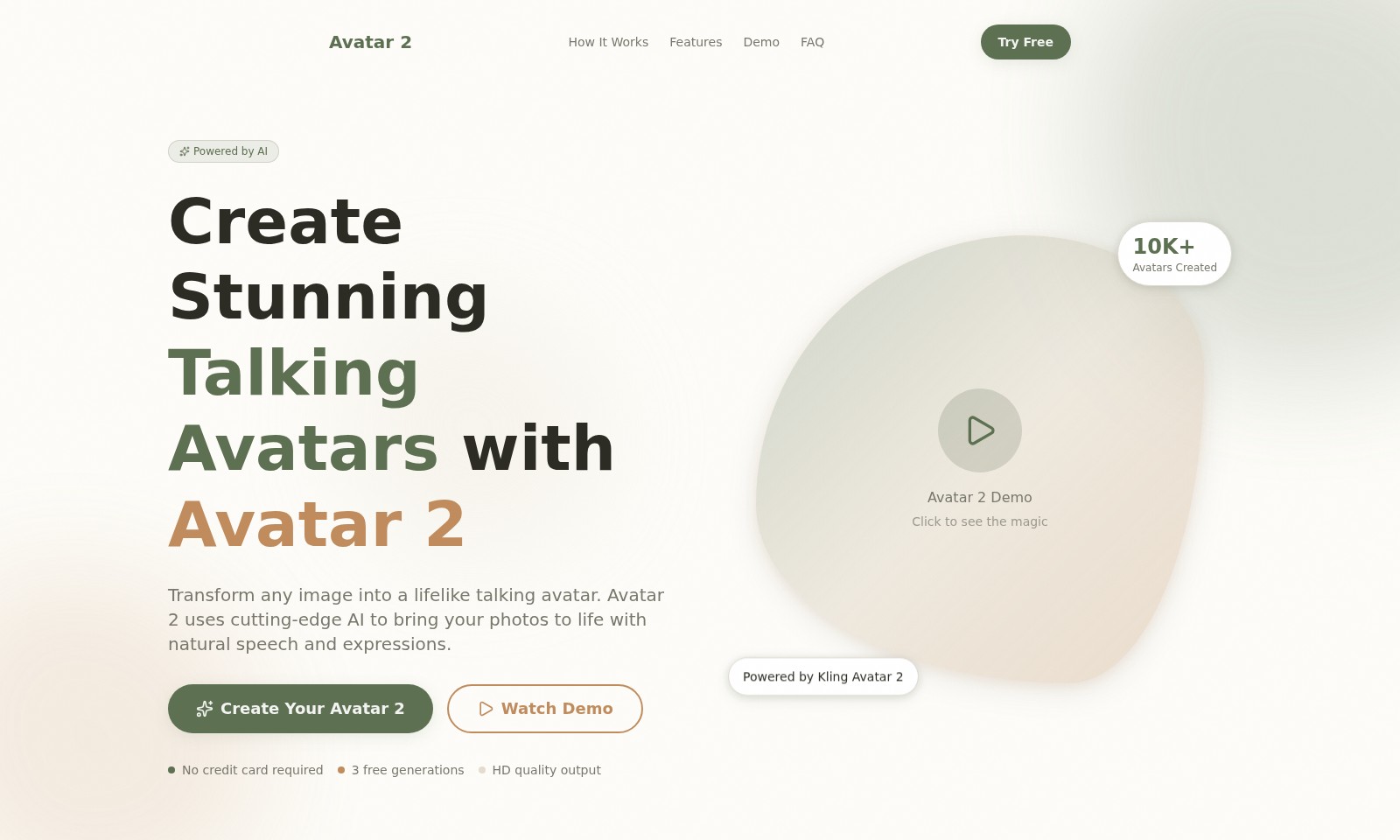
Avatar 2 Introduction
Discover the Future of Personalization
Avatar 2 revolutionizes the way you interact with images by transforming any portrait into a dynamic talking avatar. Utilizing cutting-edge AI technology, our platform allows you to create lifelike avatars that not only look realistic but also speak naturally with your chosen audio. With an intuitive interface, bringing your images to life has never been easier or more accessible.
Avatar 2 Features
Lifelike Avatar Creation - Engage Your Audience
Experience the next generation of interactive media with our lifelike avatars. Avatar 2 employs state-of-the-art AI technology to transform your images into dynamic talking avatars, perfect for enhancing audience engagement in presentations and digital content.
Effortless Image Upload - Instant Transformation
Easily convert any portrait image into an animated avatar. Our user-friendly interface allows you to upload images in various formats (PNG, JPG), enabling quick transformations tailored for marketing professionals and content creators.
Customizable Audio Integration - Personalized Communication
Enhance your avatar with customized voiceovers. Upload audio files (MP3, WAV) to let your avatar speak in your unique voice, fostering a personal connection with your audience.
HD Quality Output - Visual Excellence
Deliver stunning visuals with high-definition output. Avatar 2 ensures that all generated avatars maintain excellent visual fidelity, making them suitable for professional presentations and promotional materials.
Advanced Lip Sync Technology - Realistic Expressions
Achieve naturalistic lip movements with our innovative syncing technology. Avatar 2's AI intelligently synchronizes lip movements with audio, crucial for maintaining viewer interest and improving message clarity.
Frequently Asked Questions About Avatar 2
FAQs about Avatar 2
1. How do I create a talking avatar with Avatar 2?
To create your talking avatar, simply upload a portrait image and an audio file. Once uploaded, our AI technology will transform your image into a lifelike avatar that syncs with the audio you provide.
2. What types of images can I upload?
You can upload images in PNG or JPG format, with a maximum file size of 10MB. For the best results, use clear, front-facing photos to ensure the AI accurately captures facial features.
3. What audio formats are supported?
Avatar 2 supports audio files in MP3 and WAV formats, with a maximum duration of 30 seconds. Ensure your audio is recorded clearly to enhance the avatar's speech quality.
4. Is there a free trial available?
Yes! Avatar 2 offers three free generations, allowing you to create stunning avatars without needing a credit card. This is a great way to explore the capabilities of our technology.
5. Can I edit my avatar after creation?
Currently, once you create your avatar, you cannot edit it directly in the Avatar 2 platform. However, you can always upload a new image or audio to generate a different avatar.
6. How does the AI technology work?
Avatar 2 uses advanced AI algorithms to analyze the uploaded image and audio. It syncs lip movements with the speech in the audio, ensuring a natural and engaging experience for viewers.
How to Use Avatar 2
Create Your Avatar 2
To get started, simply visit the Avatar 2 website. Click on the 'Create Your Avatar 2' button to upload your images and audio. Make sure your images are in PNG or JPG format and do not exceed 10MB.
Upload Your Image
Select any portrait photo that you wish to transform into a talking avatar. Ensure that the image is clear and front-facing for the best results.
Add Your Audio
Upload an audio file or use the recording feature to add your voice. Supported audio formats include MP3 and WAV, and recordings should be no longer than 30 seconds.
Generate Your Avatar
Once you've uploaded your image and audio, click on the 'Generate Avatar 2' button. The AI will process your inputs and create a lifelike talking avatar for you to preview.
Watch Demo
If you're unsure about the process, feel free to click on the 'Watch Demo' button to see how Avatar 2 works. This will provide you a visual guide on what to expect.
Explore Features
After generating your avatar, take a moment to explore various features offered by Avatar 2. You can customize your avatar further and make adjustments as needed.
Frequently Asked Questions
If you have any questions, visit the FAQ section. Here, you'll find answers to common inquiries about using Avatar 2 and its capabilities.
Reviews
Pros
- Easy to use
- Fast processing
- Great results
- Affordable pricing
Cons
- Limited free version
- Requires internet connection
Comments
No comments yet. Be the first to share your thoughts!
Avatar 2 - Alternative Platforms
For some alternatives to Avatar 2 that you may need, we provide you with sites divided by features.

Meme PFP offers a vast collection of customizable profile pictures for various platforms, including categories and latest trends.
D-ID provides a digital human platform for creating personalized videos and avatars, enhancing engagement and messaging for businesses.
Photo AI allows users to upload selfies, create personalized AI models, and generate impressive photos and videos effortlessly.
Generate custom emojis using AI by uploading a photo and selecting a style. Fast, fun, and unique emoticon creation made easy!