Beautiful.ai
Beautiful.ai offers an AI-powered presentation maker that helps users create professional slides effortlessly, integrating with tools like PowerPoint and Slack.
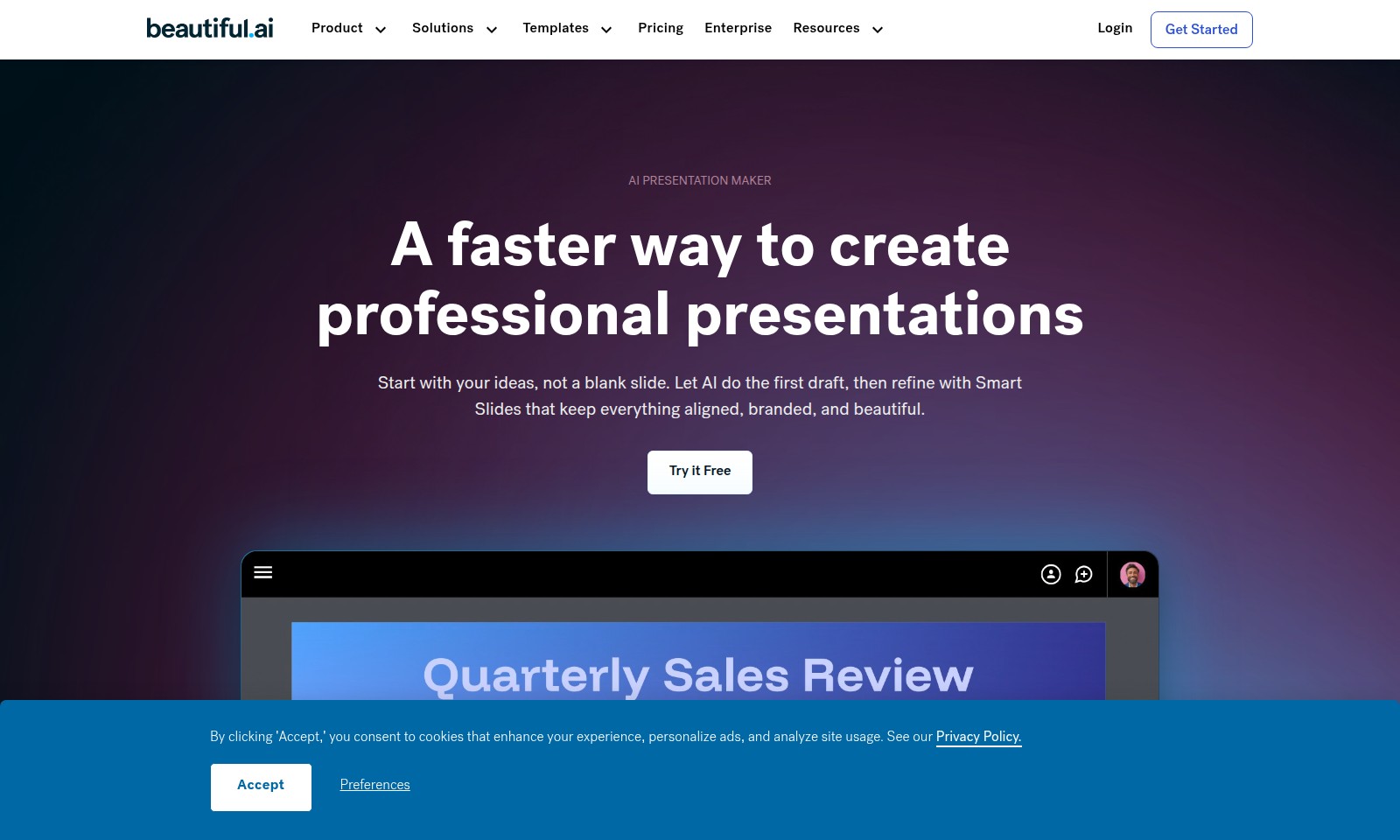
Beautiful.ai Introduction
Create Professional Presentations Effortlessly
Unlock your potential with our AI Presentation Maker, where creativity meets efficiency. Our platform is designed to turn your ideas into visually stunning presentations in a matter of seconds, eliminating the need for tedious formatting and design work.
Beautiful.ai Features
AI Presentation Maker - Accelerate Your Presentation Creation
Unlock the power of AI to transform your ideas into professional presentations in a matter of seconds. This innovative slide-making tool allows you to start with your thoughts rather than a blank canvas, streamlining the creation process. The AI slide generator utilizes advanced algorithms to craft a tailored presentation draft, ensuring that your initial ideas are effectively communicated through high-quality visuals.
Smart Slides - Effortless Design and Layout
With Smart Slides, you can focus solely on content creation while the AI manages the aesthetics. This unique feature automatically adjusts design elements, maintaining alignment and branding consistency throughout your presentation. By eliminating manual adjustments, Smart Slides save you time and empower you to produce visually captivating presentations without hassle.
Prompt to Professional - Elevate Your Workflow
Simply input your presentation prompt, and our AI-driven platform generates a ready-to-edit draft that meets professional standards. This efficiency is particularly beneficial for busy professionals and teams that require quick, high-quality results without compromising on design integrity.
Customizable Templates - Adapt to Your Needs
Choose from a variety of customizable templates that cater to different industries and presentation types. These templates are designed to enhance clarity and engagement, adapted to fulfill specific audience requirements. By leveraging templates that align with your objectives, you can create impactful presentations that resonate with your target audience.
Real-Time Collaboration - Enhance Team Productivity
Our platform facilitates real-time collaboration among team members, allowing multiple users to contribute to a presentation simultaneously. This feature is crucial for teams that require input from various stakeholders, ensuring cohesive and comprehensive presentations that reflect diverse insights and perspectives.
Frequently Asked Questions About Beautiful.ai
FAQs about the AI Presentation Maker
1. How does the AI Presentation Maker work? The AI Presentation Maker allows users to generate professional presentations quickly. You simply enter your ideas, and our AI generates a draft presentation in seconds, which you can then edit using Smart Slides for a polished finish.
2. What are Smart Slides? Smart Slides are an innovative feature of our presentation maker that automatically handles design, layout, and spacing as you modify your content. This means you can focus on the message while the software ensures everything looks great and stays aligned.
3. Can I customize the templates provided? Yes, our AI Presentation Maker includes a variety of templates that are fully customizable. You can adjust colors, fonts, and layouts to match your branding or personal preferences, ensuring your presentation is unique and professional.
4. Is there a free trial available? Absolutely! You can try the AI Presentation Maker for free, allowing you to experience all its features without any commitment. This is a great way to see how it can streamline your presentation creation process before subscribing.
5. How can I ensure my presentation stays on-brand? By utilizing our Smart Slides and customizable templates, you can easily incorporate your brand’s colors, fonts, and logos into your presentations. This feature helps maintain consistency and professionalism across all your slides.
6. What kind of support do you offer? We provide comprehensive support for our users, including tutorials, webinars, and a dedicated help center. If you encounter any issues or have questions, our support team is ready to assist you promptly.
How to Use Beautiful.ai
Register on the Site
To get started, find the 'Get Started' button on the homepage and click it. Fill in the required information accurately to create your account.
Confirm Your Email
Check your email inbox for a confirmation link sent by us. Click on the link to verify your email address and activate your account.
Log In to Your Account
Return to the site and click 'Login' at the top of the page. Enter your registered email and password to access your dashboard.
Set Up Your Profile
Once logged in, navigate to the profile settings page. Update your personal information and preferences to tailor your experience.
Explore the Dashboard
Familiarize yourself with the dashboard layout. Look for the AI Presentation Maker feature, which is central to creating presentations efficiently.
Create Your First Presentation
Click on the 'Create Presentation' option. Enter your initial ideas or prompts in the designated field to let the AI generate a draft.
Edit and Refine Your Slides
Review the AI-generated slides and make any necessary adjustments. Utilize the Smart Slides feature to maintain design consistency.
Save and Share Your Presentation
Once satisfied, save your work. Use the sharing options to send your presentation to colleagues or download it for offline use.
Get Support If Needed
If you encounter any issues, visit the FAQ section or contact customer support for assistance. We're here to help you succeed.
Reviews
Pros
- Easy to use
- Fast processing
- Great results
- Affordable pricing
Cons
- Limited free version
- Requires internet connection
Comments
No comments yet. Be the first to share your thoughts!
Beautiful.ai - Alternative Platforms
For some alternatives to Beautiful.ai that you may need, we provide you with sites divided by features.

Cradle's innovative platform enhances protein engineering, offering accelerated optimization and data security for biopharma and industrial applications.
Discover the top AI models in design, ranked by user votes and performance ratings, including leaderboards and community tournaments.
Discover how Maket democratizes architecture with AI-driven tools for floorplan generation, regulatory assistance, and design exploration.
Interior AI is an innovative app that allows users to upload images of their interiors and receive instant, photorealistic redesigns in various styles.