Draw to Video
Draw to Video is an AI-powered platform that converts sketches into professional-quality animations quickly and easily, catering to creators of all levels.
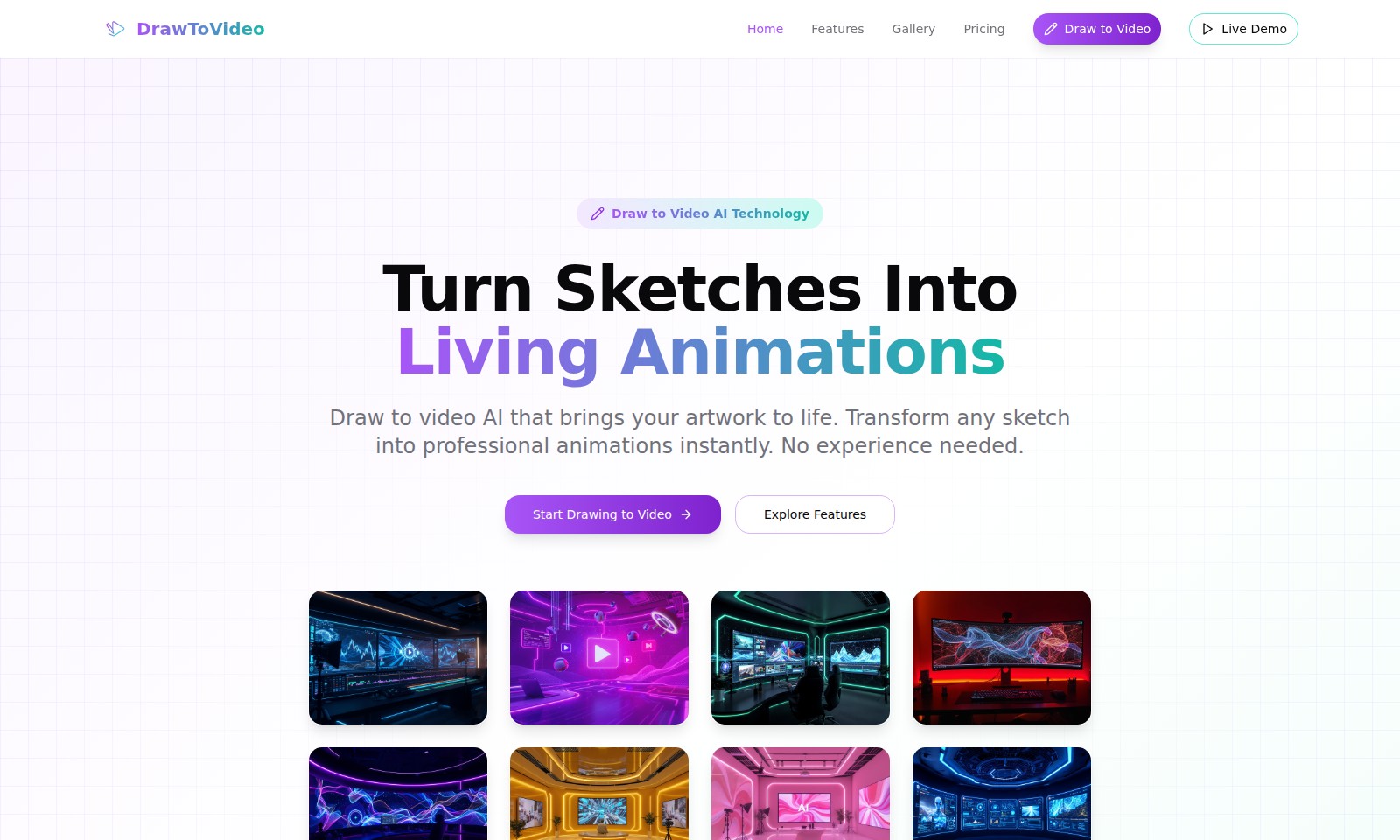
Draw to Video Introduction
Transform Your Sketches into Stunning Animations
Unlock the power of creativity with our Draw to Video AI technology, where your sketches come alive in real-time. Say goodbye to stationary drawings and hello to dynamic animations that captivate your audience. Experience an innovative way to showcase your artistic vision through professional-grade animations that require no prior experience.
Draw to Video Features
Instant Animation - Draw to video in seconds. Our optimized AI engine accelerates the animation process, enabling you to convert your sketches into stunning video animations almost instantly. Ideal for illustrators and content creators looking for efficiency without compromising quality.
Frequently Asked Questions About Draw to Video
FAQs about DrawToVideo
1. How does the Draw to Video AI technology work?
The Draw to Video AI technology uses advanced algorithms to analyze and interpret sketches. It converts your hand-drawn art into smooth, professional-grade animations, with no technical skills required. Simply upload your drawing and watch it come to life instantly.
2. Do I need prior experience to use Draw to Video?
No prior experience is needed to use our Draw to Video tool. Whether you're a budding artist or a seasoned professional, the interface is user-friendly and designed for anyone to create animations in seconds.
3. How long does it take to turn a drawing into a video?
Our optimized AI engine ensures that drawings are processed and converted into animations in mere seconds. You can get instant feedback and see your ideas animated almost immediately.
4. What quality can I expect from animations created with this tool?
You can expect studio-grade animations that are smooth and visually appealing. Our Draw to Video AI technology preserves the artistic details of your original sketch while enhancing motion quality to ensure a professional result.
5. Can I make adjustments to my animations after creating them?
Yes, you have the option for frame-by-frame control, allowing you to refine specific parts of your animation. This way, you can adjust movements and timing to achieve your desired effect.
6. Is it possible to integrate my animated videos into other platforms?
Absolutely! Once you've created your animation, you can easily download the video and share it across various platforms, whether it's for social media, websites, or presentations.
How to Use Draw to Video
Step 1: Register an Account
To use the Draw to Video features, start by creating an account. Navigate to the home page and click on the 'Sign Up' button. Fill in the required fields with your email and create a password.
Step 2: Verify Your Email
Check your inbox for a verification email from Draw to Video. Click the link provided in the email to confirm your account, ensuring that you can access all the platform's features.
Step 3: Log In to Your Account
Return to the home page and click 'Log In.' Enter your registered email and password to access your account. Once logged in, explore your dashboard and familiarize yourself with the layout.
Step 4: Set Up Your Profile
Click on your profile icon and select 'Settings.' Here, you can update your display name, profile picture, and other personal details to tailor your experience on the platform.
Step 5: Explore Key Features
Visit the 'Features' section from the main menu. Get an overview of what Draw to Video offers, focusing on capabilities like instant animation and sketch recognition.
Step 6: Create Your First Animation
Find the 'Start Drawing to Video' button on the homepage or dashboard. Upload your sketch by clicking the upload option and follow the prompts to convert your drawing into an animation.
Step 7: Utilize Frame-by-Frame Control
Once you have your animation, explore the frame-by-frame control feature. Adjust the timing and details to perfect your animation, ensuring it meets your expectations.
Step 8: Save and Share Your Animation
After finalizing your animation, click the 'Save' button to store it in your account. You can share your creation directly through social media platforms using the sharing options provided.
Reviews
Pros
- Easy to use
- Fast processing
- Great results
- Affordable pricing
Cons
- Limited free version
- Requires internet connection
Comments
No comments yet. Be the first to share your thoughts!
Draw to Video - Alternative Platforms
For some alternatives to Draw to Video that you may need, we provide you with sites divided by features.

Kovvid AI offers a user-friendly platform for generating AI images and videos, with the ability to compare multiple models in one place.
Discover the advanced AI tools at MakeShot.ai for creating stunning videos and images with a limited-time 50% discount.
Photo Animate allows users to easily animate photos to video using AI, creating realistic movements for portraits and cherished memories.
Image to Video AI allows quick, high-quality video creation from images, integrating with tools like Google Chrome and Figma for seamless workflows.