Dubbing AI
Transform your voice instantly with Dubbing AI's voice changer, perfect for gamers and content creators. Enhance your online experience!
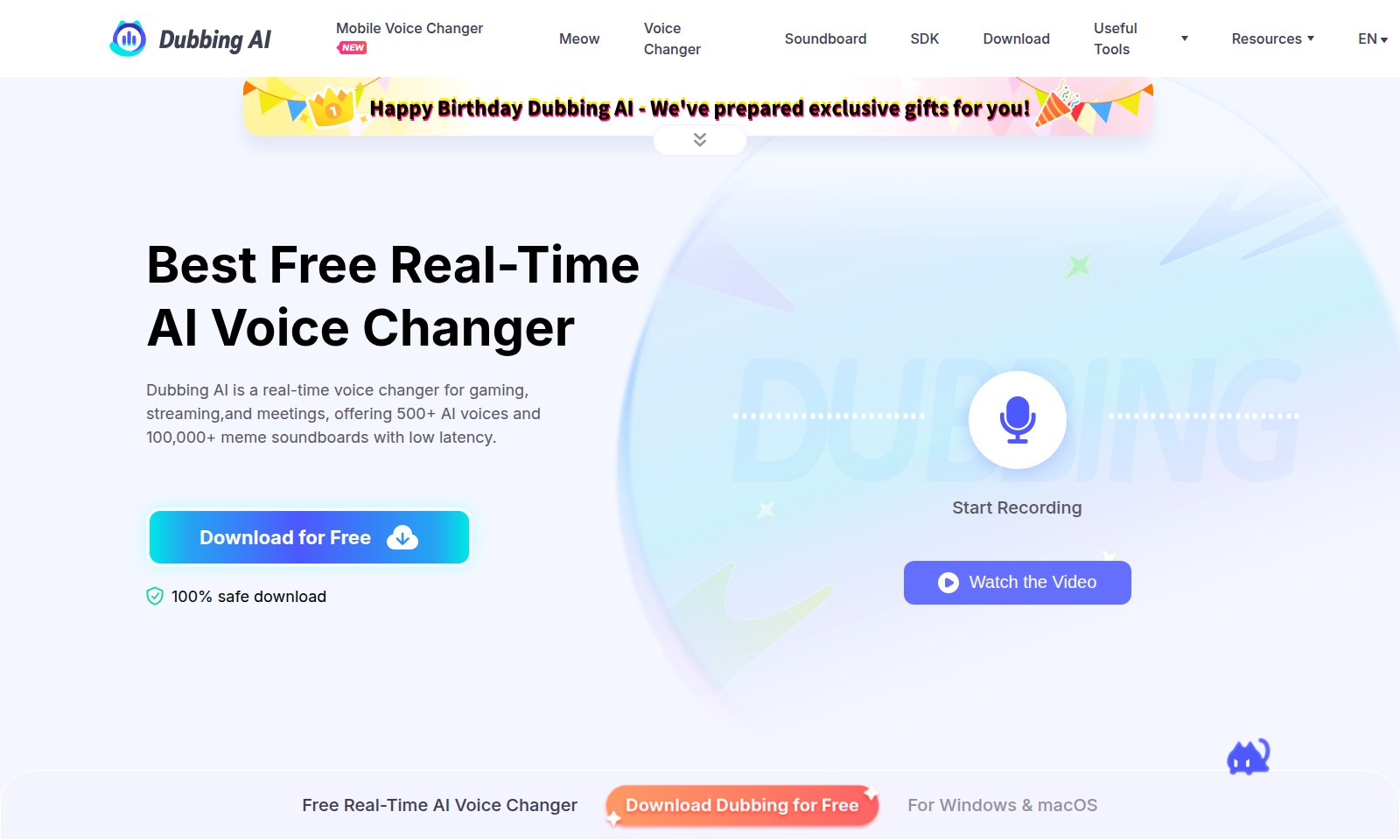
Dubbing AI Introduction
Revolutionize Your Audio Experience
Explore the ultimate tools for audio transformation and enhancement. Our website offers advanced solutions for voice modulation, sound effects, and audio conversion tailored for professionals and enthusiasts alike. Whether you seek to refine your accent, record high-quality audio, or remove vocals from your tracks, we provide everything you need to elevate your audio projects and unleash your creativity.
Dubbing AI Features
Perfect Accent Conversion - Achieve Clarity and Precision
Enhance your accent with our Utell Accent Conversion tool, designed to turn every word into smooth, standard English. This feature utilizes advanced algorithms to analyze and correct pronunciations, delivering clear and professional speech that meets the high standards of communication required in today's global landscape.
Online Voice Transformation - Accessibility and Flexibility
Transform your voice effortlessly online with our cutting-edge Online Voice Changer, compatible with any browser. This feature allows users to apply real-time effects to their voice without the need for any software installations, making it ideal for quick and easy voice modifications in various scenarios, from gaming to online meetings.
Advanced Vocal Removal - Clarity in Music
With our AI-powered Vocal Remover, easily separate vocals from music tracks. This functionality is particularly beneficial for musicians and content creators who require instrumental tracks without vocal interference, allowing for seamless mixing, karaoke setups, or customizations of their favorite songs.
Precision Instrumental Removal - Tailored Audio Solutions
Extract vocals from instrumentals with our state-of-the-art AI Instrumental Remover. This feature stands out for its ability to isolate and remove vocals while retaining the quality of the instrumental. It's perfect for users in the music industry looking to create karaoke versions of songs or for DJs wanting to remix tracks without the vocal layers.
High-Quality Voice Recording - Versatile Audio Capture
Record high-quality audio directly on your computer, tablet, or phone using our reliable Voice Recorder. This feature ensures that all recordings maintain crystal-clear sound quality, making it an excellent choice for podcasters, educators, and anyone in need of reliable audio capture capabilities.
Swift Audio Conversion - Efficiency at Your Fingertips
Convert your audio files into various formats like MP3, WAV, MP4, M4A, or OGG in seconds with our fast and simple Audio Converter. This feature is essential for users who need to play audio on various devices, ensuring compatibility without compromising quality.
Unique Sound Effect Generation - Creative Possibilities
Create unique sound effects with our ultimate Dubbing AI Sound Effect Generator. This feature allows for endless creativity, making it suitable for game developers, filmmakers, and content creators looking to enhance their projects with custom sound effects that capture the audience’s attention.
Frequently Asked Questions About Dubbing AI
Frequently Asked Questions
What is a mobile voice changer and how does it work?
A mobile voice changer is an application that allows you to alter your voice in real-time while you are communicating or recording. It uses advanced algorithms to modify pitch and tone, making your voice sound different by adding effects or changing it to an entirely different character.
Can I use the online voice changer on any browser?
Yes, our online voice changer is designed to work seamlessly on any modern browser. This means you can easily access it from your computer, tablet, or even mobile devices without needing to download any additional software.
How can I separate vocals from music using your vocal remover?
Our AI-powered vocal remover can quickly separate vocals from background music. To use it, simply upload your audio file, and our advanced technology will process it to deliver a version of the audio with the vocals removed, allowing you to enjoy the instrumental version.
What formats can I convert my audio files into?
You can convert your audio into various formats including MP3, WAV, MP4, M4A, and OGG using our audio converter tool. It's fast, simple, and ensures high-quality output that meets your audio needs.
Is there a way to create custom sound effects using your tools?
Absolutely! Our sound effect generator uses advanced Dubbing AI to help you create unique sound effects tailored to your needs. You can design and export your sounds quickly for use in various projects or presentations.
How to Use Dubbing AI
Step 1: Register an Account
Visit our website and click the 'Sign Up' button. Fill in your details and create a secure password to complete your registration.
Step 2: Verify Your Email
Check your inbox for a verification email and click the link provided. This ensures your account is activated and ready for use.
Step 3: Log In to Your Account
Return to the website and log in with your registered email and password. You'll be taken to your user dashboard where you can access all features.
Step 4: Set up Your Profile
Navigate to the profile settings section. Add your personal information and preferences to customize your user experience.
Step 5: Explore the Tools
Familiarize yourself with the features available. Click on various tools such as the Voice Changer, Vocal Remover, and Instrumental Remover to see their capabilities.
Step 6: Use the Voice Changer
Select the Voice Changer tool. Upload your audio file or record directly using your microphone, and choose from various sound options to alter your voice.
Step 7: Test the Vocal Remover
Try out the Vocal Remover by uploading a music track. Observe how the AI efficiently separates the vocals from the instrumental, allowing you to enjoy a karaoke experience.
Step 8: Experiment with Sound Effects
Access the Sound Effect Generator to create unique sound effects. Adjust settings until you get your desired results, then save or share them as needed.
Step 9: Download Your Creations
Once you're satisfied with the tools you've used, head to the download section. Download any edited audio files in your preferred format (MP3, WAV, etc.).
Step 10: Share or Use Your Creations
Finally, share your newly created audio files on social media or use them in your projects. Enjoy the versatility of your transformed audio creations!
Reviews
Pros
- Easy to use
- Fast processing
- Great results
- Affordable pricing
Cons
- Limited free version
- Requires internet connection
Comments
No comments yet. Be the first to share your thoughts!