GitMind
GitMind is a versatile AI tool for collaborative mind mapping, enabling users to brainstorm, organize, and co-create ideas effortlessly.
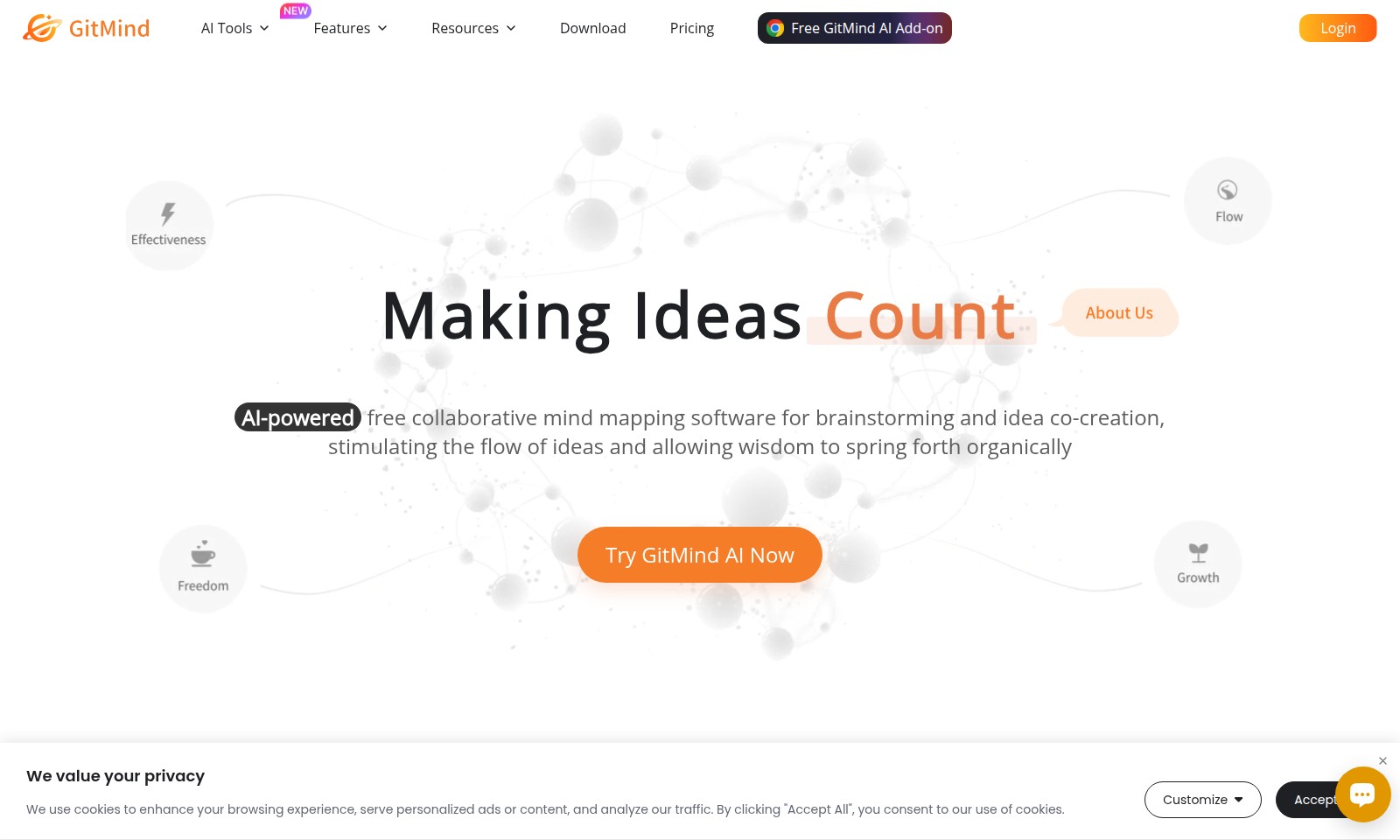
GitMind Introduction
GitMind: Unlocking Creative Potential
GitMind is an AI-powered collaborative mind mapping software designed to facilitate brainstorming and idea co-creation. This innovative tool enhances the flow of ideas, allowing creativity and wisdom to emerge organically, making it an invaluable resource for individuals and teams looking to harness their collective intelligence.
With GitMind, users can create visually appealing mind maps, flowcharts, organizational charts, UML diagrams, and swimlanes, all aimed at making ideas count. Its user-friendly interface and advanced features ensure that anyone can utilize the platform effectively, whether for personal projects or professional collaboration.
Join thousands of satisfied users who have rated GitMind a remarkable 4.5 on Trustpilot, 4.8 on G2, and a perfect 5.0 on both Capterra and AlternativeTo. Experience the journey of blossoming thoughts today and see where your ideas can take you.
GitMind Features
Feature Descriptions
Collaborative Mind Mapping - Enhance your brainstorming sessions with AI-driven tools that allow seamless collaboration. Users can simultaneously contribute ideas, ensuring that every voice is heard, fostering a more inclusive creative environment.
Intuitive Visual Interface - GitMind offers a user-friendly layout that simplifies the process of mapping thoughts and ideas. Its drag-and-drop functionality makes it easy for users of all skill levels to create intricate mind maps that flow naturally.
Real-time Co-Creation - Experience the power of real-time editing and feedback. Teams can work together simultaneously, ensuring that ideas evolve dynamically and instantly, which accelerates the decision-making process.
Interactive Feedback Mechanism - Utilize GitMind's feedback features to iterate on ideas effectively. This unique aspect allows for immediate input from collaborators, enhancing the quality and depth of the ideation process.
Diverse Formatting Options - With a variety of formats, including flowcharts and UML diagrams, GitMind allows users to represent their ideas in the most effective way possible. This adaptability ensures clarity and coherence in presentations and discussions.
Cloud-based Accessibility - Access your mind maps from anywhere at any time. GitMind’s cloud-based infrastructure allows users to work on their projects from different devices, ensuring that progress is never stalled by location constraints.
Advanced Integration Capabilities - GitMind seamlessly integrates with various platforms, enriching your workflow by enabling users to connect their favorite tools and enhance productivity without interruption.
Frequently Asked Questions About GitMind
Frequently Asked Questions
What is GitMind AI?
GitMind AI is a free collaborative mind mapping tool that leverages AI technology for brainstorming and idea co-creation. It empowers users to stimulate their creative flow and allows ideas to develop organically.
How can I use GitMind for brainstorming?
You can use GitMind's intuitive interface to create mind maps that visually organize your thoughts. Simply drag and drop to create connections between ideas, fostering collaboration and enhancing the brainstorming process.
Is there a cost to use GitMind AI?
GitMind offers a free version that includes essential features for mind mapping. For more advanced functionalities, you can explore various pricing plans tailored to different user needs.
What types of diagrams can I create with GitMind?
GitMind supports a variety of diagram types, including flowcharts, organizational charts, UML diagrams, and swimlanes. This versatility allows users to effectively visualize and organize a wide range of information.
How does GitMind enhance collaboration?
GitMind’s platform encourages collaborative work by allowing multiple users to contribute to the same mind map in real-time. This feature makes it easy to gather insights from different team members and improves the overall quality of ideas generated.
Can I trust GitMind with my data?
Yes, GitMind prioritizes user privacy and data security. The platform utilizes encryption and secure protocols to ensure that your ideas and information remain protected.
How to Use GitMind
Step 1: Register an Account
To start using GitMind AI, visit the website and click on the 'Login' button. If you don't have an account, select the option to register. Fill in the required information and create a password. Once completed, check your email for a confirmation link to activate your account.
Step 2: Set up Your Profile
After logging in, navigate to your profile settings. Here, you can add personal information, choose a profile picture, and adjust your preferences. This will help personalize your experience and make it easier to collaborate with others.
Step 3: Explore the Features
Take a tour of GitMind AI's features. The software offers collaborative mind mapping, flowcharts, organizational charts, UML diagrams, and more. Familiarize yourself with these tools to understand how they can assist you in brainstorming and idea co-creation.
Step 4: Start a New Project
Click on the 'New Project' button on the dashboard. Choose a template that fits your needs, or start with a blank canvas. This is your space to begin visualizing your thoughts and ideas.
Step 5: Collaborate with Others
Invite collaborators by sharing your project link. Use the sharing options available to work together in real-time. This feature enhances the brainstorming process and allows for a free flow of creativity.
Step 6: Utilize Key Features
Experiment with different features like mind maps and flowcharts. Use AI-assisted suggestions to stimulate your thinking. The platform provides tools to help organize your thoughts visually, making them easier to understand and share.
Step 7: Save and Export Your Work
Once you have crafted your project, don't forget to save your progress. You can also export your mind maps and diagrams in various formats for presentations or sharing outside the platform.
Step 8: Access Resources for Improvement
Check out the 'Resources' section of the website. This area contains tutorials, tips, and best practices to help you maximize your use of GitMind AI. Continuous learning will enhance your skills in using the tools effectively.
Reviews
Pros
- Easy to use
- Fast processing
- Great results
- Affordable pricing
Cons
- Limited free version
- Requires internet connection
Comments
No comments yet. Be the first to share your thoughts!
GitMind - Alternative Platforms
For some alternatives to GitMind that you may need, we provide you with sites divided by features.

Minutes AI helps automate note taking and transcription, providing beautifully formatted notes and a secure, user-friendly experience.
Gladia provides a robust speech-to-text API that delivers high accuracy and seamless integration for voice applications, designed for developers and businesses.
Nutshell is an efficient CRM solution designed to help teams save time and close deals faster, featuring robust automation and seamless integrations.
This page addresses a Bubble app connection issue and urges users to upgrade their app plan for custom domain functionality.