Dropbox Sign
Dropbox Sign simplifies the signing process, offering quick, legally binding eSignatures that streamline document workflows and enhance productivity.
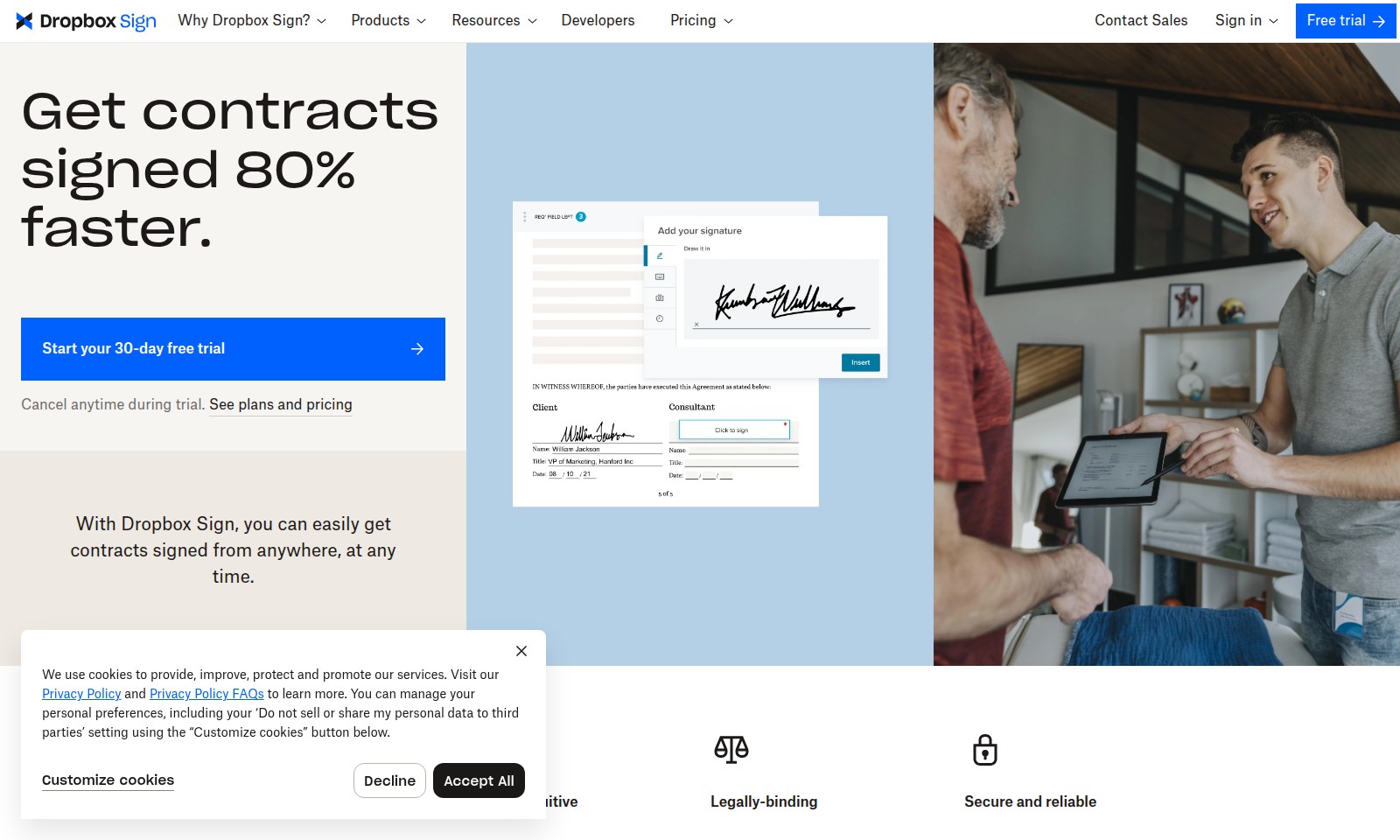
Dropbox Sign Introduction
Transform Your Signing Experience
Dropbox Sign revolutionizes the way contracts are signed, offering a seamless solution that allows you to get documents signed 80% faster. With our platform, you can initiate the signing process from anywhere, at any time, ensuring that your workflows remain uninterrupted. Experience the benefits of modern signing solutions and eliminate the traditional bottlenecks associated with paper-based processes.
Dropbox Sign Features
Get Contracts Signed 80% Faster - Streamline Your Signing Process
Experience the efficiency of Dropbox Sign and ensure contracts are signed quickly, saving you valuable time. Automated follow-ups and robust workflows facilitate a greatly reduced time to signature compared to traditional paper methods.
Easy and Intuitive Interface - Simplified User Experience
Regardless of technical proficiency, Dropbox Sign offers a user-friendly interface that makes the signing process seamless for everyone. This accessibility helps enhance user experience, reducing friction in contract execution.
Legally-Binding Signatures - Assurance of Authenticity
With comprehensive audit trails, Dropbox Sign guarantees proof of document access, review, and signature, making it a trustworthy solution for legally-binding agreements. This feature caters to businesses that require certainty and compliance in their document processes.
Secure and Reliable Signature Requests - Protect Your Information
Dropbox Sign emphasizes the security of your documents, ensuring that sensitive information remains confidential while facilitating signature requests. This critical feature meets the needs of organizations handling confidential contracts.
Integrated Workflows - Centralize Your Agreement Processes
Seamlessly integrate Dropbox Sign with your existing tools, such as Salesforce, to manage your document workflows efficiently. This enhances collaboration across teams, leading to quicker deal closures and improved document completion rates.
On-Brand Signing Experience - Enhance Professionalism
Customize the signing process to reflect your brand identity, creating an on-brand experience for your clients that fosters professionalism and trust. This feature is particularly vital for businesses aiming to uphold their brand image during crucial transactions.
Frequently Asked Questions About Dropbox Sign
FAQ
Q: How does Dropbox Sign help speed up the signing process?
A: Dropbox Sign allows you to get contracts signed up to 80% faster than traditional methods. With automated follow-ups and user-friendly workflows, you can streamline the signature process, ensuring quick turnarounds on important documents.
Q: Is Dropbox Sign secure for sensitive documents?
A: Yes, Dropbox Sign offers a secure platform for signing contracts. All documents are protected, and you can request signatures confidently, knowing that they are legally binding and come with an audit trail for verification.
Q: How can I integrate Dropbox Sign into my existing workflows?
A: You can easily integrate Dropbox Sign with your current systems, including Salesforce, by utilizing our API. Our eSignature API is quick to implement, allowing you to create a seamless signing experience that matches your brand and fits into your workflow effortlessly.
Q: Do I need to have technical skills to use Dropbox Sign?
A: Not at all! Dropbox Sign is designed to be intuitive and user-friendly, ensuring that everyone, regardless of their tech expertise, can easily sign documents and complete agreements. However, for businesses looking to integrate with their systems, some technical support might be beneficial to maximize the uses of our API.
Q: What if I don't like the Dropbox Sign service during the trial?
A: Dropbox Sign offers a hassle-free 30-day free trial that you can cancel at any time. If you find that it doesn't match your needs, simply cancel before the trial ends without any obligations. Experience the service risk-free!
Q: Can I track the progress of my documents sent for signing?
A: Yes, you can stay updated on the status of your documents. Dropbox Sign provides tracking features, enabling you to monitor progress and ensure timely completion of agreements, helping you close deals faster.
How to Use Dropbox Sign
Step 1: Sign Up for Your Account
To get started with Dropbox Sign, navigate to the website and click on the 'Sign Up' button. Fill in the required fields, including your email address and a secure password. Click 'Create Account' to finish your registration.
Step 2: Verify Your Email Address
After registration, check your email for a verification link from Dropbox Sign. Click on the link to confirm your account. This step ensures that your account is secure and set up correctly.
Step 3: Set Up Your Profile
Log in to your new account and complete your profile. Fill in your name and any relevant information that may help personalize your signing experience. A well-structured profile can enhance communication and organization.
Step 4: Explore the Dashboard
Once your profile is set up, take a moment to explore the user-friendly dashboard. Familiarize yourself with the layout, including key features like sending documents for signing and tracking their status. Understanding your environment will ease your workflow.
Step 5: Start a New Document
To initiate the signing process, click on the 'Start a New Document' button. Upload the document you wish to get signed. Ensure the document is in an accepted format for seamless processing.
Step 6: Add Recipients
After uploading, you will need to add recipient email addresses. Enter the emails of the individuals who need to sign the document and assign signing roles as necessary. This will guide Dropbox Sign on how to send the document correctly.
Step 7: Customize Your Message
Personalize the message that accompanies the document. A friendly message can set the tone and encourage timely responses from recipients. Make it clear and concise to improve the chances of a swift signature.
Step 8: Send the Document
Once everything is set, click 'Send' to dispatch your document. Dropbox Sign will take care of the delivery and notify you once the document is opened.
Step 9: Track the Document
Use the system's tracking feature to monitor the status of your document. You will receive notifications when the document is viewed and finalized, which helps you stay organized during the signing process.
Step 10: Receive Signed Document
After all parties have signed, you will receive the completed document via email. This document is legally binding and can be stored securely within your account for future reference.
Step 11: Analyze Workflow
Use Dropbox Sign’s analytics tools to evaluate the signing process. Determine which documents took longer and see if there are areas for improvement in your submission process.
Step 12: Automate Future Processes
Once comfortable with the basics, explore automation tools. Setup automated follow-ups to remind recipients of outstanding documents to enhance efficiency. Integrate with other applications like Salesforce to streamline your workflow further.
Reviews
Pros
- Easy to use
- Fast processing
- Great results
- Affordable pricing
Cons
- Limited free version
- Requires internet connection
Comments
No comments yet. Be the first to share your thoughts!
Dropbox Sign - Alternative Platforms
For some alternatives to Dropbox Sign that you may need, we provide you with sites divided by features.

Sonic-3 offers human-like text-to-speech capabilities for various applications, providing emotional nuances and rapid response times.
Uprise offers embedded tax and advisory services, enhancing SMB platforms for business owners with personalized financial guidance and integration.
Outter offers tailored, plug-and-play AI solutions for fast integration, focusing on user engagement, privacy, and ROI enhancement.
LightPDF offers advanced PDF tools including editing, OCR, conversion, and AI chat features, ensuring productivity and ease of use.