Layout
Layout enables quick prototyping of ideas with user-friendly tools, featuring numerous templates and collaborative capabilities.
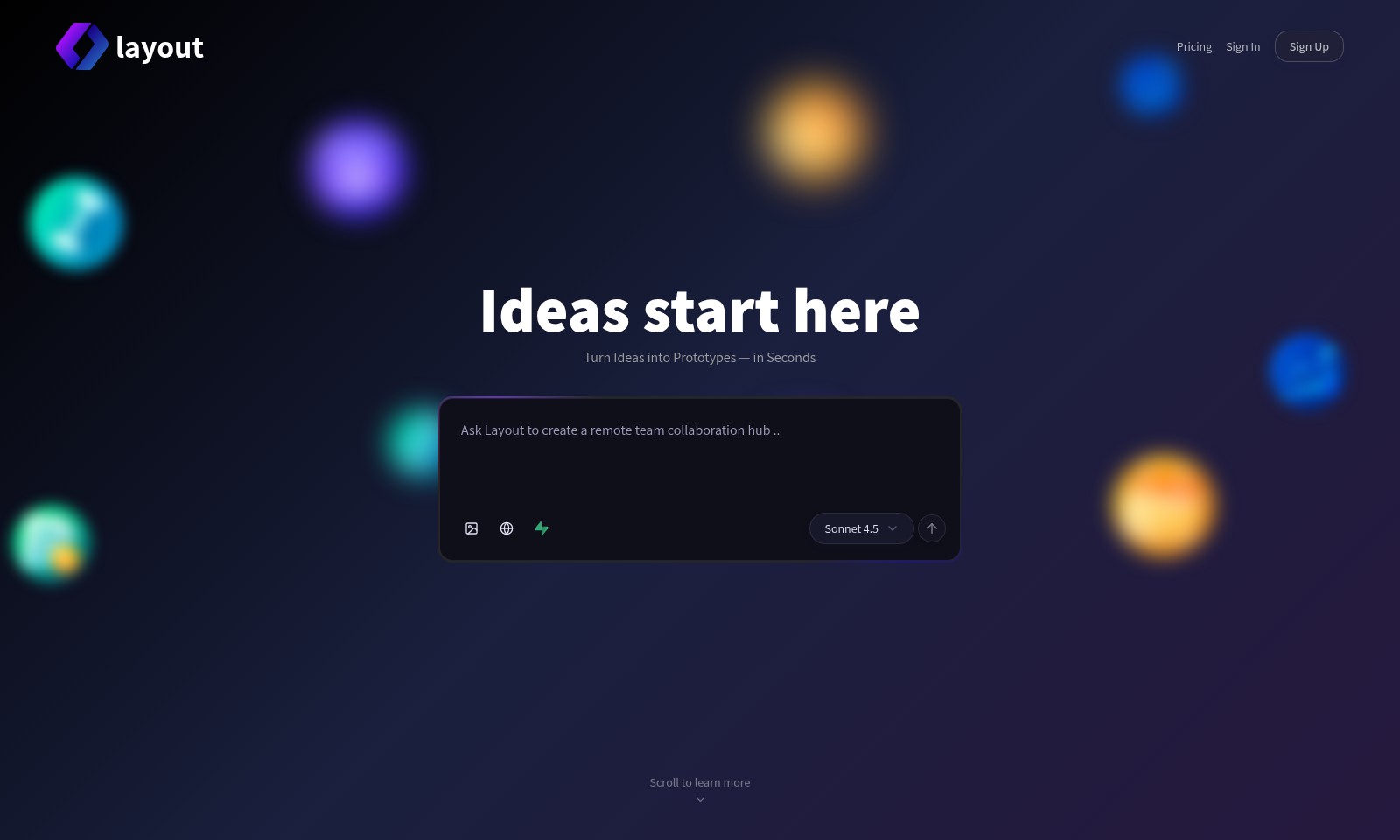
Layout Introduction
Turn Ideas into Prototypes — in Seconds
At our platform, we empower innovators and creators by providing an intuitive space where your ideas can quickly transform into tangible prototypes. With specialized tools and resources, we ensure that your concepts are not only imagined but also realized with remarkable efficiency.
Layout Features
Feature 1 - Rapid Prototype Development
Transform your ideas into working prototypes in mere seconds, enabling immediate feedback and iteration. This feature integrates a drag-and-drop interface that simplifies the design process and reduces time from concept to execution.
Feature 2 - Comprehensive Pricing Model
Experience transparency with our comprehensive pricing model that caters to all sizes of businesses. The pricing structure is designed to provide clear ROI and cost analysis tools that allow users to understand their spending and budget accordingly.
Feature 3 - Seamless User Authentication
Enhance security and user experience with our seamless sign-in and sign-up processes. Utilizing advanced encryption technology, users can access their accounts with confidence, knowing their information is secure.
Feature 4 - Advanced Idea Management
Encourage innovation with a robust ideas management feature that allows users to submit, track, and collaborate on ideas efficiently. This system not only streamlines the ideation process but also integrates user feedback to refine and enhance concepts.
Feature 5 - User-Centric Layout Design
Create visually appealing and functional layouts with our user-centric design tools. This feature includes customizable templates tailored to various industries, ensuring that each layout meets specific business needs while maintaining aesthetic standards.
Frequently Asked Questions About Layout
Frequently Asked Questions
What is Layout?
Layout is a versatile framework designed to help users create and organize content effortlessly on their websites. It offers customizable design options, allowing for a unique aesthetic tailored to your brand.
How does Layout work?
Layout operates through a user-friendly interface that simplifies the web design process. By utilizing drag-and-drop features, users can easily position elements and create prototypes in real time, making web development accessible to everyone.
Do I need to know how to code to use Layout?
No coding knowledge is required to use Layout. The platform is built for users of all skill levels, offering intuitive tools and resources that guide you through the creation process without the need for technical expertise.
What features does Layout offer?
Layout provides a range of features, including pre-designed templates, responsive design options, and an extensive library of media assets. These capabilities allow users to enhance their web projects with professional quality and functionality.
Can I collaborate with others on my Layout projects?
Yes, Layout supports collaboration, allowing multiple team members to work on projects simultaneously. This feature is particularly useful for businesses and organizations that require input from different stakeholders during the design process.
How to Use Layout
Step 1: Sign Up
Visit the website and click on the 'Sign Up' button. Fill in your basic details, including your email address and preferred password. Make sure to check your email for a confirmation link to activate your account.
Step 2: Sign In
Once your account is verified, return to the website and click on 'Sign In'. Enter your registered email and password to access your profile. If you forget your password, use the 'Forgot Password?' link to reset it.
Step 3: Set Up Your Profile
On your dashboard, locate the profile settings. Click 'Edit Profile' to enter additional information such as your name, profile picture, and contact details. This helps personalize your experience on the platform.
Step 4: Explore the Dashboard
After setting up your profile, take a moment to familiarize yourself with the dashboard layout. Look for navigation options such as 'Ideas', 'Pricing', and 'My Projects'. Understanding the layout is crucial for smooth navigation.
Step 5: Start a New Project
To begin using key features, click on 'Start a New Project'. This will guide you to a page where you can name your project and select a template that fits your needs. Look through the available options until you find one that excites you.
Step 6: Use the Design Tools
Explore the design tools available for your project. You can customize templates, add elements, and visualize your ideas. Take your time to experiment, as this is where you can turn your ideas into prototypes quickly.
Step 7: Collaborate with Others
If collaboration is an integral part of your project, invite team members by clicking on the 'Collaborate' button. Enter their email addresses to grant access to your project. Effective collaboration can enhance your productivity and creativity.
Step 8: Preview Your Project
Before finalizing your project, make sure to preview it. Click on the 'Preview' button to see how it will look once it goes live. Check for any necessary adjustments or edits needed to improve the end result.
Step 9: Publish Your Work
Once you're satisfied with your project, it's time to publish. Hit the 'Publish' button and follow the prompts to make your project accessible to others. Remember, you can always make updates post-publication.
Step 10: Seek Support
If you encounter any difficulties while using the platform, don't hesitate to check the 'Frequently Asked Questions' or contact customer support. Help is readily available to ensure you make the most of your experience.
Reviews
Pros
- Easy to use
- Fast processing
- Great results
- Affordable pricing
Cons
- Limited free version
- Requires internet connection
Comments
No comments yet. Be the first to share your thoughts!
Layout - Alternative Platforms
For some alternatives to Layout that you may need, we provide you with sites divided by features.

Atoms is an AI-powered platform designed for building, launching, and managing applications efficiently, streamlining the development process.
Fabricate offers an easy way to turn app ideas into reality using AI. Choose from various templates and build with minimal effort.
Discover how Runner AI generates product images, listings, and complete storefronts with AI, saving time and costs for e-commerce growth.
A platform for building diverse projects like dashboards and games using AI solutions, featuring robust security and various hosting options.