Magic Eraser
Magic Eraser allows users to clean photos by removing distractions effortlessly using AI technology, with support for various image formats.
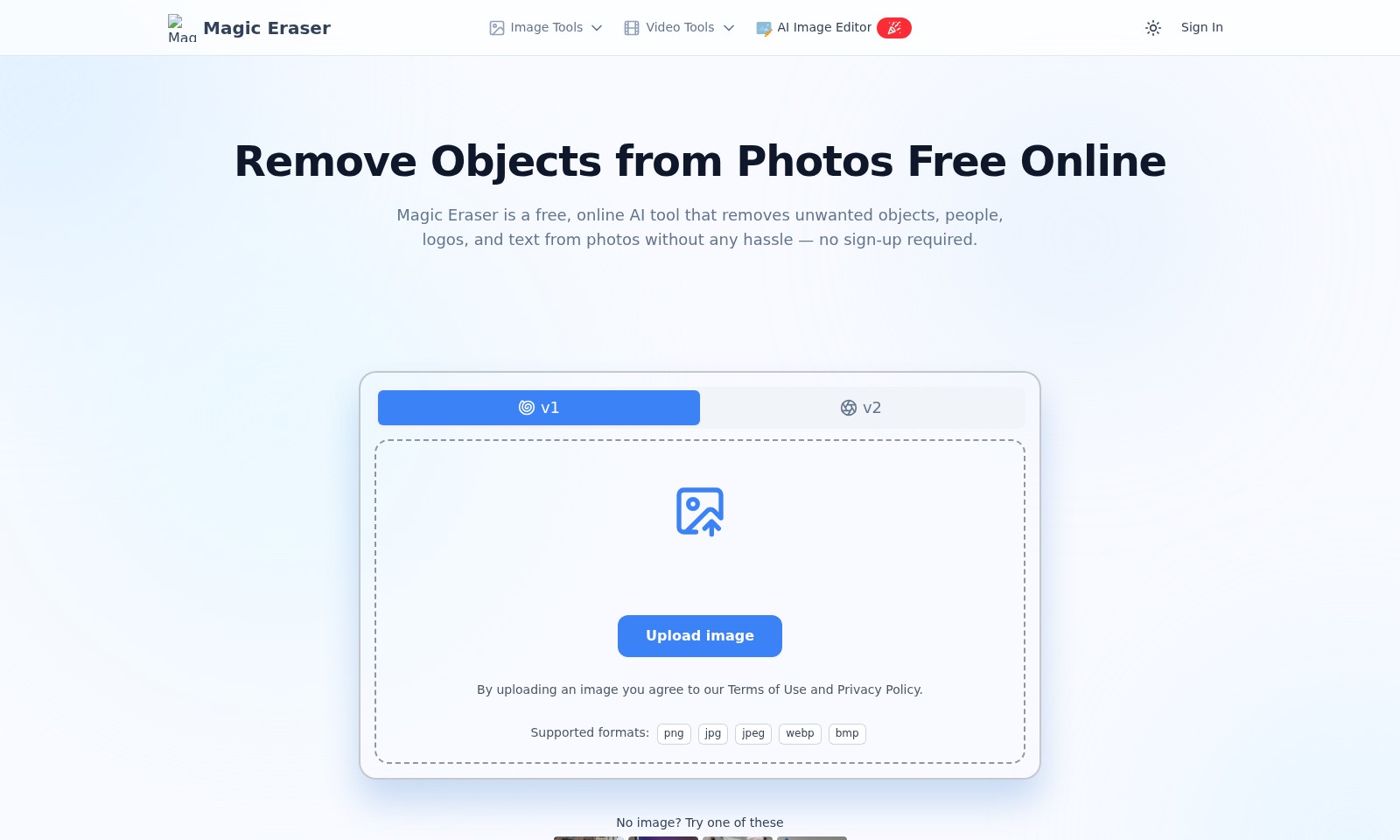
Magic Eraser Introduction
Magic Eraser: The Ultimate AI Tool for Effortless Photo Editing
Magic Eraser is a revolutionary online tool designed to enhance your photo editing experience by seamlessly removing unwanted elements from your images without any hassle. With no sign-up required, users can quickly upload their photos and start refining them instantly, making it an invaluable resource for photographers, marketers, and social media enthusiasts alike.
Magic Eraser Features
Magic Eraser - Effortless Image Editing
Magic Eraser allows users to seamlessly remove unwanted elements from their photos, enhancing the overall quality with minimal effort. The tool uses advanced AI algorithms to identify and eliminate distractions, making it ideal for various applications such as product photography or personal images.
Versatile Object Removal - All Major Formats Supported
Supporting major image formats including JPG, PNG, and WEBP, Magic Eraser caters to a wide range of user needs. Whether you're a professional photographer or a casual user, you can effortlessly enhance your images without worrying about format compatibility.
User-Friendly Interface - No Sign-Up Required
With Magic Eraser, users can enjoy a hassle-free experience without the need for account creation. The intuitive interface enables quick uploads and immediate editing, streamlining the process for efficiency and convenience.
High-Quality Results - Maintains Original Image Integrity
Magic Eraser ensures that the integrity of the original image is preserved, offering high-quality results even after object removal. This functionality is crucial for users who require precision in their digital content, such as social media managers and marketers.
Fast Processing - Instant Results Guaranteed
Thanks to its robust AI capabilities, Magic Eraser delivers instant results, allowing users to see changes in real-time. This speed is particularly beneficial for busy professionals who need quick edits for timely content sharing.
Mobile-Friendly - Edit on the Go
Magic Eraser is optimized for mobile devices, enabling users to edit images while on the move. This feature is essential for travel bloggers and social media influencers who often need to enhance their visuals instantly.
Secure and Private - Your Images Stay Safe
By utilizing Magic Eraser, users can rest assured that their images remain secure. The online tool prioritizes user privacy, ensuring that uploads are handled with strict confidentiality.
Frequently Asked Questions About Magic Eraser
Frequently Asked Questions
What is Magic Eraser?
Magic Eraser is a free online AI tool designed to effortlessly remove unwanted objects, people, logos, and text from your photos. No sign-up is required to use this tool, making it accessible for everyone.
What types of images can I upload?
You can upload images in various formats including JPG, PNG, and WEBP. This flexibility ensures that you can use Magic Eraser for all your image editing needs whether they are product shots, selfies, or landscape photos.
Can I use Magic Eraser for commercial images?
Yes! Magic Eraser is perfect for cleaning up product images by removing logos and unwanted objects, ensuring your listings look professional and appealing to potential buyers.
Is there a limit to the number of images I can edit?
There is no specific limit to the number of images you can edit using Magic Eraser. You can process as many images as needed without any restrictions.
Do I need to sign up to use Magic Eraser?
No, you do not need to sign up or create an account to use Magic Eraser. Simply upload your image, and you can start editing right away.
How does Magic Eraser maintain my privacy?
When you upload an image using Magic Eraser, it adheres to strict privacy policies. Just make sure to review the Terms of Use and Privacy Policy detailed on the website.
How to Use Magic Eraser
Step 1: Sign In to Magic Eraser
To get started, visit the Magic Eraser website. Click on the 'Sign In' button located at the top right corner. Enter your credentials to access your account and begin using the tools available.
Step 2: Upload Your Image
Once signed in, look for the 'Upload image' button. Click it to select the photo you want to edit. Remember that you can upload images in various formats, including PNG, JPG, and WEBP. Ensure you comply with the Terms of Use and Privacy Policy as you upload your image.
Step 3: Choose the Tool You Need
After uploading, you will see several tools available for your use. Select the 'Magic Eraser' tool to start removing unwanted elements from your image. Familiarize yourself with the available tools to make your photo editing experience seamless.
Step 4: Remove Unwanted Objects
With the Magic Eraser tool selected, click on the objects, people, or text you wish to remove. Use the eraser wisely for precise removal. You can also undo any action if necessary, which is especially useful when making multiple edits.
Step 5: Adjust and Preview
After erasing the unwanted elements, take a moment to review your image. Make any additional adjustments if necessary to ensure everything looks perfect. Most importantly, check that the background appears smooth and natural.
Step 6: Download Your Edited Image
Once you are satisfied with your edits, look for the 'Download' button. Click it to download your newly edited image. Ensure to save it in the desired format and location on your device for easy access later.
Reviews
Pros
- Easy to use
- Fast processing
- Great results
- Affordable pricing
Cons
- Limited free version
- Requires internet connection
Comments
No comments yet. Be the first to share your thoughts!