Free MP3 to Text Online Converter
mp3totext.net offers a free, easy-to-use MP3 to text conversion tool, allowing users to transcribe audio files quickly and efficiently.
Free MP3 to Text Online Converter Introduction
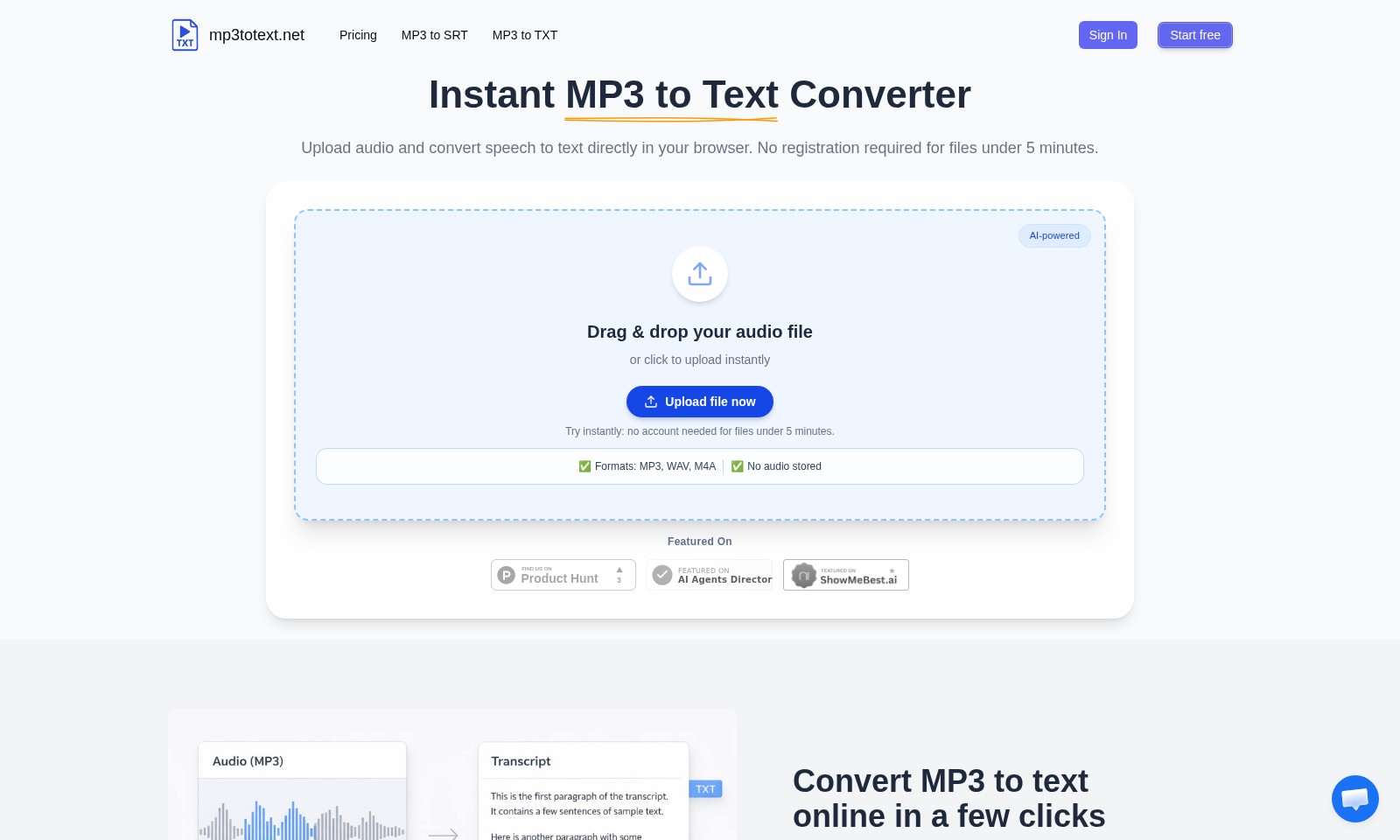
Instant MP3 to Text Converter
Transform your audio recordings into accurate text with our state-of-the-art instant MP3 to text converter. Whether you are a student, journalist, or content creator, our tool streamlines the transcription process, allowing you to focus on what matters most—your ideas. With no registration required for audio files under five minutes, getting started is simple and efficient. Upload your MP3, WAV, or M4A file directly in your browser, and let our AI-powered technology do the rest.
Free MP3 to Text Online Converter Features
Instant MP3 to Text Conversion - Speed and Efficiency
Transform your audio recordings into text effortlessly. Our MP3 to text converter delivers rapid results by processing files directly in your browser without any downloads or installations, ensuring you save valuable time.
AI-Powered Accuracy - Enhanced Transcription Quality
Experience industry-leading transcription accuracy powered by advanced AI algorithms. Our technology intelligently differentiates between various speakers and captures nuances in dialogue, providing you with a text output that reflects the original speech closely.
User-Friendly Interface - Accessibility for Everyone
Our drag-and-drop feature simplifies the uploading process, making it accessible to users of all technical backgrounds. Even if you're new to technology, converting your audio files to text is as easy as a few clicks.
No Audio Storage - Privacy and Security
Protect your sensitive information with our commitment to privacy. We do not store any uploaded audio files, ensuring that your data remains confidential and secure throughout the conversion process.
Quick Turnaround Time - Get Results Instantly
For files under 5 minutes, enjoy the benefit of immediate results without the need for account creation or waiting times. Simply upload, convert, and download your transcript within seconds, making it perfect for urgent needs.
Support for Multiple Formats - Versatility in File Types
Our converter supports various formats, including MP3, WAV, and M4A. This flexibility allows users to convert their audio files regardless of the source, catering to a wide range of needs and preferences.
Cost-Free Initial Experience - Try Before You Buy
Start using our service for free with no obligations for short audio clips. This gives potential users the chance to evaluate our transcription quality and ease of use without committing to a purchase.
Frequently Asked Questions About Free MP3 to Text Online Converter
FAQs about MP3 to Text Conversion
1. How can I convert an MP3 file to text? To convert an MP3 file to text, simply upload your audio file to our MP3 to text converter. Our AI-powered tool will process the audio and generate a transcript, allowing you to easily access the text content.
2. Do I need an account to use the MP3 to text converter? No registration is required for files under 5 minutes. You can start converting audio to text instantly without creating an account, which makes it convenient for quick conversions.
3. What audio formats does your service support? Our converter currently supports various audio formats including MP3, WAV, and M4A. You can upload any of these formats, and our tool will seamlessly convert the speech to text.
4. Is my audio data stored after conversion? No, we prioritize your privacy and security. Our service does not store any audio files after processing, ensuring that your data remains confidential and secure.
5. What if my audio file is longer than 5 minutes? For audio files longer than 5 minutes, you will need to sign in or create an account to access our full services. This ensures you can convert larger files without any hassle.
6. Can I use the converter on any device? Yes, our MP3 to text converter works directly in your browser, making it accessible from any device with internet connectivity. There's no need for heavy installations or complex software.
How to Use Free MP3 to Text Online Converter
Step 1: Register for an Account
To access all features, start by registering for an account on mp3totext.net. Click on the 'Sign In' button at the top right corner, then select 'Start free' to begin the registration process. Fill out the required details to create your profile.
Step 2: Set Up Your Profile
Once registered, log in to your account and navigate to your profile settings. Ensure all your information is accurate and up-to-date. This information could help in personalizing your experience on the platform.
Step 3: Upload Your Audio File
To convert speech into text, drag and drop your audio file into the designated area or click 'Upload MP3'. You can upload files in formats such as MP3, WAV, and M4A. For files under 5 minutes, you won’t need an account, making the process faster and easier for quick conversions.
Step 4: Convert Your File
After uploading, the AI-powered tool will begin processing your audio. This typically takes just a few moments. You’ll see a loading indicator, and once complete, the text will appear on your screen.
Step 5: Review Your Transcript
Take a moment to review the generated text for accuracy. While the AI is quite effective, proofreading is essential to catch any errors or misinterpretations.
Step 6: Download Your Transcript
Once you’re satisfied with the text, click on the download button to save your transcript in the desired format (either SRT or TXT). This allows easy access and sharing of your notes whenever needed.
Step 7: Utilize Key Features
Explore additional features such as saving your transcripts directly in your account for future reference or using the tool for longer audio files by purchasing credits. Familiarize yourself with the interface to maximize your efficiency in converting audio to text.
Reviews
Pros
- Easy to use
- Fast processing
- Great results
- Affordable pricing
Cons
- Limited free version
- Requires internet connection
Comments
No comments yet. Be the first to share your thoughts!
Free MP3 to Text Online Converter - Alternative Platforms
For some alternatives to Free MP3 to Text Online Converter that you may need, we provide you with sites divided by features.

Minutes AI helps automate note taking and transcription, providing beautifully formatted notes and a secure, user-friendly experience.
Gladia provides a robust speech-to-text API that delivers high accuracy and seamless integration for voice applications, designed for developers and businesses.
Nutshell is an efficient CRM solution designed to help teams save time and close deals faster, featuring robust automation and seamless integrations.
This page addresses a Bubble app connection issue and urges users to upgrade their app plan for custom domain functionality.