Revise
Revise empowers writers with AI editing that maintains their voice, offering full control over edits, custom styles, and easy collaboration.
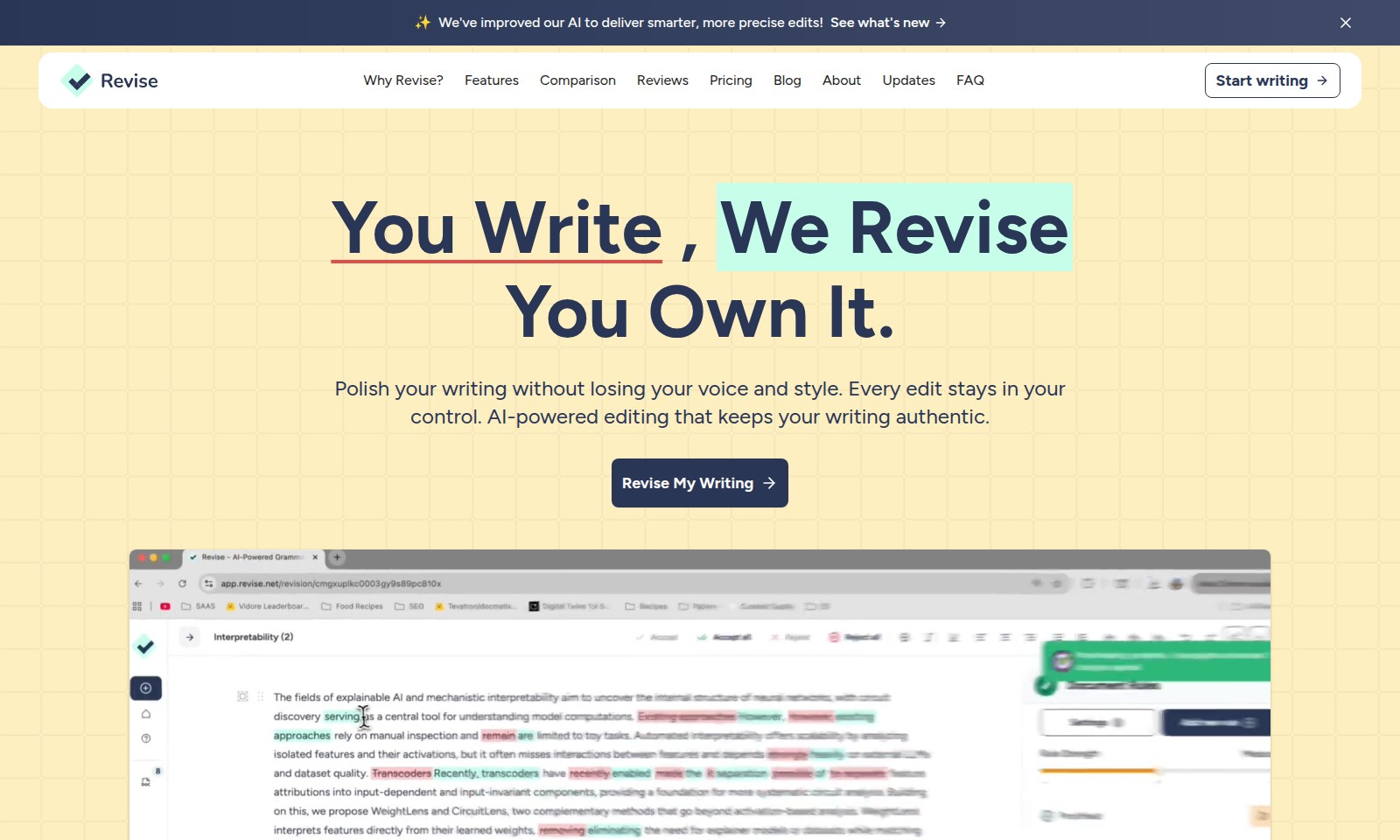
Revise Introduction
Elevate Your Writing with Precision and Control
Experience a new frontier in writing enhancement with our advanced AI technology. Our platform is designed to provide intelligent editing solutions that empower you to maintain your unique voice while achieving greater clarity and professionalism in your writing. With features such as change tracking and customizable style rules, you can refine your text effortlessly and see exactly how your words transform with each edit.
Revise Features
Intelligent Editing - Enhance Clarity and Precision
Get the most out of your writing with AI-powered editing that enhances clarity while preserving your unique voice. Our advanced algorithms deliver smarter edits tailored to your specific needs.
Full Control Over Changes - Tailor Your Drafts
Review and accept or reject changes individually to maintain total control over your content. Our transparent editing process lets you see exactly what adjustments were made and why, allowing for personalized enhancements.
Custom Style Integration - Personalize Your Voice
Define and integrate your unique style rules into the editing process. This feature allows you to customize prompts to ensure that every piece, whether casual emails or in-depth articles, resonates with your individual style.
Adaptive Learning - AI That Knows You
Our state-of-the-art AI learns from your interactions, adapting to your tone, personality, and writing quirks. With each edit, it becomes more aligned with your distinct writing style, ensuring authenticity across every project.
Efficient Workflow - Speed Up Your Writing Process
Revise streamlines your editing workflow, enabling you to expedite everything from quick communications to extensive documents without compromising your voice. The AI integration significantly reduces your editing time, allowing you to focus on crafting compelling content.
Multi-Use Applications - Versatility Across Formats
Revise’s technology is versatile enough to cater to various writing styles and formats. Whether you’re drafting a professional email, a blog post, or academic pieces, our AI-powered tool adapts to meet your specific writing demands.
Frequently Asked Questions About Revise
FAQs about Our AI-Powered Editing
1. How does the AI editing process work?
Our AI analyzes your writing and provides suggestions that improve clarity, tone, and style. You have full control, allowing you to accept or reject each change at your convenience.
2. Can I customize the editing style to fit my voice?
Absolutely! You can define your own style rules and add custom prompts. This feature helps ensure that your writing maintains its authentic voice, no matter the project.
3. Is my writing safe with your AI?
Yes, your writing is secure. You retain ownership of all your edited content, and the AI only learns from your inputs to enhance your experience without compromising your privacy.
4. What types of documents can I use the AI for?
Our AI is versatile and can assist with everything from quick emails to long-form articles. You can adjust the level of editing from light touch-ups to full rewrites, depending on your needs.
5. How does the AI learn my personal writing style?
The AI learns your tone, personality, and unique writing quirks through practice. As you use the tool and provide feedback, it tailors its suggestions to suit your individual preferences.
6. What features set your AI apart from others?
Our AI offers change tracking, customizable style rules, and the ability to learn your voice over time. This ensures a personalized editing experience that keeps your writing authentic and true to your style.
How to Use Revise
Create an Account
Start by visiting our website and click on the 'Sign Up' button. Fill in your email and choose a secure password to create your account.
Verify Your Email
Check your inbox for a verification email and click the link provided. This step ensures your account is secure and confirms your email address.
Set up Your Profile
Once logged in, navigate to 'Profile Settings' to customize your profile. Upload a profile picture and fill in additional details to help personalize your experience.
Explore Key Features
Take a tour of the dashboard to familiarize yourself with the interface. Explore features like 'Revise My Writing' and 'Define Your Style' to understand how they work.
Start Writing
Select the 'Start Writing' option and begin drafting your text. Use the features available to edit your document in real-time.
Revise Your Writing
Once done, click on 'Revise My Writing' to see AI-powered suggestions. Review changes one by one and decide what to accept or reject.
Maintain Your Style
Customize your editing preferences under 'Define Your Style'. Add style rules and custom prompts that match your writing voice to maintain authenticity.
Save and Share
After making your final edits, save your document. Use the sharing options to send your document to others or share directly to social platforms.
Reviews
Pros
- Easy to use
- Fast processing
- Great results
- Affordable pricing
Cons
- Limited free version
- Requires internet connection
Comments
No comments yet. Be the first to share your thoughts!
Revise - Alternative Platforms
For some alternatives to Revise that you may need, we provide you with sites divided by features.

TopPDF offers comprehensive PDF tools for editing, converting, and managing files efficiently, used by millions worldwide.
AI Notes revolutionizes note-taking with features like AI summaries, auto-sorting, and secure storage, making it easy to capture and organize thoughts.
Bartleby offers homework solutions, tutoring, and writing tools for various subjects, empowering students to learn effectively.
LanguageTool is an advanced AI-driven tool for grammar checking, paraphrasing, and enhancing writing style, ensuring error-free communication in various languages.