AI Age
RightHair offers a free AI tool to try 200+ hairstyles and colors instantly, ensuring privacy and user-friendly access without an app.
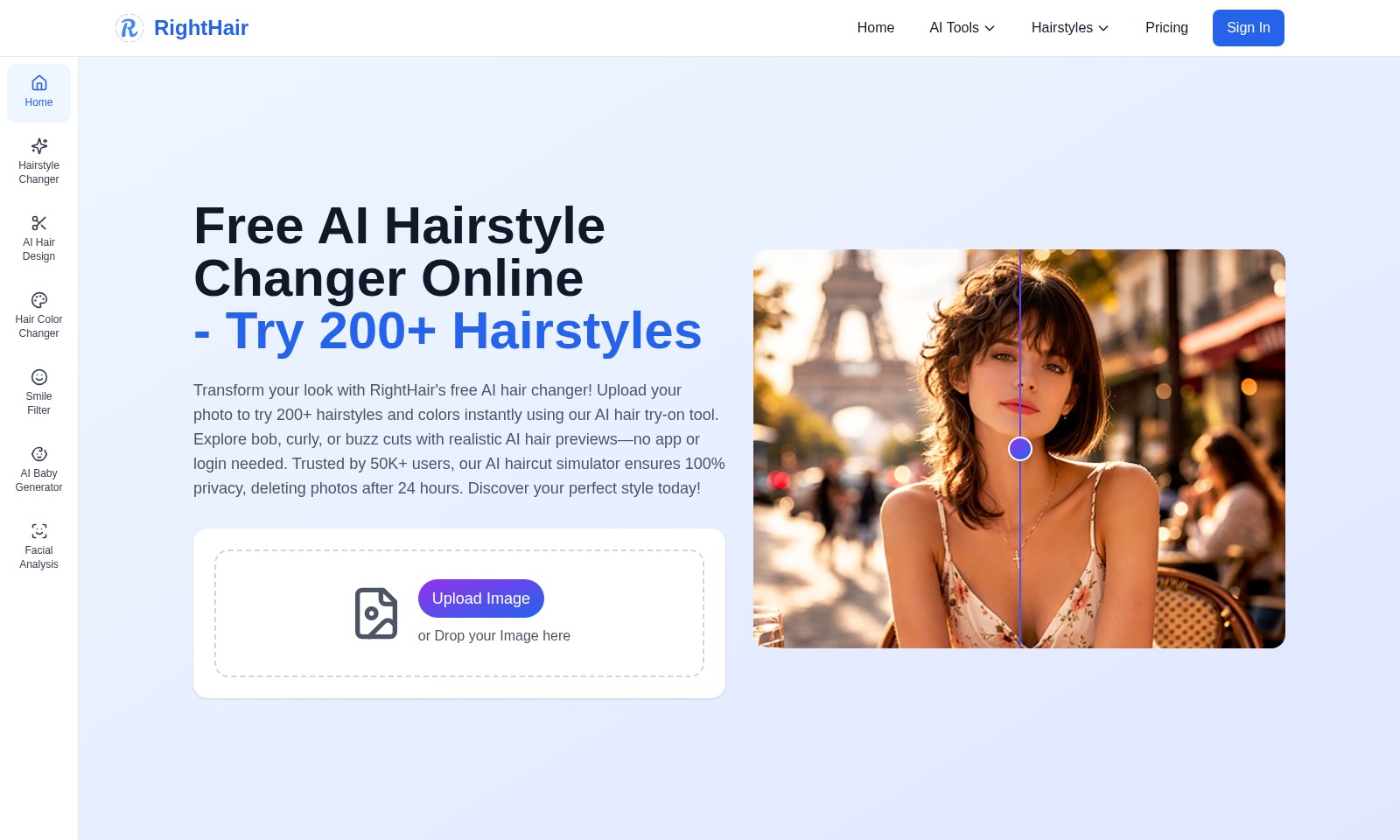
AI Age Introduction
Transform Your Look with RightHair
RightHair offers an innovative AI-driven platform that allows you to experience over 200 hairstyles and colors instantly. With our advanced hairstyle changer, you can upload your photo and see a realistic preview of various styles—from bobs to buzz cuts—without the need for an app or login. Join the community of over 50,000 satisfied users who have trusted our hairstyle simulator for a private and secure hair makeover experience.
AI Age Features
AI Hairstyle Changer - Instant Transformation
Transform your look effortlessly by trying on over 200 hairstyles with RightHair's free AI Hairstyle Changer. Utilizing advanced AI technology, our tool provides realistic previews of various hairstyles without requiring any downloads or logins.
Hair Color Changer - Vibrant Options
Revamp your hair color instantly! With our Hair Color Changer, experience a range of vibrant color transformations. This feature employs sophisticated algorithms to ensure that your selected color looks natural and appealing on your uploaded photo, tailored for users seeking to enhance their personal style.
AI Hair Design - Tailored Styles
Design your perfect hairstyle with our AI Hair Design tool tailored for every user. Its unique design capabilities allow you to customize styles based on your facial structure and preferences, ensuring a personalized experience for those looking to express themselves creatively.
Smile Filter - Confidence Boost
Augment your photos with our Smile Filter for added charm. This feature leverages AI to enhance facial expressions subtly, providing you with an ideal smile suited for portraits or casual shots, focused on those sharing moments on social media.
Facial Analysis - Insightful Feedback
Get professional insights with our AI Facial Analysis. This feature evaluates facial features and provides personalized recommendations for hairstyles and colors that best suit your facial structure, ideal for users seeking consultation before making changes.
Free AI Hairstyle Changer Online - Hassle-Free Experience
Easily explore different looks with our Free AI Hairstyle Changer. No app downloads are necessary; simply upload your photo and receive realistic hairstyle previews. This user-centric approach caters to over 50,000 users enjoying a seamless experience while maintaining privacy through automatic photo deletion after 24 hours.
AI Baby Generator - Fun and Interactive
Experience the future of fun with our AI Baby Generator. This feature creates a visualization of possible offspring based on uploaded images, utilizing cutting-edge imaging technology, perfect for those who want to share fun moments with friends or family.
Frequently Asked Questions About AI Age
FAQs about RightHair
1. How can I use the AI hairstyle changer?
To use the AI hairstyle changer, simply upload your photo on the RightHair website. You can then try on over 200 hairstyles and colors instantly, allowing you to see how different styles look on you. No app download or login is required, making it super convenient!
2. Is my photo safe when using the hairstyle tool?
Absolutely! RightHair prioritizes your privacy. All uploaded photos are deleted from our servers after 24 hours. You can enjoy experimenting with different hairstyles without worrying about your personal data.
3. Can I see how a specific hairstyle will look on me?
Yes, the AI haircut simulator provides realistic previews of various hairstyles, such as bob cuts, curly styles, or buzz cuts. This feature helps you visualize how a style will look on your face shape and skin tone, making it a helpful tool for deciding your next haircut.
4. Do I need to pay for using the AI tools?
No, RightHair offers a range of AI hair tools, including the hairstyle changer, hair color changer, and more, all for free. You can start experimenting with different looks right now at no cost.
5. What if I want to try different hair colors?
Using the hair color changer tool on our website allows you to see how various colors will look on your current hairstyle or any style you try on. This way, you can experiment with fun or dramatic hair color changes without any commitment.
6. How can I access other AI tools on the RightHair platform?
In addition to the hairstyle changer, RightHair offers tools like AI facial analysis, an AI bald filter, and an AI skin color changer. You can easily access these tools from the homepage, allowing you to explore various aspects of your look effortlessly.
How to Use AI Age
Step 1: Register on RightHair
Visit the RightHair website and click on the 'Sign In' button located at the top right corner. Select the option to create a new account by entering your email address and creating a secure password.
Step 2: Confirm Your Email
After registering, check your inbox for a confirmation email from RightHair. Click on the link provided in the email to activate your account and ensure secure access to all features.
Step 3: Log In to Your Account
Return to the RightHair website and log in with your email address and password. This will grant you access to all the tools available on the site.
Step 4: Set Up Your Profile
Once logged in, navigate to your profile settings to personalize your account. Upload a profile picture and fill in any necessary information to enhance your user experience.
Step 5: Upload Your Image
To use the AI hair tools, locate the 'Upload Image' button on the homepage. Choose a clear photograph of yourself to try out various hairstyles. You can also drag and drop the image directly onto the designated area.
Step 6: Explore Hairstyles
After your image is uploaded, browse through the 200+ hairstyle options available. You can see previews of different styles including bobs, curls, and buzz cuts tailored to your uploaded image.
Step 7: Change Hair Color
Experiment with the hair color changer tool to find the perfect shade for your new hairstyle. Simply select a color option and see how it looks on your profile picture instantly!
Step 8: Save or Share Your Look
Once you’ve found a hairstyle and color combination you love, save your edited image. You can also share it directly on social media or with friends to get their opinions.
Step 9: Try Additional AI Tools
Don't stop at hairstyles! Explore other AI tools like the Facial Analysis or AI Baby Generator to further enhance your experience on RightHair. Each tool offers unique features that can help you visualize different looks.
Step 10: Delete Your Image
Rest assured that your privacy is a priority at RightHair. The uploaded images will be deleted automatically after 24 hours, ensuring that your personal photos remain confidential. Enjoy experimenting with peace of mind!
Reviews
Pros
- Easy to use
- Fast processing
- Great results
- Affordable pricing
Cons
- Limited free version
- Requires internet connection
Comments
No comments yet. Be the first to share your thoughts!
AI Age - Alternative Platforms
For some alternatives to AI Age that you may need, we provide you with sites divided by features.

Use our AI tool to see how a lip flip could enhance your smile with minimal downtime and natural-looking results.
The Influencer AI allows users to create unique, realistic AI influencers quickly for photos, videos, and marketing campaigns.
Max Studio provides AI-powered tools for image and video creation, currently offering a Christmas discount.
User login interface for account access, with options for account creation and password recovery.