Seedance 2
Seedance 2 by ByteDance allows creators to generate high-quality videos from text, images, and audio input with professional consistency and features.
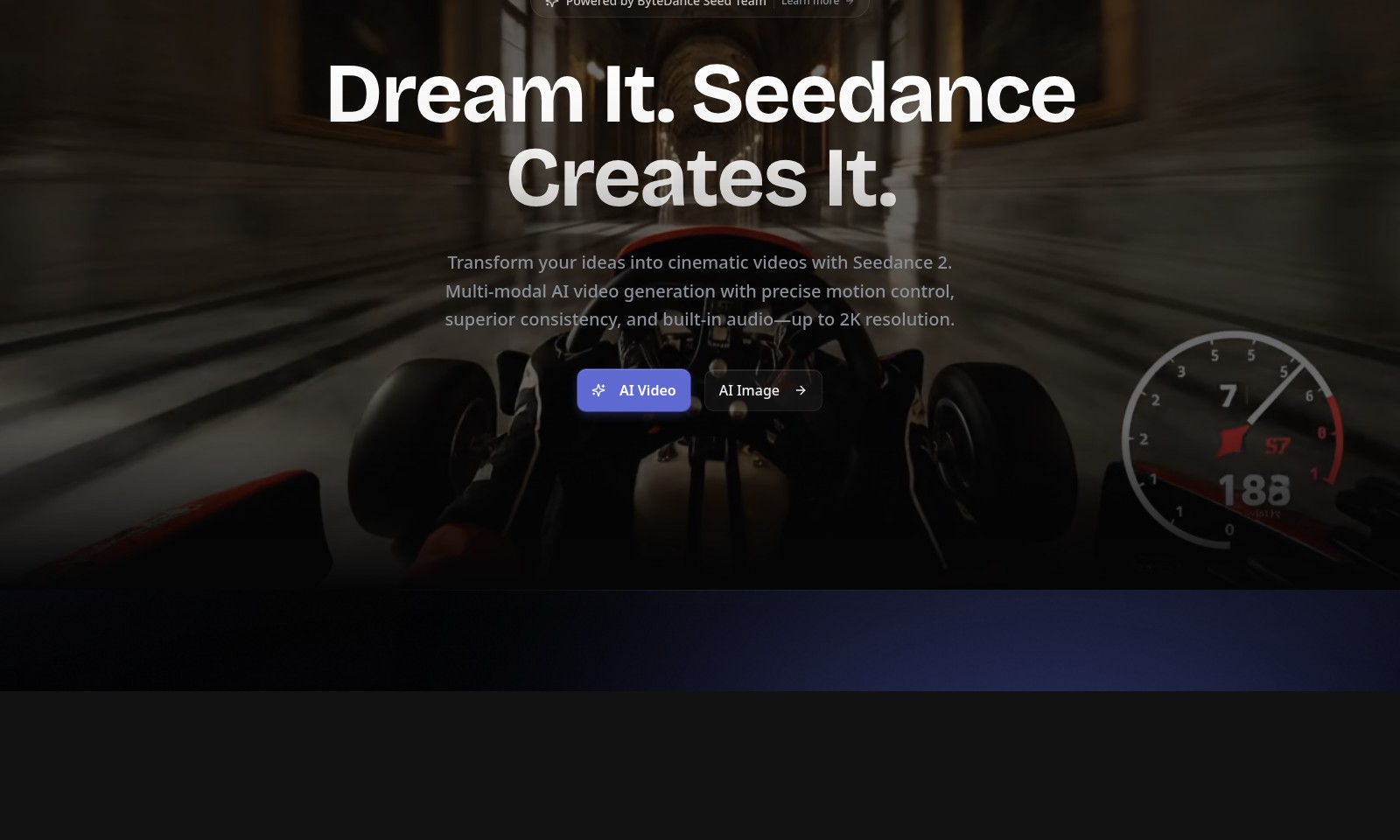
Seedance 2 Introduction
Transform Your Ideas into Cinematic Masterpieces
Unlock the power of your imagination with Seedance 2, a revolutionary platform that harnesses the latest in AI technology to turn your creative ideas into stunning cinematic videos. With advanced multi-modal AI video generation capabilities, Seedance 2 guarantees precise motion control and superior consistency, all while delivering visuals at up to 2K resolution. Join thousands of creators already leveraging this innovative tool to bring their visions to life.
Seedance 2 Features
Text to Video - Transform Your Ideas into Reality
Seedance 2 allows you to create cinematic videos from simple text prompts, making your thoughts visually stunning. With natural motion and physics-aware rendering, it captures the nuances of realism—ideal for content creators aiming for a professional touch.
Image to Video - Breathe Life into Static Images
Convert your static images into dynamic visuals effortlessly with Seedance 2's AI-powered motion synthesis. This feature adds depth and narrative to your graphics, ensuring that your audience remains engaged and entertained.
Multi-Modal AI Integration - Unleashing Creative Potential
Seedance 2 supports multiple input formats, allowing for unprecedented flexibility in video creation. This means that whether you're a blogger, educator, or marketer, you can bring your unique style to life across various platforms.
Precision Motion Control - Flawless Execution
With advanced motion control capabilities, Seedance 2 guarantees that every frame is meticulously crafted. The precision in motion replication caters specifically to professionals who require flawless visuals to communicate their messages.
High-Quality Output - Professional Standards
Producing videos up to 2K resolution, Seedance 2 meets high-definition quality standards essential for today's competitive content landscape. This ensures that your videos not only look great but also provide an immersive experience for your audience.
Frequently Asked Questions About Seedance 2
Frequently Asked Questions about Seedance 2
1. What is Seedance 2 and what can it do?
Seedance 2 is an advanced AI-powered platform that transforms your ideas into cinematic videos. It utilizes multi-modal video generation, allowing users to create videos with impressive motion control and audio, all at resolutions up to 2K.
2. How do I access Seedance 2?
You can access Seedance 2 by visiting our website and logging in with your account. If you are new, you can easily create an account to start producing your cinematic creations.
3. What types of content can I create with Seedance 2?
With Seedance 2, you can create a variety of content, including text-to-video and image-to-video transformations. This means you can turn your text prompts into videos or animate still images into dynamic video sequences.
4. Is there a cost to use Seedance 2?
While Seedance 2 offers a range of features for free, there may be premium options available for enhanced capabilities. For detailed pricing information, please visit the pricing section of our website.
5. How does the AI generate video content?
The AI uses advanced algorithms to understand the context of your prompts and generates videos with natural motion and physics-aware rendering. It ensures that your videos have a professional touch, making your ideas visually stunning.
6. Can I track the usage statistics of my content?
Yes, Seedance 2 provides stats for creators, including the number of images and videos created and the daily active users. You can utilize this data to understand engagement and improve your content creation strategies.
How to Use Seedance 2
Register an Account
Visit the Seedance website and click on 'Log in' to find the registration option. Fill in your email, create a password, and agree to the terms. Click 'Sign Up' to create your account.
Verify Your Email
Check your inbox for a verification email from Seedance 2. Click on the verification link to activate your account. This is a necessary step to ensure security and complete the registration process.
Set Up Your Profile
Once logged in, navigate to the profile settings. Here, add personal information such as your name and profile picture. This helps personalize your experience and builds a creative community.
Explore the Dashboard
Upon successful registration and profile setup, explore the dashboard. Familiarize yourself with the layout, accessing key features like AI Video and AI Image generation tools.
Create Your First Project
Start your creative journey by selecting either 'Text to Video' or 'Image to Video' options. Follow the guided prompts to upload content or input text. This is where your ideas begin to transform into cinematic videos.
Review Your Creations
After generating your project, take time to review the output. Play the video or view the images generated to ensure they meet your expectations. Use the editing tools if any adjustments are needed.
Share Your Work
When satisfied with your creation, it’s time to share. Find the sharing options available on the Seedance platform. This can include social media integration or direct links to your generated content. Sharing your creations helps to inspire others and gather feedback.
Join the Community
Engage with other creators on the Seedance platform. Participate in forums, share tips and tricks, and gather insights from fellow users. Building a network enhances your learning and creativity.
Explore Additional Features
Don’t forget to explore the additional capabilities of Seedance 2. Experiment with advanced features like motion control and audio integration for richer content. The website offers numerous options to elevate your projects.
Provide Feedback
Seedance values user feedback. After utilizing the platform, take a moment to share your experiences, suggestions, or issues faced during your creative journey. This helps improve the platform for everyone.
Reviews
Pros
- Easy to use
- Fast processing
- Great results
- Affordable pricing
Cons
- Limited free version
- Requires internet connection
Comments
No comments yet. Be the first to share your thoughts!
Seedance 2 - Alternative Platforms
For some alternatives to Seedance 2 that you may need, we provide you with sites divided by features.

Kovvid AI offers a user-friendly platform for generating AI images and videos, with the ability to compare multiple models in one place.
Discover the advanced AI tools at MakeShot.ai for creating stunning videos and images with a limited-time 50% discount.
Photo Animate allows users to easily animate photos to video using AI, creating realistic movements for portraits and cherished memories.
Image to Video AI allows quick, high-quality video creation from images, integrating with tools like Google Chrome and Figma for seamless workflows.