Doco
Doco is an AI-powered tool embedded in Microsoft Word, streamlining writing, editing, and formatting tasks while ensuring data security.
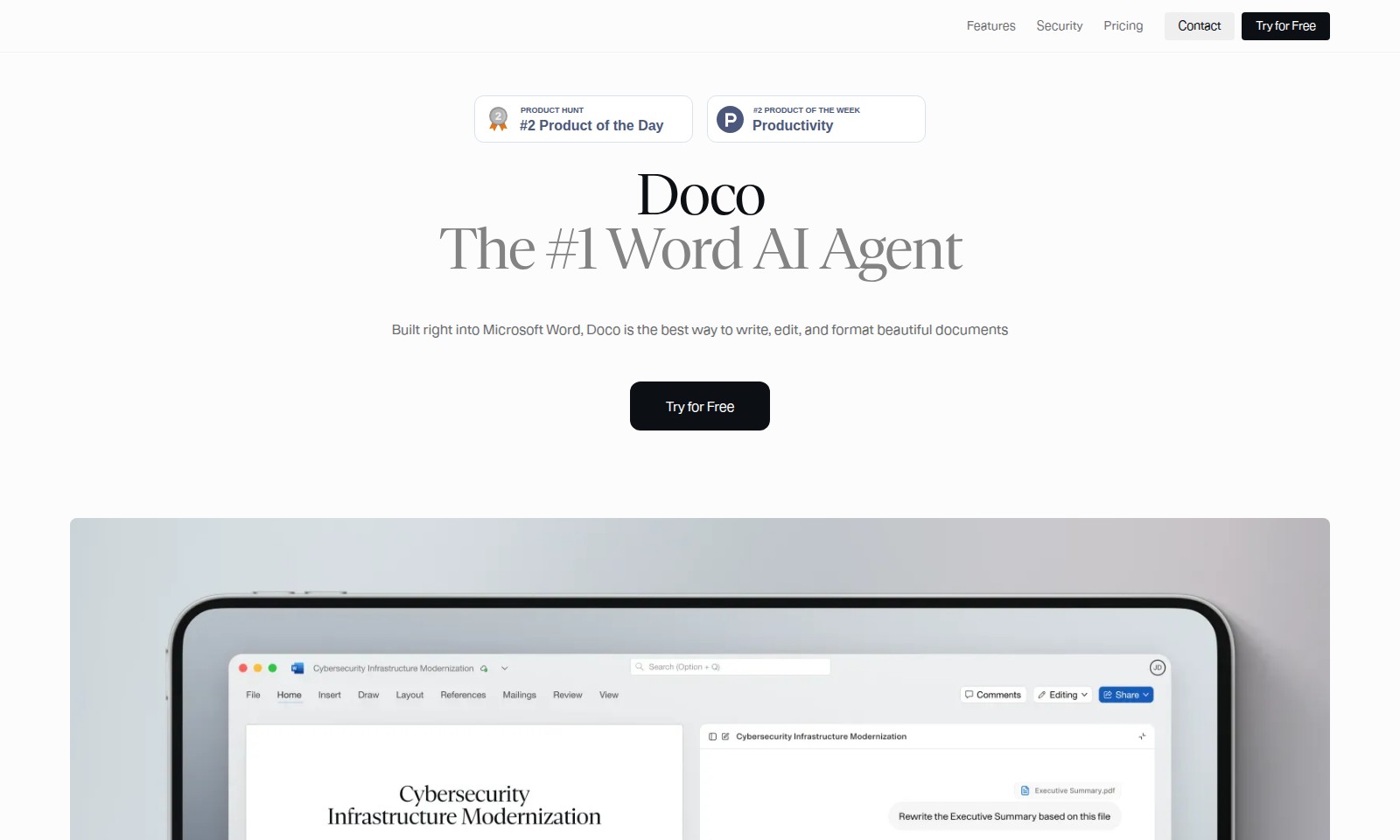
Doco Introduction
Discover Doco: Your Ultimate AI Writing Assistant
Doco transforms the way you create, edit, and format documents within Microsoft Word, offering an innovative approach to professional writing.
Doco Features
Security - Protecting Your Data
Doco offers enterprise-grade security, ensuring that your sensitive information remains confidential. With SOC 2 Type II certification, you can trust that we adhere to the highest industry standards, encompassing regular third-party security audits.
Frequently Asked Questions About Doco
FAQs about Doco
What is Doco and how can it help me?
Doco is the #1 Word AI Agent integrated directly into Microsoft Word. It assists you in writing, editing, and formatting documents seamlessly, leveraging your existing knowledge and data for personalized experiences.
How secure is my data with Doco?
Doco adheres to the industry's highest security standards, holding SOC 2 Type II certification. This means your data is protected through regular third-party audits, ensuring that your proprietary information remains confidential and secure.
Can I try Doco for free?
Yes! Doco offers a free trial, allowing you to explore its features before committing to a subscription. You can sign up directly on the website and begin enhancing your document experience immediately.
Does Doco understand my workflow?
Absolutely! Doco is designed to learn from your work habits and streamline your processes. It tailors personalized workflows that align with your preferences, making document creation intuitive and efficient.
What if I have unique formatting needs?
Doco excels in style perfection. You can express what you want, and Doco makes the necessary edits in Word, tracking all changes for your review. This ensures that your documents meet your exact formatting standards every time.
How does Doco know which information to utilize?
Doco is built to understand your files, not just the words. By turning your company library into an AI-ready knowledge base, it can draft text that is grounded in your existing documentation, making it relevant and precise.
How to Use Doco
Step 1: Register Your Account
Visit the website and click on the 'Try for Free' button. Fill in your details to create your account and confirm your email address.
Step 2: Set up Your Profile
After logging in, navigate to your profile settings. Add relevant information such as your name, company, and preferences to personalize your experience.
Step 3: Explore Features
Familiarize yourself with Doco's main features including drafting, editing, and formatting capabilities. Take advantage of the tutorial provided to understand how to use these tools effectively.
Step 4: Upload Your Documents
Begin working with Doco by uploading your existing documents. You can simply drag and drop files into the specified area on the dashboard, allowing Doco to analyze your content.
Step 5: Start Drafting
Once your documents are uploaded, use the AI tools to assist in drafting your content. Doco will make smart suggestions and edits based on your existing files and knowledge base.
Step 6: Review Changes
As Doco generates text based on your documents, review the changes it makes. You can control edits in real time. Use the tracking feature to trace edits back to their source.
Step 7: Save and Export
When satisfied with your document, save your progress. You can choose to export your finished product in multiple formats, ensuring compatibility with various platforms.
Step 8: Secure Your Data
Doco employs industry-standard security measures. Be assured that your data is encrypted and you maintain full control without any training on proprietary information.
Step 9: Get Support
If you encounter any issues or have questions, reach out to the support team via the 'Contact' section. They are available to provide assistance and resolve concerns you may have.
Reviews
Pros
- Easy to use
- Fast processing
- Great results
- Affordable pricing
Cons
- Limited free version
- Requires internet connection
Comments
No comments yet. Be the first to share your thoughts!
Doco - Alternative Platforms
For some alternatives to Doco that you may need, we provide you with sites divided by features.

Spellbook enhances legal workflows, allowing teams to draft and review contracts ten times faster directly in Word, while ensuring data privacy.