Video Cutter
Online video cutter tool for quick trimming and editing without any signup. Supports various formats and ensures high-quality output.
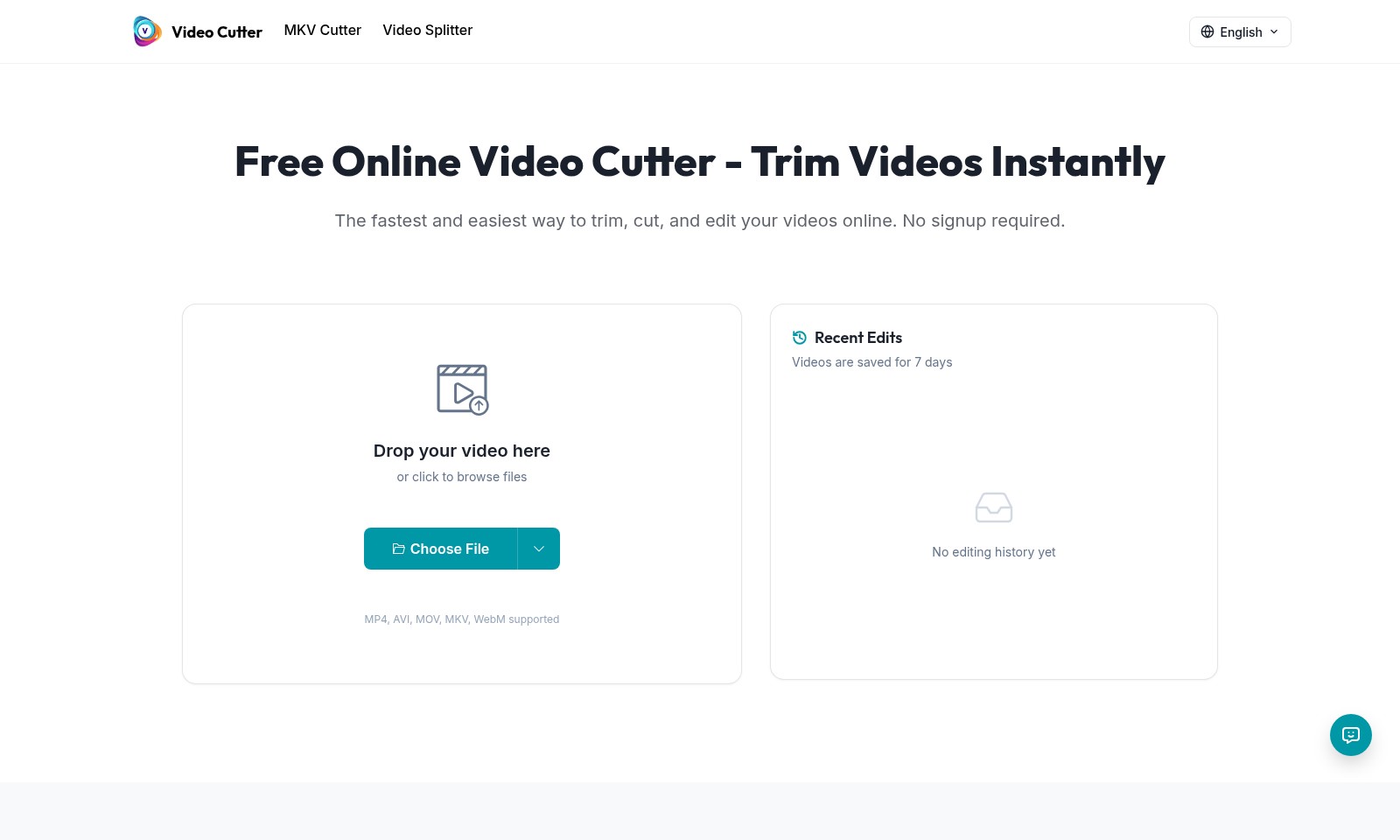
Video Cutter Introduction
Free Online Video Cutter - Trim Videos Instantly
Unleash your creativity with our Free Online Video Cutter, designed for users who need a fast and efficient way to trim and edit videos without the hassle of software downloads or complicated processes. Whether you're preparing content for social media or need a polished video for a presentation, our user-friendly platform allows you to achieve professional results in just a few clicks.
Video Cutter Features
Video Cutter for Impactful Content
Trim in Just a Few Clicks: Our intuitive video trimmer makes it easy to cut your videos precisely. Remove unwanted sections, adjust timing, and create professional-looking clips without any technical skills. Perfect for social media, presentations, and personal projects.
Video Cutter for Social Media Clips
Trim your videos to the ideal length for TikTok, Instagram Reels, YouTube Shorts, and more. Optimize your content for maximum engagement with just a few clicks.
MKV Cutter for Versatile Format Support
Fast and Efficient: Easily cut MKV video files while retaining the original quality. The tool supports a range of formats including MP4, AVI, MOV, and WebM, making it suitable for any editing scenario.
Advanced Video Splitter for Seamless Edits
Divide Longer Videos: Our advanced video splitter feature allows you to split longer videos into smaller segments effortlessly. Ideal for creating highlights or removing unnecessary parts in a streamlined manner.
Free Online Video Cutter for Instant Editing
No Signup Required: Access a powerful video editing tool without the hassle of creating an account. Get started right away by uploading your video and make quick edits whenever needed.
Recent Edits Management
Stay Organized: Keep track of your recent edits with our user-friendly interface. Videos are automatically saved for 7 days, allowing you to revisit and refine your edits as needed.
Frequently Asked Questions About Video Cutter
FAQs for Video Cutter
What file formats does the video cutter support?
Our online video cutter supports multiple file formats including MP4, AVI, MOV, MKV, and WebM. This range ensures that you can trim videos from various sources with ease.
Do I need to create an account to use the video cutter?
No, you do not need to sign up for an account to use our video cutter. You can start trimming your videos instantly by uploading your files without any registration hassle.
How long can I save my edited videos?
Edited videos are stored for up to 7 days. Make sure to download your finished clips within this time frame to avoid losing them!
Is there a limit to how long my video can be?
There is no specific limit on the length of the video you can upload; however, longer videos may take additional time to process. Feel free to upload videos of any length for trimming.
How does the video cutter work?
Using our video cutter is simple and user-friendly. Just drag your video file into the designated area, select the parts you want to trim, and hit the cut button. There’s a quick walkthrough available to guide you through the process as well.
Can I trim videos for social media?
Absolutely! Our video cutter is designed for creating social media clips. You can easily trim your videos to the perfect length for platforms like TikTok, Instagram Reels, and YouTube Shorts.
How to Use Video Cutter
Step 1: Register an Account
Go to our website and click on the 'Register' button. Fill in your details like email and password to create your account, then confirm your email to start using our services.
Step 2: Log In
Once you have registered, return to the homepage and log in with your email and password. This will give you access to all features of our video cutter.
Step 3: Upload Your Video
Click the 'Drop your video here' area or the 'Choose File' button. Select the video file you want to edit. We support various formats such as MP4, AVI, MOV, MKV, and WebM.
Step 4: Trim Your Video
Use our intuitive trimmer tool to select the section of the video you want to keep. You can drag the sliders to adjust the start and end points as needed.
Step 5: Preview Your Edits
After trimming, click on the 'Preview' button to watch your edited video. Make sure everything looks good before finalizing the changes.
Step 6: Download Your Video
Once you're satisfied with your edits, hit the 'Download' button to save your video. Your edited video will be ready for social media, presentations, or personal use.
Reviews
Pros
- Easy to use
- Fast processing
- Great results
- Affordable pricing
Cons
- Limited free version
- Requires internet connection
Comments
No comments yet. Be the first to share your thoughts!
Video Cutter - Alternative Platforms
For some alternatives to Video Cutter that you may need, we provide you with sites divided by features.

Transform and create photo negatives effortlessly with our free online image inverter, ensuring privacy and quick results.
Anirole offers a unique platform for chatting and creating with AI anime characters, allowing users to craft immersive stories and art.
The Square Face Generator allows users to create unique square avatars quickly and easily, offering over 30 styles with no signup required.
Duck.ai offers users a secure platform for chatting with advanced AI models while ensuring privacy and anonymity.