Google Antigravity
Explore Google Antigravity, an innovative IDE for developers, featuring AI enhancements, intuitive interfaces, and cross-surface integration.
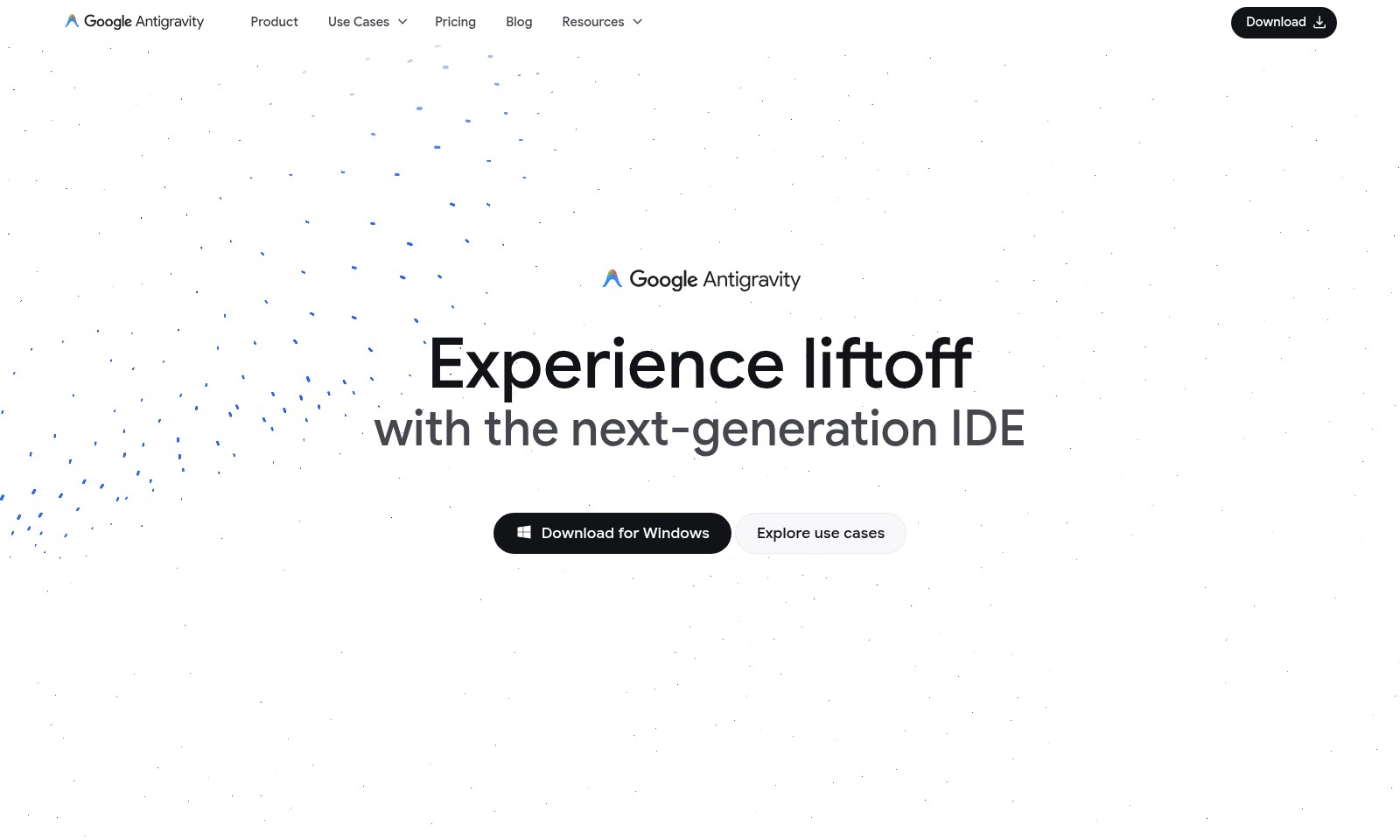
Google Antigravity Introduction
Experience liftoff with the next-generation IDE
Google Antigravity is an innovative agentic development platform that redefines the integrated development environment (IDE) for the agent-first era. Designed specifically for modern developers, this platform empowers users with advanced tools and features that enhance coding efficiency and streamline workflows, ensuring a powerful programming experience.
From seamless code autocompletion to intelligent, natural language-based commands, Google Antigravity transforms how developers interact with their code. This cutting-edge IDE is not only about writing code but also about creating dynamic, smart solutions that adapt to a diverse range of programming tasks. The platform's sophisticated architecture and user-friendly interface make it an indispensable tool for developers looking to elevate their projects to new heights.
Google Antigravity Features
AI IDE Core - Enhanced Coding Efficiency
Experience a groundbreaking development environment with Google Antigravity's Editor view. The AI-driven features like tab autocompletion and natural language code commands boost productivity and minimize coding errors, allowing developers to focus on innovation rather than syntax. With a customizable and context-aware agent, users can streamline their workflow and achieve faster results.
Higher-level Abstractions - Intuitive Task Management
Google Antigravity transforms the way developers oversee agent activities by providing a task-based interface. This enables better organization and prioritization of critical tasks, leading to more efficient project management. The platform also visually presents essential artifacts and verification results to build trust in your code's integrity and performance.
Cross-surface Agents - Unified Development Experience
Achieve synchronized agentic control across your editor, terminal, and browser. This feature promotes a seamless development workflow, allowing for quick transitions and access to tools and resources, ultimately speeding up overall project delivery. Users can handle multiple surfaces without losing context, enhancing collaboration and efficiency.
Real-time Collaboration - Empowered Team Dynamics
With built-in real-time collaboration tools, Google Antigravity allows teams to engage in development projects simultaneously, regardless of their physical locations. Instant feedback and live editing workflows reduce development time while improving code quality. This fosters a sense of teamwork and accountability, essential for modern agile workflows.
Advanced Security Features - Protecting Your Code
Google Antigravity provides robust security measures to safeguard sensitive code and user data. With features like role-based access control and end-to-end encryption, developers can confidently collaborate without compromising the integrity of their projects. This focus on security is particularly beneficial for enterprise-level applications that handle critical data.
Intelligent Error Detection - Proactive Problem Solving
Harnessing the power of AI, the platform offers intelligent error detection to identify potential issues before they escalate. This proactive approach not only saves time during the debugging phase but also fosters a culture of quality assurance among developers. With immediate insights and suggestions, users can resolve issues quickly and effectively.
Customizable Integrations - Tailored Development Environments
Google Antigravity supports numerous third-party integrations, allowing developers to customize their IDE to fit specific project needs. Whether integrating with version control systems or deployment pipelines, users can create a tailored environment that enhances efficiency and ensures all tools work harmoniously together. The flexibility of these integrations is particularly beneficial for diverse development teams with varying workflows.
Frequently Asked Questions About Google Antigravity
FAQs for Google Antigravity
1. What is Google Antigravity and how does it work?
Google Antigravity is a next-generation integrated development environment (IDE) that evolves the traditional programming experience into an agent-first model. It leverages AI to enhance coding efficiency, offering features like natural language code commands and tab autocompletion.
2. Can I download Google Antigravity for my operating system?
Yes, Google Antigravity is available for Windows and is designed to provide a seamless development experience for users. You can download it directly from our website's download section.
3. What are the main features of the Google Antigravity IDE?
The IDE includes powerful tools such as a configurable agent for context-aware suggestions, synced control across different platforms, and an intuitive dashboard for monitoring agent activity and results. These features are designed to streamline your workflow and enhance productivity.
4. How does AI integration improve my coding experience?
The AI capabilities of Google Antigravity greatly enhance the coding process by offering intelligent autocompletion, which saves time, and natural language commands to make coding more accessible. This allows developers to focus more on creative solutions rather than procedural syntax.
5. What user support resources are available?
We provide comprehensive resources including a blog with tips and tutorials, a dedicated support section, and community forums where you can connect with other users. Additionally, our documentation is constantly updated to reflect the latest features and use cases.
6. How can I explore use cases for Google Antigravity?
Users can explore a variety of use cases directly on our website, which showcase the versatility of the IDE across different programming environments. These examples highlight how Antigravity can be utilized for various projects, making it easier for you to find inspiration and implement it effectively in your own work.
How to Use Google Antigravity
Step 1: Register for an Account
To get started, visit our website and click on the 'Register' button. Fill in the required fields, including your email and a secure password. Once completed, check your inbox for a confirmation email to activate your account.
Step 2: Complete Your Profile
After logging in, head to the 'Profile' section from the dashboard. Fill in your personal information, including your name and preferred settings. This helps to personalize your experience and connect better with our community.
Step 3: Explore Key Features
Navigate to the 'Features' section on the main menu. Familiarize yourself with our integrated tools like the AI-driven editor, code deployment functionalities, and monitoring capabilities. Each feature is designed to enhance your development experience.
Step 4: Set Up Your Development Environment
Download and install the IDE suitable for your system from the 'Download' section. Follow the on-screen instructions to set it up. Ensure all necessary dependencies are installed for a smooth operation.
Step 5: Create Your First Project
Once your IDE is set up, go to the 'Projects' tab and select 'Create New Project.' Define your project name, choose a template if desired, and set your project's environment. This is the foundation for your development tasks.
Step 6: Write Your First Lines of Code
In the project workspace, use the natural language code commands to start coding. The IDE offers autocompletion features that will assist you as you write code. Take advantage of the AI suggestions to optimize your workflow.
Step 7: Test and Deploy Your Code
When you are satisfied with your code, utilize the 'Test' button to run your programs. Check the console for errors or messages. After debugging, use the 'Deploy' feature to launch your application.
Step 8: Monitor Your Project
Access the 'Monitoring' tab to view real-time data about your project's performance. Utilize the higher-level abstractions provided by our platform for a clear understanding of your agent’s activities. This helps in maintaining trust and reliability.
Step 9: Seek Help and Resources
If you encounter challenges, visit the 'Resources' section for tutorials, FAQs, and community support. Engaging with our blog and forums can also provide valuable insights from other developers.
Step 10: Engage with the Community
Join discussions in our community tabs to connect with other users. Sharing your experiences and asking questions can enhance your understanding and adaptability within our development ecosystem.
Reviews
Pros
- Easy to use
- Fast processing
- Great results
- Affordable pricing
Cons
- Limited free version
- Requires internet connection
Comments
No comments yet. Be the first to share your thoughts!
Google Antigravity - Alternative Platforms
For some alternatives to Google Antigravity that you may need, we provide you with sites divided by features.

Comprehensive guide to the best hosting options for OpenClaw, featuring expert reviews and a side-by-side comparison of top providers.
ARC offers holistic AI solutions that prioritize user privacy and efficiency. Discover the Matrix and Reactor, designed to protect your data while enhancing your AI experience.
A visual design tool that simplifies frontend development through AI, allowing users to edit and integrate code seamlessly.
OceSha Ventures transforms ideas into AI-driven products, emphasizing collaboration and impact in technology.