Canny
Canny helps teams capture, organize, and analyze customer feedback with AI, improving product decisions and user engagement.
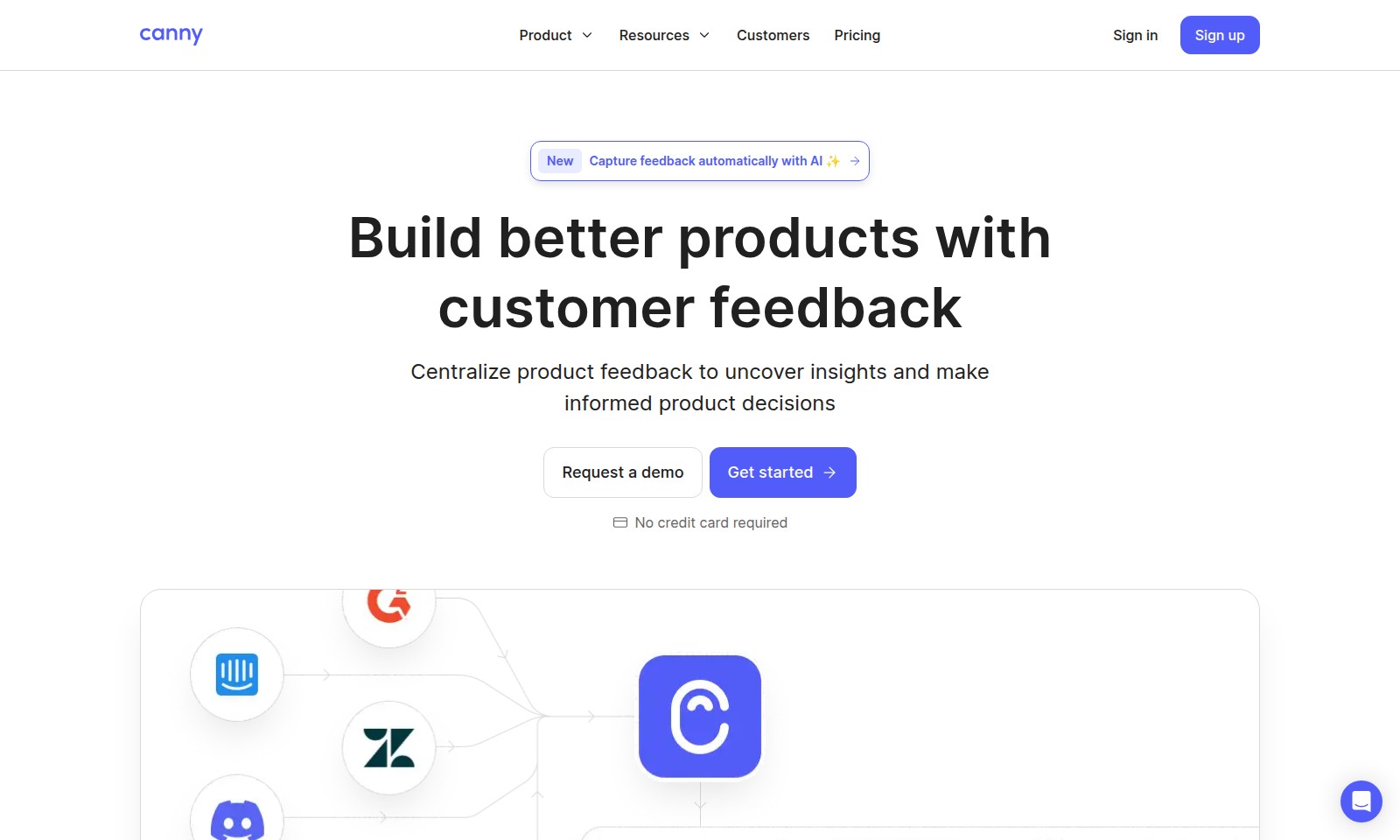
Canny Introduction
Customer Feedback Centralization
Capture insights efficiently with our dedicated customer feedback platform, designed to empower businesses in making informed product decisions. By centralizing feedback, you can prioritize the most critical requests, ensuring that your product development aligns seamlessly with customer needs.
Frequently Asked Questions About Canny
Frequently Asked Questions
How can I collect feedback from my customers?
You can easily collect feedback by using our centralized feedback platform, which allows you to gather, analyze, and organize customer feedback all in one place. By integrating our tools into your product, you'll ensure that no valuable insights slip through the cracks.
What types of feedback can I analyze?
Our platform supports various types of feedback, including feature requests, bug reports, and general suggestions. By analyzing this feedback, you can uncover valuable insights that inform your product decisions and enhance user experience.
How do I prioritize feature requests?
You can prioritize feature requests by using our built-in scoring formulas, which automatically assess feedback based on predefined criteria. This enables your team to focus on developing the most requested features and improvements first.
Can I share updates on product changes?
Yes! Our platform allows you to create public changelogs that keep your audience informed about updates and new features. This transparency fosters engagement and builds trust with your customers.
Is there a demo available before I sign up?
Absolutely! We offer a demo of our platform, allowing you to experience its features and benefits before making any commitments. Simply request a demo on our website to get started.
Do I need a credit card to create an account?
No, you don’t need a credit card to create an account. You can sign up for free and start collecting feedback immediately. Join us and see how our tools can help improve your products.
How to Use Canny
Sign up
To start your journey, click on the 'Sign up' button on the home page. Fill in the required fields such as your name, email, and password, then submit the form to create your account.
Verify your email
Check your inbox for a verification email. Click on the link provided in the email to verify your account and enable access to all features.
Set up your profile
Log in to your account and navigate to your profile settings. Upload a profile picture and fill in additional information to personalize your experience.
Explore the dashboard
Once your profile is set up, take a moment to explore the dashboard. Familiarize yourself with the layout and discover where to find various features.
Collect feedback
Start collecting feedback by setting up channels through which users can submit their thoughts. Configure settings to gather valuable insights without hassle.
Analyze feedback
Review the feedback collected in your centralized location. Use the built-in tools to examine trends and identify key areas for improvement in your product.
Prioritize requests
Develop a systematic approach to prioritize user feedback. Create formulas to automatically score feedback and feature requests based on relevance and impact.
Build roadmaps
Utilize the roadmap feature to outline your product development plans. Decide whether to create public or private roadmaps to keep your stakeholders informed.
Share updates
Keep your audience engaged by regularly updating them on product changes. Build a public changelog that details new features, fixes, and improvements.
Reviews
Pros
- Easy to use
- Fast processing
- Great results
- Affordable pricing
Cons
- Limited free version
- Requires internet connection
Comments
No comments yet. Be the first to share your thoughts!
Canny - Alternative Platforms
For some alternatives to Canny that you may need, we provide you with sites divided by features.

Chat Data empowers businesses to create customized AI chatbots with advanced features and flexible integrations, enhancing user engagement.
Crisp provides an all-in-one platform for customer support with AI agents, shared inbox, and CRM to streamline communications and enhance service.
Referral Factory offers a no-code platform to create and track customer referral programs, featuring integrations, customizable templates, and robust support.
Gupshup offers a Conversational AI platform that automates customer interactions, enhancing engagement and support with intelligent AI Agents.