DaVinci AI
Create AI-generated art using DaVinci's advanced technology. Generate, edit, and explore unique visuals instantly for all your creative needs.
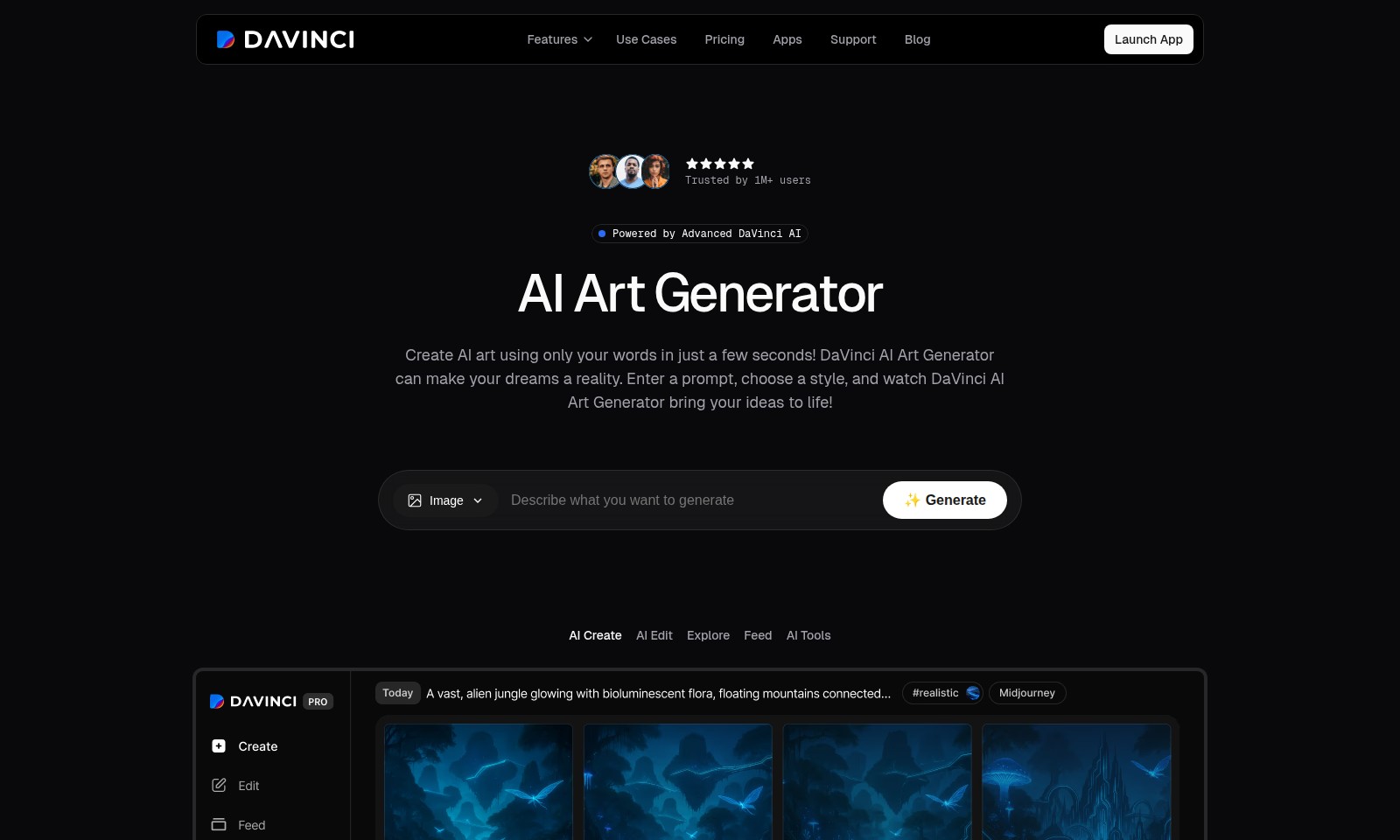
DaVinci AI Introduction
Discover the Power of DaVinci AI Art Generator
Experience the future of creativity with DaVinci's Advanced AI Art Generator, designed to transform your imaginative ideas into breathtaking digital artwork in mere seconds. Our platform empowers over 1 million users to effortlessly generate stunning visuals that resonate with their unique concepts and styles, making it an invaluable tool for professionals and creatives alike.
DaVinci AI Features
AI Art Generator - Transform Your Imagination
Experience the power of words translating into breathtaking art with DaVinci AI Art Generator. This innovative tool allows users to craft stunning visuals in seconds by simply entering prompts and selecting styles, making it perfect for both professionals and hobbyists alike.
Instant Image Creation - No Design Skills Required
With DaVinci AI, anyone can create professional-grade artwork without extensive design knowledge. The platform generates unique pieces that align with your vision, streamlining the creative process for marketers and content creators.
Seamless User Experience - Effortless Navigation
Our easy-to-use interface ensures a smooth user experience, allowing you to focus on creativity rather than technical hurdles. This tool is designed with the end user in mind, making it accessible for individuals in any field who need quick and reliable image solutions.
Collaborative Tools - Enhance Team Creativity
Collaborate with your team in real-time, making adjustments and receiving instant feedback on visuals. This feature is particularly beneficial for marketing teams or project groups aiming to produce polished presentations effortlessly.
Customization Options - Tailor Your Art
Personalize your creations with advanced customization features that allow users to adjust styles and parameters. Whether you’re creating art for a specific campaign or personal project, the flexibility to edit ensures the final piece perfectly aligns with your goals.
Frequently Asked Questions About DaVinci AI
FAQs
Q1: How can I create AI art using DaVinci?
To create AI art, simply start by entering a prompt in the DaVinci AI Art Generator. You can choose a specific style, and the AI will transform your words into amazing visuals in just seconds!
Q2: What features does the DaVinci AI Art Generator offer?
The DaVinci AI Art Generator boasts several features, including customizable art styles, quick generation of visuals from prompts, and an intuitive interface that makes art creation accessible to everyone.
Q3: How can I use the AI-generated art in my projects?
Once you generate your art, you can easily download it for use in various projects like presentations, social media content, or marketing materials. The high-resolution images ensure that your visuals look professional.
Q4: Is there a cost associated with using the DaVinci AI Art Generator?
The DaVinci AI Art Generator offers various pricing plans to cater to different user needs, including a free tier with access to basic features and premium plans with advanced functionalities.
Q5: How does the AI editing feature work?
The AI editing feature allows you to refine generated art by altering specific elements. You can specify changes to styles, colors, or other characteristics to better match your vision.
Q6: Where can I find support if I encounter issues?
If you have questions or run into any issues, you can visit our support section for help. We offer a comprehensive FAQ, a blog with tips, and direct support options for users.
How to Use DaVinci AI
Register your account
Visit the registration page and provide your email address and a secure password. After submitting the form, check your email for a verification link to activate your account.
Complete your profile
Once registered, log in and go to your profile settings. Fill in your details such as username, profile picture, and a brief bio to personalize your account.
Explore the dashboard
After setting up your profile, familiarize yourself with the user dashboard. Navigate through the different sections like 'Create AI Art', 'Explore', and 'Support' to understand where everything is located.
Start creating AI art
Select 'Create AI Art' from the dashboard. Enter a creative prompt that describes what you want the AI to generate for you. Choose a specific style to guide the creation process.
Generate your artwork
After entering your prompt and selecting a style, click on the 'Generate' button. The DaVinci AI Art Generator will process your request and present your personalized artwork in just a few seconds.
Edit your creation
Once your artwork is generated, you have the option to make edits. Use the 'AI Edit' feature to refine your artwork based on your preferences. Adjust colors, styles, or elements until you are satisfied.
Download and share
When you are happy with your creation, download it directly to your device. You can also share your artwork on social media platforms or use it in your presentations and marketing materials.
Access support if needed
If you encounter any issues or have questions, visit the 'Support' section from the dashboard. Here, you’ll find FAQs and can also reach out to customer service for assistance.
Reviews
Pros
- Easy to use
- Fast processing
- Great results
- Affordable pricing
Cons
- Limited free version
- Requires internet connection
Comments
No comments yet. Be the first to share your thoughts!
DaVinci AI - Alternative Platforms
For some alternatives to DaVinci AI that you may need, we provide you with sites divided by features.

Login to Logo Diffusion with various methods or register. The site uses cookies for personalization and traffic analysis.
The AI SVG Generator transforms text into scalable vector graphics, enabling effortless logo creation, illustrations, and more for modern web and branding.
Patternaly is an online AI pattern generator for creating stunning seamless patterns effortlessly, suited for various design needs.