Image Inverter
Transform and create photo negatives effortlessly with our free online image inverter, ensuring privacy and quick results.
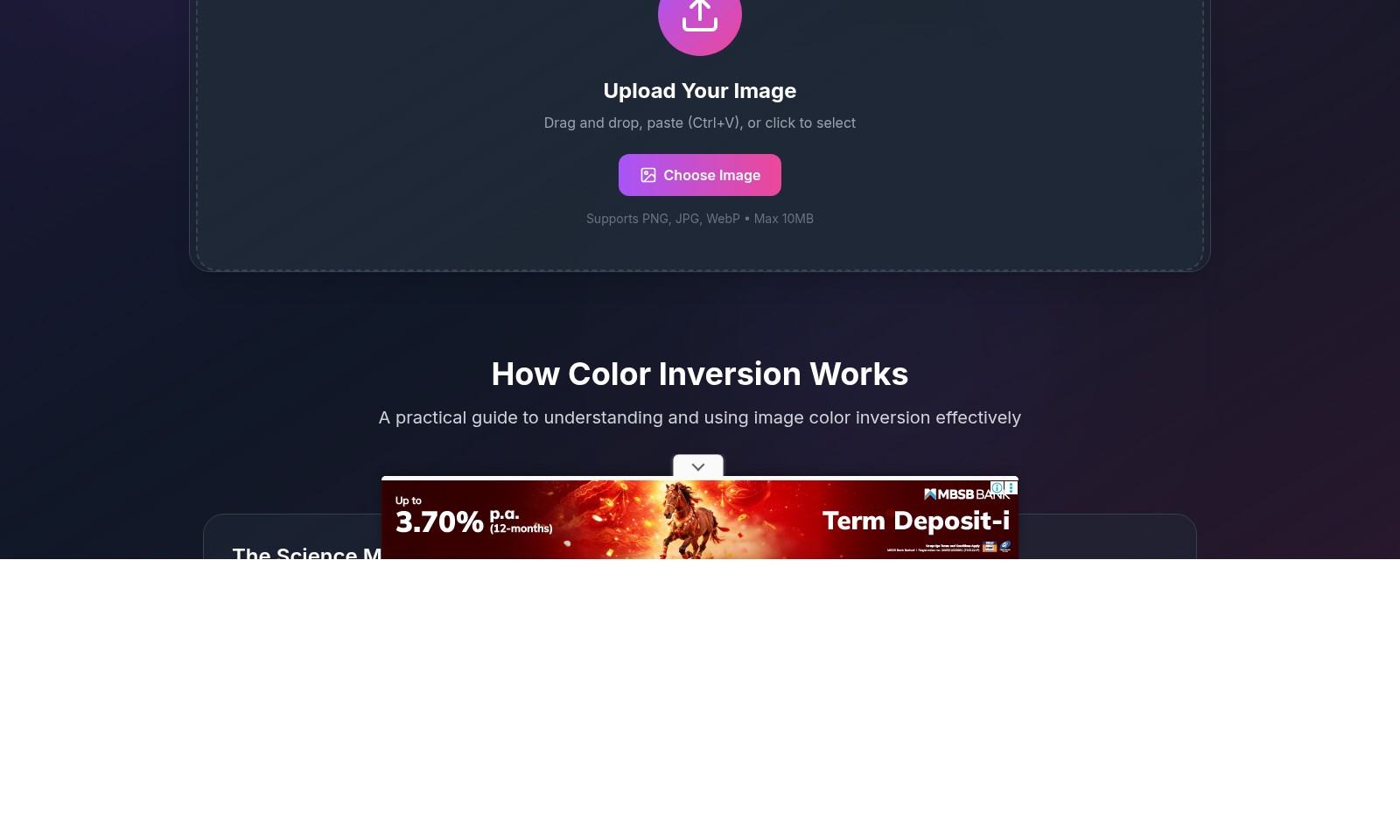
Image Inverter Introduction
Image Inverter - Transform Your Images Instantly
Unlock the power of color inversion with our easy-to-use online tool. Whether you're looking to create photo negatives, convert black to white, or simply experiment with colors, our Image Inverter makes it effortless and immediate without the need for any software installation. Start enhancing your images right from your browser with just a few clicks.
Image Inverter Features
Image Inverter - Instant Color Transformation
With our Image Inverter tool, you can invert colors instantly, turning black to white and creating stunning photo negatives with just a click. This free online tool requires no signup and processes images instantly right within your browser.
Upload Your Image - Effortless Interaction
Easily upload your images by drag-and-drop, pasting with Ctrl+V, or simply clicking to select the file. The tool supports various formats including PNG, JPG, and WebP, with a maximum upload limit of 10MB, making it accessible and user-friendly.
How Color Inversion Works - Simplified Science
Understanding the science behind color inversion is easy. Digital images consist of RGB values ranging from 0 (darkest) to 255 (brightest). Our tool processes these values by subtracting each from 255 to produce the opposite color, allowing for a range of transformations like black to white, red to cyan, and more.
Practical Applications - Versatile Usage Scenarios
Whether you're an artist seeking to enhance your images, a graphic designer needing quick transformations, or simply a photography enthusiast aiming to experiment with color effects, our Image Inverter is designed to meet diverse needs efficiently.
100% Privacy Assurance - Your Images, Your Control
Rest assured that your privacy is our priority. With our Image Inverter, all processing is done client-side, which means your images are never stored or shared, ensuring 100% confidentiality.
Discover More Features - Enhance Your Creative Process
Explore additional features and practical guides on our website that complement your image editing needs. Dive into the science of color manipulation and unleash your artistic potential with our easy-to-navigate resources.
Frequently Asked Questions About Image Inverter
FAQs about Image Inverter
What is an image inverter?
An image inverter is a tool that allows you to invert the colors of an image, turning black to white and creating photo negatives. Our free online image inverter tool processes your images instantly without requiring any signup.
How do I use the image inverter?
To use the image inverter, simply upload your image by dragging and dropping it into the upload area or clicking to select it. The tool supports various formats including PNG, JPG, and WebP, with a maximum file size of 10MB.
Is my image private when I use the image inverter?
Yes, your privacy is ensured when using our image inverter. The tool processes your images instantly in the browser without saving them on our servers, so your data remains confidential.
What kind of transformations can I expect with color inversion?
Color inversion transforms colors into their opposites. For instance, black becomes white, red inverts to cyan, blue turns into yellow, and green changes to magenta. This can be useful for creating artistic effects or for specific visual requirements.
Can I invert colors for multiple images at once?
Currently, our tool allows the inversion of one image at a time. However, you can easily repeat the process for additional images by uploading each one individually.
What are the limitations of the image inverter?
The main limitations are the maximum image size of 10MB and the support for specific file formats (PNG, JPG, WebP). Additionally, the tool is designed for immediate processing, so it might not support advanced features like batch processing at this time.
How to Use Image Inverter
Step 1: Select Your Image
Click the upload area above or drag your image directly onto the site. Our tool supports various formats including PNG, JPG, and WebP, with a maximum file size of 10MB.
Step 2: Invert Colors
Once your image is uploaded, our application will automatically process the color inversion. The inverted image will instantly appear on your screen. You can see how black becomes white and other color transformations happen in real-time.
Step 3: Download Your Image
After you've viewed the inverted image, look for the download option. Click on it to save your newly transformed image back to your device.
Reviews
Pros
- Easy to use
- Fast processing
- Great results
- Affordable pricing
Cons
- Limited free version
- Requires internet connection
Comments
No comments yet. Be the first to share your thoughts!
Image Inverter - Alternative Platforms
For some alternatives to Image Inverter that you may need, we provide you with sites divided by features.

Online video cutter tool for quick trimming and editing without any signup. Supports various formats and ensures high-quality output.
Anirole offers a unique platform for chatting and creating with AI anime characters, allowing users to craft immersive stories and art.
The Square Face Generator allows users to create unique square avatars quickly and easily, offering over 30 styles with no signup required.
Duck.ai offers users a secure platform for chatting with advanced AI models while ensuring privacy and anonymity.