MyMap
MyMap.AI helps users create visual content through AI-generated diagrams, enhancing productivity for students, professionals, and creators.
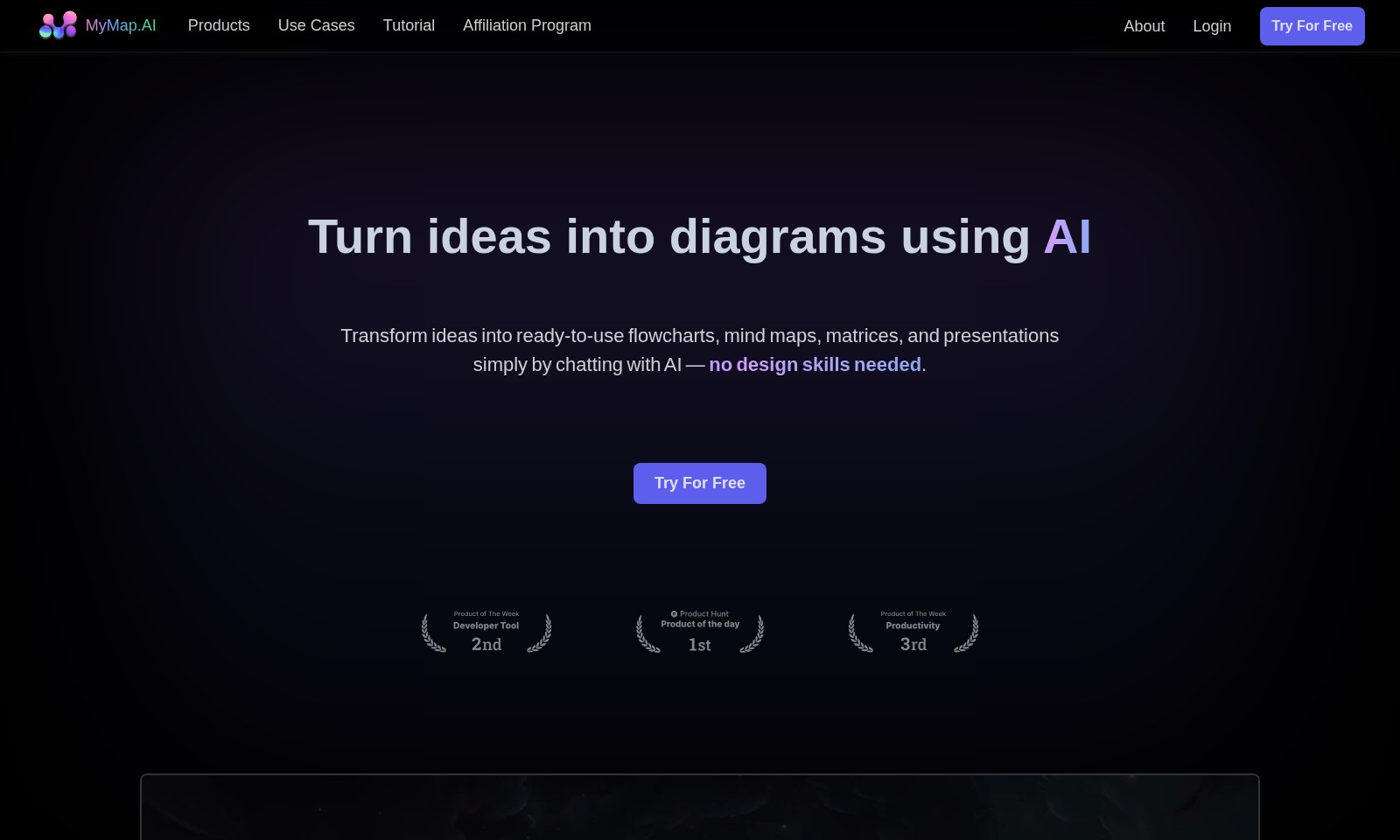
MyMap Introduction
Transform Ideas into Visual Diagrams
MyMap.AI offers an innovative, AI-driven platform that empowers users to turn their ideas into visually compelling diagrams. With a focus on simplicity and efficiency, our service caters to a wide range of applications, from creating flowcharts and mind maps to developing complex matrices and presentations, all through seamless interaction with AI technology.
MyMap Features
AI-Native - Effortless Diagram Creation
Engage in seamless dialogue with our AI to create professional diagrams without any design skills. MyMap.AI’s advanced natural language processing enables users to transform conversations into visual representations effortlessly.
Multiple Format Support - Versatile Input Options
Easily upload various file types or input topics for context-aware diagrams. Our AI engine, equipped with contextual understanding, analyzes inputs to generate relevant diagrams that meet diverse needs.
Web Search Integration - Real-Time Context
Generate context-rich diagrams using real-time data from Google or Bing searches. This unique feature ensures your diagrams are always up-to-date, enhancing their relevance and utility in professional and academic settings.
Internet Access Capability - Seamless Information Gathering
Paste URLs directly, and our AI extracts pertinent information for inclusion in your maps. This functionality removes the need for manual data collection, streamlining the research process for users like students and professionals.
Real-Time Collaboration - Enhance Team Productivity
Work with colleagues on the same map in real-time, regardless of location. This feature promotes teamwork and ensures everyone is on the same page, making it ideal for remote working conditions.
Share & Export Options - Easy Dissemination
Save your diagrams as high-quality images or PDFs, or share links directly for collaborative feedback. These options offer flexibility in sharing ideas and receiving input from others, facilitating teamwork and communication.
Frequently Asked Questions About MyMap
FAQ
What is MyMap.AI?
MyMap.AI is an innovative platform that allows users to transform their ideas into various diagram styles such as flowcharts, mind maps, and presentations simply by chatting with AI.
How does MyMap.AI work?
Users can input text, upload files, or even paste URLs, and the AI generates diagrams based on the provided context. This makes the tool user-friendly even for those without design skills.
Can I collaborate with others on MyMap.AI?
Yes! MyMap.AI supports real-time collaboration, allowing multiple users to work together on the same map simultaneously.
What file formats can be used in MyMap.AI?
MyMap.AI accepts multiple file types for uploads and can create diagrams from various formats, enhancing its versatility for different use cases.
Does MyMap.AI have internet access for creating diagrams?
Absolutely! The platform can use live search results from Google or Bing, making it possible to create context-rich diagrams from current online information.
How can I share or export my diagrams?
Once your diagram is complete, you can save it as images or PDFs, or simply share a link with others, making it easy to distribute your work.
How to Use MyMap
Step 1: Register on MyMap.AI
Create your account by visiting the MyMap.AI website. Fill in your details, including your email and password, then hit the 'Try For Free' button.
Step 2: Verify Your Email
Check your inbox for a verification email from MyMap.AI. Click the verification link to activate your account and unlock all features.
Step 3: Set up Your Profile
Once logged in, navigate to the profile settings. Fill in your profile information and preferences to personalize your experience on MyMap.AI.
Step 4: Start a New Project
From the dashboard, click on 'Create New Map'. Select the type of diagram you want to make, such as a flowchart or mind map, to begin your project.
Step 5: Use AI to Generate Diagrams
Type your ideas into the chat interface. MyMap.AI's AI will convert your text into a visual diagram automatically, helping you visualize your thoughts.
Step 6: Customize Your Diagram
After the automatic generation, you can further customize your diagram. Change colors, shapes, and layouts as needed to better suit your preferences.
Step 7: Collaborate with Your Team
Invite colleagues by sharing your map link or adding them directly in the platform. Collaborate in real-time to enhance your project with their ideas.
Step 8: Save and Export Your Work
Once satisfied with your diagram, save it in your account. You can also export it as an image or PDF for presentations or sharing outside the platform.
Step 9: Explore Use Cases and Tutorials
Visit the 'Use Cases' and 'Tutorial' sections for more detailed guidance and inspiration on how to maximize your use of MyMap.AI.
Reviews
Pros
- Easy to use
- Fast processing
- Great results
- Affordable pricing
Cons
- Limited free version
- Requires internet connection
Comments
No comments yet. Be the first to share your thoughts!
MyMap - Alternative Platforms
For some alternatives to MyMap that you may need, we provide you with sites divided by features.

Felo provides a consolidated workspace for managing documents, utilizing AI tools, and improving team collaboration.
TeraBox offers 1024GB of cloud storage with easy backup, file sharing, premium features, and strong data security, catering to individual and business needs.
PPT AI offers a fast and efficient way to create professional presentations from text, documents, and videos, empowering users with intelligent design tools.
Mapify is an innovative AI tool that helps users summarize various content types into organized mind maps to simplify learning and work.