Minutes AI
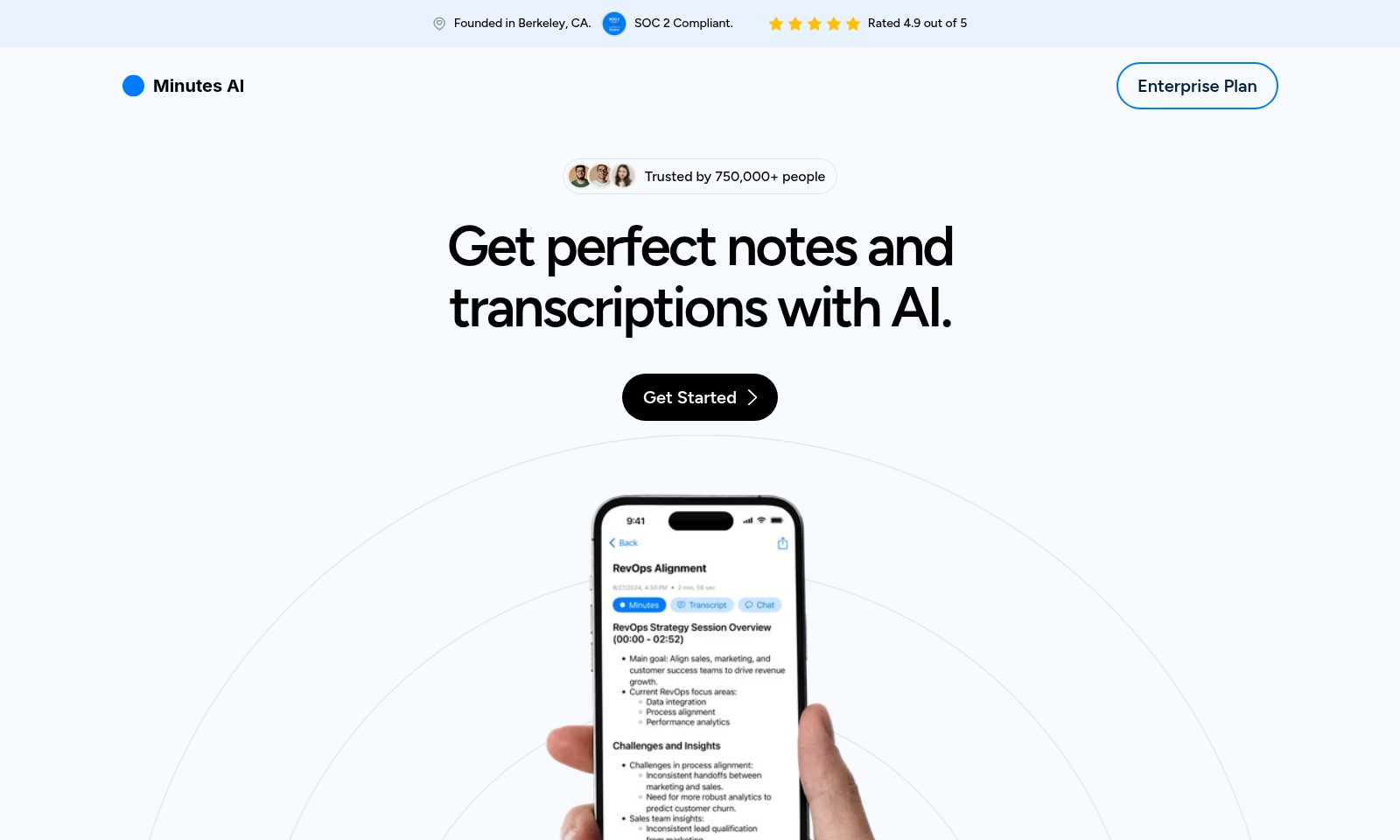
Minutes AI helps automate note taking and transcription, providing beautifully formatted notes and a secure, user-friendly experience.
Minutes AI Introduction
Minutes AI: Elevate Your Note-Taking Experience
Transform the way you manage meetings and audio with Minutes AI, a powerful tool designed for professionals seeking reliability and simplicity. With a strong foundation established in Berkeley, CA, our platform is trusted by over 750,000 users, delivering exceptional note-taking and transcription capabilities backed by SOC 2 compliance.
Minutes AI Features
Minutes AI - Effortless Note-taking
Streamline your note-taking process with Minutes AI, enabling you to focus on what truly matters. Designed for professionals, this tool enhances productivity by automating note creation from audio inputs.
Beautifully Formatted Notes - Instant Clarity
Receive neatly organized notes, with headings and bullet points generated from your audio, making it easier to digest and review important information.
Transcribe & Replay - Enhanced Accessibility
Access both transcriptions and the original audio recording, allowing for easy reference and review of important discussions or presentations.
Chat with Your Audio - Intelligent Insights
Engage interactively with your audio recordings to extract key insights, organize action items, and clarify any queries, enhancing decision-making processes.
Export & Share with a Tap - Effortless Collaboration
Easily convert your meeting minutes into formatted PDFs, emails, or texts, facilitating seamless sharing and collaboration with teammates and stakeholders.
AUDIO FORMAT - Flexible Solutions
Adapt to various workflows with our flexible audio options. Record live audio directly, upload existing audio files, or even import from YouTube videos, accommodating diverse usage scenarios.
Frequently Asked Questions About Minutes AI
What is Minutes AI?
Minutes AI is a powerful tool designed to automate note-taking and transcription, allowing you to focus on what truly matters during conversations. Founded in Berkeley, CA and rated 4.9 out of 5, it is trusted by over 750,000 people, providing beautifully formatted notes and instant transcription from your audio.
How to Use Minutes AI
Register an Account
Visit the registration page and fill in your details to create your account. Make sure to use a valid email address and a secure password to keep your account safe.
Set up your Profile
After registration, log in and navigate to your profile settings. Add any additional information that will help personalize your experience. This can include your name, profile picture, and preferences.
Explore the Dashboard
Once your profile is set up, take a moment to explore the dashboard. Familiarize yourself with the layout and the key features available at your fingertips. This will help you understand where everything is located.
Upload Audio Files
To start using our transcription services, click on the ‘Upload’ button on the dashboard. You can upload audio files directly from your device or record live audio using our built-in audio recorder. This allows for maximum convenience based on your workflow.
Transcribe Audio
After uploading your files, select the audio you want to transcribe and click on the ‘Transcribe’ button. The system will process your audio and provide you with a beautifully formatted transcription. This feature saves you time, allowing you to focus on what’s important.
Extract Key Insights
Once you have your transcription, use the ‘Chat with Your Audio’ feature. This allows you to extract key insights, list action items, and even ask questions about the content of your audio. It's an efficient way to engage with your notes.
Export Your Notes
When you're satisfied with your notes, it’s time to share them. Click on the ‘Export’ button and choose your preferred format, whether it’s a PDF, email, or text message. This makes it easy to share your summarized notes with colleagues or friends.
Utilize Key Features
Take some time to explore additional features such as automated note formatting, replaying audio, and integrating with other platforms. These tools enhance your overall experience and provide added value to your note-taking sessions.
Get Support
If you encounter any issues or have questions, don’t hesitate to reach out to our support team. We’re committed to providing you with any assistance you need to ensure a smooth experience with our services.
Reviews
Pros
- Easy to use
- Fast processing
- Great results
- Affordable pricing
Cons
- Limited free version
- Requires internet connection
Comments
No comments yet. Be the first to share your thoughts!
Minutes AI - Alternative Platforms
For some alternatives to Minutes AI that you may need, we provide you with sites divided by features.

Gladia provides a robust speech-to-text API that delivers high accuracy and seamless integration for voice applications, designed for developers and businesses.
Nutshell is an efficient CRM solution designed to help teams save time and close deals faster, featuring robust automation and seamless integrations.
This page addresses a Bubble app connection issue and urges users to upgrade their app plan for custom domain functionality.
Final Round AI is an AI-driven platform designed to boost job seekers' confidence and success in interviews with personalized tools and resources.