Palmier
Palmier offers AI-driven automation for code review and bug fixing, integrating seamlessly with GitHub to enhance developer workflows.
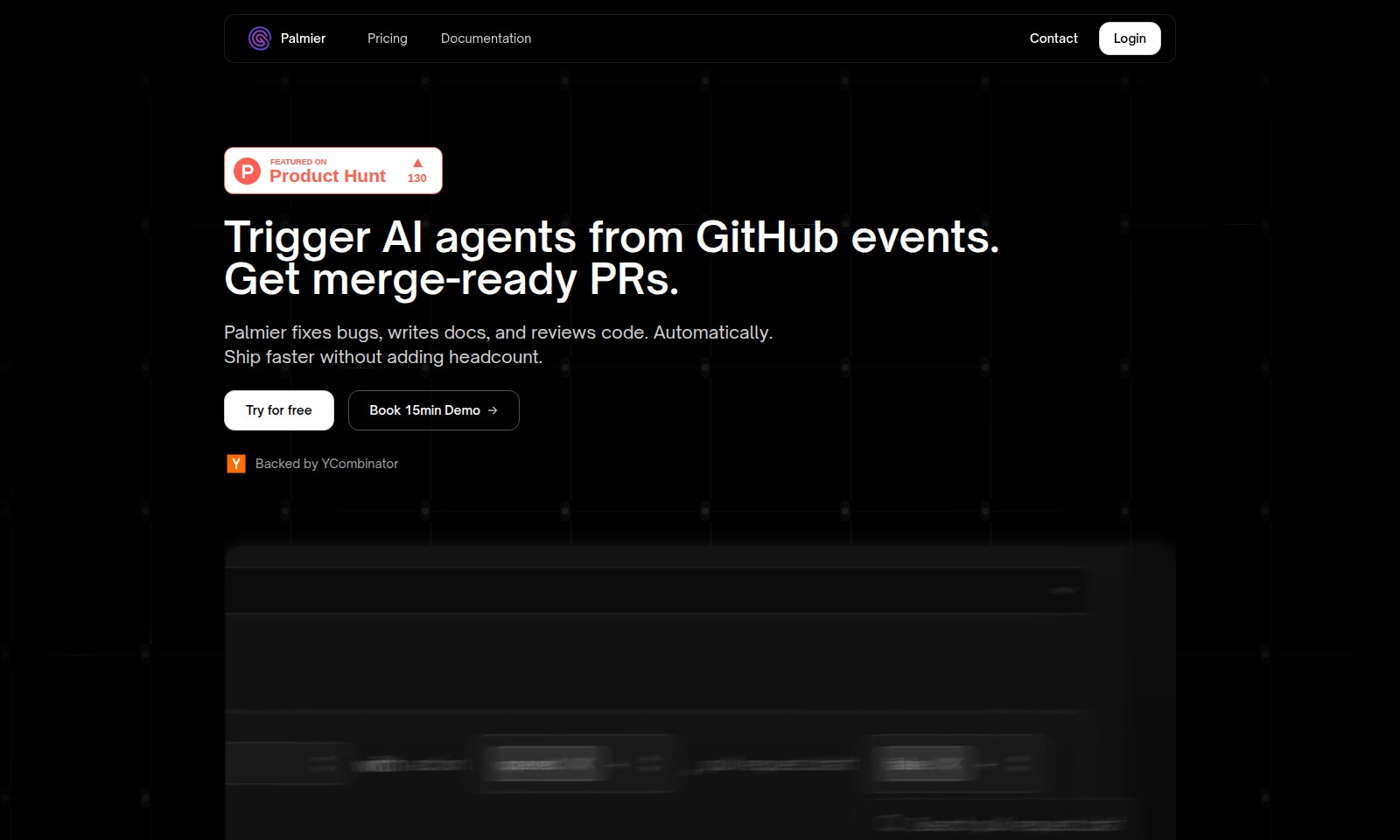
Palmier Introduction
Elevate Your Development Process with Palmier
Palmier is an innovative platform that revolutionizes the way development teams handle code management. By automating key processes such as bug fixing, documentation, and code reviews, Palmier empowers teams to focus on what matters most: delivering high-quality software products at an accelerated pace. With Palmier, you can transform your development workflow, ensuring that your projects are not only completed faster but also with enhanced accuracy and efficiency.
Palmier Features
Automate Code-Review & Bug Triage - Ship 40% Faster
Enhance your development speed with our advanced automation tools. Palmier intelligently identifies and triages bugs while seamlessly handling code reviews.
Auto-Implement Features - Ready-to-Merge PRs
With Palmier, you can call an AI agent to autonomously implement features in the background, yielding ready-to-merge pull requests that free up valuable developer time.
Custom Agents - Automated Documentation & Changelog Creation
Create tailored agents that automatically write documentation and changelogs to ensure your projects stay up-to-date without additional manual effort.
Unlimited Parallel Execution - Maximize Efficiency
Leverage unlimited parallel runs for your processes, significantly reducing latency and increasing overall productivity in project execution.
Intelligent PR Review System - Reduce Review Latency by 45%
Our intelligent review system not only expedites the review process but also drastically cuts down review latency, allowing your team to focus on high-priority tasks.
Effortless Integration with GitHub Events - Custom Automation Workflows
Easily link GitHub events to any AI agents, enabling custom automation workflows that cater directly to your team's unique operational needs.
Frequently Asked Questions About Palmier
FAQs
What is Palmier and how does it work?
Palmier is an innovative tool designed to automate code review and bug triage. It integrates seamlessly with GitHub, allowing users to trigger AI agents based on specific events to handle tasks like bug fixes, documentation writing, and code reviews automatically.
How can I try Palmier for free?
You can try Palmier at no cost by signing up on our website. Simply click the 'Try for free' button, and you'll gain access to a variety of features to explore how Palmier can optimize your coding workflow.
What benefits can I expect from using Palmier?
By integrating Palmier into your development process, you can expect to ship code 40% faster due to automated reviews and bug fixes. This efficiency helps reduce overhead and allows your development team to focus on innovative features instead of routine tasks.
Can I customize Palmier agents to fit my workflow?
Absolutely! Palmier offers the ability to create custom agents tailored to your specific needs. You can define triggers and actions to ensure that the automation aligns perfectly with your development workflow.
What is the integration process with GitHub?
Integrating Palmier with GitHub is straightforward. Start by linking your GitHub account to Palmier, then define the events that will trigger AI agents. Following this setup, the agents will automatically respond to these triggers and help manage your codebase more effectively.
How does Palmier ensure code quality during automated reviews?
Palmier employs advanced algorithms to conduct thorough reviews of submitted Pull Requests. The system minimizes review latency by an average of 45%, ensuring that your code is consistently high-quality and ready for deployment.
How to Use Palmier
Register an Account
To start using Palmier, visit the website and click on the 'Try for free' button. Fill out the registration form with your email and password, then confirm your account via the email received to complete the registration process.
Set Up Your Profile
Once registered, log in and navigate to your profile settings. Here, you can customize your display name and add additional information that helps the team understand your needs better.
Connect GitHub Account
To utilize Palmier's features, connect your GitHub account by selecting 'Connect GitHub' in the integrations section. Authenticate your GitHub account by following the prompts that appear, enabling Palmier to manage your repositories.
Create Custom Automations
After connecting your account, navigate to the automation settings. Choose a GitHub event such as pull requests (PRs) and create a custom automation tailored to your workflow preferences.
Implement Features with Palmier
With your automations in place, you can now use Palmier to auto-implement features. Simply trigger a Palmier agent to autonomously implement code changes based on events in your GitHub repository.
Review PRs
Palmier allows you to initiate a review of your PRs directly from the dashboard. By clicking on the PR review section, you can get feedback from custom agents, which will drastically reduce latency and improve review speed.
Collaborate with Team Members
Invite your team members to collaborate by sharing access through the team settings. This allows others to view automations and PRs, facilitating smoother workflows within your team.
Monitor Performance
Lastly, monitor the performance of your automations and PRs from the dashboard. Analyze the speed and efficiency gains that Palmier provides, helping you measure the improvement in your development processes.
Reviews
Pros
- Easy to use
- Fast processing
- Great results
- Affordable pricing
Cons
- Limited free version
- Requires internet connection
Comments
No comments yet. Be the first to share your thoughts!
Palmier - Alternative Platforms
For some alternatives to Palmier that you may need, we provide you with sites divided by features.

Comprehensive guide to the best hosting options for OpenClaw, featuring expert reviews and a side-by-side comparison of top providers.
ARC offers holistic AI solutions that prioritize user privacy and efficiency. Discover the Matrix and Reactor, designed to protect your data while enhancing your AI experience.
A visual design tool that simplifies frontend development through AI, allowing users to edit and integrate code seamlessly.
OceSha Ventures transforms ideas into AI-driven products, emphasizing collaboration and impact in technology.