Pane
Pane is an AI-enhanced spreadsheet tool that simplifies data management and collaboration for teams.
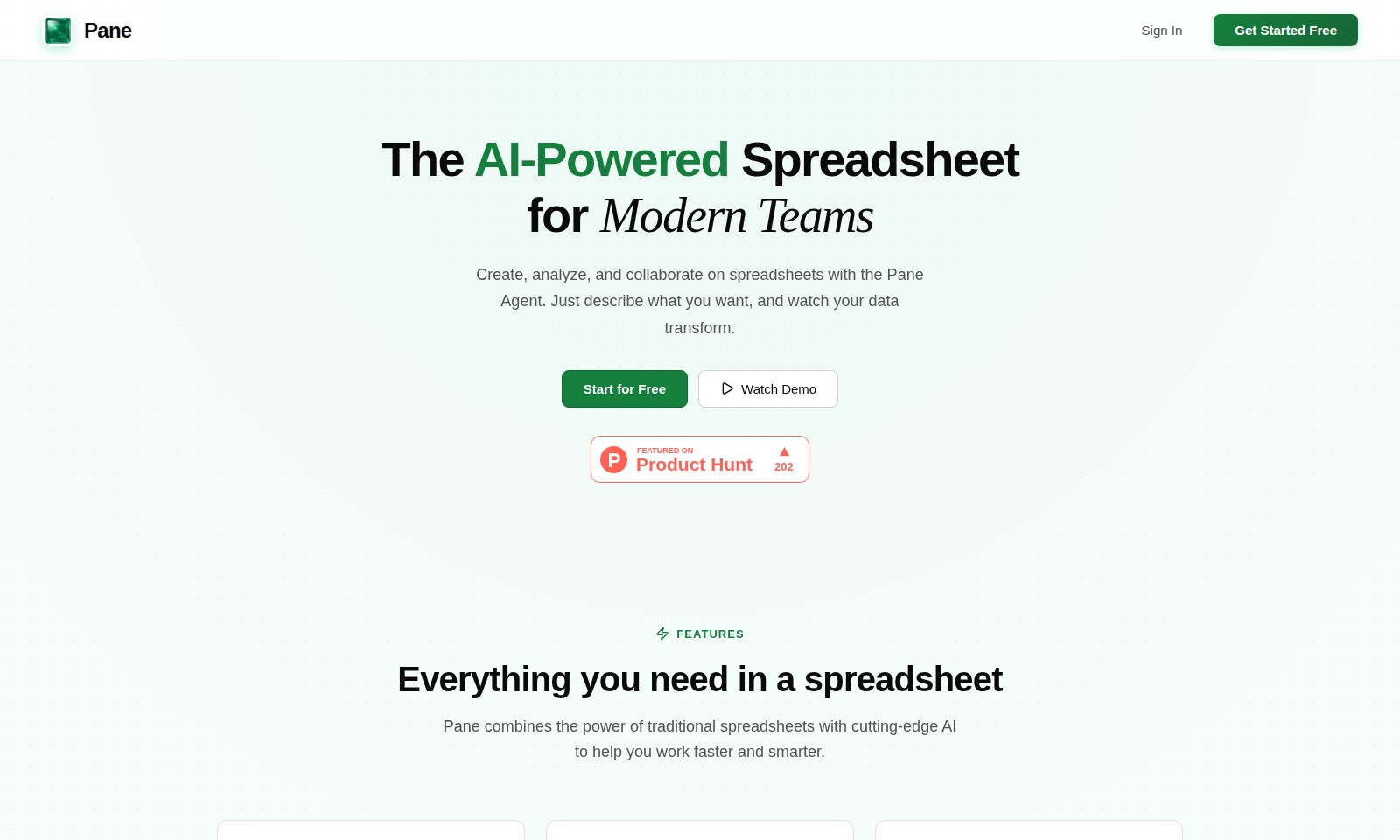
Pane Introduction
An AI-Powered Spreadsheet for Modern Teams
Pane revolutionizes the way teams create, analyze, and collaborate on spreadsheets. With our intuitive Pane Agent, simply describe what you need, and watch your data transform effortlessly into actionable insights. Experience a new level of productivity as you harness the power of AI-driven functionalities tailored specifically for modern business needs.
Pane Features
Pane Agent - Effortless Data Interaction
Empower your spreadsheet experience by conversing naturally with your data. The Pane Agent allows users to execute complex data operations seamlessly using simple commands, enhancing productivity. Technical Differentiation: This feature leverages advanced natural language processing (NLP) algorithms to interpret user queries. Users can filter, sort, or perform calculations without needing to memorize intricate formula syntax.
Interactive Charts - Visually Engaging Data Representation
Transform your data into stunning visual insights with interactive charts. Users can create and customize dynamic bar, line, pie, area, and scatter charts effortlessly. Technical Differentiation: Users can drag charts to reposition and resize anywhere on the spreadsheet, making data presentation flexible and intuitive.
Powerful Formulas - Comprehensive Formula Support
Unlock the full potential of your data analysis with robust formula capabilities. Users benefit from full formula support powered by HyperFormula, enabling them to perform complex calculations accurately. Technical Differentiation: With support for functions like SUM, AVERAGE, and VLOOKUP, users can apply hundreds of formulas, ensuring versatility in data manipulation.
CSV, Excel & PDF Import - Seamless Data Integration
Easily integrate existing datasets with a single click. The import feature supports a variety of file formats, including CSV, Excel, and PDF, making it simple to onboard your historical data. Technical Differentiation: Smart parsing technology ensures that imported data retains its integrity and format, minimizing the need for manual adjustments.
Cloud Synced - Anytime, Anywhere Access
Ensure your data is always accessible with secure cloud storage. Users can access their spreadsheets from any device, enhancing collaboration among teams regardless of location. Technical Differentiation: With encrypted data storage and quick synchronization, users can share and collaborate in real time, promoting efficient teamwork across remote environments.
Frequently Asked Questions About Pane
Frequently Asked Questions
What is Pane and how can it help me?
Pane is an AI-powered spreadsheet tool designed for modern teams. It allows users to create, analyze, and collaborate on spreadsheets effortlessly. By simply describing what you want, Pane leverages the Pane Agent to transform your data accordingly.
Can I use Pane for my existing spreadsheet data?
Absolutely! Pane supports easy importing of your existing data from CSV, Excel, and PDF files with just one click. Our smart parsing technology ensures that your data is accurately integrated into the app, allowing you to continue where you left off.
How does the Pane Agent work?
The Pane Agent allows users to interact with their spreadsheets using natural language. You can perform tasks like sorting and filtering data, applying formulas, and even generating complex calculations with simple commands, making spreadsheet management more intuitive.
What types of charts can I create with Pane?
Pane offers a variety of interactive chart options, including bar, line, pie, area, and scatter charts. You can easily create visual representations of your data, then drag to reposition and resize them on your sheet for better presentation.
Is my data safe with Pane?
Yes, your spreadsheets are securely stored in the cloud, ensuring that they are accessible from anywhere and safeguarded against data loss. We implement robust security measures to protect your information, so you can focus on your work without worry.
How do the formulas work in Pane?
Pane comes with full formula support powered by HyperFormula. You can use essential functions like SUM, AVERAGE, and VLOOKUP, as well as hundreds more to manipulate and analyze your data effectively.
How to Use Pane
Get Started with Pane
To start your journey with Pane, first sign up for a free account. Navigate to the sign-in page and select 'Get Started Free' to begin your registration.
Set Up Your Profile
Once registered, set up your profile by entering your necessary details. This will help personalize your experience and ensure that Pane knows your preferences.
Explore the Dashboard
After setting up, you will land on your main dashboard. Familiarize yourself with the layout, where you can access your spreadsheets and various features.
Create Your First Spreadsheet
Click on the 'Create Spreadsheet' button to start a new project. Choose a template or start from a blank sheet based on your needs.
Use the Pane Agent
Utilize the Pane Agent by simply typing in natural language commands. Ask it to sort, filter, or transform your data without needing to learn complex formulas.
Add Data to Your Spreadsheet
Import data easily from CSV, Excel, or PDF files. Just click on the import option, select your file, and let Pane smartly parse your data into the spreadsheet.
Create Interactive Charts
Visualize your data by creating interactive charts. Choose from bar, line, pie, area, and scatter chart options. Drag to reposition and resize them as you like.
Apply Functions and Formulas
With powerful formula support, use functions like SUM, AVERAGE, and VLOOKUP by entering them in the cells. Pane makes it easy to enhance your data analysis.
Save and Access Securely
Be assured that your spreadsheets are securely stored in the cloud. You can access them from anywhere and share them with your team seamlessly.
Collaborate with Your Team
Invite team members to collaborate on your spreadsheets. Use comments and chat features to communicate effectively within Pane’s environment.
Explore More Features
Take your time to explore other features the Pane has to offer. Watch the demo or browse the support section to enhance your knowledge and skills.
Reviews
Pros
- Easy to use
- Fast processing
- Great results
- Affordable pricing
Cons
- Limited free version
- Requires internet connection
Comments
No comments yet. Be the first to share your thoughts!
Pane - Alternative Platforms
For some alternatives to Pane that you may need, we provide you with sites divided by features.

Graphy enables users to easily create beautiful graphs from various data sources, enhancing storytelling and decision-making with AI-driven insights.
Mermaid offers a powerful platform for creating various diagrams quickly and collaboratively, leveraging AI and easy-to-use features.
Discover your personal destiny through the Destiny Matrix, offering tools for analysis, chakra assessment, and relationship compatibility.
Plus AI enhances your presentations with features like AI-driven slide creation, direct integration in PowerPoint and Google Slides, and customizable templates for teams.