Picsart
Discover Picsart, your go-to AI-driven platform for creating logos, videos, and more with a vast library of templates and tools.
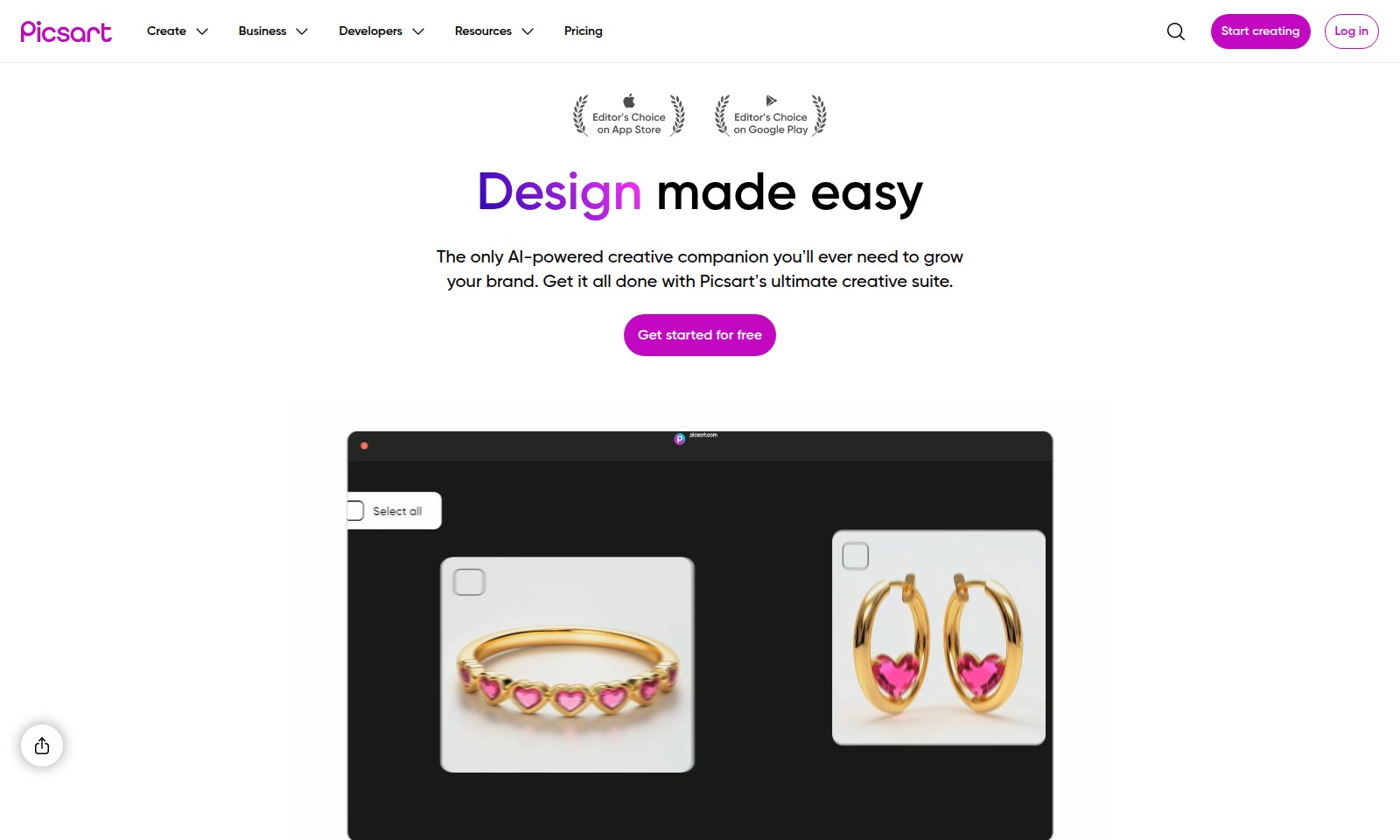
Picsart Features
AI-Powered Creative Suite - Unleash Your Creativity
Become the designer you've always wanted to be with our comprehensive AI-powered creative suite. Tailored for businesses and creators alike, this feature offers a straightforward design process that helps you grow your brand effortlessly.
With over 20 generative AI tools and 300 million+ editable assets, users can enjoy an unparalleled design experience that includes logos, banners, social media graphics, and more. The suite ensures high-quality outputs in a fraction of the time usually required, making it a vital tool for busy professionals.
Template Library - Ready-Made Designs at Your Fingertips
Save time and effort with our extensive library of 450+ customizable templates. Designed to meet various business and personal needs, this feature enables users to quickly select and personalize designs without starting from scratch.
The template library covers various categories, including resumes, business cards, and invitations, providing tailored solutions for every situation. This instant access to professionally crafted designs empowers users to maintain a competitive edge in their industries.
Community Collaboration - Share and Grow Together
Join a vibrant community of over 150 million creatives. This feature encourages collaboration and idea-sharing, making it possible to enhance your projects with valuable feedback and insights.
By involving the creative community, users can tap into a wealth of knowledge, showcasing their work and learning from others. This interaction leads to faster innovation cycles and greater content quality, ultimately benefiting all users involved.
Real-time Editing - Instant Modifications for Maximum Efficiency
Experience the power of real-time editing and adjustments. Users can see changes instantly without any delay, streamlining the design process significantly.
This feature is crucial for teams or individuals working on tight deadlines, empowering them to make necessary adjustments rapidly. Whether you’re perfecting a business presentation or fine-tuning social media graphics, real-time editing enhances productivity.
Analytics Dashboard - Data-Driven Insights
Leverage our analytics dashboard for actionable insights regarding your design performance. This feature allows users to track engagement metrics and see which designs resonate most with their audience.
By analyzing performance data, businesses can make informed decisions about future design strategies, ensuring a stronger connection with their target audience. Quantifiable results lead to a more effective approach in content creation.
Frequently Asked Questions About Picsart
Frequently Asked Questions
Q1: How can I start creating designs with Picsart?
To start creating designs with Picsart, simply visit our website and click on the 'Get started for free' button. You can sign up for a free account and immediately access our extensive library of templates and tools.
Q2: What types of templates does Picsart offer?
Picsart offers a wide range of templates, including logos, resumes, banners, social media posts, posters, business cards, flyers, documents, invitations, backgrounds, and videos. With over 3,000 templates available, you are sure to find the perfect starting point for your design projects.
Q3: Is Picsart suitable for both beginners and experienced designers?
Yes, Picsart is designed to cater to both beginners and experienced designers. Our platform offers a user-friendly interface and easy-to-use tools, while also providing advanced features that seasoned designers will appreciate. You can create stunning designs regardless of your skill level.
Q4: What resources are available for learning how to use Picsart?
We provide a wealth of resources to help you learn how to use Picsart effectively. This includes tutorials, blog articles, and a vibrant community where you can ask questions and share tips. Our support team is also available to assist you with any inquiries.
Q5: Can I access Picsart on multiple devices?
Absolutely! Picsart is accessible on various devices including desktops, tablets, and smartphones. Your projects are saved in the cloud, allowing you to work seamlessly across all your devices without losing any progress.
Q6: What makes Picsart different from other design tools?
Picsart stands out due to its AI-powered creative tools and massive library of assets. With over 300 million editable photos and templates, plus 20+ generative AI tools, it enables users to transform their workflows and enhance creativity efficiently.
How to Use Picsart
Step 1: Register an Account
Visit the website and click on the 'Get started for free' button. Fill in the required details like your email, password, and agree to the terms of service. After submitting, check your inbox for a verification email.
Step 2: Verify Your Email
Open the email from our platform and click the verification link provided. This step is crucial to activate your account and start your creative journey.
Step 3: Set up Your Profile
Log in to your account and navigate to your profile settings. Here, you can upload a profile picture, add a brief bio about yourself, and select your preferences to tailor your experience.
Step 4: Explore the Dashboard
Once your profile is set up, take a moment to familiarize yourself with the dashboard. Check out the different sections like 'Templates', 'Resources', and 'Pricing' to understand the range of tools at your disposal.
Step 5: Get Started with Templates
Head to the 'Templates' section where you can browse through various creative options. Choose a category that interests you, such as 'Logos' or 'Social Media', and select a template you'd like to customize.
Step 6: Customize Your Creation
Using our user-friendly interface, begin customizing your selected template. Add your text, upload images, and play with different design elements to make it truly yours.
Step 7: Save Your Work
Don't forget to save your progress as you design. Click on the 'Save' button to store your project in your account, allowing you to return to it later without losing your changes.
Step 8: Download or Share
Once you're satisfied with your creation, you can either download it directly to your device or share it via social media platforms. Choose the option that suits your needs best.
Step 9: Join the Community
Explore the option to join our creative community. Connect with other creators, share your work, and gain insights from the experiences and feedback of fellow users. Your creative journey doesn’t have to be solitary.
Step 10: Keep Learning
Continue to explore the various resources available on our site, including tutorials and workshops. These will help you enhance your skills and make the most out of the AI-driven tools we provide.
Reviews
Pros
- Easy to use
- Fast processing
- Great results
- Affordable pricing
Cons
- Limited free version
- Requires internet connection
Comments
No comments yet. Be the first to share your thoughts!
Picsart - Alternative Platforms
For some alternatives to Picsart that you may need, we provide you with sites divided by features.

Meme PFP offers a vast collection of customizable profile pictures for various platforms, including categories and latest trends.
D-ID provides a digital human platform for creating personalized videos and avatars, enhancing engagement and messaging for businesses.
Photo AI allows users to upload selfies, create personalized AI models, and generate impressive photos and videos effortlessly.
Generate custom emojis using AI by uploading a photo and selecting a style. Fast, fun, and unique emoticon creation made easy!