Raycast
Raycast offers a suite of productivity tools designed to streamline tasks, automate workflows, and integrate applications, enhancing efficiency for users.
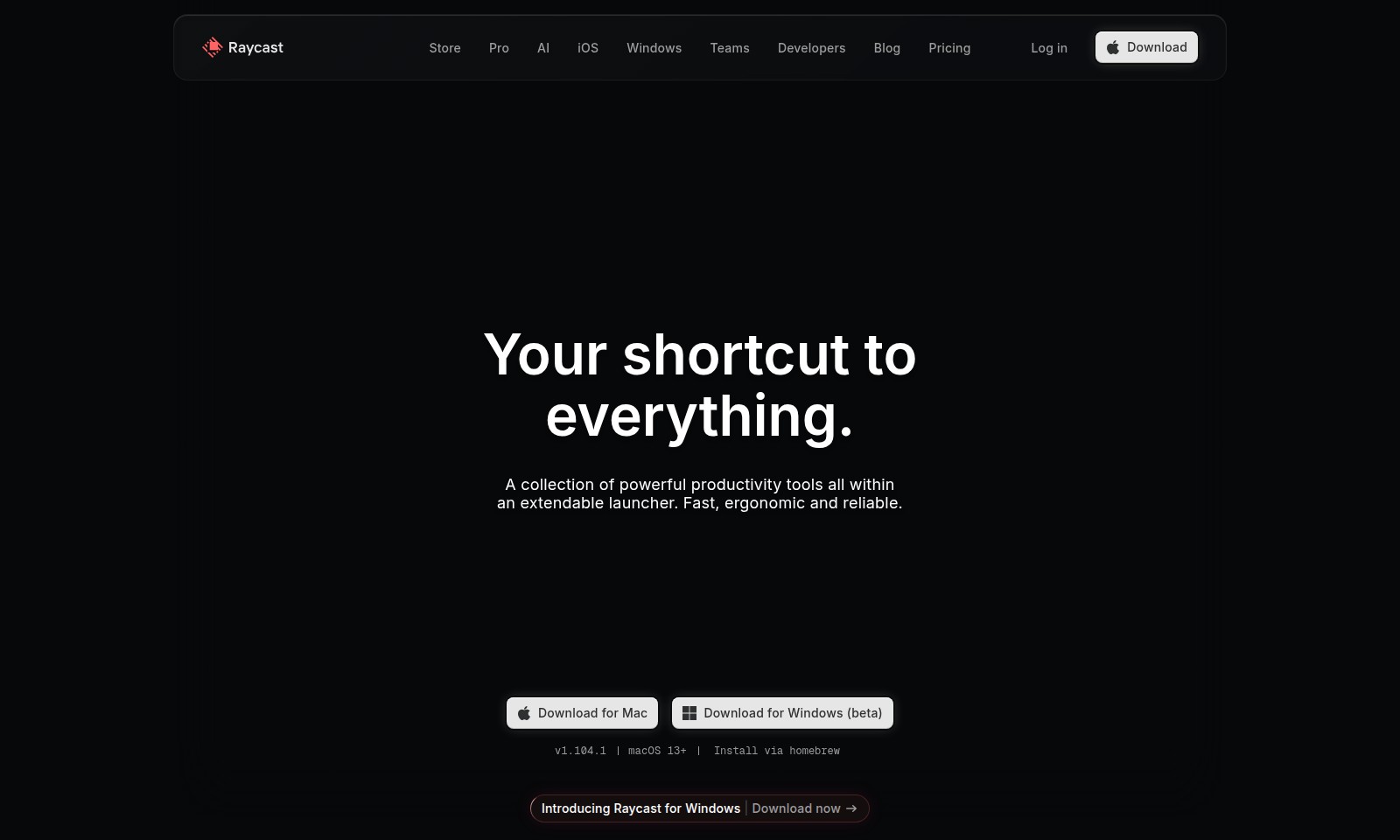
Raycast Introduction
Powerful Productivity Tools at Your Fingertips
Discover a seamless collection of productivity tools designed to enhance your workflow and streamline your tasks. Our extendable launcher brings everything you need into one intuitive interface, allowing for fast and reliable access to essential applications and features.
Raycast Features
Productivity-Boosting Launcher - Streamline Your Workflow
The all-in-one launcher provides quick access to key apps and commands, ensuring that you can navigate your digital workspace efficiently. Compatible with both macOS and Windows, it caters to a wide range of productivity needs. The interface is designed for speed, allowing you to start working right away with minimal distractions.
Intuitive Shortcuts - Enhance Your Speed
Design custom shortcuts with ease to launch apps, commands, and tools in seconds. This feature allows you to prioritize the tools you use most frequently, thus optimizing your workflow. By reducing the time spent searching for applications, users can achieve a significant increase in productivity, ideal for busy professionals.
Seamless Cross-Platform Experience - Unity Across Devices
Experience uninterrupted productivity whether you are on a Mac or Windows device. The platform’s cross-compatibility enables secure file and app access, allowing users to switch devices without missing a beat. This flexibility is particularly beneficial for teams working remotely or in hybrid environments.
Smart Search Functionality - Find What You Need Instantly
Utilize powerful search capabilities to locate applications and commands instantly, which is crucial for time-sensitive tasks. The filtering options allow you to narrow down search results through relevant criteria, resulting in a more effective search experience for users from various sectors.
Extensive Customization - Tailor to Your Preferences
Customize the appearance and functionality to suit your unique workflow requirements. From modifying interface colors to setting up personalized shortcuts, this feature enhances user experience and accommodates individual working styles, making it great for developers and power users alike.
Cloud Integration - Access from Anywhere
Leverage the benefits of cloud capabilities to access your settings and configurations from any device. This feature ensures that professional users remain connected to their crucial tools and content, whether in the office, at home, or on the go. Save time and enhance collaboration with real-time data syncing.
Developer Friendly - API Access and Extensions
Take advantage of the robust API for additional functionality and seamless integrations with existing tools. This feature empowers developers to create custom extensions and workflows, addressing specific use cases and enhancing operational efficiency. Perfect for tech teams looking to optimize their existing toolkits.
Frequently Asked Questions About Raycast
What is Raycast?
Raycast is a powerful productivity tool that serves as an extendable launcher, designed to streamline your workflow. It combines various productivity features into a single interface, allowing you to access everything you need quickly and efficiently.
How can I download Raycast?
You can download Raycast for both Mac and Windows. For Mac, you can install it via Homebrew or download it directly from the website. The Windows version is currently in beta and is available for download on the same site.
What operating systems does Raycast support?
Raycast is compatible with macOS 13 and above. The Windows version is also available, so users on both platforms can benefit from its features.
What are the key features of Raycast?
Raycast includes a range of productivity tools designed for developers and teams. Some key features include fast app launches, clipboard history management, and seamless integration with various extensions to enhance your productivity further.
Is there a pricing plan for Raycast?
Raycast provides a free version with multiple features. However, certain advanced functionalities may come under premium plans, which are detailed on their pricing page. It’s advisable to explore the site for the latest updates on pricing and plans available.
How to Use Raycast
Register an Account
To get started, visit the Raycast website and click on 'Sign Up'. Fill in the required fields like your email, create a password, and agree to the terms. Make sure to check your email for the confirmation link to activate your account.
Set Up Your Profile
Once logged in, head to your profile settings. Here, you can edit your display name, profile image, and any other personal data you wish to share. Completing your profile helps personalize your experience and connects you with other users.
Explore the Dashboard
Familiarize yourself with the dashboard layout. You will see different sections like 'Applications', 'Extensions', and 'Settings'. Spend a few minutes clicking around to understand how everything is organized.
Download the Raycast Application
You can download Raycast for both Mac and Windows. Click on the 'Download' button for your operating system. Follow the prompts to install the application on your device. Make sure your system meets the requirements stated on the download page.
Launch Raycast and Log In
Open the Raycast application after installation. You'll be prompted to log in with your registered email and password. Enter your credentials and click 'Log In'. If you encounter any issues, double-check your email for the confirmation link to ensure your account is active.
Take a Tour
Upon logging in, Raycast may offer an introductory tour. Participate in this guided experience to get acquainted with the key features. This tour will cover how to navigate the interface effectively, making your user journey smoother.
Access Key Features
Explore the productivity tools available. Look for the 'Applications' section to see third-party app integrations like VS Code. Test out features like searching for apps and using shortcuts, which can enhance your workflow significantly.
Customize Your Settings
Take some time to dive into the settings. Here you can customize shortcuts, change themes, and adjust notification preferences. Personalization ensures that your experience is tailored to your needs, ultimately boosting your productivity.
Discover Extensions
Visit the 'Extensions' section to explore additional tools. You can browse through various categories and find extensions that enhance your productivity. Install any that pique your interest and follow the setup instructions provided.
Join the Community
Consider joining the Raycast community. Participate in forums or follow their blog for tips, feature updates, and more. Engaging with other users can provide valuable insights and additional support as you navigate the software.
Provide Feedback
After you’ve been using Raycast for a while, don’t hesitate to provide feedback. Use the 'Feedback' option in the settings menu to share your thoughts. Your input is valuable in helping Raycast improve its services.
Keep Learning
Raycast is consistently updated with new features and enhancements. Keep an eye on their blog for announcements and tutorials that can help you make the most of your account and the tools available. Embrace the opportunity to continually learn and adapt your usage as new features are rolled out.
Reviews
Pros
- Easy to use
- Fast processing
- Great results
- Affordable pricing
Cons
- Limited free version
- Requires internet connection
Comments
No comments yet. Be the first to share your thoughts!
Raycast - Alternative Platforms
For some alternatives to Raycast that you may need, we provide you with sites divided by features.

Mintlify offers a self-updating documentation platform designed for both human and AI needs, ensuring comprehensive knowledge management across industries.
Sudowrite offers innovative features like story structuring, character development, and real-time feedback to assist writers in crafting compelling fiction.
Virly creates a 30-day content plan with viral posts tailored to your voice, enabling autopilot growth for your LinkedIn presence.
Discover profound astrological insights with AstrolGuru's AI, offering tailored readings on various life aspects for informed personal growth.