Sider
Wisebase offers AI-driven tools for efficient research, enabling users to highlight key information, summarize content, and create organized reports.
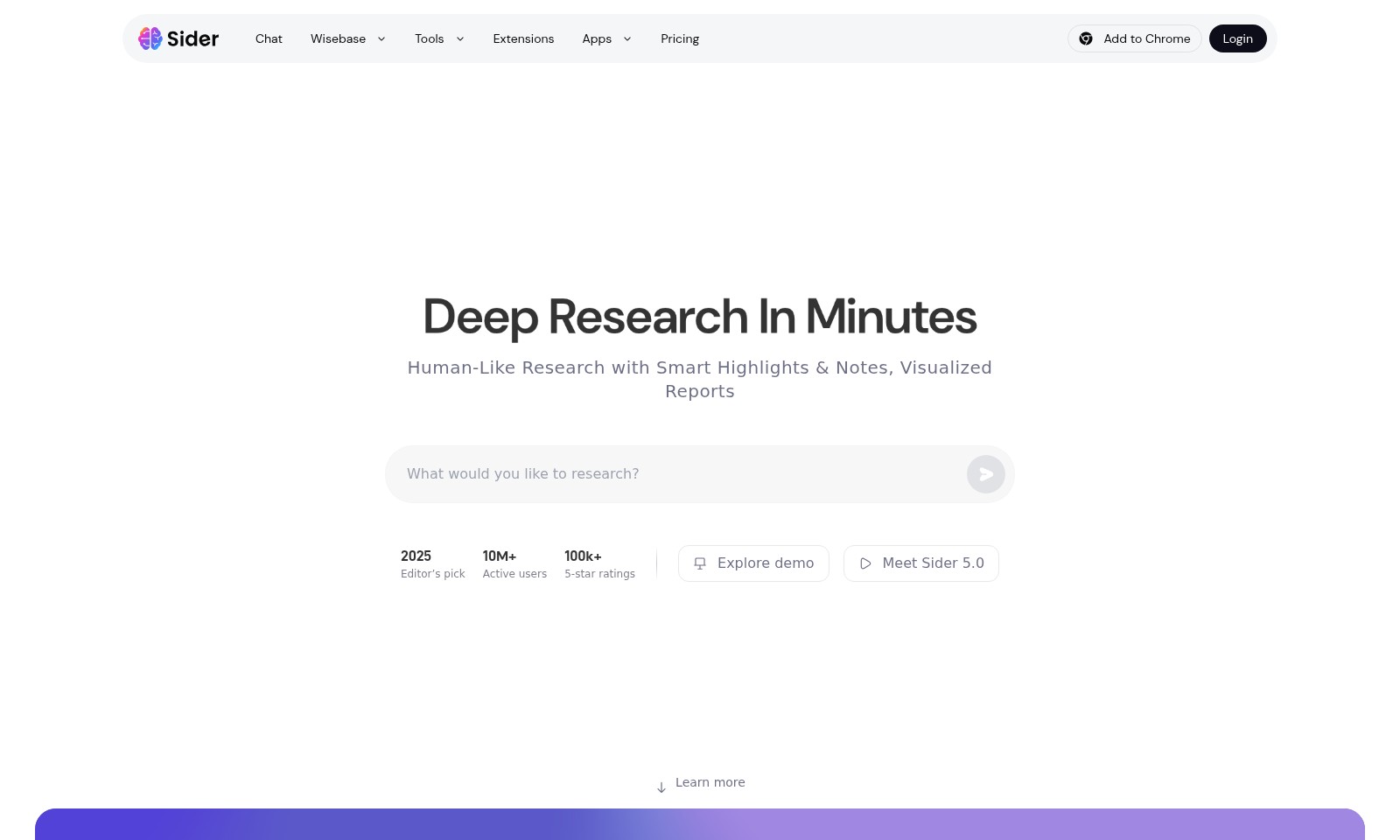
Sider Introduction
Deep Research in Minutes
Wisebase empowers users to conduct deep research swiftly and efficiently with our state-of-the-art AI tools. Enjoy features such as automatic source sorting and key information highlighting, allowing you to focus on what matters most in your research endeavors.
Sider Features
Deep Research Agent - Focus on What Matters Most
Let AI handle the heavy lifting so you can concentrate on your core tasks. The Deep Research Agent automates source sorting and highlights key information automatically, enhancing your research efficiency dramatically. Ideal for researchers wanting to streamline their workflow.
AI Browser Extension - Research Smarter Anywhere
Empower your browsing with a powerful AI toolkit. The AI Browser Extension allows you to summarize entire pages or YouTube videos in seconds, integrating seamlessly into your existing browsing experience. Perfect for students and professionals needing quick access to concise information.
Visualized Reports - Present Data Effectively
Create visualized and interactive reports effortlessly. Automatically generate detailed reports with citations, making information presentation clear and engaging. This feature is essential for professionals who need to share insights with clients or stakeholders clearly and effectively.
Auto Highlighting - Capture Key Insights
Our system auto-highlights crucial information, ensuring that you never miss important content during your research. This saves time and allows you to focus on analysis. Ideal for busy academics and professionals balancing multiple projects.
Multi-Language Support - Global Accessibility
With support for over 50 languages, our tools break down language barriers, enabling users worldwide to access critical information. The bilingual view translates pages instantly, ensuring comprehensive research capabilities for a global audience.
Frequently Asked Questions About Sider
Frequently Asked Questions
1. How does Wisebase help with research?
Wisebase automates the research process by using AI to handle heavy lifting. It auto-sorts the most relevant sources, highlights key information, and generates detailed reports, allowing you to focus on what matters.
2. Can I use Wisebase with my web browser?
Yes! Wisebase offers a powerful AI browser extension that enables you to research smarter anywhere you browse. It summarizes pages, explains highlighted text, and supports instant translation in over 50 languages.
3. Is Wisebase free to start?
Absolutely! You can get started for free and explore all the features Wisebase offers for your research needs without any upfront cost.
4. What kind of reports can I generate using Wisebase?
With Wisebase, you can create interactive and visualized reports that include citations and key takeaways from your research. This feature enhances the way you present information to others and aids in better understanding.
5. How do I add Wisebase to my Chrome browser?
To add Wisebase to Chrome, simply visit our website and click on the 'Add to Chrome' button. Follow the prompts, and you will be all set for smarter research!
6. What makes Wisebase stand out from other research tools?
Wisebase stands out due to its human-like research capabilities and the seamless integration of AI tools that enhance user experience. With over 10 million active users and a plethora of five-star ratings, its effectiveness is proven.
How to Use Sider
Register for an Account
Visit the Wisebase website and click on the 'Login' button. From the login page, select 'Register' to create a new account. Fill in the required details including your email and password, and confirm your registration through the link sent to your email.
Set Up Your Profile
Once registered, log in to your account and navigate to your profile settings. Here, complete your profile by adding essential information such as your name, preferences, and communication settings.
Explore the Dashboard
After setting up your profile, you will land on the dashboard. Familiarize yourself with the layout, which includes quick access to tools, features, and ongoing projects. Take note of the prominent sections like 'Deep Research Agent' and 'AI Browser Extension' to utilize them effectively.
Install the AI Browser Extension
To enhance your research experience, install the Wisebase AI Browser Extension. Click on 'Add to Chrome' on the dashboard and follow the prompts to integrate the extension with your browser. This tool allows you to research smarter as it provides you with powerful AI tools directly while browsing.
Start Your First Research Project
Begin your research by selecting the 'Deep Research Agent' feature. This tool will help you auto-sort the most relevant sources for your topic. Enter your research subject and let the AI handle the load, so you can focus on analyzing the information presented.
Utilize Key Features
As you dive into your research, take advantage of features like auto-highlighting key information and generating detailed reports with citations. This will help streamline your research process and ensure that you gather necessary details quickly.
Generate Visualized Reports
Once you have completed your research, use the reporting feature to create visualized, interactive reports. These reports can effectively communicate your findings and are helpful for presentations or sharing with others.
Seek Assistance if Needed
If you encounter any issues or have questions while using Wisebase, don’t hesitate to reach out for support. Check out the help section on the website or contact customer service for assistance. They are there to help you make the most of your experience.
Continue Learning and Exploring
Lastly, always keep exploring new features and tools provided by Wisebase. Participate in webinars or check out tutorials to enhance your skills and make your research process even more efficient.
Reviews
Pros
- Easy to use
- Fast processing
- Great results
- Affordable pricing
Cons
- Limited free version
- Requires internet connection
Comments
No comments yet. Be the first to share your thoughts!
Sider - Alternative Platforms
For some alternatives to Sider that you may need, we provide you with sites divided by features.

Easily solve PDF, image, video, and text issues with TinyWow's free tools, including creators, editors, and AI features.
Elevate your brand with Blaze's AI marketing tools, designed for rapid growth in social media, content creation, and audience engagement.
MiriCanvas offers a comprehensive design platform with millions of templates and AI editing tools, perfect for various creative projects.
Discover Jasper, the AI platform transforming marketing operations through automated content pipelines and intelligent workflows.