Thetawave AI
ThetaWave AI simplifies note-taking by turning lectures, files, and videos into structured notes, quizzes, and flashcards for effective studying.
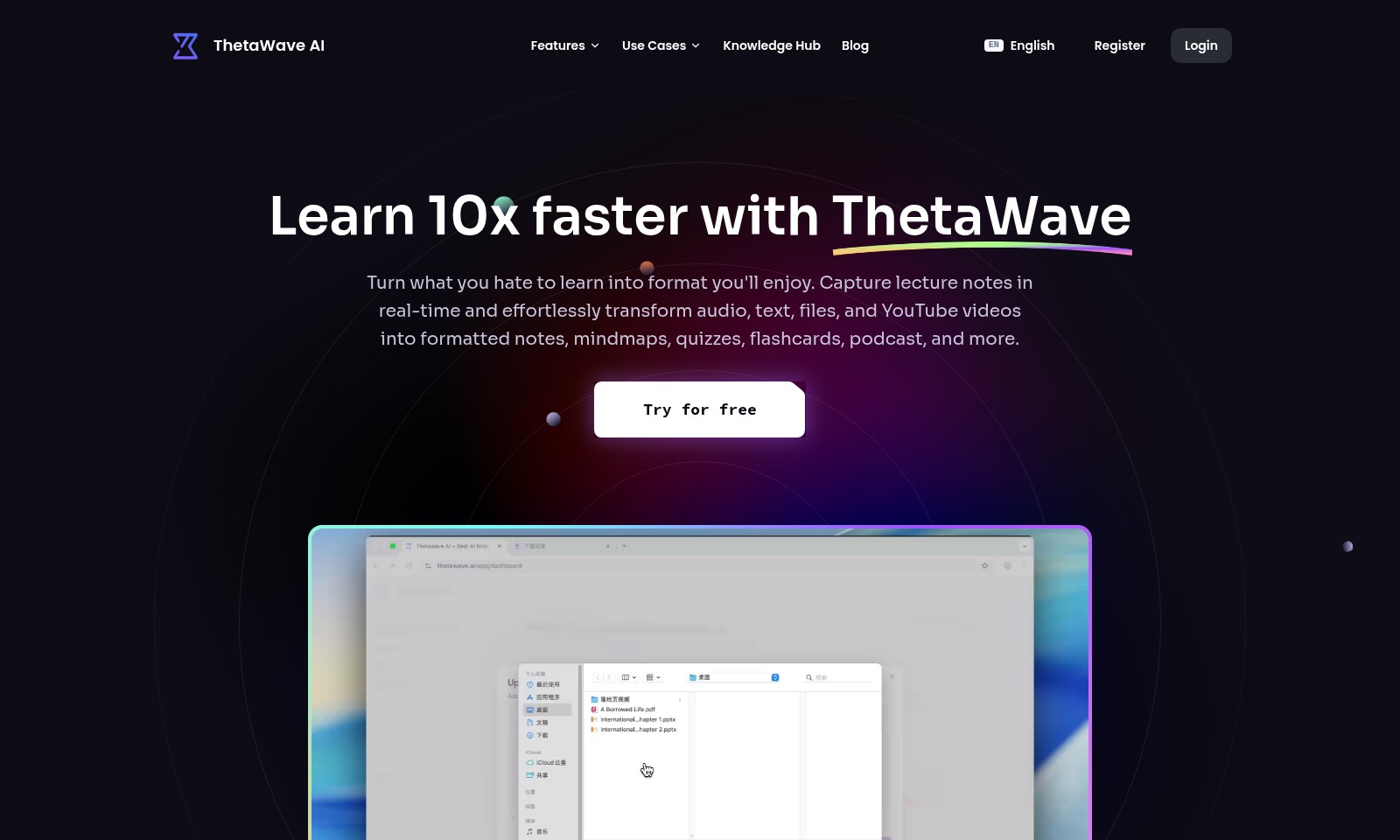
Thetawave AI Introduction
Experience Enhanced Learning with ThetaWave AI
ThetaWave AI revolutionizes the way students engage with learning materials. Our innovative platform allows users to transform traditional note-taking into an enjoyable and efficient process. With real-time lecture note capture, users can convert audio, text, files, and even YouTube videos into organized notes, mindmaps, quizzes, flashcards, and podcasts seamlessly. This comprehensive approach not only saves time but also enhances knowledge retention, making study sessions more productive and engaging.
Thetawave AI Features
Note Capture - Boost Your Learning Efficiency
Capture lecture notes in real-time, allowing students to focus entirely on learning without the stress of manual note-taking. This feature supports multiple formats including audio, text, and video, providing a flexible learning experience tailored to different preferences.
Structured Formatting - Enhance Retention
Transform raw content into structured notes, mindmaps, or flashcards, which significantly enhances memory retention. This feature distinguishes ThetaWave AI with its advanced formatting algorithms that create a personalized learning tool for every user.
Multi-Format Conversion - Versatile Learning Tools
Seamlessly convert lecture materials into various formats including quizzes and podcasts. This ensures that users can study in a manner that fits their lifestyle, whether they're on the go or at home reviewing material.
Instant Access - Foster Seamless Learning
Retrieve all your notes in seconds, providing a quick reference during study sessions. With cloud synchronization, students can access their notes from any device, promoting an uninterrupted learning process.
User-Centric Design - Simplified Learning Experience
Designed with students in mind, ThetaWave AI offers an intuitive interface that simplifies the study process. This focus on user experience allows learners to swiftly adapt to the platform without a steep learning curve, making it accessible for all proficiency levels.
Frequently Asked Questions About Thetawave AI
Frequently Asked Questions
What is ThetaWave AI and how does it help with learning?
ThetaWave AI is an innovative learning tool designed to enhance the learning experience for students. It transforms lecture notes into various formats, such as mindmaps and flashcards, allowing users to study more effectively and efficiently.
How can I get started with ThetaWave AI?
Getting started is easy! You can sign up for a free trial on our website. Once registered, you can immediately begin capturing and transforming your learning materials with our user-friendly interface.
Is ThetaWave suitable for all types of learners?
Absolutely! ThetaWave caters to different learning styles by providing multiple formats for study materials. Whether you prefer visual aids like mindmaps or practical tools like quizzes, ThetaWave has something for everyone.
What kind of formats can ThetaWave generate from my notes?
ThetaWave can convert your notes into a variety of formats including mindmaps, quizzes, flashcards, and even podcasts. This means you can engage with the material in the way that suits you best.
Can I use ThetaWave with various devices and platforms?
Yes, ThetaWave is designed to be accessible on multiple devices, including smartphones, tablets, and computers. This ensures that you can study anytime, anywhere.
What do other users say about ThetaWave AI?
Many students have found ThetaWave to be a game-changer. Users from universities worldwide, like Jamal from NYU and Carlos from Harvard, have praised its efficiency in pulling up notes and helping with faster memorization.
How to Use Thetawave AI
Register for an Account
Visit the ThetaWave AI website and click the 'Register' button. Fill in your details such as name, email, and password to create your account.
Verify Your Email
After registration, check your inbox for a verification email from ThetaWave AI. Click on the verification link to activate your account.
Log In to Your Account
Return to the ThetaWave AI homepage and click 'Login'. Enter your registered email and password to access your account.
Set Up Your Profile
Once logged in, navigate to your profile settings. Add additional information such as your field of study and preferences to customize your experience.
Explore Key Features
Take a tour of the user interface. Familiarize yourself with features like capturing notes from lectures, transforming audio into text, and creating study materials like mind maps and quizzes.
Capture Lecture Notes
During your classes, use ThetaWave AI to record lectures in real-time. This feature allows you to focus on the lecture without worrying about missing important information.
Generate Study Materials
After capturing notes, utilize the platform to automatically generate flashcards, quizzes, and mind maps from your notes. This will enhance your studying efficiency and retention.
Try the Free Trial
If you haven't already, take advantage of the free trial option to explore all the premium features of ThetaWave AI before committing to a subscription.
Engage with the Community
Join the ThetaWave community through forums or social media. Sharing experiences and tips with fellow users can boost your learning experience.
Access the Knowledge Hub
Visit the Knowledge Hub for tutorials, articles, and tips on maximizing your use of ThetaWave AI. This resource is invaluable for both beginners and seasoned users.
Provide Feedback
After using the platform, consider providing feedback based on your experience. This helps improve the service and makes it better for future users.
Reviews
Pros
- Easy to use
- Fast processing
- Great results
- Affordable pricing
Cons
- Limited free version
- Requires internet connection
Comments
No comments yet. Be the first to share your thoughts!
Thetawave AI - Alternative Platforms
For some alternatives to Thetawave AI that you may need, we provide you with sites divided by features.

Impel offers a powerful AI platform that streamlines dealership processes, improves customer interactions, and boosts performance across the automotive industry.
MYND offers an AI-driven app designed for personal mental wellness, featuring custom meditations and supportive conversations for users.
Alya is an AI-powered app that supports mental health and personal growth, providing tools for organization, goal setting, and emotional tracking.
Explore a comprehensive AI assistant platform with numerous models, tailored features, and flexible pricing options.