Tripo AI
Tripo AI offers tools to create 3D models and environments instantly with ease, catering to various applications from gaming to design.
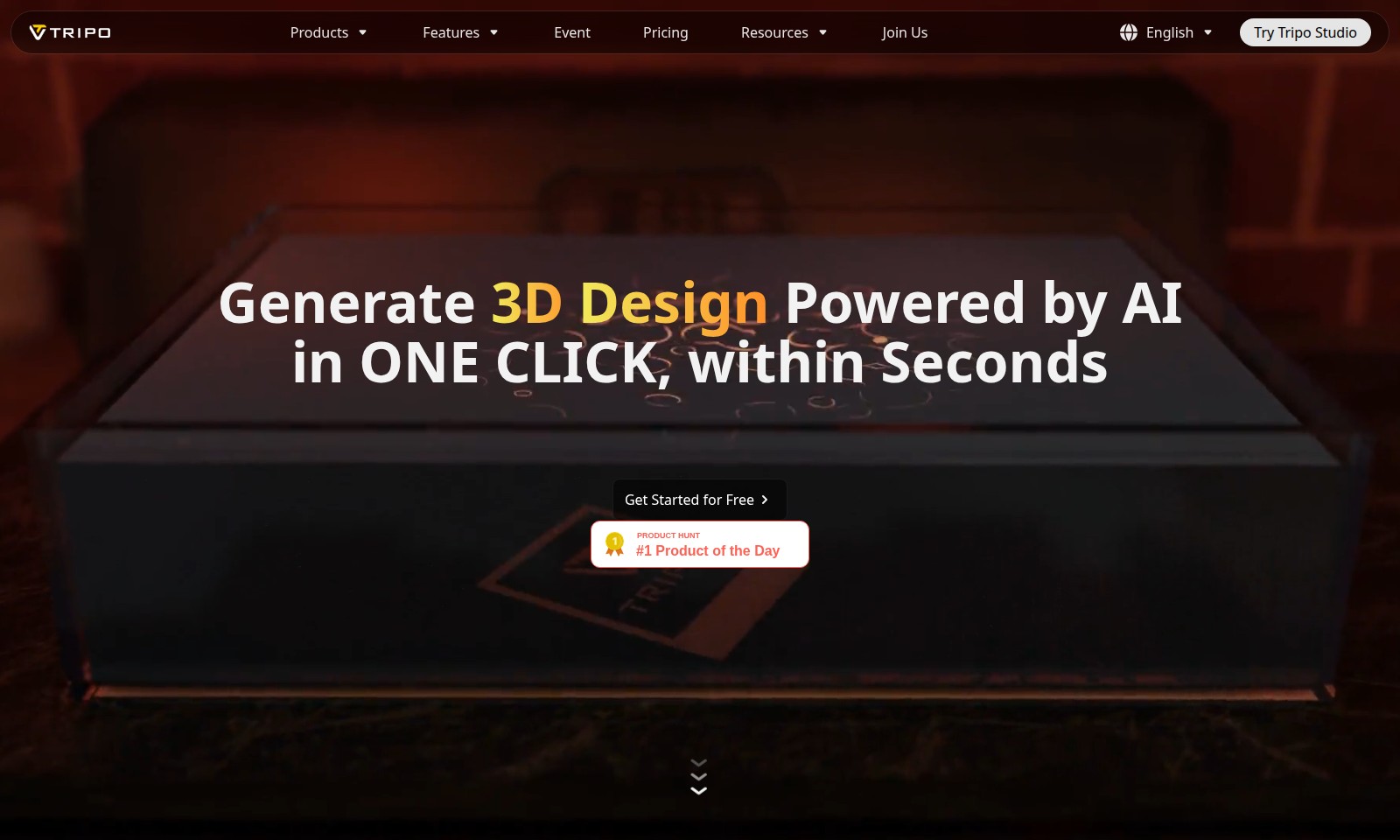
Tripo AI Introduction
Generate Your 3D Models in Seconds
Tripo AI offers a state-of-the-art platform for creating 3D models with unparalleled ease and speed. With just a single click, users can generate stunning 3D designs powered by advanced AI technology, allowing for the creation of high-quality models in mere seconds. Whether you are a professional designer or a hobbyist, Tripo allows you to turn your ideas into detailed 3D representations effortlessly.
Tripo AI Features
3D Model Generator - Effortless Creation
Create stunning 3D models in just 10 seconds using text, single images, multiple images, or even simple doodles. This feature significantly streamlines the modeling process, enabling users to generate high-quality designs without extensive training.
Professional-Grade Model Quality - Exceptional Realism
The models generated are not only fast but also come with detailed geometry and physically based rendering (PBR) materials that provide exceptional realism and professional quality, making them suitable for various applications like gaming and product design.
Infinite Format Support - Versatile Usability
Our 3D model generator supports a wide range of formats including glb, fbx, obj, usd, stl, and schematic, giving users the flexibility to utilize the generated models across different platforms such as game development, 3D printing, and virtualization.
Text-to-3D Conversion - Intuitive Interaction
Users can effortlessly convert descriptive text into 3D models. This intuitive interaction allows for quick prototyping and creative exploration, catering to designers and developers looking for faster turnaround times in their projects.
AI-Powered Customization - Tailored Experiences
With our AI capabilities, users can customize their 3D models to meet specific stylistic needs, ensuring that each design aligns with their vision. This degree of personalization enhances the overall user experience and satisfaction.
3D Scenario Generator (Coming Soon) - Next-Level Environment Creation
Prepare for an exciting new feature that will automate the generation of interactive 3D environments based on single images and doodles, empowering users to create immersive experiences more efficiently. Expect tailored results that fit diverse applications in entertainment and education.
Ready-to-Use Models for Immediate Integration - Fast Deployment
Generated models are ready for immediate use in various projects. Whether for quick game production or educational content, users can integrate the high-quality outputs into their workflows without delay, enhancing productivity and creativity.
Frequently Asked Questions About Tripo AI
Frequently Asked Questions
What is Tripo AI and how does it work?
Tripo AI is a platform that allows users to create 3D models quickly using text, images, or doodles. By leveraging advanced AI algorithms, Tripo AI can generate professional-grade models in as little as 10 seconds, making it accessible for both beginners and professionals.
Can I try Tripo Studio for free?
Yes, you can get started with Tripo Studio for free! This allows you to explore its features and generate 3D designs without any upfront cost, making it easy to decide if the tool suits your needs.
What types of output formats does Tripo AI support?
Tripo AI supports various output formats, including glb, fbx, obj, usd, stl, and schematic. This versatility allows you to use the generated models in different platforms such as games, 3D printing, and even in the metaverse.
How detailed are the models generated by Tripo AI?
The models created by Tripo AI are of professional-grade quality, complete with detailed geometry and physically based rendering (PBR) materials. This ensures that your models not only look good but also perform well in various applications.
Is there a limit to the types of input I can use for model generation?
You can use single images, multiple images, text descriptions, and even doodles to create your models. The platform is designed to interpret different types of inputs creatively, allowing unlimited possibilities in design.
What is the 3D Scenario Generator feature?
The 3D Scenario Generator is an upcoming feature that will enable users to create instant AI-generated interactive 3D environments from single images and doodles. This feature is perfect for those looking to design custom-fit 3D worlds for various applications.
How to Use Tripo AI
Step 1: Register Your Account
Visit the Tripo AI website and click on 'Join Us.' Fill out the registration form with your details and submit it. You'll receive a confirmation email to verify your account.
Step 2: Verify Your Email
Check your inbox for the confirmation email from Tripo AI. Click on the verification link to activate your account. This is essential for moving forward.
Step 3: Log In
Return to the Tripo AI homepage. Enter your registered email and password to log in to your account. Ensure you keep your credentials secure.
Step 4: Set Up Your Profile
Once logged in, navigate to your profile settings. Add a profile picture and fill in necessary details to customize your experience and enhance community engagement.
Step 5: Access Tripo Studio
On your dashboard, find and click on 'Try Tripo Studio.' This will direct you to the main interface where you can begin creating 3D models.
Step 6: Explore Features
Take a tour of the interface to familiarize yourself with the tools and features available. Look for options like 'Generate 3D Design,' which allows you to create models quickly.
Step 7: Create Your First 3D Model
Choose a creation method: text, single image, or multiple images. Follow the prompts to upload or type in your input. Click 'Generate' and watch your model come to life in seconds.
Step 8: Customize Your Model
Once generated, you can adjust various parameters to refine your model. Use the editing tools to enhance details or change colors, making it uniquely yours.
Step 9: Download or Share
After finalizing your model, decide on the desired format: glb, fbx, obj, or others. Click on the download button, or share directly to social media or gaming platforms.
Step 10: Join the Community
Explore the Tripo AI community forum for tips, tutorials, and to showcase your work. Engaging with others will enhance your skills and inspire creativity.
Reviews
Pros
- Easy to use
- Fast processing
- Great results
- Affordable pricing
Cons
- Limited free version
- Requires internet connection
Comments
No comments yet. Be the first to share your thoughts!
Tripo AI - Alternative Platforms
For some alternatives to Tripo AI that you may need, we provide you with sites divided by features.

Sonic-3 offers human-like text-to-speech capabilities for various applications, providing emotional nuances and rapid response times.
Uprise offers embedded tax and advisory services, enhancing SMB platforms for business owners with personalized financial guidance and integration.
Outter offers tailored, plug-and-play AI solutions for fast integration, focusing on user engagement, privacy, and ROI enhancement.
LightPDF offers advanced PDF tools including editing, OCR, conversion, and AI chat features, ensuring productivity and ease of use.