Image to Image AI
Discover a powerful online AI tool that allows you to transform images by providing descriptions and manipulating settings for personalized results.
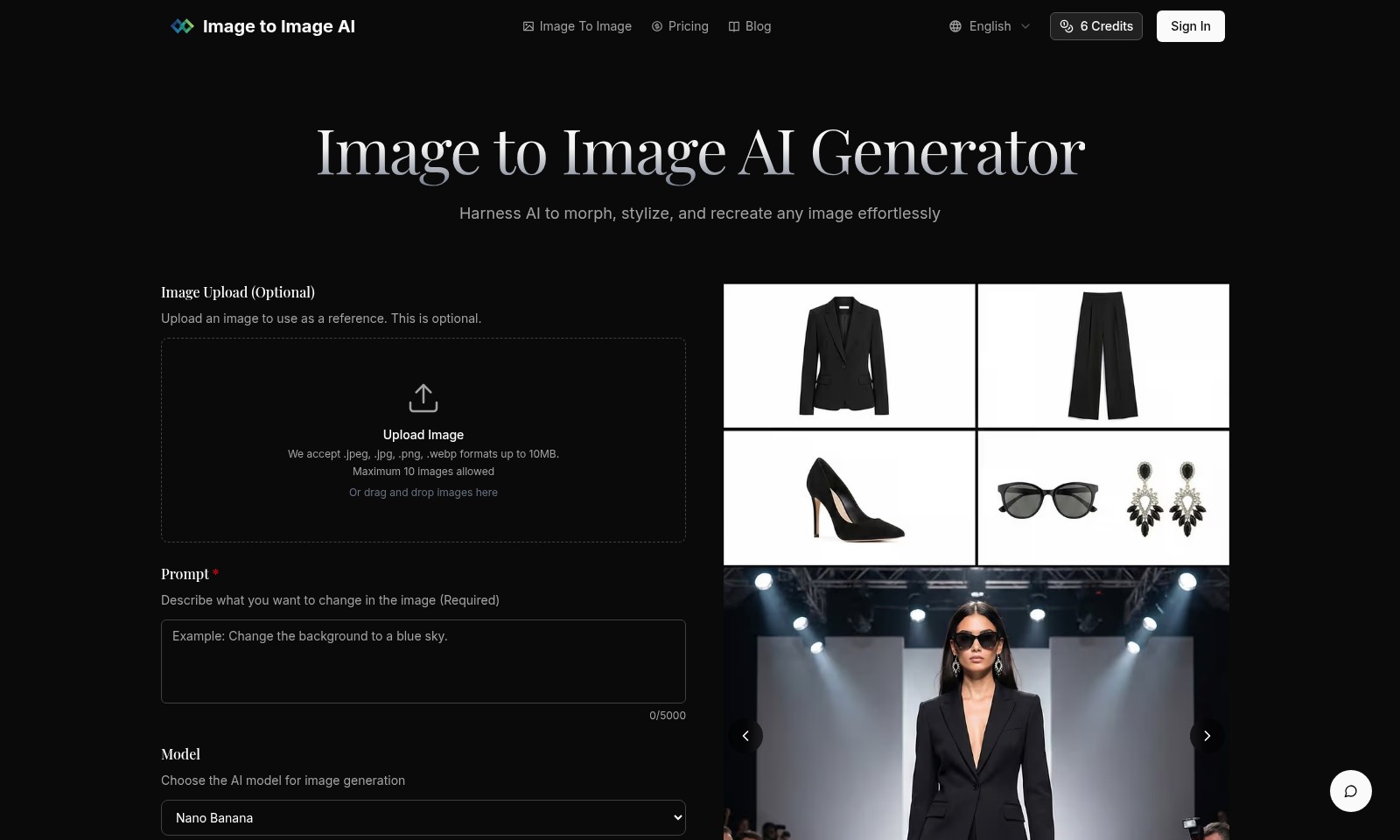
Image to Image AI Introduction
Transform Your Images with AI
Unlock the power of AI with our advanced Image to Image AI Generator, designed to morph, stylize, and recreate images effortlessly. Our platform provides an intuitive interface that allows users to upload images and describe desired changes, making it an essential tool for designers, marketers, and creative enthusiasts alike.
Image to Image AI Features
Image Upload - Effortless Integration
A user-friendly image upload feature that allows for seamless image transformation. Users can upload images in various formats (JPEG, PNG, WEBP) up to 10MB to initiate the AI-enhanced rendering process.
AI Model Selection - Tailored Solutions
Choose from a variety of advanced AI models such as Nano Banana, Nano Banana Pro, and GPT-4o Image to suit specific image generation needs. Each model offers unique benefits to cater to different creative requirements.
Aspect Ratio Customization - Versatile Output
Select from multiple aspect ratios including 1:1, 16:9, and 4:3, ensuring images fit perfectly across various platforms. This customization boosts visual appeal and meets diverse publishing standards.
Format Options - Flexibility in Output
Output images in popular formats like PNG and JPG, allowing easy integration into any creative workflow. This feature ensures high compatibility and quality across multiple devices and software.
Image Description - Enhanced Customization
Provide a detailed description of desired changes to the uploaded image. This feature empowers users to specify exact requirements, thereby improving the final output accuracy and relevance.
Credit-Based Pricing - Transparent Costs
Utilize a clear credit system for image generation, ensuring users understand costs per image with direct access to pricing information. This transparency allows for better budget management and planning for businesses and creators alike.
Drag and Drop Functionality - Streamlined User Experience
Implement a drag-and-drop interface for quick and efficient image uploads, enhancing user experience by simplifying the process of starting image transformation.
Frequently Asked Questions About Image to Image AI
Frequently Asked Questions
1. What types of images can I upload for the Image to Image AI generator?
You can upload images in .jpeg, .jpg, .png, or .webp formats, with a maximum file size of 10MB. You can upload up to 10 images at a time, making it easy to incorporate multiple references into your projects.
2. How do I describe the changes I want in my images?
In the prompt section, you need to describe what you want to change in the image. This section allows for up to 5000 characters, enabling you to provide detailed instructions for the AI to follow in generating your desired output.
3. What AI models are available for image generation?
You can choose from several AI models including Nano Banana, Nano Banana Pro, GPT-4o Image, and Flux Kontext. Each model offers unique advantages, such as speed and efficiency, so you can select one based on your project needs.
4. Can I choose the output format for my generated images?
Yes, you have the flexibility to choose your desired output format, either PNG or JPG. This ensures that the final image meets your specific requirements for quality and compatibility.
5. What aspect ratios can I select for my image outputs?
You can select from multiple aspect ratios like 1:1, 9:16, 16:9, and more. This versatility allows you to tailor images for different platforms and purposes, whether it's for social media, presentations, or other visual needs.
6. Is there a cost associated with using the Image to Image AI generator?
Yes, generating images incurs a small cost, typically 3 credits per image depending on the model you choose. Make sure to review our pricing page for more details on credits and costs involved.
How to Use Image to Image AI
Register for an Account
Visit the registration page and fill in the required fields. Choose a unique username and a secure password to ensure your account's safety.
Verify Your Email
Check your inbox for a verification email. Click on the link provided to confirm your email address and activate your account.
Sign In
Return to the website and sign in using your username and password. Ensure you keep your credentials secure.
Set Up Your Profile
Once logged in, navigate to your profile settings. Add a profile picture and additional information to enhance your experience.
Upload an Image
In the Image Upload section, click the upload button. Select an image from your device to use as a reference for transformation.
Choose an AI Model
Select the AI model that best suits your needs from the dropdown menu. Consider the purpose of your image generation when making your choice.
Define Image Changes
In the prompt field, clearly describe what changes you want to make to your uploaded image. Be detailed for better results.
Adjust Aspect Ratio
Choose the desired aspect ratio from the list provided. This will determine how your final image is framed.
Select Output Format
Finally, pick the output format in which you'd like your image saved. Options include PNG and JPG, among others.
Generate Images
Click the "Generate Images" button to create your transformed image. Wait a moment for the AI to process your request.
Download Your Image
Once generated, download your image by clicking the download link. Ensure you save it in a location where you can easily access it later.
Reviews
Pros
- Easy to use
- Fast processing
- Great results
- Affordable pricing
Cons
- Limited free version
- Requires internet connection
Comments
No comments yet. Be the first to share your thoughts!
Image to Image AI - Alternative Platforms
For some alternatives to Image to Image AI that you may need, we provide you with sites divided by features.

SynthID Remover detects and removes invisible watermarks from AI-generated images without affecting quality, ideal for designers and creators.
Experience professional-quality picture to drawing transformations with privacy assured. Create unique artworks from your images effortlessly.
Image to Image AI allows users to creatively modify images by maintaining core composition while applying desired changes, enhancing design workflow and efficiency.
Discover Face Swap AI, the user-friendly tool that enables effortless face swapping in photos and videos, bringing creativity to your edits.