MCP Servers
MCP.so serves as a community hub for accessing and sharing MCP Servers and Clients, enabling rapid deployment of AI solutions.
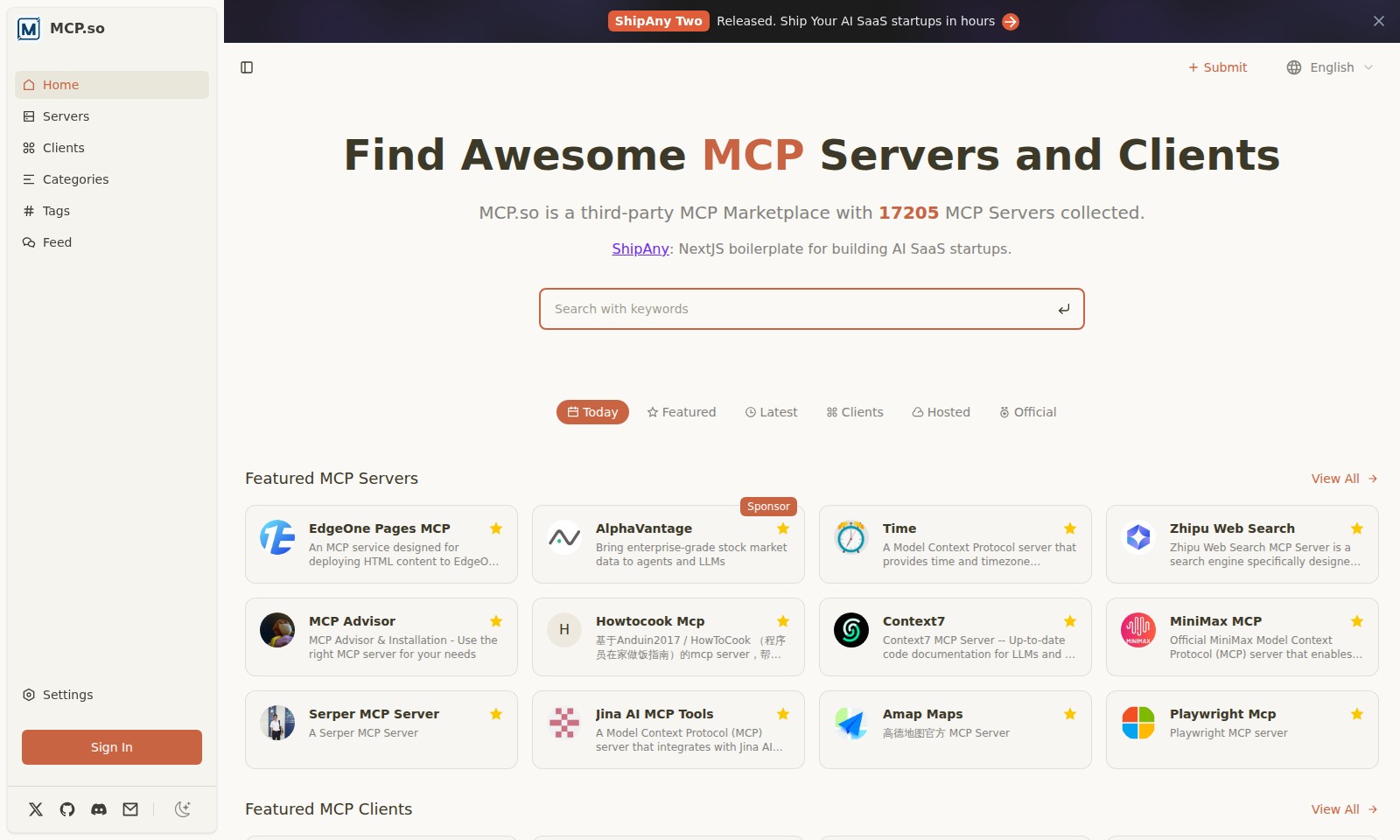
MCP Servers Introduction
Welcome to MCP.so
MCP.so is a dedicated marketplace for discovering and acquiring various MCP servers and clients tailored for your specific needs in the AI ecosystem. With a collection of 17,205 MCP servers, we provide a comprehensive platform that connects developers, entrepreneurs, and startups with essential tools and resources to accelerate their AI-driven projects.
MCP Servers Features
EdgeOne Pages MCP
Core Benefit: Seamlessly deploy HTML content to EdgeOne Pages and acquire an accessible public URL, enhancing your project's visibility and accessibility. Technical Differentiation: The EdgeOne Pages MCP leverages advanced CDN architecture to deliver content at lightning speed, ensuring users experience minimal latency and maximum reliability.
Frequently Asked Questions About MCP Servers
Frequently Asked Questions
What is MCP.so?
MCP.so is a comprehensive third-party MCP Marketplace that offers access to a variety of MCP Servers and Clients. We have collected over 17,205 MCP Servers that cater to different needs, including deployment, data management, and more.
How can I use MCP Servers?
Using MCP Servers is quite straightforward. Simply browse our marketplace to find the relevant server for your needs, such as deploying AI-driven applications or accessing stock market data, and follow the integration documentation provided for each server.
What are the benefits of using MCP servers?
MCP servers provide flexible and scalable solutions to develop and deploy applications rapidly. They come equipped with robust features designed specifically for AI SaaS startups, allowing developers to focus on innovation without concerning themselves too much about the infrastructure.
Can I share an MCP Server with my team?
Absolutely! MCP.so encourages collaboration among users. Once you have chosen an MCP server, you can easily set up permissions and access for your team members, ensuring that the entire team can benefit from the server's capabilities.
Is there customer support available?
Yes, customers can access our dedicated support team for assistance. Whether you have technical questions or general inquiries about server usage, our support channels are open to help guide you through any difficulties you may encounter.
How to Use MCP Servers
Register an Account
Visit the MCP.so homepage and click on the 'Sign In' button. If you don't have an account, select the option to register. Fill in the required fields such as your email and password, then submit the form to create your account.
Verify Your Email
Check your inbox for a verification email from MCP.so. Click the verification link inside the email to confirm your account. This step is essential before you can fully access the features of the website.
Set Up Your Profile
Log in to your newly created account and navigate to the profile settings. Here, you can add details about yourself, including your preferences and any additional information that may enhance your experience on MCP.so.
Explore the Marketplace
Once your profile is set up, go back to the homepage. Browse through our extensive list of MCP Servers and Clients. Utilize the search bar and categories to find specific services that suit your needs.
Select a Service
When you've found a service that interests you, click on it to view more details. Read the descriptions and check the features to ensure it meets your requirements. Don't hesitate to compare different options.
Add to Cart
After selecting a service, you can add it to your cart. Review your selected items in the cart to ensure everything is correct before proceeding to checkout.
Complete Your Purchase
Follow the prompts to complete your purchase. Choose your preferred payment method and enter the necessary payment details. Confirm your order and wait for a confirmation email that equates to your purchase.
Accessing Your Services
After completing your purchase, navigate to your account dashboard to view your acquired services. You’ll find links or activation buttons that lead to your purchased MCP servers.
Utilize Key Features
Click on your desired MCP server to explore its features. Familiarize yourself with its functionalities by reading the provided documentation or guides. This step will help you maximize the use of the services you've obtained.
Reviews
Pros
- Easy to use
- Fast processing
- Great results
- Affordable pricing
Cons
- Limited free version
- Requires internet connection
Comments
No comments yet. Be the first to share your thoughts!
MCP Servers - Alternative Platforms
For some alternatives to MCP Servers that you may need, we provide you with sites divided by features.

AssemblyAI offers robust Voice AI models to enable innovative voice applications, ensuring top-notch accuracy and seamless scalability for developers.
Tiptap offers an AI Toolkit for creating document-editing agents, featuring templates, collaboration tools, and extensive customizability.
Explore the platform for creating customizable AI companions, avatars, and agents that enhance business processes with full control and zero fees.
Vana is an open network for user-owned data, enabling individuals to trade data tokens, access real datasets, and build data collectives.