AI Baby Dance
Turn any photo into an engaging AI Baby Dance video quickly using a web app. Choose templates, generate, and share your creation effortlessly.
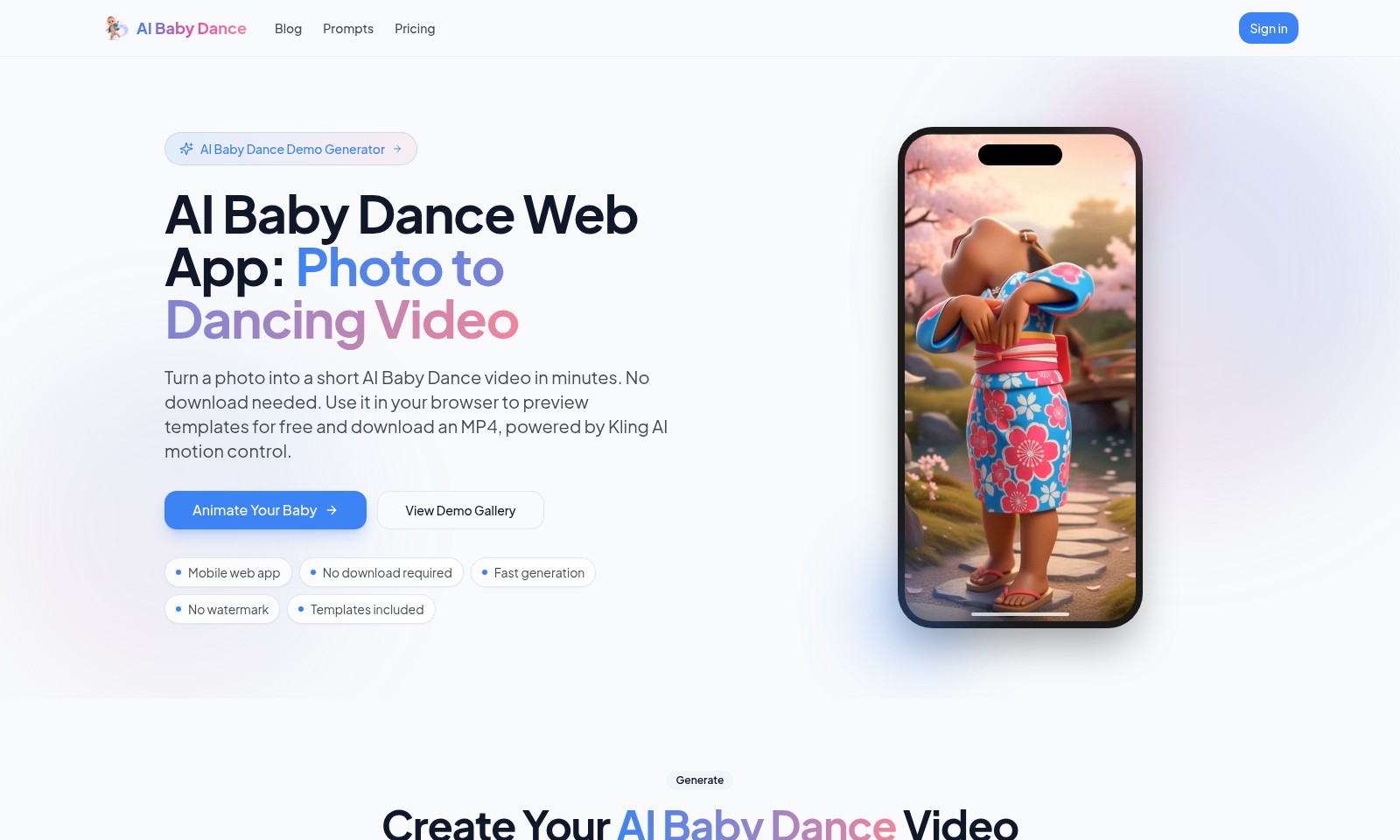
AI Baby Dance Introduction
Transform Your Memories into Joyful Dance Videos
Experience the magic of AI Baby Dance, where cherished moments become delightful animated memories. Our platform allows you to effortlessly turn a simple photo into an engaging dancing video in just minutes, all within your browser—no downloads necessary. With our user-friendly interface, you can explore a variety of customizable templates to suit every occasion, ensuring that your video not only captures the spirit of the moment but also adds a unique twist to it. Whether you're looking to entertain family and friends or create a memorable keepsake, AI Baby Dance offers a quick and fun way to animate your precious baby moments without the hassle of complicated software.
AI Baby Dance Features
AI Baby Dance - Effortless Video Generation
Transform your cherished photos into vibrant dancing videos in minutes.
Our innovative platform leverages Kling AI motion control to deliver seamless animations without the need for any software downloads.
Mobile Web App - Create Anytime, Anywhere
Experience the convenience of animation on the go.
Our mobile web app enables instant access and editing from any browser, allowing you to generate content without interruptions.
Template Selection - Tailored Dance Experience
Choose from a variety of engaging dance templates to suit your preferences.
These professionally designed templates ensure that your videos resonate with the style you envision for your loved ones.
Fast Generation - Instant Satisfaction
Witness your creations come to life within minutes.
Our advanced processing capabilities guarantee quick turnaround times, providing immediate satisfaction and fun for users.
No Watermark - Unobstructed Sharing
Enjoy your videos without any intrusive watermarks, allowing for a smooth sharing experience.
You can freely share your creations on social media or among friends and family, showcasing memorable moments without compromise.
Demo Gallery - Inspiration at Your Fingertips
Browse our demo gallery to explore a variety of sample outputs.
This collection allows users to visualize the potential of their uploads and select their favorite styles before generating their videos.
User-Friendly Design - Accessibility for All
Our intuitive interface is designed to cater to users of all ages.
Whether you're a tech-savvy individual or new to digital content creation, you'll find the process straightforward and enjoyable.
Frequently Asked Questions About AI Baby Dance
FAQs about AI Baby Dance
Q: How do I create a dancing video from a photo?
A: To create a dancing video, simply upload a photo on our AI Baby Dance web app. Within minutes, our AI technology will generate a short, animated video that features your baby dancing. No downloads are necessary; you can do everything directly in your browser.
Q: Are there any costs associated with using your service?
A: While you can create videos for free using our demo features, a subscription is required for full access and additional templates. Sign up now for 60 free credits to get started without any upfront costs!
Q: What video quality can I expect?
A: Our service allows you to generate videos in multiple qualities, from standard 720p to high-definition 1080p. You can choose the quality that best suits your needs before downloading the MP4 file.
Q: Is there a watermark on the videos?
A: No, our generated videos do not feature any watermarks, allowing you to share or display your AI Baby Dance creations freely. Enjoy the fun without any restrictions!
Q: Can I use my phone to create videos?
A: Yes! Our mobile web app is designed for ease of use on any device. Simply access our website from your smartphone or tablet to upload photos and create dancing videos on the go.
Q: Are there dance templates available?
A: Absolutely! We offer a variety of dance templates that you can preview and select from when creating your video. This makes it easy to customize your video to match your preferences or the special occasion you're celebrating.
How to Use AI Baby Dance
Step 1: Register for an Account
Create your account by visiting the AI Baby Dance website and clicking on 'Sign in'. Fill in the required details to complete your registration.
Step 2: Sign In to Your Account
Once registered, log in using your credentials. This allows you to access all site features and track your creations.
Step 3: Upload a Photo
Select the option to upload a photo. Make sure the image you choose is clear and follows the site’s guidelines for best results.
Step 4: Select a Dance Template
Browse through the available dance templates and choose your favorite. This will determine how your photo is animated.
Step 5: Preview Your Video
After selecting a template, preview your dancing video to ensure it meets your expectations. Make adjustments if necessary.
Step 6: Generate Your Video
Once satisfied with the preview, click 'Generate' to create your final video. This process will only take a few minutes.
Step 7: Download Your Video
After the video is generated, you can download it as an MP4 file. Enjoy sharing your fun creation with friends and family!
Step 8: Check Your Creations
Visit the 'My Creations' section to view and manage all videos you have generated. Here, you can keep track of your favorites and revisit them anytime.
Reviews
Pros
- Easy to use
- Fast processing
- Great results
- Affordable pricing
Cons
- Limited free version
- Requires internet connection
Comments
No comments yet. Be the first to share your thoughts!