Alya
Alya is an AI-powered app that supports mental health and personal growth, providing tools for organization, goal setting, and emotional tracking.
Alya Introduction
Connect with Alya
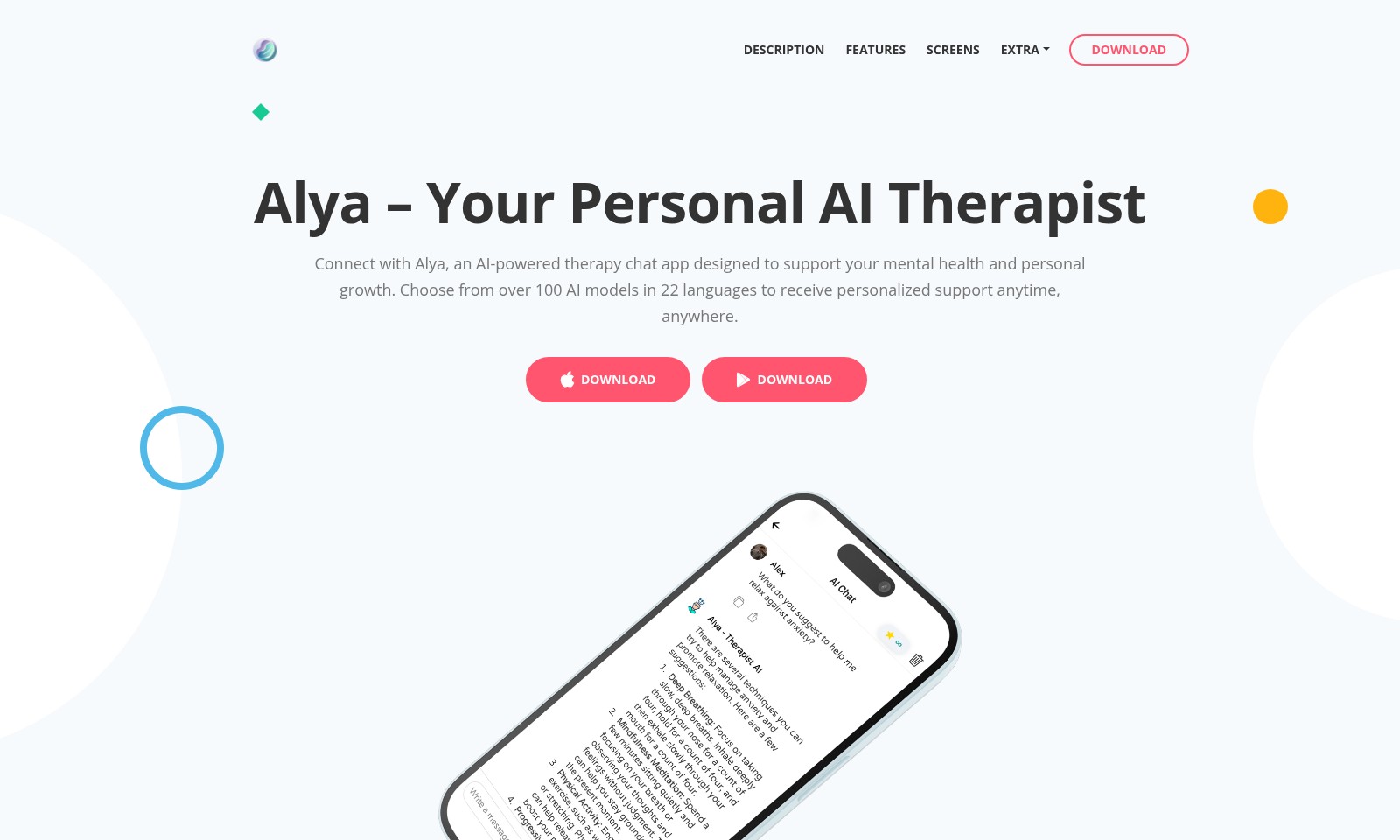
Alya is an AI-powered therapy chat app focused on supporting your mental health and personal growth. With over 100 AI models available in 22 languages, Alya offers personalized assistance whenever and wherever you need it, facilitating a unique therapeutic experience tailored to your individual needs.
Alya Features
Goal Setting - Empower Your Growth
Alya enables users to articulate and prioritize personal goals, fostering a commitment to self-improvement. Utilizing AI-driven insights, the app analyzes your preferences and motivation, allowing for tailored goal-setting experiences.
Situation Analysis - Understand Your Mind
Alya's ergonomic interface facilitates an in-depth analysis of your current mental health status. By leveraging advanced analytics, the app provides users with comprehensive mental health assessments, ensuring a clear understanding of emotional well-being.
Task Settings - Personalize Your Journey
With Alya, therapy sessions and personal growth tasks can be customized to meet unique individual needs. This flexibility allows users to adapt their therapeutic approach based on real-time feedback and emotional tracking provided by the app.
Social Interaction - Engaging Conversations
Alya fosters meaningful conversations by connecting users with a variety of AI models, promoting motivation and emotional engagement. The diverse language options and personalized dialogues encourage deeper connections, making the therapeutic experience more relatable and effective.
Get Things Done - Boost Your Productivity
Stay focused on your self-improvement journey with Alya's task management features. Integrated reminders and progress tracking enable users to maintain accountability and celebrate small victories along the way.
Frequently Asked Questions About Alya
Frequently Asked Questions
1. What is Alya and how can it help me?
Alya is an AI-powered therapy chat app designed to support your mental health and personal growth. By choosing from over 100 AI models in 22 languages, you can receive personalized support and guidance at any time.
2. How do I set up my goals with Alya?
To set up your goals, simply use Alya's integrated features to outline your personal objectives. The app will guide you through the process of committing to your goals, helping you to track your progress along the way.
3. Can Alya analyze my current mental health status?
Yes, Alya offers a user-friendly interface that allows you to analyze and evaluate your current mental health situation. This feature helps to create a better understanding of your emotional state and guides your future sessions.
4. How can I customize my therapy sessions?
You can customize your therapy sessions by adjusting the tasks and topics within the Alya app. This ensures that your experience is tailored to meet your specific needs and preferences, making your journey of self-improvement more effective.
5. Is there a way to track my emotional progress over time?
Absolutely! Alya provides tools that let you track your emotional progress over time. You can look back at previous sessions and analyze how your mood and mindset have evolved, giving you valuable insights into your personal development.
6. How does social interaction work with Alya?
Alya encourages engaging conversations with your selected AI models, which can help motivate you throughout your personal growth journey. These interactions can offer new perspectives and support, making your journey less isolating than it might otherwise be.
How to Use Alya
Step 1: Register Your Account
Visit the website and click on the 'Register' button. Fill in the necessary details such as your name, email, and password to create your account.
Step 2: Verify Your Email
Check your inbox for a verification email from Alya. Click the link provided in the email to verify your account and gain access to the app.
Step 3: Set Up Your Profile
Once you're logged in, navigate to the profile settings. Enter additional information that can help personalize your experience, such as your interests and mental health goals.
Step 4: Download the App
Head over to the download section of the site. Choose the appropriate version of Alya for your device and follow the instructions to install it.
Step 5: Explore the Features
Open the app and take a tour of its key features. Familiarize yourself with how to set goals, analyze your situation, and customize tasks.
Step 6: Set Your Personal Goals
In the app, find the 'Goal Setting' feature. Begin by identifying personal objectives you want to work on, and commit to them in Alya to track your progress.
Step 7: Engage with AI Models
Choose an AI model that resonates with you. Start interacting with it by asking questions and discussing topics relevant to your mental health and personal growth.
Step 8: Schedule Therapy Sessions
Use the app to schedule regular therapy sessions. Set reminders to ensure you stay consistent in utilizing Alya’s support.
Step 9: Track Your Progress
Utilize the 'Tasks Settings' feature to monitor your development. Regularly review your achievements and emotional progress within the app.
Step 10: Seek Support When Needed
Don't hesitate to reach out for help. Alya is here for you 24/7, so make the most of the AI therapy experience anytime you need support.
Reviews
Pros
- Easy to use
- Fast processing
- Great results
- Affordable pricing
Cons
- Limited free version
- Requires internet connection
Comments
No comments yet. Be the first to share your thoughts!
Alya - Alternative Platforms
For some alternatives to Alya that you may need, we provide you with sites divided by features.