Grok Video AI
Viw.AI offers an intuitive platform to transform imagination into professional videos, with no technical skills needed and fast generation times.
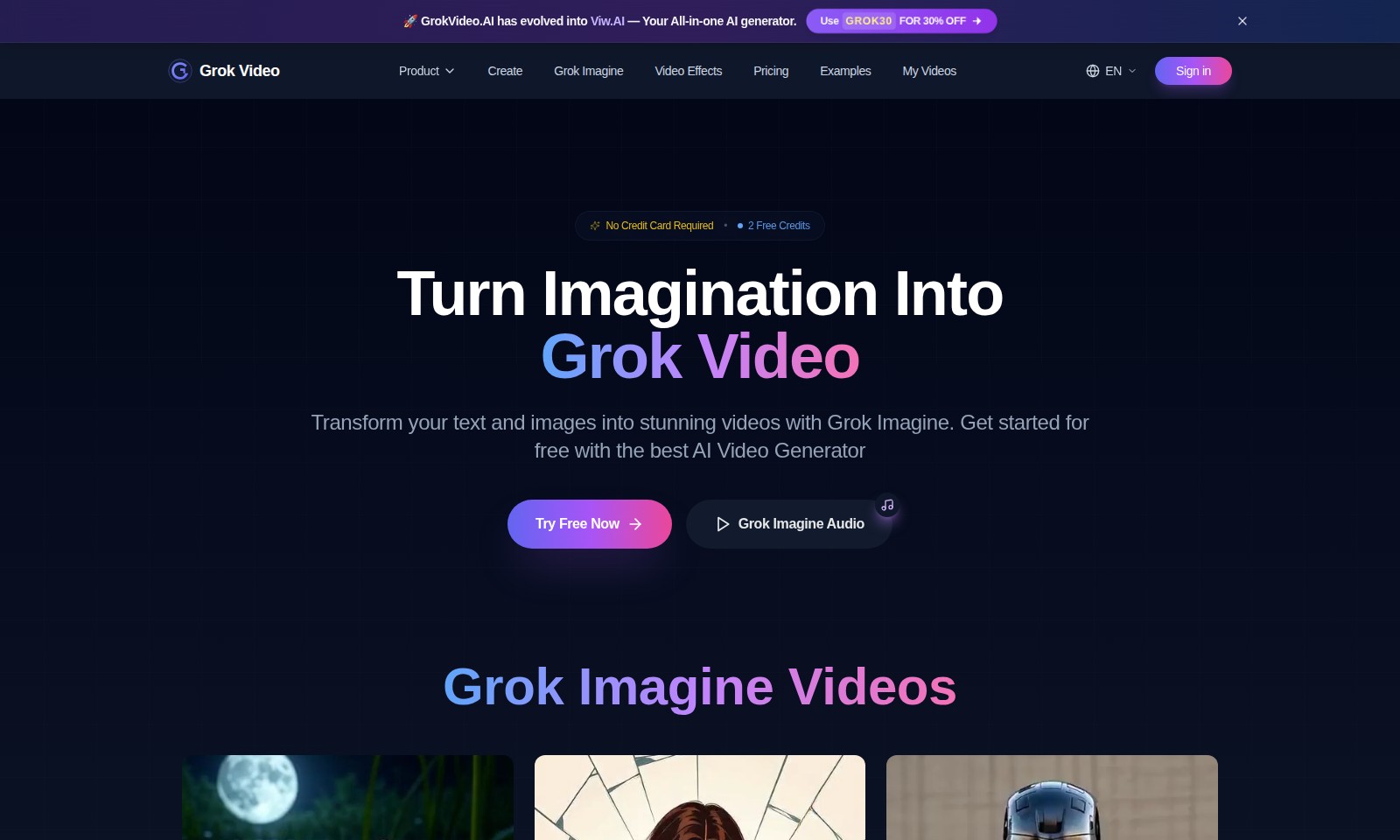
Grok Video AI Introduction
Experience the Future of Video Creation
GrokVideo.AI has transformed into Viw.AI, your all-in-one AI generator that empowers users to effortlessly create stunning videos from text and images. With a focus on simplicity and professional quality, our platform provides an innovative solution for anyone looking to elevate their video content without the need for technical skills.
Transform your imagination into reality with Grok Imagine. Start your journey today and unlock the potential of AI-powered video generation!
Grok Video AI Features
Grok Imagine - Transform Your Ideas Into Reality
Grok Imagine empowers users to create stunning videos effortlessly. Users can upload their images in various formats and provide natural language instructions to generate professional-quality videos in just 60 seconds. This user-friendly interface eliminates the need for technical expertise, making video creation accessible to all.
Advanced AI Technology - Precision at Your Fingertips
Our proprietary AI technology sets Grok Imagine apart, processing user inputs with unmatched accuracy. With a focus on achieving high-quality outputs, the AI intuitively understands motion descriptions and implements them seamlessly, ensuring every video reflects the user's vision precisely.
Speed and Efficiency - Create in Under a Minute
The rapid turnaround time allows users to produce videos quickly, making it especially beneficial for professionals with tight deadlines. The ability to download a polished video within 60 seconds means users can focus more on their projects and less on the production process, enhancing overall productivity.
Compatible Formats - Versatile Image Uploads
Grok Imagine supports a wide range of image formats including JPG, PNG, and WEBP. This versatility ensures users can easily integrate their existing assets into the video creation process without being hindered by format restrictions, promoting a smoother user experience.
User-Centric Interface - Designed for Everyone
Our intuitive interface is tailored for all user levels. Whether you're a marketing professional needing quick video content or a casual user wanting to bring creativity to life, Grok Imagine facilitates a seamless journey from concept to completion, catering to diverse needs effortlessly.
Frequently Asked Questions About Grok Video AI
What can I do with GrokVideo.AI?
You can transform your text and images into stunning videos using Grok Video. This tool allows you to create videos in three simple steps: uploading an image, adding your prompt, and downloading the final video. It's user-friendly and requires no technical skills, making it accessible for everyone.
How do I create a video using Grok Video?
To create your own video, simply upload your chosen image, describe the motion or effect you want using natural language, and within 60 seconds, you can download your professional-quality video. This streamlined process is designed to be intuitive and efficient, ensuring a hassle-free experience for users.
Is there a free trial available for Grok Video?
Yes, you can start creating videos for free! Grok Video provides 2 free credits to new users, allowing you to explore the platform and its features without any upfront commitment. No credit card is required, so you can test it out risk-free.
What types of images can I use with the Grok Video platform?
The platform supports various image formats, including JPG, PNG, and WEBP. This flexibility allows you to use nearly any photo from your device, making it easier to create videos that suit your personal or business needs.
Can I use Grok Video for presentations?
Absolutely! The videos created with Grok Video are professional-quality and designed to be ready for any platform or presentation. You can use them for marketing, educational content, or social media sharing, ensuring your message is visually engaging.
Do I need technical skills to use Grok Video?
No, you do not need any technical skills. Grok Video is designed for everyone, regardless of their experience level. The simple three-step process allows anyone to create stunning videos with ease, giving you the freedom to focus on your creativity rather than technical details.
How to Use Grok Video AI
Register for an Account
Visit the GrokVideo.AI website and click on the 'Sign in' button. Fill in your details to create a new account. Remember to confirm your email after registration.
Set up Your Profile
Once registered, log into your account and navigate to your profile settings. Here, you can upload a profile picture and fill out any necessary information to personalize your experience.
Access Your Free Credits
After logging in, check your account dashboard for 2 Free Credits. These will allow you to start creating videos without any upfront payments.
Start Creating Your Video
Click on the 'Create' button to begin. You will be taken to the Grok Imagine tool, your key feature for generating videos.
Upload Your Image
Select an image from your device to use as the base for your video. All formats are supported, including JPG, PNG, and WEBP. Make sure your image aligns with your video's theme.
Add Your Prompt
Now, you need to describe the motion or effect you want for your video. Use natural language instructions to guide the AI in creating your desired outcome.
Download Your Video
Once processing is complete, you can download your video in just 60 seconds. Be sure to save it in the appropriate format for your intended use.
Explore Video Effects
After creating a video, explore the various video effects available under the 'Grok Imagine Video Effects' section. These effects enhance your video with professional touches.
Share Your Creation
Share your newly created video directly from the platform. Utilize social media links or download options to spread your content effectively.
Continue Learning
Visit the Examples section for inspiration and tips on how to make the most out of GrokVideo.AI features. Keep experimenting with various effects and styles to improve your video skills.
Reviews
Pros
- Easy to use
- Fast processing
- Great results
- Affordable pricing
Cons
- Limited free version
- Requires internet connection
Comments
No comments yet. Be the first to share your thoughts!
Grok Video AI - Alternative Platforms
For some alternatives to Grok Video AI that you may need, we provide you with sites divided by features.

Kovvid AI offers a user-friendly platform for generating AI images and videos, with the ability to compare multiple models in one place.
Discover the advanced AI tools at MakeShot.ai for creating stunning videos and images with a limited-time 50% discount.
Photo Animate allows users to easily animate photos to video using AI, creating realistic movements for portraits and cherished memories.
Image to Video AI allows quick, high-quality video creation from images, integrating with tools like Google Chrome and Figma for seamless workflows.