IronClaw
IronClaw is a secure, open-source alternative to OpenClaw, offering encrypted vaults for credentials and simple one-click deployment on NEAR AI Cloud.
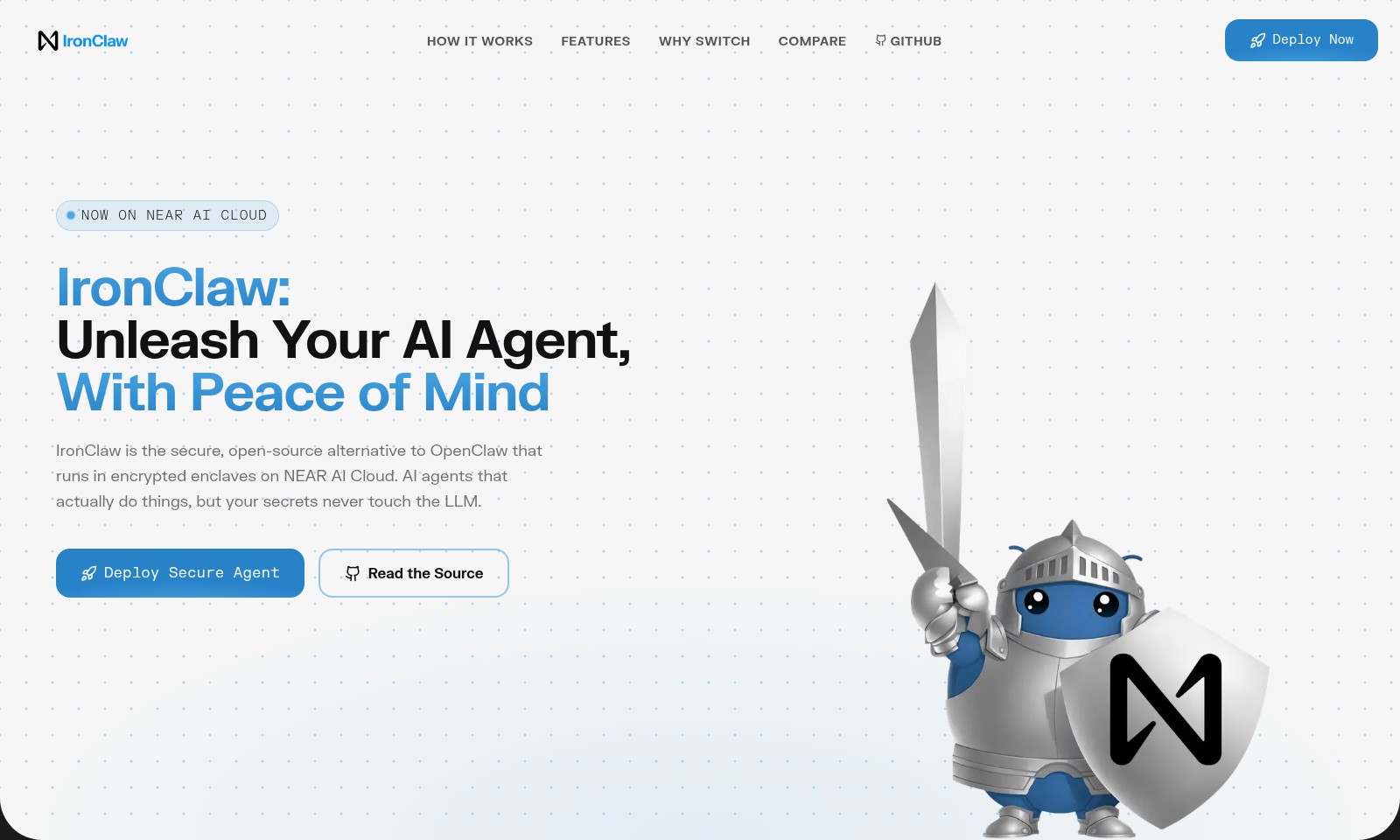
IronClaw Introduction
IronClaw: Unleash Your AI Agent, With Peace of Mind
IronClaw is a secure, open-source alternative to conventional AI solutions that operates seamlessly in encrypted enclaves on NEAR AI Cloud. It empowers users with AI agents that perform tasks effectively while ensuring that your sensitive information remains confidential and is never exposed to the underlying language models.
IronClaw Features
IronClaw: Unleash Your AI Agent, With Peace of Mind
IronClaw provides a secure and open-source alternative to traditional AI assistant frameworks. This ensures that your sensitive data is protected while deploying AI capabilities efficiently. Notably, IronClaw operates within encrypted enclaves on NEAR AI Cloud, mitigating risks associated with data exposure.
Frequently Asked Questions About IronClaw
FAQs
What is IronClaw and how does it differ from OpenClaw?
IronClaw is an open-source, secure alternative to OpenClaw, designed to operate within encrypted enclaves on NEAR AI Cloud. Unlike OpenClaw, IronClaw ensures that your sensitive data never interacts with the language model directly.
How do I deploy IronClaw on NEAR AI Cloud?
Deploying IronClaw is incredibly straightforward. With a one-click deployment process, you can launch your own IronClaw instance on NEAR AI Cloud within minutes, without the need for any complex configurations.
Is my data safe when using IronClaw?
Absolutely! IronClaw employs defense-in-depth security measures and stores your credentials, such as API keys and tokens, in an encrypted vault. The AI interacts with these credentials in a controlled manner, ensuring your raw values are never exposed.
Can I run IronClaw locally?
Yes, in addition to being deployed in the NEAR AI Cloud, IronClaw can also be run locally. This offers flexibility for users who prefer to maintain their data and AI interactions within their own environment.
What programming language is IronClaw built on?
IronClaw is built using Rust, a programming language known for its performance and safety. This choice enhances IronClaw's security features and overall efficiency, making it a reliable tool for deploying AI agents.
How to Use IronClaw
Register an Account
To start using IronClaw, visit the website and click on the 'Register' button. Fill in the required fields such as your email and password. Make sure to verify your email before proceeding.
Set up your Profile
Once registered, log in to your account and navigate to the profile settings. Here, you can customize your profile by adding additional information and preferences to enhance your AI experience.
Deploy your Secure Agent
After setting up your profile, go to the 'Deploy' section. Click on 'Deploy Secure Agent' to initiate the one-click deployment process. This will automatically set up your IronClaw instance on the NEAR AI Cloud, ensuring it runs in a secure environment.
Store Your Credentials
Access the vault feature from your dashboard. Add your API keys, tokens, and passwords that you want IronClaw to manage securely. This feature ensures that your sensitive information remains encrypted and never exposed to the AI.
Start Using Key Features
With your secure agent deployed, explore the various features offered by IronClaw. You can browse, research, or code just like you usually do, assuring that your privacy is maintained while utilizing AI capabilities.
Reviews
Pros
- Easy to use
- Fast processing
- Great results
- Affordable pricing
Cons
- Limited free version
- Requires internet connection
Comments
No comments yet. Be the first to share your thoughts!
IronClaw - Alternative Platforms
For some alternatives to IronClaw that you may need, we provide you with sites divided by features.

AhaCreator connects brands with verified influencers, automating the influencer marketing process from collaboration invites to performance tracking.
Figure 03 is a humanoid robot that utilizes Helix AI to navigate and manage home environments efficiently.
Nano Banana Pro offers tools for creating professional slides and building websites, enhanced by various resources and community support.
Outreach offers an AI-powered solution for sales teams to streamline processes, increase productivity, and improve revenue outcomes.