Kapwing
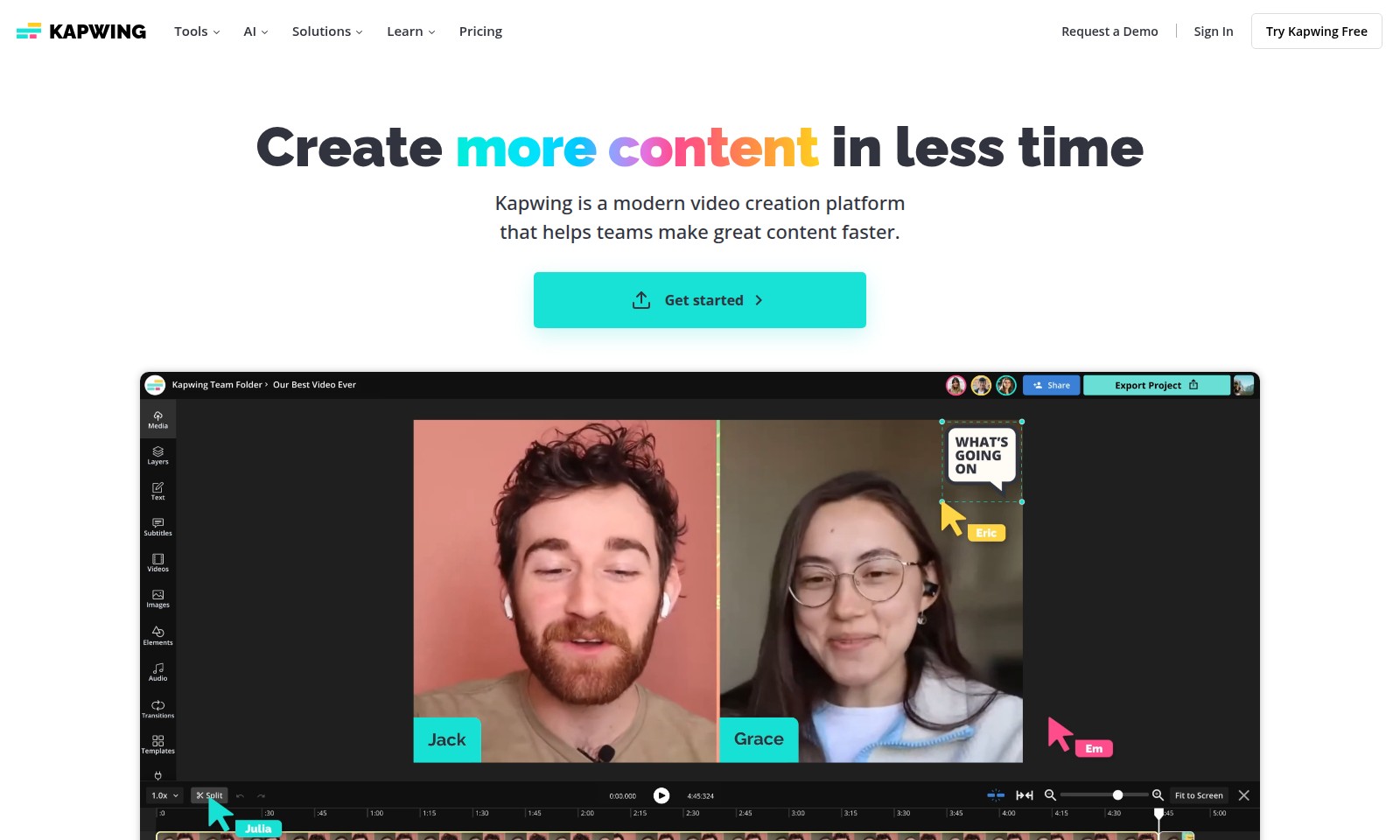
Kapwing is a modern video creation platform designed for teams to edit and produce high-quality videos efficiently using AI and collaborative tools.
Kapwing Introduction
Kapwing: Your All-in-One Video Creation Hub
Kapwing is an innovative platform designed to elevate your content creation experience. With an array of powerful tools at your fingertips, you can effortlessly edit video clips, add effects, and combine tracks all within a single, user-friendly interface.
Kapwing Features
Video Editor - Seamless Video Creation
Empower users to create professional videos with ease. This all-in-one tool enables video clipping, track combination, and effect addition without needing separate software.
Subtitler - Enhance Accessibility
Ensure your videos are accessible to a wider audience. With our browser-based subtitler, users can effortlessly add captions and subtitles to their videos, improving comprehension for viewers.
Speaker Focus - Visual Clarity
Direct viewers' attention where it matters most. The Speaker Focus feature automatically resizes videos, allowing the speaker to be prominently displayed, enhancing the viewing experience for presentations or tutorials.
Audio Editor - Professional Audio Quality
Elevate your audio content. Our Audio Editor offers tools for recording, editing, and cleaning audio, ensuring that podcasts and video soundtracks achieve studio-quality sound for audience engagement.
Text to Speech - Effortless Voiceovers
Transform written content into engaging audio. The Text to Speech feature generates realistic voiceovers in just a few clicks, allowing content creators to improve their video's reach without extensive voice recording sessions.
Repurpose Studio - Efficient Content Creation
Maximize the value of your videos. The Repurpose Studio enables users to break down existing videos into social media-ready clips, streamlining the content distribution process across various platforms.
Resize Video - Tailored Dimensions
Meet diverse platform requirements effortlessly. The Resize Video function allows creators to adjust the size and dimensions of videos in seconds, ensuring their content looks great whether on websites, social media, or ads.
Frequently Asked Questions About Kapwing
FAQs for Kapwing Tools
1. How do I edit video clips with Kapwing?
To edit video clips using Kapwing, simply upload your video to the platform. You can trim, combine clips, and add effects using the intuitive video editor. No downloads are necessary, and you can do it all directly in your browser.
2. Can I add subtitles to my videos?
Yes, Kapwing offers a user-friendly subtitler tool that allows you to add captions and subtitles to your videos easily. You can customize the font and position of the subtitles to enhance readability and style.
3. What is the Speaker Focus feature?
The Speaker Focus feature automatically resizes your video to highlight the speaker. This is particularly useful for interviews or presentations where one or multiple speakers are the focus, ensuring that viewers concentrate on the right sections of the video.
4. Is there a way to clean the audio for my videos?
Yes, Kapwing includes an audio editor that allows you to record and clean audio for your podcasts and videos. You can easily remove background noise and enhance the overall sound quality for a professional finish.
5. How can I convert text into voiceovers?
With Kapwing’s Text to Speech tool, you can turn written text into realistic voiceovers in just a few clicks. Choose from different voices and settings to match your project's tone and style.
6. Can I translate dialogues in my videos?
Kapwing supports dubbing in over 40 languages, allowing you to easily translate dialogues in your videos. This feature helps make your content accessible to a broader audience, enhancing its reach and effectiveness.
How to Use Kapwing
Register an Account
Start by visiting the Kapwing website and click on the 'Sign Up' button. Fill in your email address and create a password to register.
Verify Your Email
Check your email inbox for a verification email from Kapwing. Click on the verification link to confirm your account.
Set up Your Profile
Once logged in, navigate to your profile settings. Add a profile picture and fill in your information to personalize your experience.
Explore the Dashboard
Take a moment to familiarize yourself with the Kapwing dashboard. Look through the available tools and features.
Edit Your First Video
Select the Video Editor tool from the dashboard. Upload your video clip and start experimenting with the editing options.
Add Subtitles
To add subtitles, use the Subtitler tool. Upload your video and follow the prompts to automatically generate subtitles or add them manually.
Enhance Audio
Navigate to the Audio Editor to clean up your video’s audio. Record or upload audio and utilize the editing tools to ensure high-quality sound.
Use AI Tools
Discover Kapwing's AI-powered tools. Try the Script Generator to create scripts or the B-Roll Generator to enhance your videos with relevant clips.
Finalize and Export
Once satisfied with your edits, click on the export button. Choose your desired video quality and format, then download your video.
Reviews
Pros
- Easy to use
- Fast processing
- Great results
- Affordable pricing
Cons
- Limited free version
- Requires internet connection
Comments
No comments yet. Be the first to share your thoughts!
Kapwing - Alternative Platforms
For some alternatives to Kapwing that you may need, we provide you with sites divided by features.