Lip Sync AI
Lip Sync AI transforms video content creation with realistic lip synchronization for various scenarios including translation and social media.
Lip Sync AI Introduction
Create Lifelike Lip Sync Animations Effortlessly
Lip Sync AI offers a cutting-edge AI Lip Sync Animation Generator that redefines video synchronization. With our technology, achieving perfect lip sync, whether for multi-speaker scenarios, video translation, or innovative content creation, is straightforward and efficient.
Lip Sync AI Features
Lip Sync Animation - Enhanced Video Engagement
Enhance your video content with Lip Sync Animation, ensuring that characters and speakers move their lips in perfect harmony with the audio. This is crucial for maintaining viewer interest and ensuring the delivery of clear messaging.
Multi-Speaker Support - Seamless Coordination
Our technology excels in multi-speaker scenarios, allowing for seamless coordination between different voices and expressions. This is particularly beneficial for interview settings, podcasts, or any content featuring diverse speakers.
Language Versatility - Global Reach
With our AI technology, achieve accurate lip synchronization in any language. This feature broadens your audience reach and facilitates video translation, making it ideal for global marketing strategies or educational content.
Complex Head Movements - Realistic Animations
Go beyond simple lip movements with our support for complex head movements. This results in more realistic and engaging animations, catering to creative professionals looking to produce high-quality video content.
User-Friendly Interface - Effortless Creation
Create stunning animations without the need for extensive technical skills. Our intuitive dashboard guides you through the process, making it accessible for all users, including content creators, educators, and marketers.
Affordable Pricing - Cost-Effective Solutions
Take advantage of our competitive pricing model, which offers flexible plans to suit various budgets. With the ability to create high-quality lip sync animations without breaking the bank, it’s an attractive option for startups and independent creators.
Frequently Asked Questions About Lip Sync AI
FAQs about Lip Sync AI
What is Lip Sync AI?
Lip Sync AI is an advanced animation generator that creates lifelike lip sync animations. With just your video and audio inputs, this tool ensures perfect synchronization for any kind of video project.
How does the Lip Sync Animation Generator work?
The generator uses sophisticated AI algorithms to analyze the audio track and synchronize the lip movements in the video. It can handle multi-speaker scenarios, which makes it perfect for translating videos into different languages and for creative content production.
What types of video inputs are supported?
Lip Sync AI supports a variety of video formats including MP4, MOV, AVI, WebM, and MKV. Simply upload your video file, and the tool will process it for animation.
How can I upload audio for lip sync?
You can upload audio files in several formats such as MP3, WAV, AAC, FLAC, and OGG. Just click to upload your audio file alongside your video, and the AI will take care of the synchronization.
Is there a trial period to use Lip Sync AI?
Yes, you can start using Lip Sync AI for free! Take advantage of our free playground and try out the AI Song Generator and various free tools before committing to any pricing plans.
What are the pricing options for Lip Sync AI?
We offer various pricing plans to cater to different user needs. You can explore our pricing page for detailed information on the subscription options available and how they fit your animation requirements.
How to Use Lip Sync AI
Register an Account
Visit the Lip Sync AI website and click on 'Get Started -- It's Free'. Fill out the registration form with your email address and create a strong password. Confirm your account by following the link sent to your email.
Set Up Your Profile
Once logged in, navigate to your profile settings. Update your display name and choose a profile picture to personalize your account. Ensure you save your changes before exiting.
Access the Dashboard
On your main dashboard, you will see various options including the AI Song Generator, Free Playground, and other tools. Familiarize yourself with the layout to easily access different features.
Upload a Video for Lip Syncing
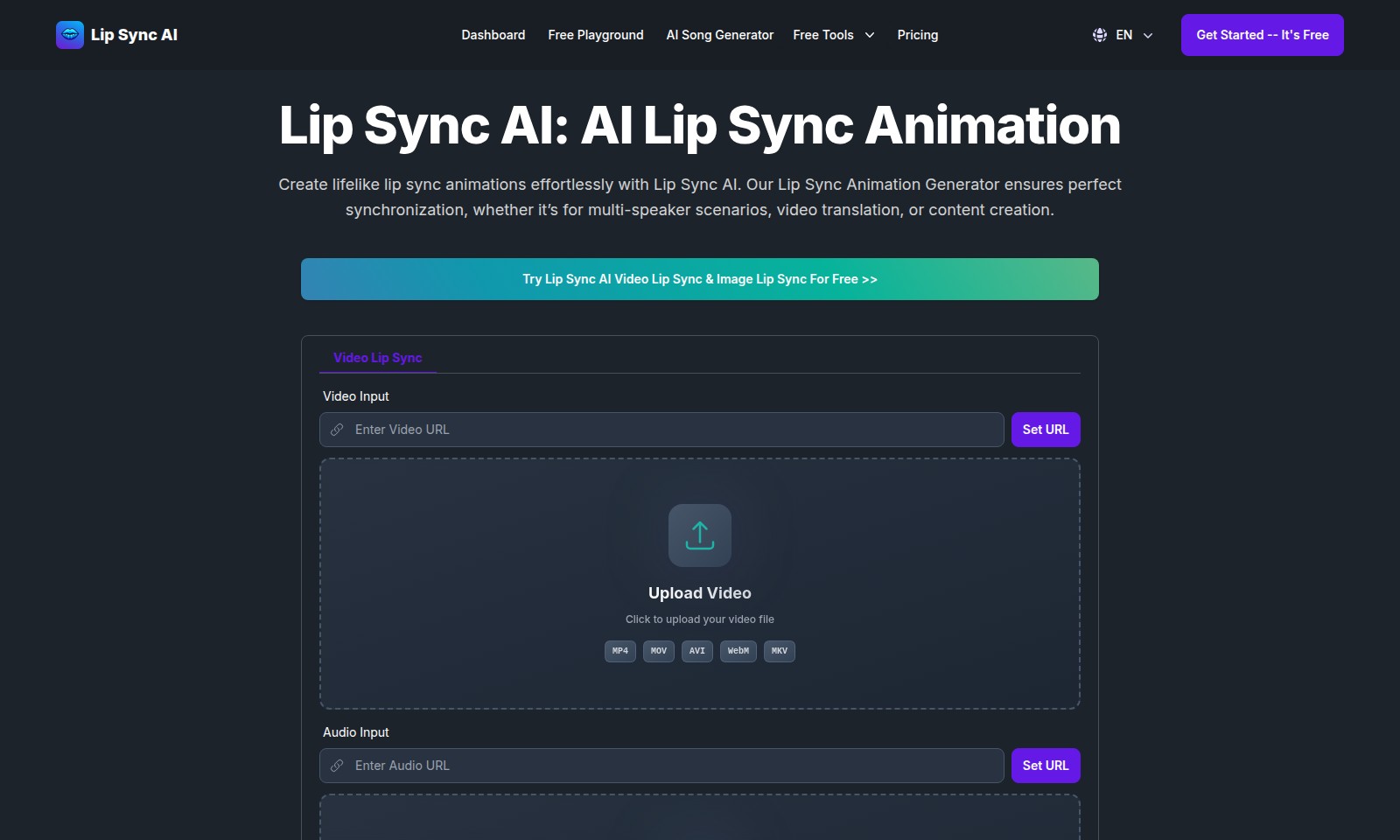
To create a lip sync animation, select the 'Video Lip Sync' option. Click on 'Upload Video' and choose an MP4, MOV, AVI, WebM, or MKV file from your device. Wait for the upload to complete before moving on.
Upload Audio
After uploading your video, the next step is to upload your audio. Click on 'Upload Audio' and select an MP3, WAV, AAC, FLAC, or OGG file. Ensure that your audio is synced with the video file for best results.
Generate Lip Sync Animation
Once both files are uploaded, click the 'Generate' button. This will initiate the AI Lip Sync Animation process. You may need to wait a few moments while the system processes your request.
Review the Animation
After generating, you will receive a preview of the lip sync animation. Carefully review the synchronization between the audio and video. If you’re satisfied, you can proceed to save or download your animated video.
Explore Additional Features
Lip Sync AI offers various features to enhance your video. Explore the 'Free Tools' section for additional resources and tools that can help you improve your content creation process.
Reviews
Pros
- Easy to use
- Fast processing
- Great results
- Affordable pricing
Cons
- Limited free version
- Requires internet connection
Comments
No comments yet. Be the first to share your thoughts!