Lyria3
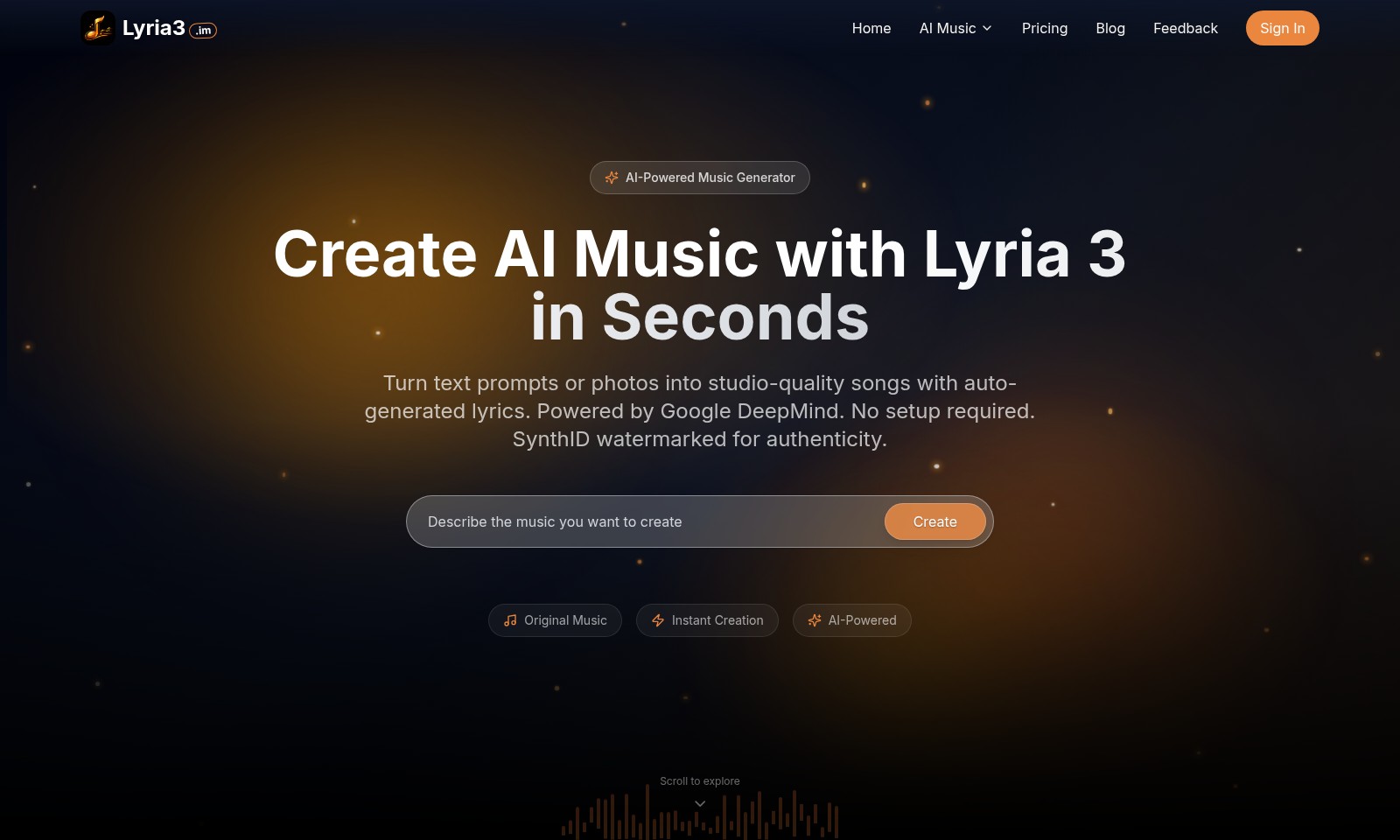
Lyria 3 is an advanced AI music generator that creates original tracks, including lyrics and vocals, from simple text or images.
Lyria3 Introduction
Experience the Future of Music Creation
Lyria3 is revolutionizing the music landscape with its advanced AI technology, enabling users to create original music in seconds without any prior experience or the need for traditional instruments. Our platform combines the power of AI music generation with an intuitive interface, allowing individuals and artists alike to explore their creativity effortlessly.
Lyria3 Features
AI Music Generator - Instant Creativity
Generate original music in seconds using AI technology with no instruments or prior experience required. This feature simplifies the music creation process, enabling users to bring their ideas to life effortlessly.
AI Music Video Generator - Visual Harmony
Transform your music tracks into stunning music videos automatically with eye-catching AI visuals. This feature integrates seamlessly with existing audio to create a professional-looking visual experience without additional software or expertise.
AI Lyrics Generator - Effortless Songwriting
Produce song lyrics in any style, mood, or language with just one click. The AI lyrics generator adapts to user prompts to craft unique lyrics, allowing musicians to focus on melody and composition without the typical writer's block.
AI Vocal Remover - Clean Audio Separation
Isolate instrumentals or remove vocals from any song in a single click. This feature offers a precise audio editing experience, empowering users to remix tracks or create karaoke versions with minimal effort.
AI Song Generator - Complete Song Creation
Create entire songs with AI, featuring vocals, melody, and style tailored to your specifications. This comprehensive tool caters to musicians at any level, providing a full-production environment to enhance creativity and streamline the songwriting process.
Frequently Asked Questions About Lyria3
FAQ
1. How can I create music with Lyria3? You can create original music in seconds using Lyria3 by simply inputting text prompts or photos. The AI-powered generator requires no musical experience or instruments, making it accessible for anyone.
2. What features does the AI Music Video Generator offer? The AI Music Video Generator transforms your music into visually stunning videos automatically. By utilizing AI visuals, it enhances your audio experience and brings your music to life in an engaging way.
3. Is it possible to generate lyrics in different styles and languages? Absolutely! The AI Lyrics Generator allows you to create song lyrics in any style, mood, or language with just one click, offering a versatile tool for songwriters and musicians.
4. Can I remove vocals from a song using Lyria3? Yes, the AI Vocal Remover feature lets you effortlessly isolate instrumentals or remove vocals from any song in just one click, making it convenient for remixing or creating unique tracks.
5. What is the pricing structure for using Lyria3? You can find detailed information about our pricing structure on the pricing page of the Lyria3 website. We offer various plans to suit different needs, ensuring everyone can access our advanced AI music tools.
6. How does Lyria3 ensure authenticity in its music generation? All music created with Lyria3 is watermarked with SynthID for authenticity, ensuring that the tracks generated are original and verified, providing peace of mind for users.
How to Use Lyria3
Step 1: Register an Account
To get started, visit the Lyria3 website and click on the 'Sign In' button at the top right corner of the homepage. Select the 'Register' option and fill in the required details such as your email address and create a secure password. After submitting your information, check your inbox for a confirmation email to verify your account.
Step 2: Set up your Profile
Once logged in, navigate to your profile settings. Here, you can add personal details, select your preferred style of music, and upload any additional images you want to associate with your account. Ensure that you save the changes before exiting the settings.
Step 3: Explore the AI Music Features
Familiarize yourself with the key features offered by Lyria3. Explore options like the AI Music Generator, AI Lyrics Generator, and AI Vocal Remover. Hover over each feature to read a brief description of what it does and how it can aid your music creation process.
Step 4: Create Your First Track
Begin creating music by selecting the AI Music Generator. Input a text prompt or upload a photo, and click 'Create'. Within seconds, the generator will produce a song based on your input. Listen to the track and make note of any adjustments you would like to make.
Step 5: Edit the Generated Music
If you want to modify your song, use the AI Vocal Remover to isolate instrumental sections or remove vocals. You can also go back to the AI Music Generator to create variations of your original track. Experiment with different styles or lyrics using the AI Lyrics Generator to enhance your song further.
Step 6: Create a Music Video
Once satisfied with your song, you can use the AI Music Video Generator. Simply upload your track and let the AI generate a visually stunning video that matches the mood of your music. This feature automatically creates visuals, saving you time on production.
Step 7: Share Your Creations
After creating your music and video, share your masterpieces! Export your audio and video files in preferred formats or share them directly on social media platforms through the provided options on the site. Engage with the community to gain feedback on your work.
Step 8: Explore More Advanced Features
As you become comfortable with the basics, explore more advanced features like creating complete AI-generated songs with AI Song Generator, which allows you to specify vocals, melody, and style. Continue learning and experimenting to refine your music production skills further.
Step 9: Provide Feedback
Help improve the Lyria3 platform by providing feedback on your experience. Navigate to the 'Feedback' section and share your thoughts or suggestions. Your insights are valuable and can help enhance the features and usability of the site.
Step 10: Stay Updated
Finally, keep an eye on the Lyria3 Blog and updates about new features or pricing. Being aware of changes ensures you maximize your use of the site and all it has to offer. Join the community and stay engaged with fellow music creators.
Reviews
Pros
- Easy to use
- Fast processing
- Great results
- Affordable pricing
Cons
- Limited free version
- Requires internet connection
Comments
No comments yet. Be the first to share your thoughts!
Lyria3 - Alternative Platforms
For some alternatives to Lyria3 that you may need, we provide you with sites divided by features.