Magic Studio
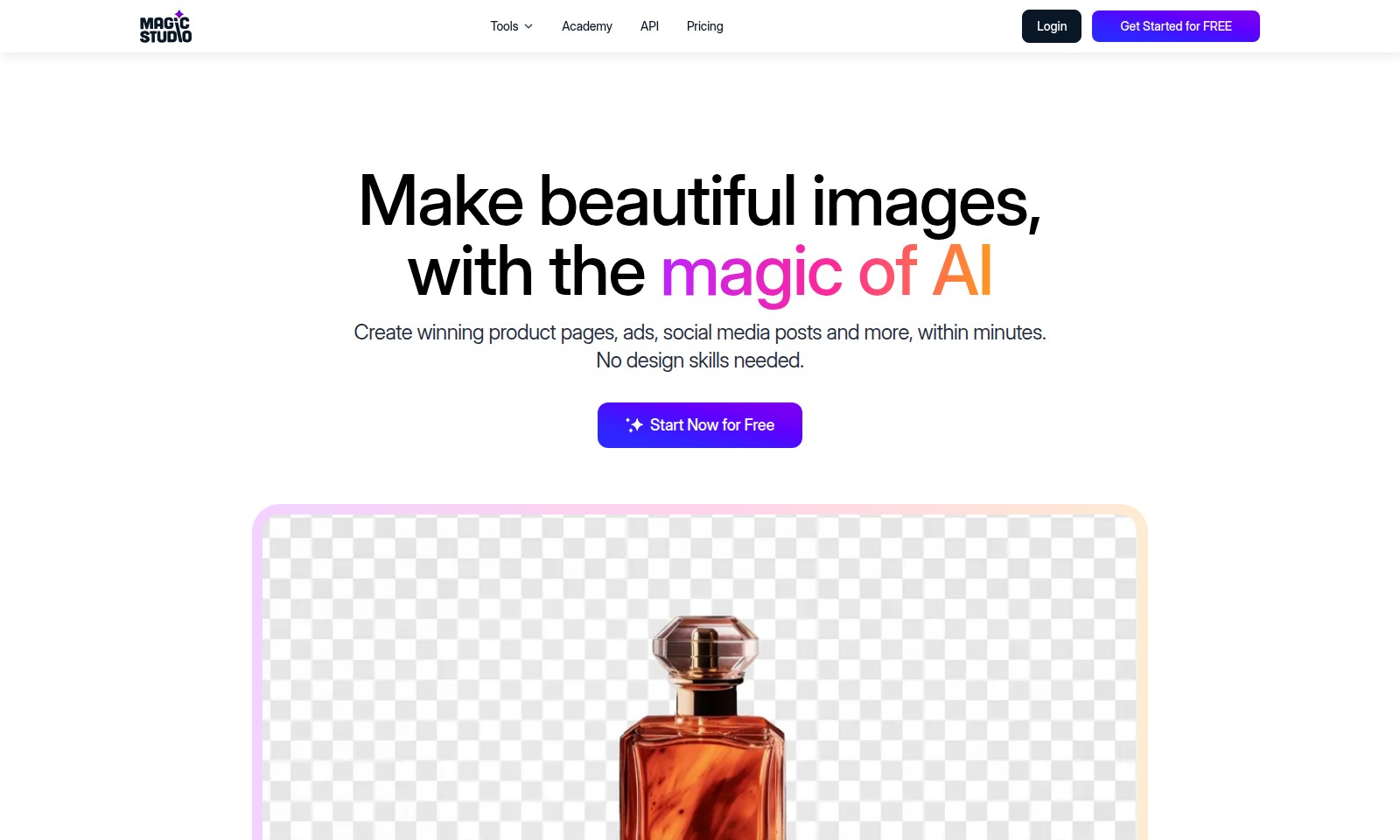
MagicStudio empowers users to generate and edit images using AI, ideal for everyone from beginners to professionals.
Magic Studio Introduction
Discover the Power of AI-Driven Design
MagicStudio is a revolutionary tool designed to empower everyone, regardless of their design experience. Transform your ideas into stunning visuals with the ease of a few clicks. Create breathtaking product pages, eye-catching advertisements, and engaging social media posts in mere minutes. Our platform eliminates the need for advanced design skills, making art accessible to all. Whether you're a seasoned marketer or a novice user, MagicStudio is your ultimate ally in visual storytelling. Start now for free and unlock endless creativity!
Magic Studio Features
Professional Image Studio
Transform your creative ideas into stunning visuals effortlessly. With MagicStudio, you don’t need any design skills to create professional-grade images for product pages, ads, or social media posts.
Instant Cleanup Feature
Achieve the perfect picture in seconds. Our instant cleanup tool allows you to remove unwanted objects, people, or text from any image with just a simple brush stroke, ensuring your images have a clean and polished look.
Background Transformation
Change any image background instantly with a single click. Our technology lets you place any subject against your desired backdrop, giving you greater flexibility in your creative projects.
AI-Based Creation
Create images at the speed of thought. Simply describe what you envision, and let our AI do the rest. From a detailed promotional image to artistic interpretations, your imagination is the limit.
Drawing with Imagination
With MagicStudio, you can draw anything, anywhere—just describe it! This unique feature allows users to visualize concepts without needing traditional drawing skills, making creativity accessible to all.
Global Popularity
Join millions of users worldwide who rely on MagicStudio to bring their ideas to life. With over 20 million users and 150 million images edited, you can trust that you’re part of a thriving community of creatives.
Frequently Asked Questions About Magic Studio
Frequently Asked Questions
1. How can I create images quickly using your tools?
You can create stunning images within minutes using our user-friendly interface. Just type your description, such as 'a promotional photo of a burger with intricate details,' and our AI will generate the image for you in seconds!
2. Do I need design skills to use this platform?
No! Our platform is designed for everyone, regardless of design experience. With MagicStudio, even a five-year-old can create beautiful images easily.
3. What features does the AI image studio offer?
Our studio provides various features like instant cleanup, background transformation, and object removal. Just use a simple brush stroke to remove unwanted elements from your images effortlessly!
4. Is there a cost associated with starting?
You can get started for FREE! Explore our platform and create amazing images without any upfront costs. Once you’re ready, consider our pricing options for advanced features.
5. How many users trust MagicStudio?
MagicStudio is loved by millions, with over 20 million users and 150 million images created so far. Join our community today and unleash your creativity with the magic of AI!
6. What kind of images can I create using this service?
You can create a wide variety of images, from product pages to social media posts. Whether it's a promotional ad or a personal project, our tools let you paint with your imagination and visualize concepts with just words.
How to Use Magic Studio
Create an Account
Go to the website and click on the 'Get Started for FREE' button. Fill in your details—such as your email and a secure password—to create your account.
Verify Your Email
Check your email inbox for a verification email. Click the verification link to confirm your email address, which helps secure your account.
Log In
Once your email is verified, return to the website and log in using your email and password.
Set up Your Profile
After logging in, navigate to your profile settings. Upload a profile picture and fill in additional information to personalize your account.
Explore the Dashboard
Familiarize yourself with the website's main dashboard. Here you'll find key features, tools, and resources available for use.
Create Your First Image
Click on 'Start Now for Free' and select the image creation tool. You can use the magic of AI to make beautiful images with simple prompts.
Use Advanced Features
Experiment with advanced editing features such as removing objects or changing backgrounds. Use the brush tool to easily clean up your images.
Share Your Creations
Once you’re satisfied with your image, consider sharing it on social media directly from the platform. This allows you to showcase your work instantly.
Engage with the Community
Join the MagicStudio community through forums or social media channels. Connect with other users to share tips, tricks, and inspiration.
Reviews
Pros
- Easy to use
- Fast processing
- Great results
- Affordable pricing
Cons
- Limited free version
- Requires internet connection
Comments
No comments yet. Be the first to share your thoughts!
Magic Studio - Alternative Platforms
For some alternatives to Magic Studio that you may need, we provide you with sites divided by features.