MakeHub
MakeHub intelligently routes API requests to maximize speed and minimize costs while providing real-time performance monitoring.
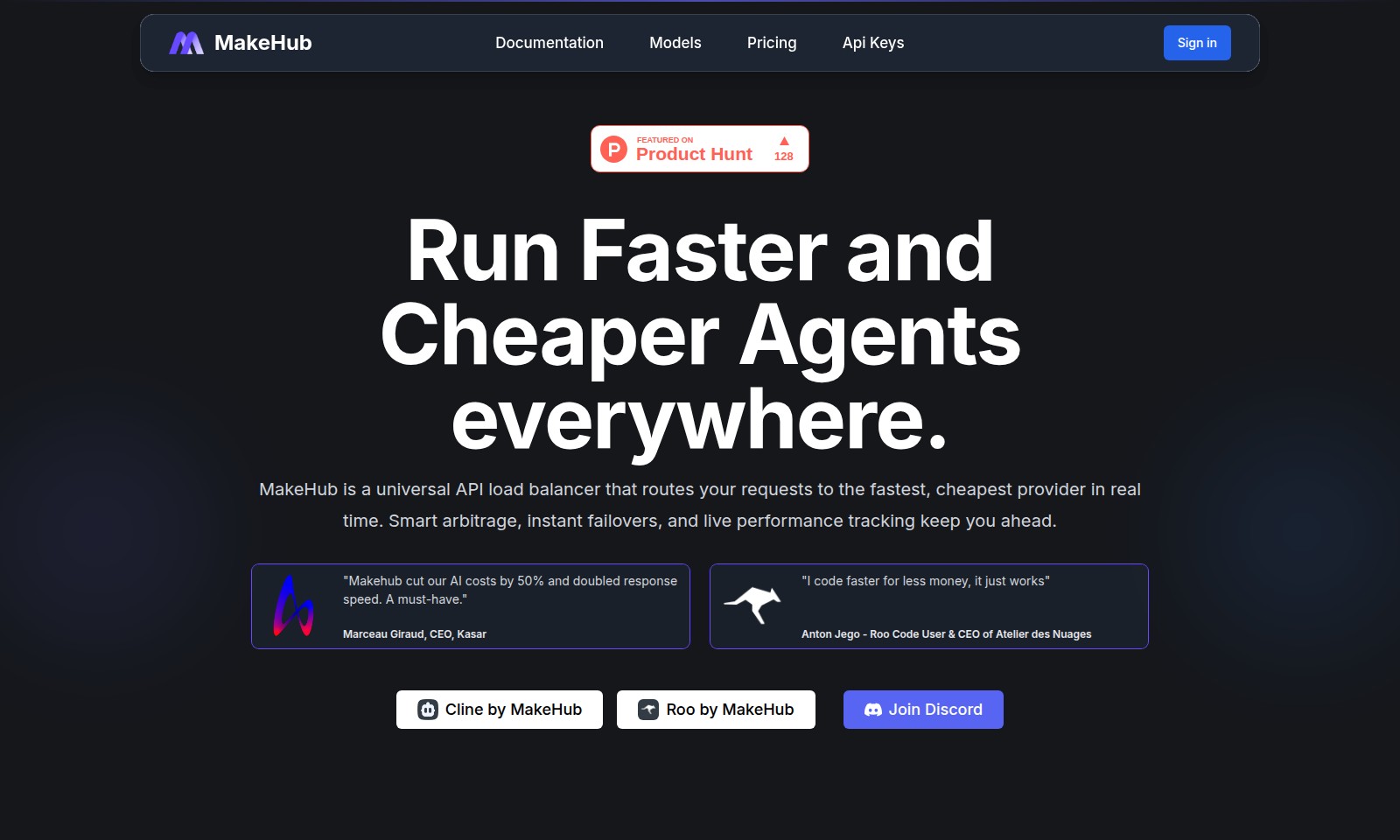
MakeHub Introduction
MakeHub: Your Solution for Fast and Cost-Effective API Load Balancing
MakeHub is designed to optimize your API usage by intelligently routing requests to the most efficient providers. With real-time performance tracking, you can ensure that your applications run faster while saving on costs. Our innovative smart arbitrage feature automatically selects the best provider, reducing latency and enhancing user experience. Trusted by industry leaders, MakeHub transforms the way businesses interact with AI services, making it a vital tool for developers and companies aiming to improve their operational efficiency.
MakeHub Features
Intelligent Provider Routing
Maximize your coding efficiency by automatically connecting to the optimal AI model provider. Our intelligent system routes requests based on real-time performance, ensuring you never compromise on speed or quality. With a seamless, unified API, you save precious development time while enhancing your application's responsiveness.
Frequently Asked Questions About MakeHub
Frequently Asked Questions
What is MakeHub and how does it work?
MakeHub is a universal API load balancer that intelligently routes user requests to the fastest and cheapest provider in real-time. This ensures optimal speed and cost efficiency when accessing various AI models. The platform features smart arbitrage, instant failovers, and live performance tracking to enhance user experience.
How can MakeHub reduce my costs?
By optimizing routing to the best-performing providers, MakeHub can help cut your AI operational costs significantly. Users have reported up to 50% savings while also experiencing improved response times, making it a smart investment for businesses that rely heavily on AI.
What AI models can I use with MakeHub?
MakeHub provides access to a wide range of models including Claude 4 Opus, GPT-4.1, and Llama 4 Maverick. This flexibility allows developers to choose the best model for their specific needs without being locked into a single provider.
How reliable is MakeHub’s service?
MakeHub boasts a high uptime and intelligent provider routing capabilities that ensure requests are handled efficiently. With instant failover mechanisms, even if one provider is down, users can be seamlessly routed to another, minimizing downtime and disruptions.
Do I need to sign a contract to use MakeHub?
No, MakeHub operates on a pay-as-you-go model. Users can sign in, generate API keys, and start utilizing the service without any long-term commitments, making it a flexible solution for various business sizes.
Where can I get help or support for MakeHub?
Support is readily available through the MakeHub documentation and community resources. Additionally, users can join the MakeHub Discord channel to connect with other users and receive real-time support.
How to Use MakeHub
Step 1: Register for an Account
Visit the MakeHub homepage and click on the Sign in button. If you don’t have an account, select the registration option. Fill in your details, including your email and a strong password to create your account.
Step 2: Verify Your Email
Check your email inbox for a verification message from MakeHub. Click the verification link to confirm your email address, which is necessary for accessing all platform features.
Step 3: Log In
Return to the MakeHub page and click on the Sign in button again. Enter your registered email and password to log into your account.
Step 4: Complete Your Profile
Once logged in, navigate to your profile settings. Add necessary details such as your name, company, and other relevant information to personalize your experience and enable tailored features.
Step 5: Explore the Documentation
Visit the Documentation section on the website. Familiarize yourself with the guides, API information, and other resources available that will assist you in understanding how to use MakeHub effectively.
Step 6: Generate Your API Key
To access the API, go to the Api Keys section. Click on 'Generate New Key' and save it securely. This key is essential for authenticating your requests when you start using the API.
Step 7: Choose a Model
Select the AI model you want to use from the available options like Claude 4 Opus, GPT-4.1, or Llama 4 Maverick. Each model has its unique strengths and use cases, so choose based on your specific needs.
Step 8: Make Your First Request
In the request interface, input your desired query along with the selected model. Click on the 'Send' button to make your first API call and receive a response based on your request.
Step 9: Monitor Performance
Utilize the live performance tracking feature to monitor your requests. Check responsiveness, uptime, and cost metrics to ensure you are maximizing efficiency and keeping expenses low.
Step 10: Join the Community
Consider joining the MakeHub Discord community for additional support and networking with other users. It's a great way to learn from others' experiences and share feedback about the platform.
Reviews
Pros
- Easy to use
- Fast processing
- Great results
- Affordable pricing
Cons
- Limited free version
- Requires internet connection
Comments
No comments yet. Be the first to share your thoughts!
MakeHub - Alternative Platforms
For some alternatives to MakeHub that you may need, we provide you with sites divided by features.

AssemblyAI offers robust Voice AI models to enable innovative voice applications, ensuring top-notch accuracy and seamless scalability for developers.
Tiptap offers an AI Toolkit for creating document-editing agents, featuring templates, collaboration tools, and extensive customizability.
Explore the platform for creating customizable AI companions, avatars, and agents that enhance business processes with full control and zero fees.
Vana is an open network for user-owned data, enabling individuals to trade data tokens, access real datasets, and build data collectives.