Medeo
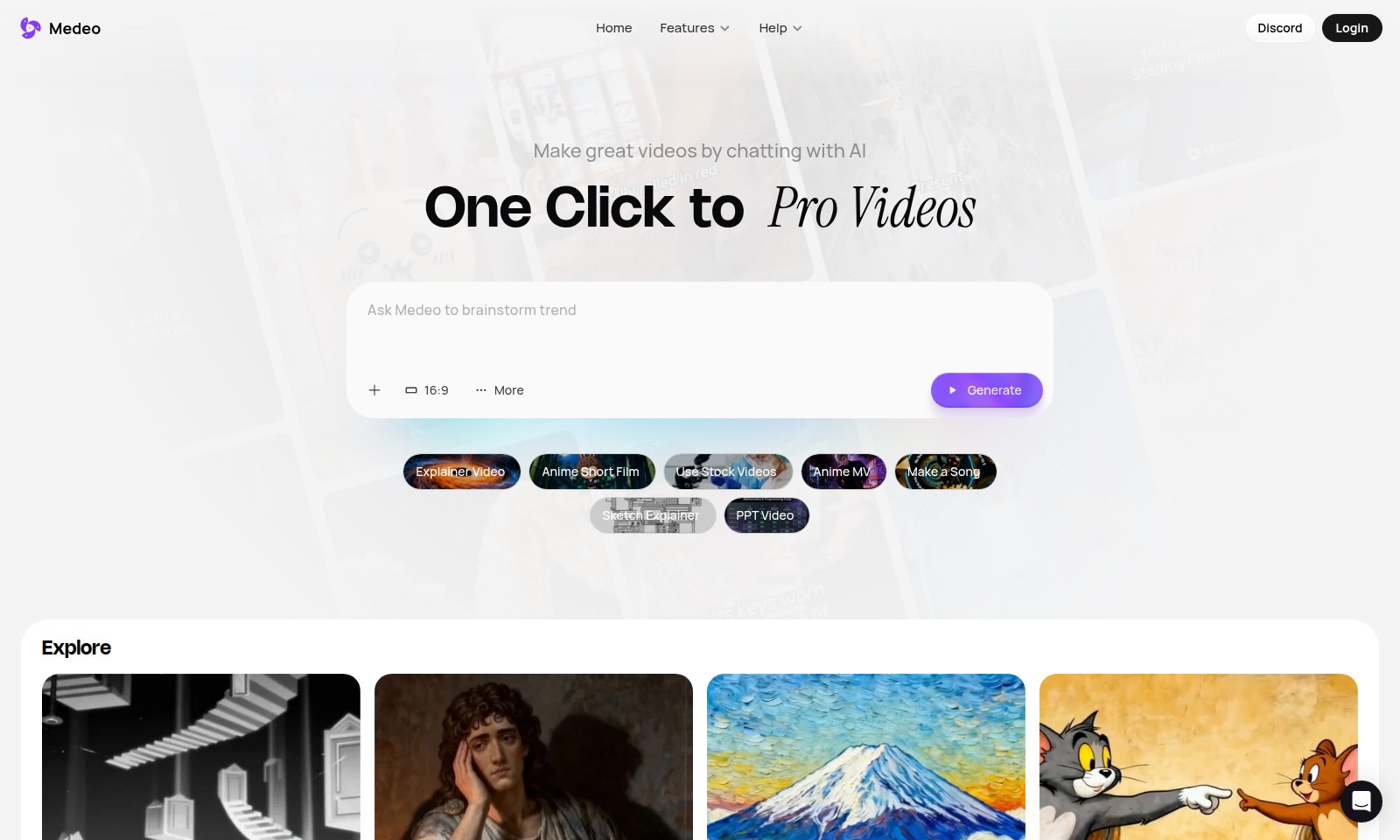
Medeo is a platform for creating professional videos by chatting with AI, offering multiple video formats and features.
Medeo Introduction
Create Stunning Videos with AI Chatting
Medeo offers an innovative platform that transforms the way you create videos through intelligent AI interactions. Our user-friendly interface allows you to generate professional-grade videos at the click of a button, enhancing your creative projects with minimal effort.
Medeo Features
One Click to Pro Videos - Streamlined Video Creation
Experience unparalleled convenience with our one-click video generation feature. In just a single action, users can create professional-quality videos tailored to their specific needs. This feature utilizes advanced AI technology to analyze user inputs and automatically selects the best templates and visuals, significantly reducing production time and effort. Perfect for marketers and content creators looking to enhance their video strategies.
Blog to Video - Transform Written Content into Engaging Videos
Easily convert your blog posts into dynamic videos that captivate viewers. This feature takes your textual content and visualizes it, making it more accessible and engaging. By leveraging sophisticated text-to-video algorithms, this tool not only maintains the essence of your original content but also incorporates appropriate images and animations. Ideal for bloggers and educators aiming to expand their audience reach.
Image to Video - Bring Still Images to Life
Turn your static images into compelling video presentations that tell a story. Users can upload images and have them automatically animated into a cohesive video format. This feature employs motion graphics techniques to add movement and transitions, creating a more impactful viewer experience. Suitable for photographers and artists looking to showcase their work in a more dynamic way.
URL to Video - Convert Web Content into Videos Instantly
Transform any web page into a rich video format with ease. By simply entering a URL, users can create a video that encapsulates the essence of the web content. This technology extracts key text and images from the webpage, ensuring the most relevant details are highlighted. Perfect for digital marketers and web content creators looking to repurpose their online material for video platforms.
Script to Video - From Written Scripts to Visual Masterpieces
Easily create videos from your scripts with our intuitive conversion tool. Users can input their pre-written scripts, and the feature will generate a video that aligns with the script’s narrative. Advanced algorithms sync visuals and audio with the script dynamics, providing a seamless viewing experience. This feature is ideal for filmmakers and educators aiming to present scripted content in a more engaging format.
B-Roll Generator - Enrich Your Videos with Supplemental Footage
Automatically generate B-Roll footage suited for your main video content. This feature adds supplemental visuals, enhancing your video’s storytelling without the hassle of manual searching. Utilizing a vast library of stock footage and intelligent selection processes, this tool ensures that the B-Roll complements the primary message effectively. Perfect for video producers and content creators looking to elevate their visual storytelling.
Make a Song - Compose Original Music with Ease
Easily generate original music tracks for your videos without any prior musical knowledge. This feature allows users to customize and create songs that fit their unique style and requirements. By integrating AI composing technologies, users can adjust parameters such as genre, mood, and tempo with simple sliders. Ideal for content creators needing background music that enhances their audio-visual projects.
Frequently Asked Questions About Medeo
FAQ
What types of videos can I create with Medeo?
Medeo offers a variety of options for video creation, including explainer videos, short films, and music videos. You can also transform scripts, images, and URLs into engaging video content.
Do I need any prior experience to use Medeo?
Absolutely not! Medeo is designed to be user-friendly, allowing anyone from beginners to experienced creators to produce high-quality videos easily. Our AI technologies streamline the creation process, making it accessible for everyone.
How do I access the features of Medeo?
Simply head to our homepage and log in to your account. From there, you can explore various video creation tools, including the blog to video feature, Minecraft to video transformation, and many more.
What type of AI technology does Medeo use?
Medeo leverages advanced AI algorithms to help create videos that are tailored to your content needs. This technology assists in the generation of visuals and script alignment, leading to professional-grade output in just a few clicks.
Can I share my videos directly on social media?
Yes, once you create your video, you have the option to directly share it on platforms like Facebook, Instagram, and Twitter. This makes it incredibly easy to promote your content and reach your audience instantly.
How to Use Medeo
Register for an Account
Create an account by clicking the 'Login' button and selecting 'Register'. Enter your email and set a password to begin your journey.
Verify Your Email
Check your inbox for a verification email from Medeo. Click the link provided to confirm your address and activate your account.
Set Up Your Profile
Once logged in, navigate to your profile settings. Add your name and a profile picture to personalize your account.
Explore Key Features
Take a tour through the features offered by Medeo. Familiarize yourself with options like 'Generate Explainer Video' and 'Blog to Video' to understand what you can create.
Start a New Project
Choose a feature to start your project. For example, select 'Generate Explainer Video', and follow the prompts to input your content.
Customize Your Video
Adjust settings such as video length, style, and music. Use the editing tools to make your video unique and engaging.
Preview Your Video
Before finalizing, preview your video to see how it looks. Make any necessary adjustments to ensure it meets your expectations.
Publish and Share
Once satisfied, click 'Publish' to generate your video. Share it directly on social media or download it for later use.
Reviews
Pros
- Easy to use
- Fast processing
- Great results
- Affordable pricing
Cons
- Limited free version
- Requires internet connection
Comments
No comments yet. Be the first to share your thoughts!
Medeo - Alternative Platforms
For some alternatives to Medeo that you may need, we provide you with sites divided by features.