ParakeetAI
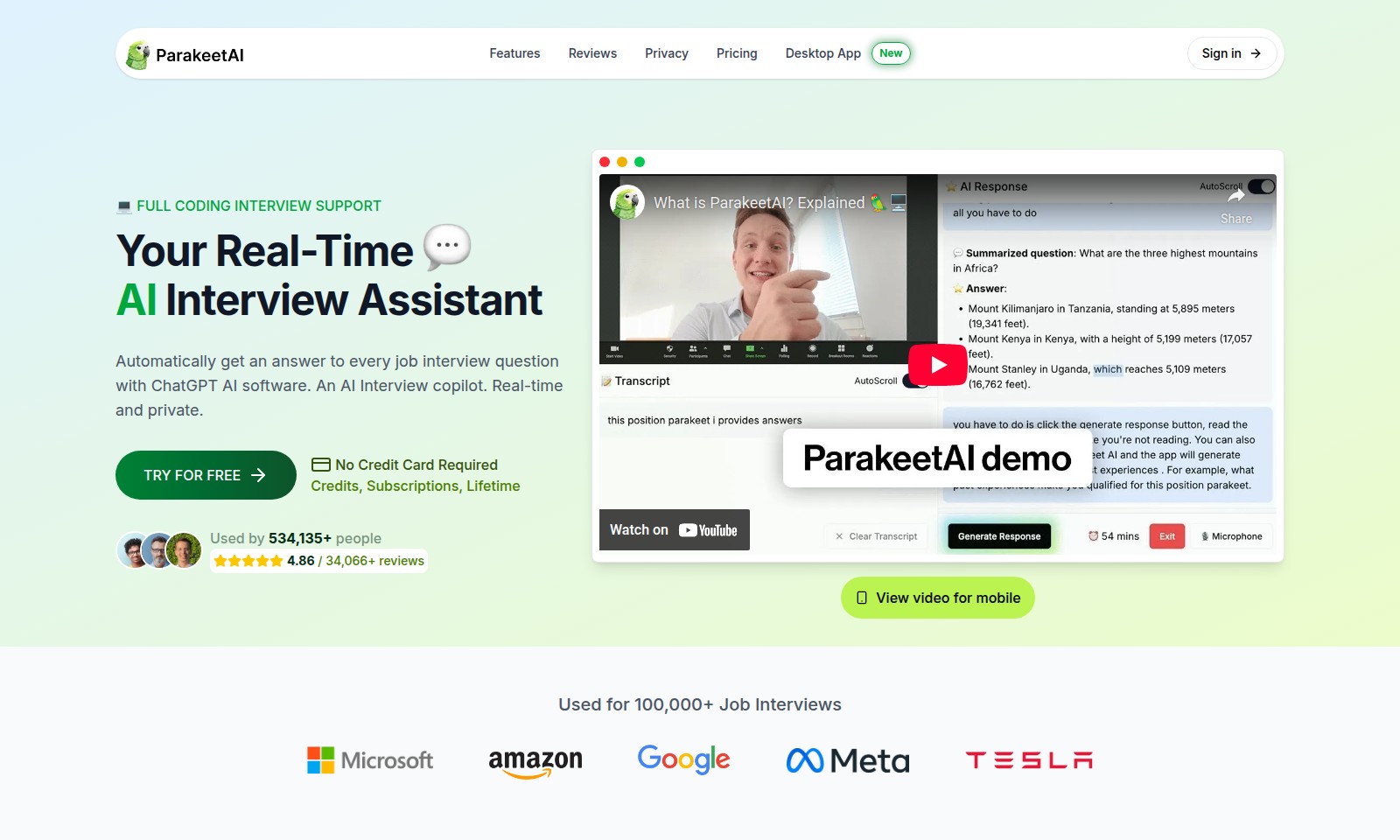
ParakeetAI offers full coding interview support, real-time AI answers, and privacy features, making job interviews seamless and effective.
ParakeetAI Introduction
Your Real-Time AI Interview Assistant
ParakeetAI offers cutting-edge, real-time support for job interviews, ensuring you have the necessary tools and assistance at your fingertips to secure your next position. With the ability to automatically provide answers to every job interview question using advanced ChatGPT AI software, you can approach your interviews with confidence and ease.
ParakeetAI Features
Full Coding Interview Support - Effortless Job Preparation
Your Real-Time AI Interview Assistant can assist you in preparing for interviews with instant responses to all questions. With the capability to interface seamlessly with platforms like Zoom and Google Meet, it functions as your personal copilot, ensuring you’re ready for every coding challenge during job interviews.
Frequently Asked Questions About ParakeetAI
What features does your AI interview assistant offer?
Our AI interview assistant provides real-time support for coding interviews, with accurate answers to every job interview question using advanced AI technology. It works seamlessly with various platforms such as Zoom and Google Meet, ensuring you are well-prepared for any interview scenario.
How to Use ParakeetAI
Step 1: Register for an Account
Visit the ParakeetAI website and click on the 'Sign up' button. Provide your email address and create a strong password to start your journey.
Step 2: Verify Your Email
Check your email for a verification link sent by ParakeetAI. Click on the link to confirm your account and gain full access to the platform.
Step 3: Set Up Your Profile
Log in to your account and navigate to the profile settings. Input your personal information and preferences to customize your experience and get relevant features.
Step 4: Explore Features
Take a moment to familiarize yourself with the range of features ParakeetAI offers. From AI interview assistance to coding support, understand how each tool can benefit your job preparation.
Step 5: Try the AI Interview Assistant
Access the AI Interview Assistant to practice common job interview questions. This tool provides real-time feedback and answers, making your preparation efficient and effective.
Step 6: Utilize Speech Recognition
Make use of the advanced speech recognition feature for accurate transcriptions of your mock interviews. This will allow you to analyze and improve your performance over time.
Step 7: Choose Your AI Model
Select between GPT-5, GPT-4.1, or Claude 4.0 Sonnet based on your requirement for accurate responses. Each model offers unique advantages for various types of interviews.
Step 8: Connect with Interview Platforms
To utilize ParakeetAI for live interviews, connect your account with platforms like Zoom, Google Meet, or Microsoft Teams. Follow the provided video tutorial to set up successfully.
Step 9: Review Your Progress
After using the features, regularly assess your performance and progress in preparation. Utilize the insights from your past sessions to continue improving.
Step 10: Subscribe or Purchase Credits
Once you find the tools beneficial, consider subscribing or purchasing credits for added features. Compare the pricing options to find the plan that suits your needs best.
Reviews
Pros
- Easy to use
- Fast processing
- Great results
- Affordable pricing
Cons
- Limited free version
- Requires internet connection
Comments
No comments yet. Be the first to share your thoughts!
ParakeetAI - Alternative Platforms
For some alternatives to ParakeetAI that you may need, we provide you with sites divided by features.